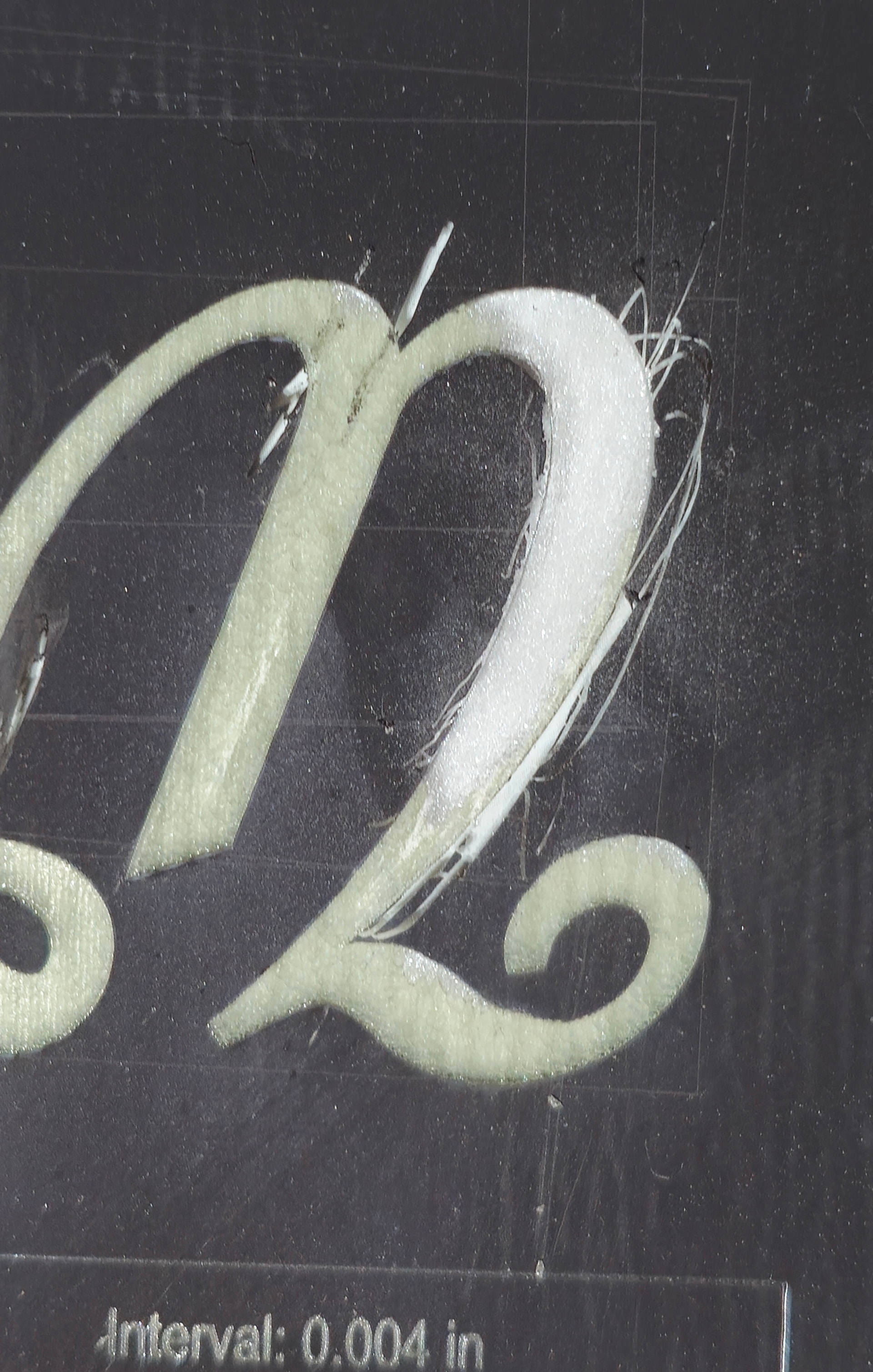
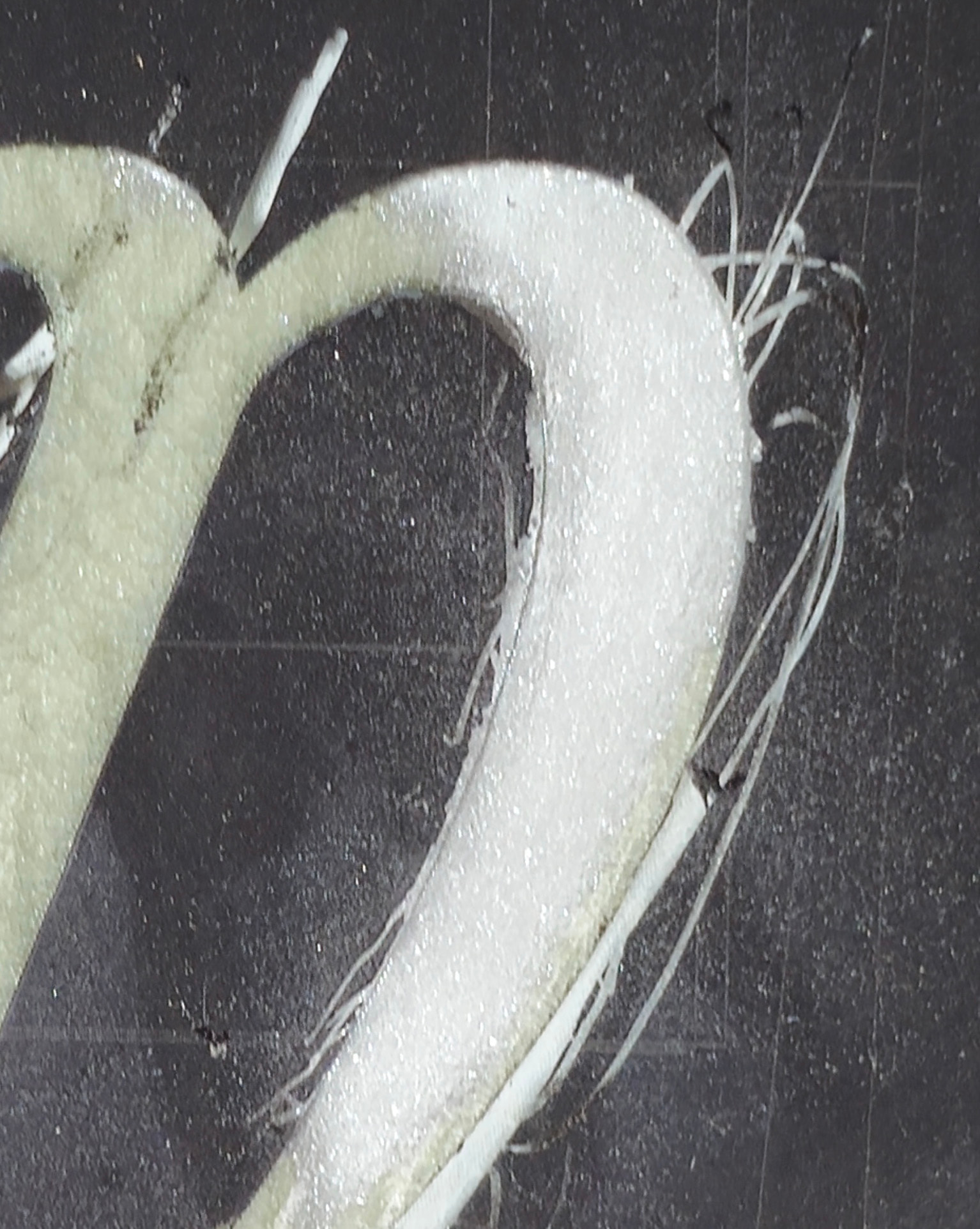
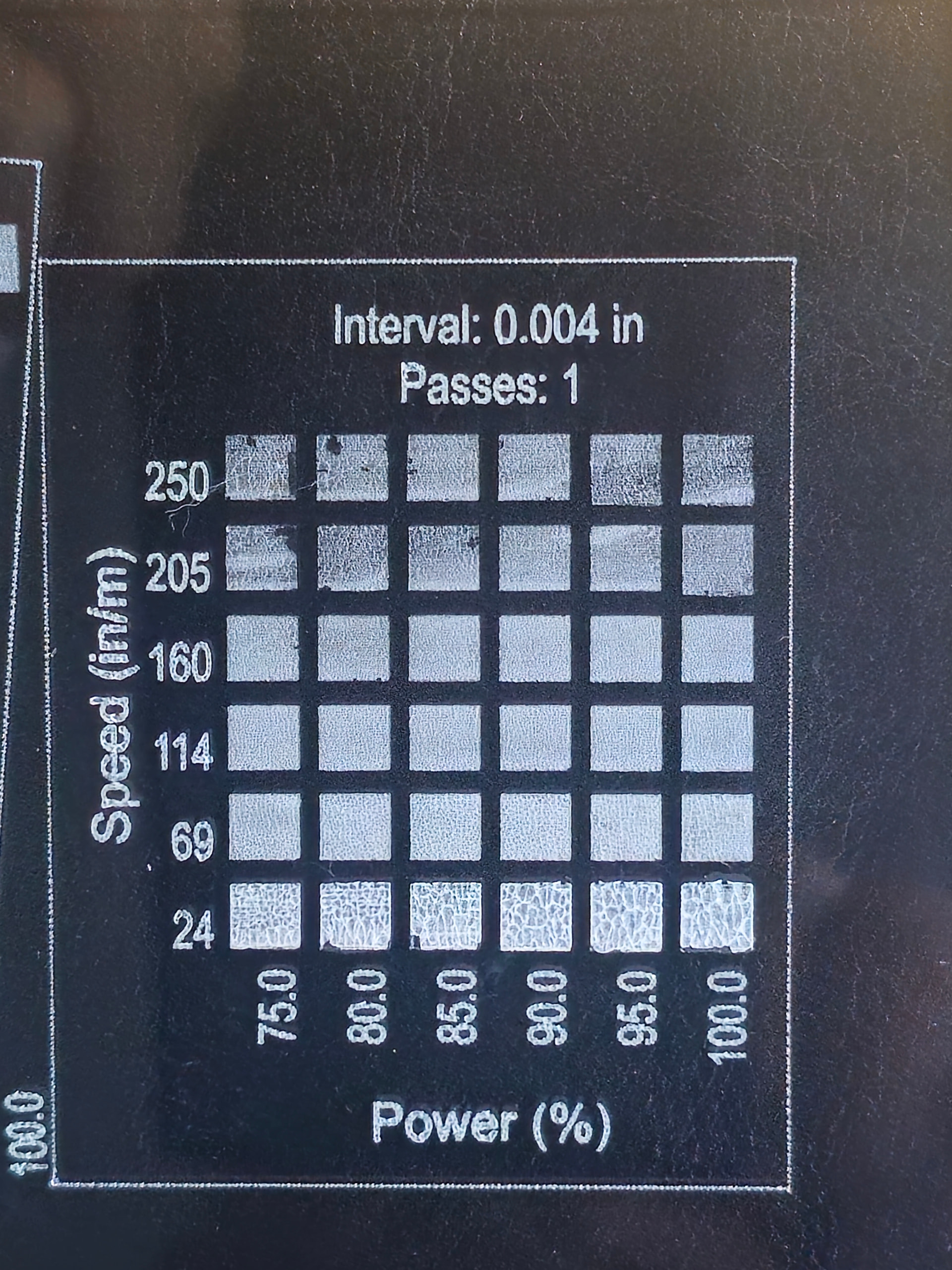
This was done at 118 in/min, 10% Power. 10 watt diode laser.
If I scrape off the murky coating, you can see the sparkly white surface I’m going for. I’ve tried this on two completely different sizes of glass with same results.
Continuing to fight it. I hate to give up on anything.
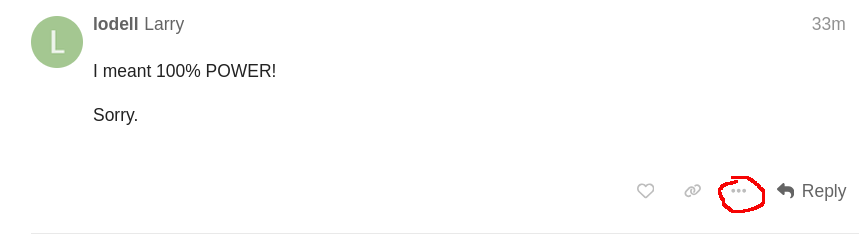
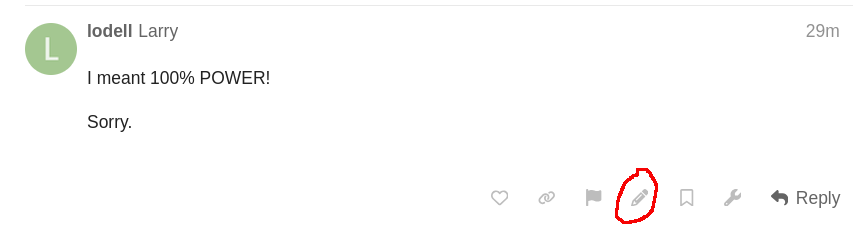
If you want to edit your post, click on the sandwich menu. That will display more tools, including a pencil. Click on the pencil and you can edit the post.
I can’t see what’s making the white, but I suspect it’s tempera you’re using. It appears to me you’re not getting through the layer.
When using coating, if you make it too thin, you loose a dark black and some detail. If it’s too thick, it has to heat more of it up and you, again loose detail.
One thing you could try is using acrylic paint instead of the tempera stuff.
It washes off just as easy and it covers a lot better. You can get it at any dollar store. You can water it down a bit and it will flow out nice and even.