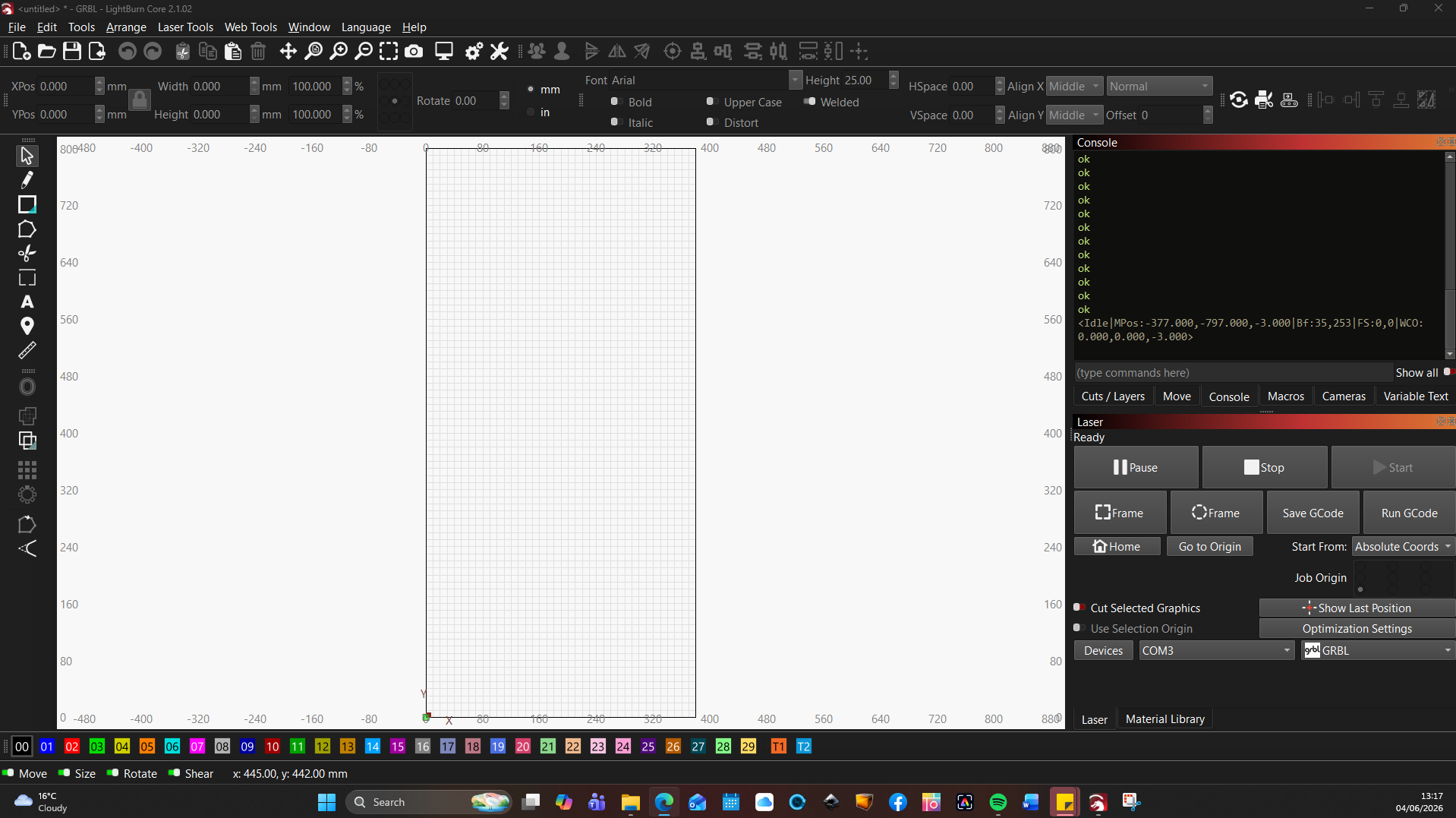
This comes up after Homing is complete.
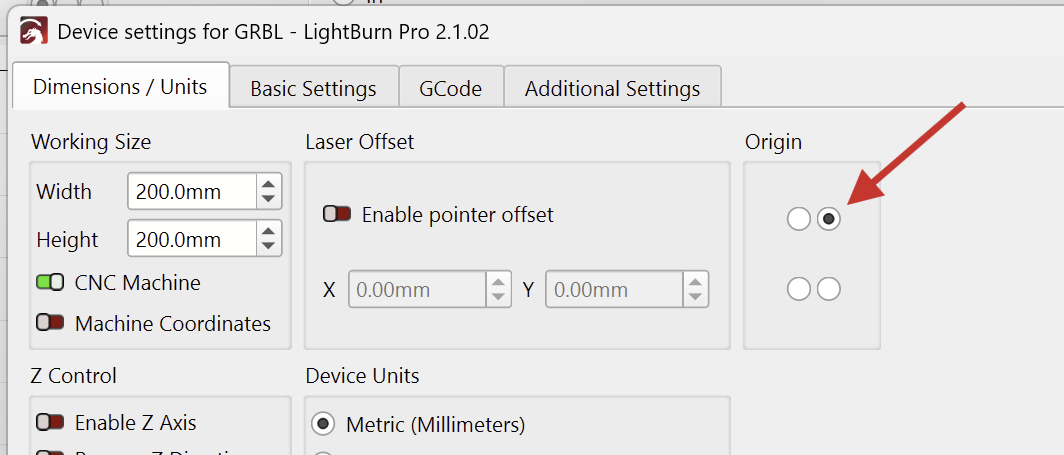
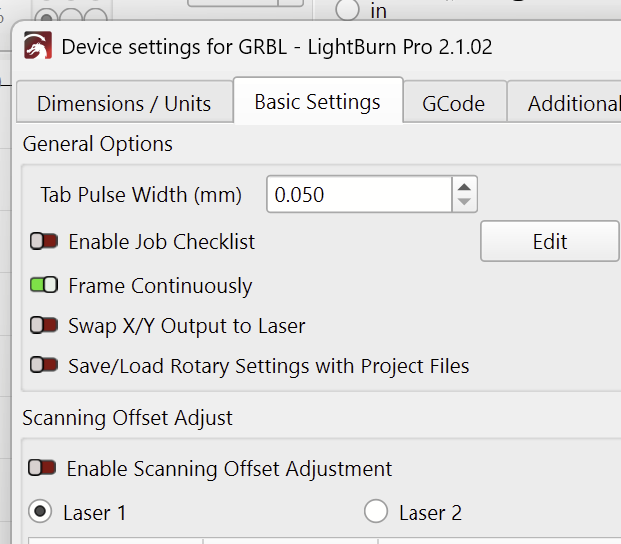
I realized that the “FoxAlien 80W Fixed Focus Blue Laser Module” is just the laser module. Which machine is this attached to?
Hi sorry could we pick this up tomorrow as I have to go to work now thanks for your help so far hope we can sort this out

That’s great news!
As for the preview times (Not sure why that would change on its own):
Open the “Additional Settings” tab in the Device Settings, and hit “Read From Controller”.
This docs page provides more details:
To add some context so we can properly interpret your experience: which machine/controller are you using with the FoxAlien laser?
This is not such a big deal thanks for your help
Mick, can you share all the details about the actual machine and its controller you are using here?
laser: FoxAlien 80W Fixed Focus Blue Laser Module Kit | Optical Output 20W
firmware: GRBL
computer: ASUS VivoBook: Running Windows 11
I knew this much.
But this is just the diode laser module that is mounted to your CNC machine.
What’s the brand and model of your CNC machine?
A picture of your setup would be of help.
Ooops File not Edit…Brain Fade