I am fairly new to lasting (4 months), and I have a Monport 60w fiber laser, and light burn pro. MacBook 2022 version.
I just installed the latest update, and now my laser shows “disconnected.” I cannot get it to connect.
I’ve checked all software is up to date. I have checked the connection, and confirmed it is in fact connect. When I try to re-install a laser by doing the “find my laser,” it shows nothing is connected.
Was the previous version working as expected? BSL, the company who makes the card in your Monport fiber, sent us an updated library, but very little else has changed. If it’s not connecting, I’ll need to go back and forth with them, because this is one of the few laser control parts that we didn’t write in-house.
Here is the log. I have a MacBook (2022 version, up to date OS - 15.6.1), and I “right clicked,” but I don’t think anything happened. It did go back to my default laser - which in the software is an older Xtool D1.
Looking into the log - Lazy Lester is the name of my bluetooth connected Bose headphones. Idk if that’s obvious to you. I didn’t pick the name, that’s the name they came with.
Thank you Oz. I just downloaded 1.7.08 - and the laser works perfectly. I have it running on a time sensitive project. I will upload the log later tonight. My laser is connected via USB. I have a USB A to C adapter that connects the cable to my MacBook. Monport responded to my inquiry last night and sent me a video to manually connect it - and when I tried to manually connect, it was simply not reading the USB connection. So, I thought that it was a faulty adapter or that the USB cable itself went bad, so I went out and bought a few different adapters, but it’s connected and running fine on 1.7 right now.
Hello, I’m new to LightBurn and I have a Monport G2 Pro 20W Fiber. I am also having trouble with the current version V2.0.03 seeing my Laser. Everything was good until the upgrade. I was running V2.0.02 previously.
I normally run LightBurn on a Mid 2015 MacBook Pro running Monterey 12.7.6
I also tried LightBurn on my current MacBook Pro running Sequoia 15.6.1
LightBurn V2.0.03 will not work with either MacBooks.
If I reinstall V2.0.02, everything is back to normal.
I deleted the laser and tried to reinstall it and V2.0.03 doesn’t find it. (I also tragically learned that when you delete the laser I lose all my calibration settings. I did figure out how to save them now)
I installed the prerelease LightBurn version LightBurn.V2.0.03-RC-4-0a9076b and it works on both computers with my Monport G2.
The BSL company, that makes the control card used in those lasers, sent us an updated library to support additional hardware. They were unwilling to provide the information we need to write the code ourselves, so I have passed this post and a couple others along to them.
All we can do in this case is wait for a fix from them. They’re generally pretty responsive.
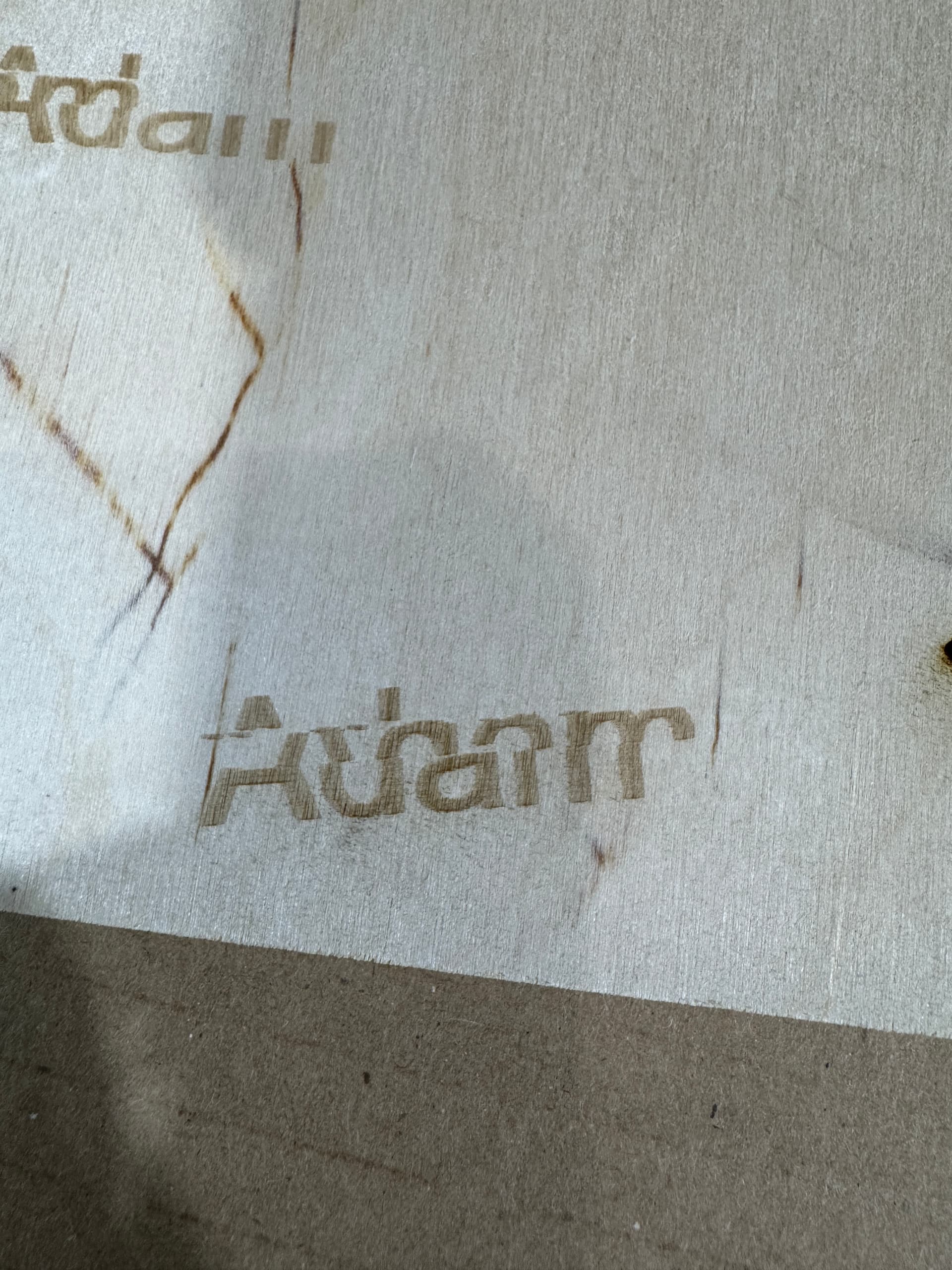
Same here. have a Monport GA30 mopa fiber and it will run on version 2.0.02 on my Mack but version 2.0.03 dosn’t. i resorted to running 2 versions of light burn. one for my fiber, on version 2, and my co2 on version 3. Oddly enough, my Omtech 80w co2 got a really bad bug where the letters we lasering, then the machine head would move and it would finish a bit in another spot, so my letters where essentially in pieces… as soon as i installed v3 it went away. just for fun i loaded v2 back up to see and the problem came back.