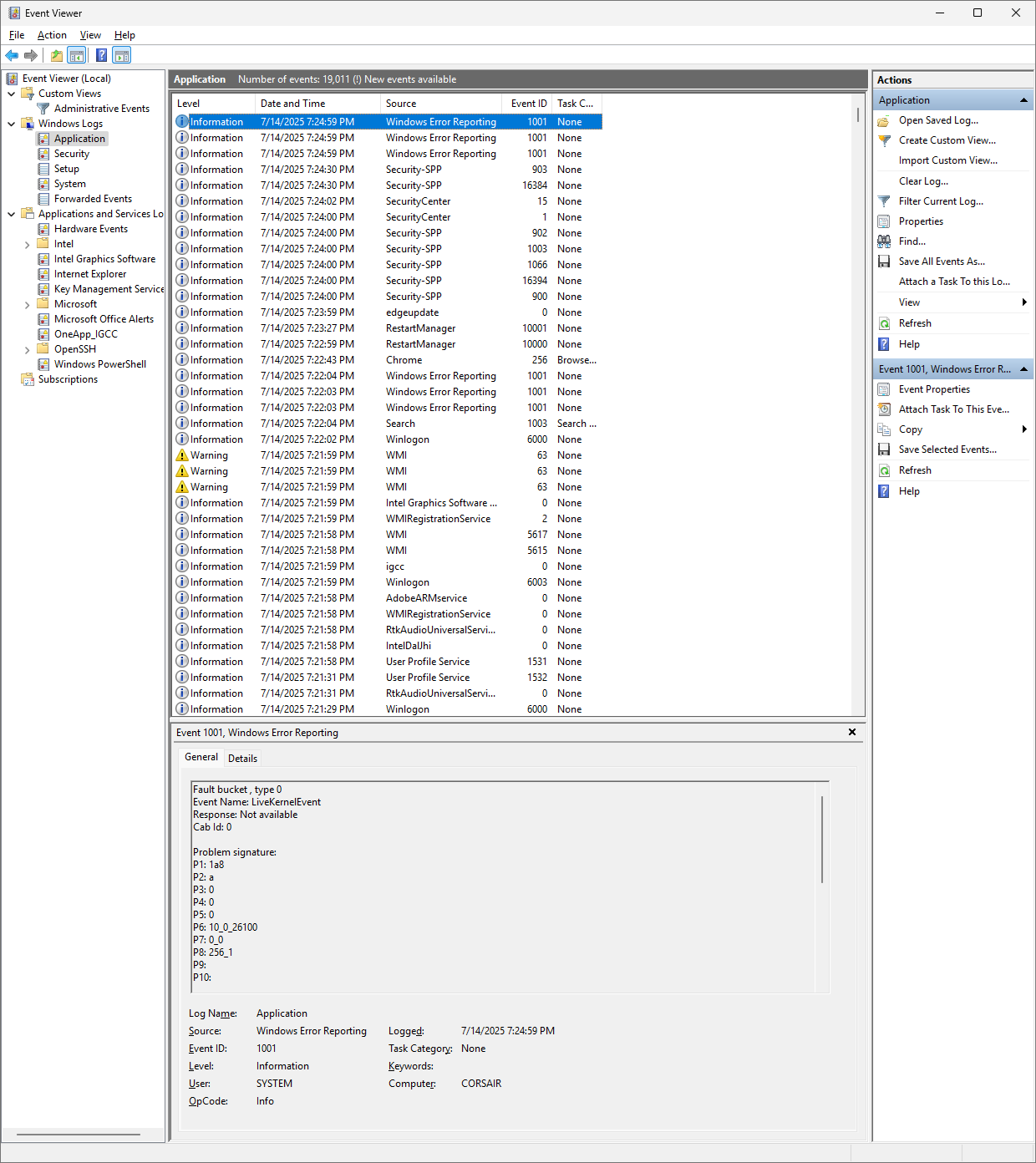
I was running the last version of lightburn 1.708 just fine, no issues. Tried to update to 2.01 today and lightburn wouldn’t open. I double click the icon would see a really quick circling mouse and then nothing. Not a flash screen, nothing. I found a forum topic in the past about installing the latest VS C++ redistributables, tried that, uninstalled, reinstalled a few times, still nothing. Deleted any remaining folders, preferences etc. tried fresh install again after reboot and still won’t open. Had event viewer open while trying to open lightburn and I don’t see any red errors related to lightburn. I attached a screen shot, the top 3 windows error reporting was not even at the time i tried to run it, so idk. I Tried to run in admin mode, shift click icon etc. Still nothing.
Just had a thought. It looks like you did all the normal stuff. Is it possible your Win11 virus protection is blocking access to the Lightburn authorization server?
Hi, I have the same problem. I reverted to version 2.0.00 and it works. After installing the latest version of LightBurn-v2.0.01, the program won’t start; only an hourglass appears on the indicator and disappears after a short time. When I first installed it, I got an error that the program couldn’t close the “COM Surrogate” application. There are no screenshots. Please help. Regards.
I know everyone wants to help, but the instructions have been followed many times and don’t work, and the support instructions don’t work either.
The only way I can suggest this, because it helped me and I was able to install and run the latest version, is to reset the computer to its initial state.
Same/similar problem. Win 11, laptop and desktop both don’t want to start 2.00.01 and I’m at a loss what to try. Removed old C++ runtimes (all of them and reinstalled just the latest of newest) to no avail. Watching in the Event Viewer I’m not seeing any sort of corresponding messages there. No “Com Surrogate” running that I can find in the task viewer. Rolling back to 1.7 works fine.
I looked at the antivirus history and it doesn’t appear to be. I added lightburn to my firewall and they didn’t change anything either. Still doesn’t work.
This bothers me because there is no way of knowing which file segments are no longer used. It may not affect Lightburn but could affect other programs.
The Lightburn staff are busy with the LBX in NYC, so a reply may be slow in returning. But do send an email to Support@LightburnSoftware.com with a link to this thread.
In the meantime, did you reboot Windows between the LB uninstall and the reinstall. Also, did you use the originally downloaded v2.x file or did you download a fresh copy?
I have a bunch installed by Steam for games and it’s pretty good about installing them if the particular game needs it so I rolled the dice cleaning aggressively.
Also it was a freshly downloaded installer from the other day. Rebooting between didn’t have any effect but I’ll try again. I’m also having the same issue on my laptop which I haven’t cleaned any runtimes on.
At any rate not urgent so will wait and see if support comes back with anything.
Jedynym sposobem, w jaki mogę to zasugerować, ponieważ mi pomogło i udało mi się zainstalować i uruchomić najnowszą wersję, jest zresetowanie komputera do stanu początkowego.