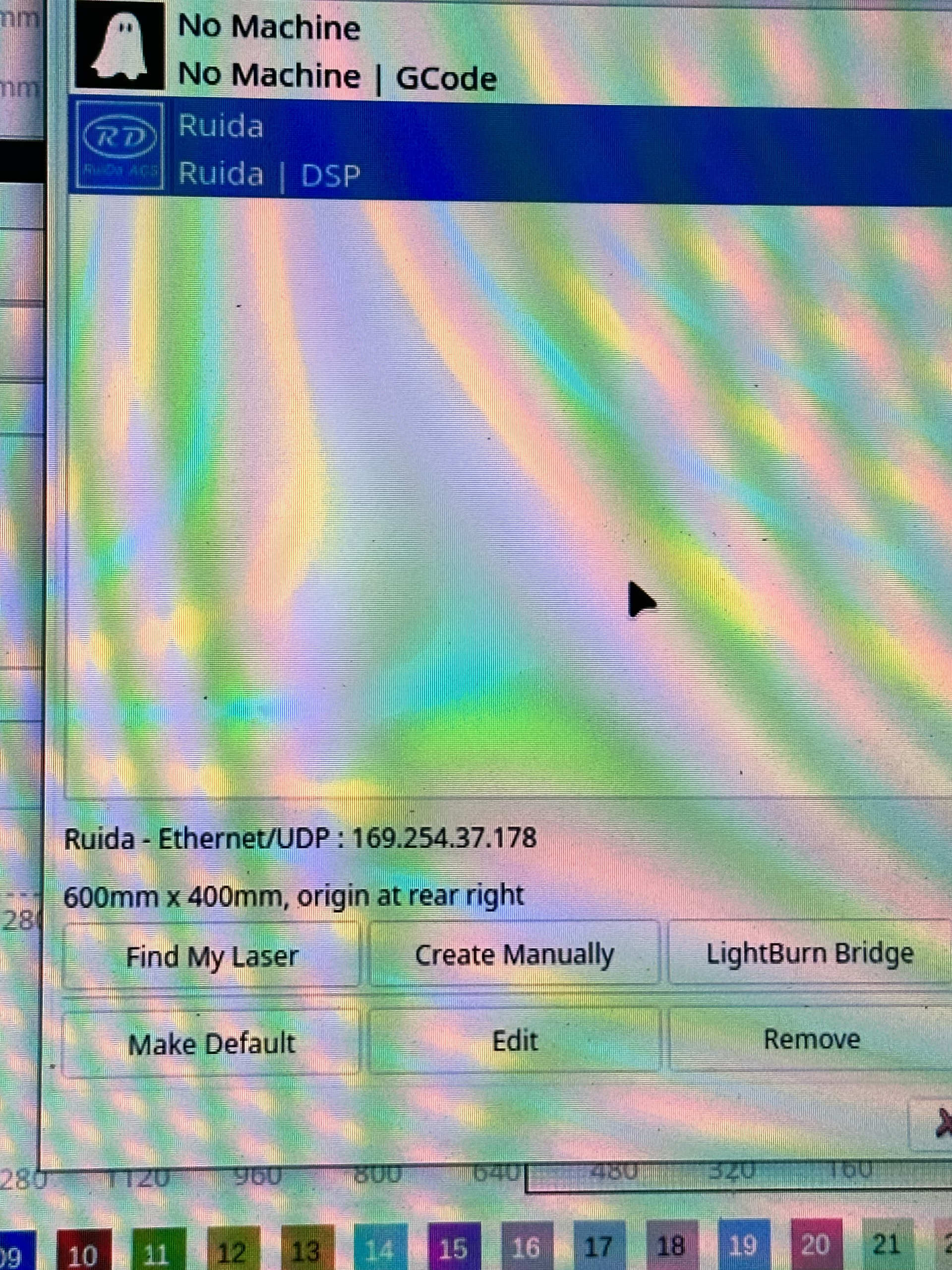
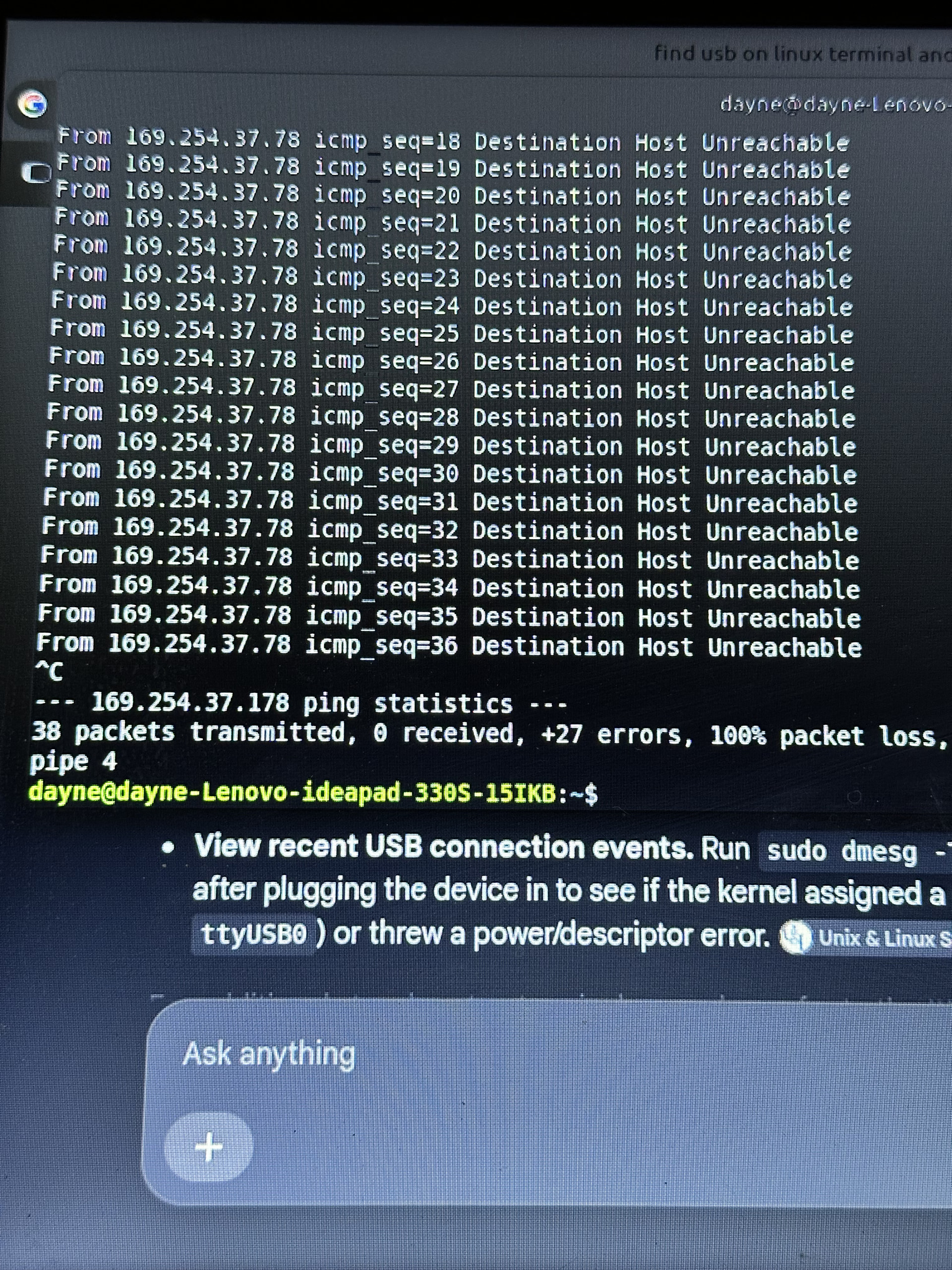
I had a bad power surge and have had to switch to using the Ethernet cable I have configured to static IP i can ping it I have it plugged into a switch and my computer connected to it. I have tried connecting to my mac and my linux computer I am at my wits end and have no idea what else to do other than buy a whole new controller but I live in rural Alaska and it wont arrive till after the new year. below are the debugging logs
The ping says there’s something responding at the Ruida controller’s IP address. To make sure it’s actually the controller, turn the laser Off and repeat the ping:
If there is no response, that’s good because nothing else is using that IP address
If something responds to the ping, then you must assign a different IP addresss to the controller.
For reference:
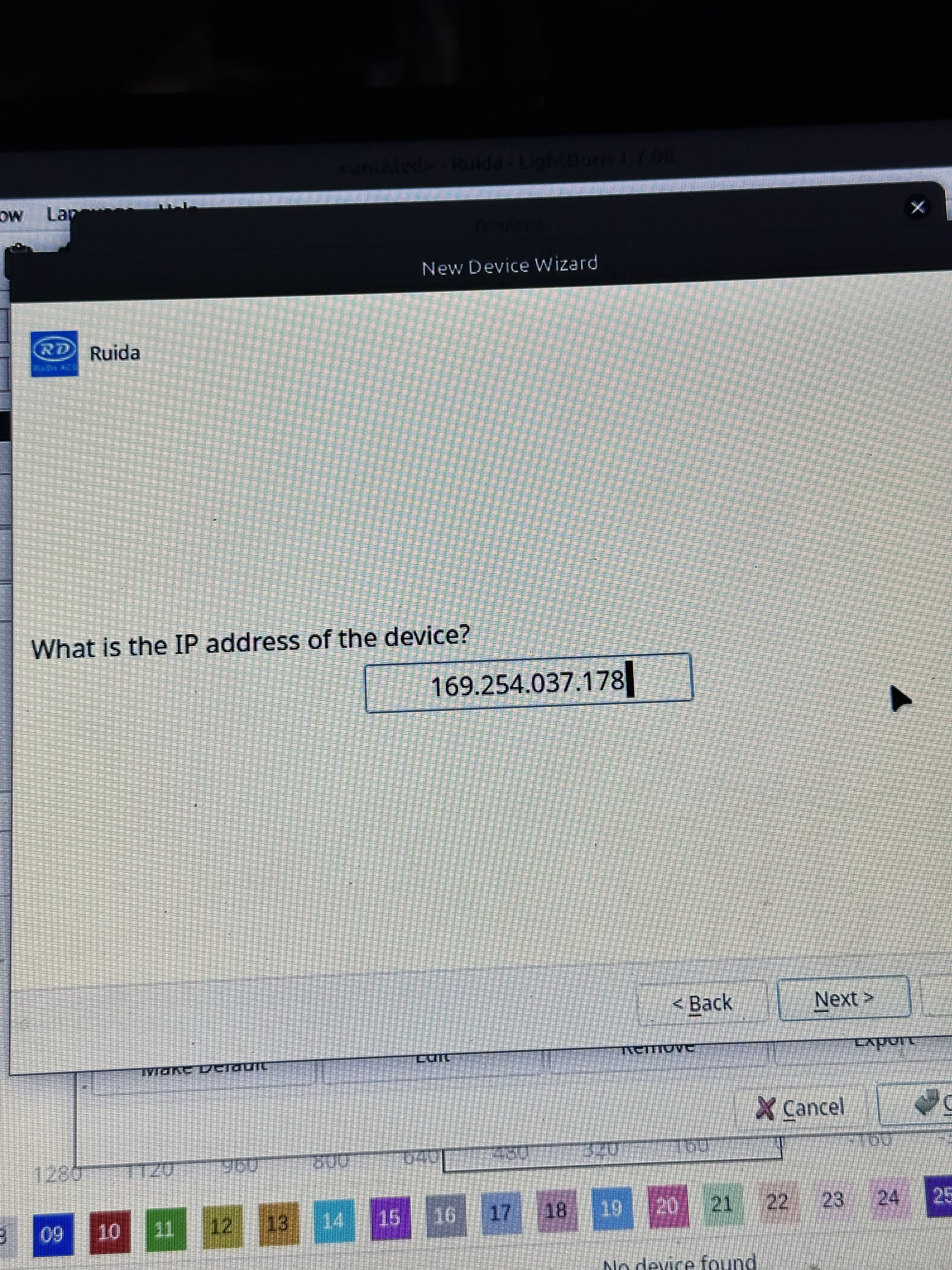
After you have verified the controller (and only the controller) is responding, then tell LightBurn what the controller’s IP is:
In order to do that, you must change the Device connection from USB to Ethernet. Click the Devices button in the Laser window:
Then change the connection:
Then you can set the IP address.
It is possible the power surge killed the controller while leaving its network interface alive, but don’t give up yet!
To check:
Does the display / keyboard on the machine operate correctly?
Can you jog the laser head from the machine keypad?
Does the laser tube fire when you press the Pulse button?
So powered off the machine and tried to ping it again on the laser and destination host unreachable. When the power surge happened, I was in the middle of a large bulk order batch job engraving soap, dishes I was able to just rerun that same file over and over again just fine but when I try to move the XY or Z it moves very slowly I already cleared the memory thinking that maybe that had a bottleneck to having issues with the ping connecting. When I turn the machine back on I can ping it again just fine
That error says it can’t find the machine, so it’s more likely how you configured it is a problem.
Then you might want to give us more information on how you configured the device. You should ensure that your router or whomever gives out your IP addrese knows this is static, as @ednisley mentioned.
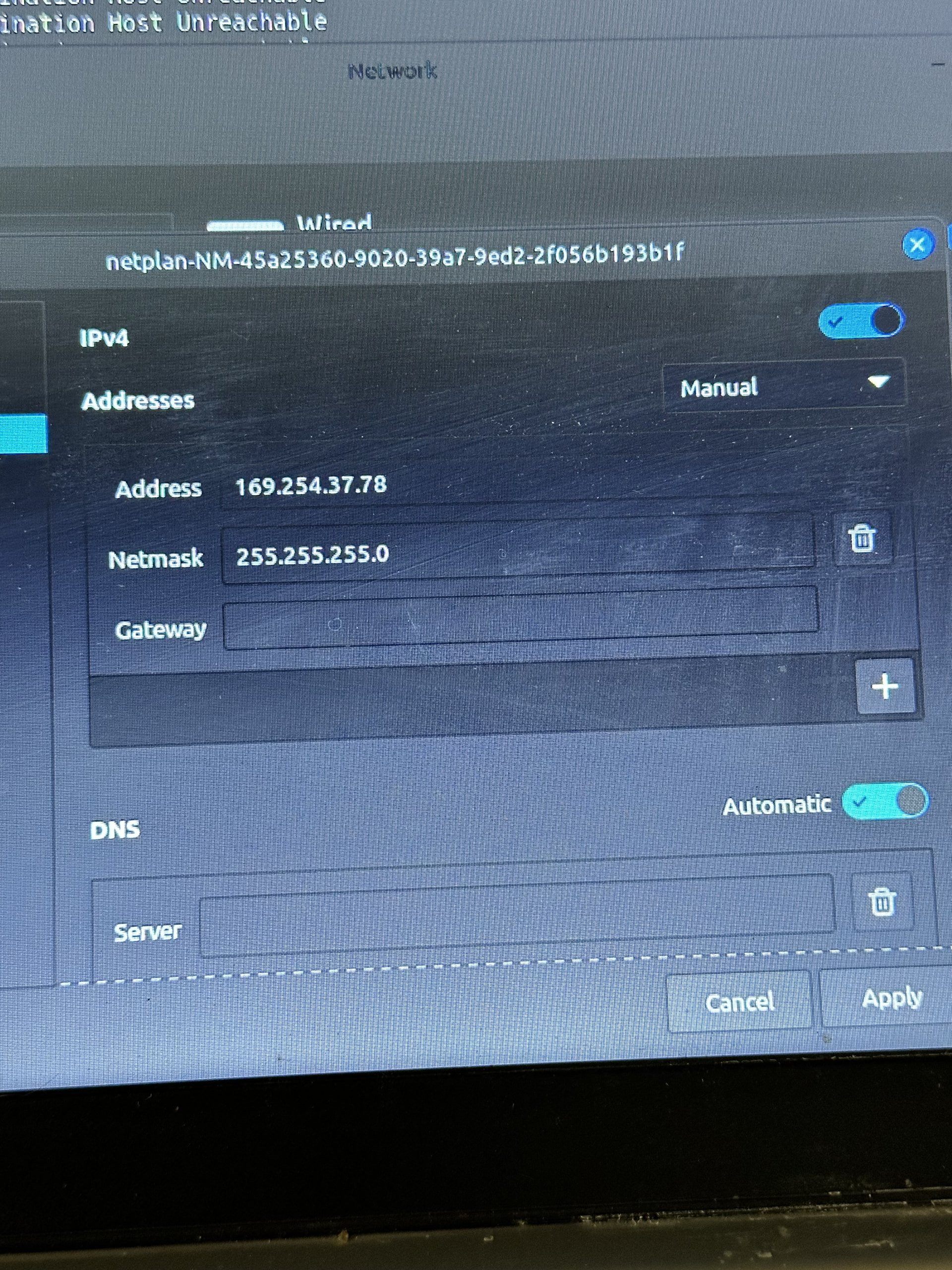
So it isn’t plugged into a router it’s plugged into a network switch. I set up the network and set a manual static ip for the wired network connection.
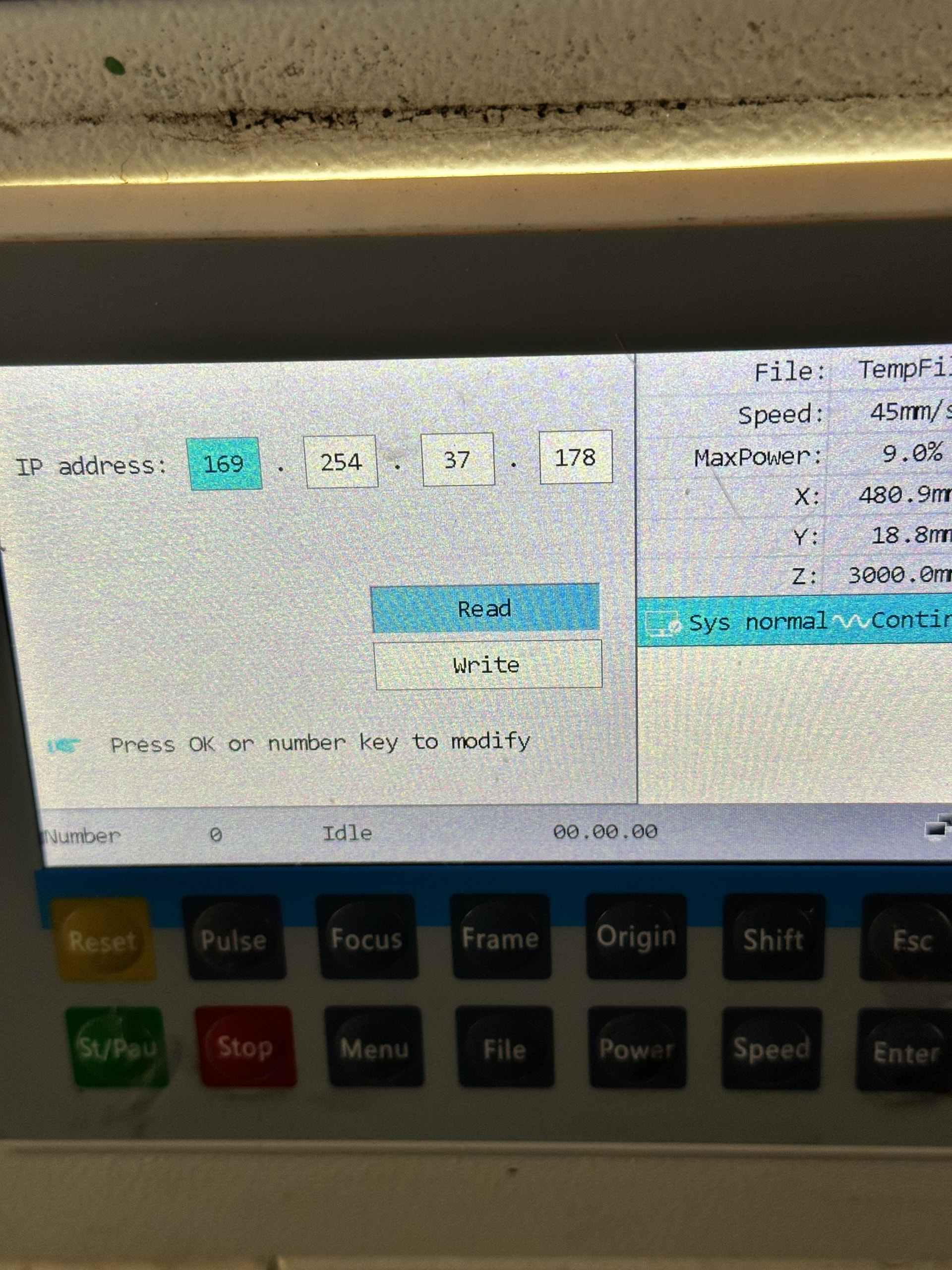
If the PC and the Ruida are the only two devices, then Windows will automagically assign the PC a Link Local IP address for that network interface. The Ruida controller must have a static IP address matching the first three octets of the PC’s Link Local address.
For example:
If the PC’s IP address is 169.254.8.145
Then the Ruida controller’s IP address should be 169.254.8.146
If that doesn’t solve the problem, upload screenshots of:
Here all all the pictures you asked for it is set as a local link network ping tests to the device works great when it’s on and doesn’t work at all when it’s off so I know it’s pinging it the big thing is lightburn not finding it
All the IP addresses look good; it’s a Link Local setup with manual addressing.
Are those ping results with the laser turned off? How about when it’s turned on?
The network status icon in the lower right of the Ruida display should show the network is connected. It’s barely visible, but I think it’s OK.
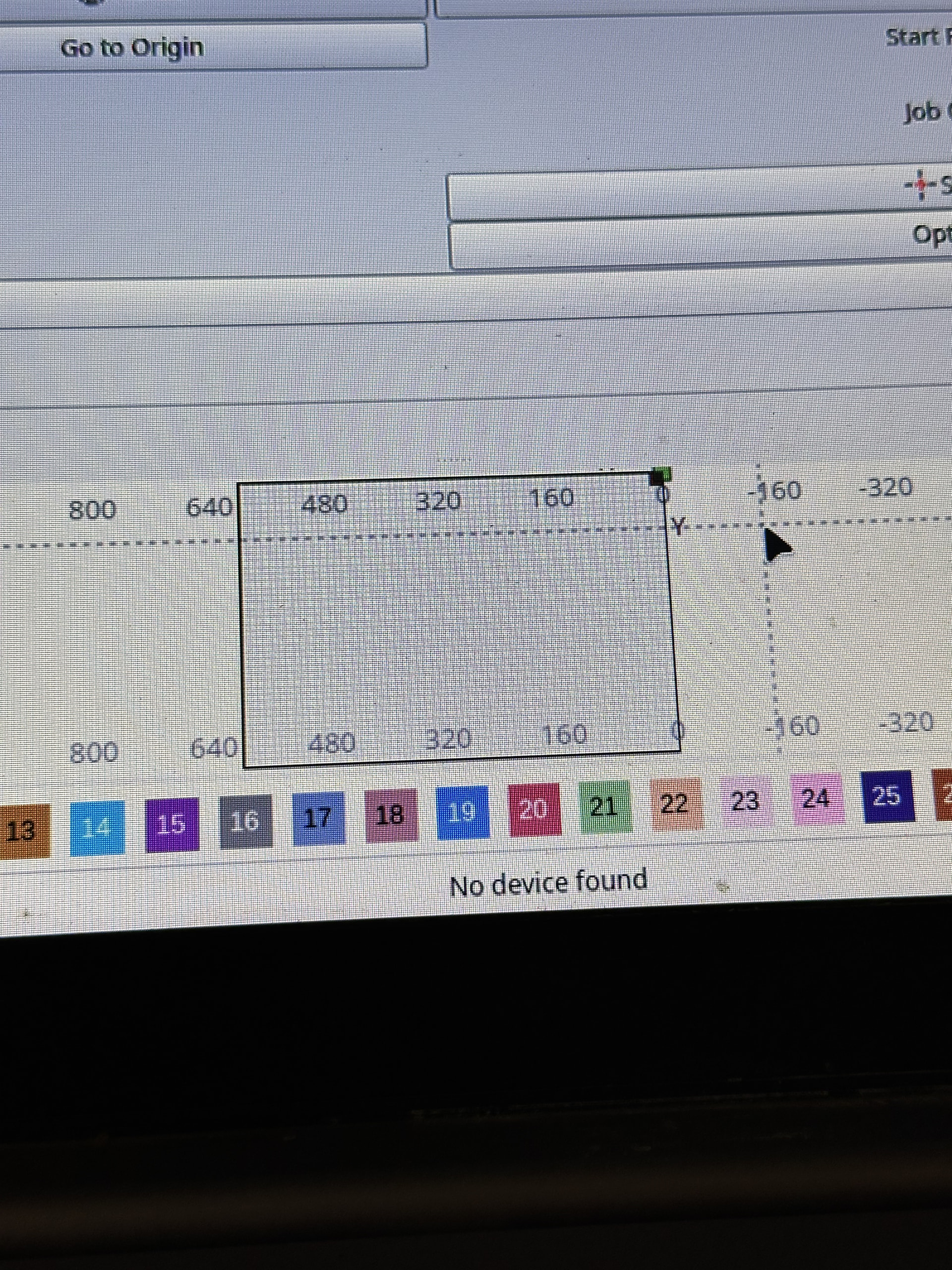
For reasons I do not profess to understand, the LightBurn No device found status remain until another message replaces it.
Which means when you start LightBurn with the laser turned off, it will correctly report No device found. Tthat message will remain even after you turn the laser on and LightBurn can command it to jog / frame / whatever, because none of those actions produce a status message.
Can you jog the laser head from LightBurn after turning the machine on?
@JohnJohn: This might be something for the devs to tweak. Maybe update / clear the device connection status after a successful operation?
Also, screenshots are much easier for us to read than cell phone pix overlaid with Moirė patterns.
Sorry ya totally understand that with the distracting pictures of screen. The rudai display shows it’s connected when it’s connected to the Ethernet cable not the usb. It takes being on for a minute before it does show it is connected. With just the usb it shows it’s disconnected. When pinging when machine is off is it says unable to connect to host.
One longshot possibility: the short Ethernet jumper cable inside the machine from the controller to the side panel may be loose / defective. Try plugging the Ethernet cable from the switch directly into the controller. This will probably not change anything, but it will eliminate one more piece of the puzzle.
Do I understand correctly:
IP addresses assigned as shown above
PC to network switch to Ruida
Laser turned on
Ruida display shows good network connection
Successful ping from PC
Ruida turned Onbefore starting LightBurn
LightBurn device set up as shown above
LightBurn still shows No device found
With the laser turned On, what happens when you (try to) read the controller settings:
If those are readable, then the controller is responding to LightBurn. If they’re not, then it’s likely Really Dead™.
Can you jog / fire the laser from the machine’s display / keyboard, without having LightBurn active?