using lightburn to create paintblocks. does anyone do this and what materials do they use ? wood or rubber or whatever?
I believe your best bet is to use laser rubber, mirror your shapes and read the doc:
1 Like
Thanks very much for that. I didn’t know such a topic/post existed. I will do some reading now and see if I can find a supplier for rubber.
2 Likes
If it’s for something like a rubber stamp, these sheets from Amazon worked surprisingly well:
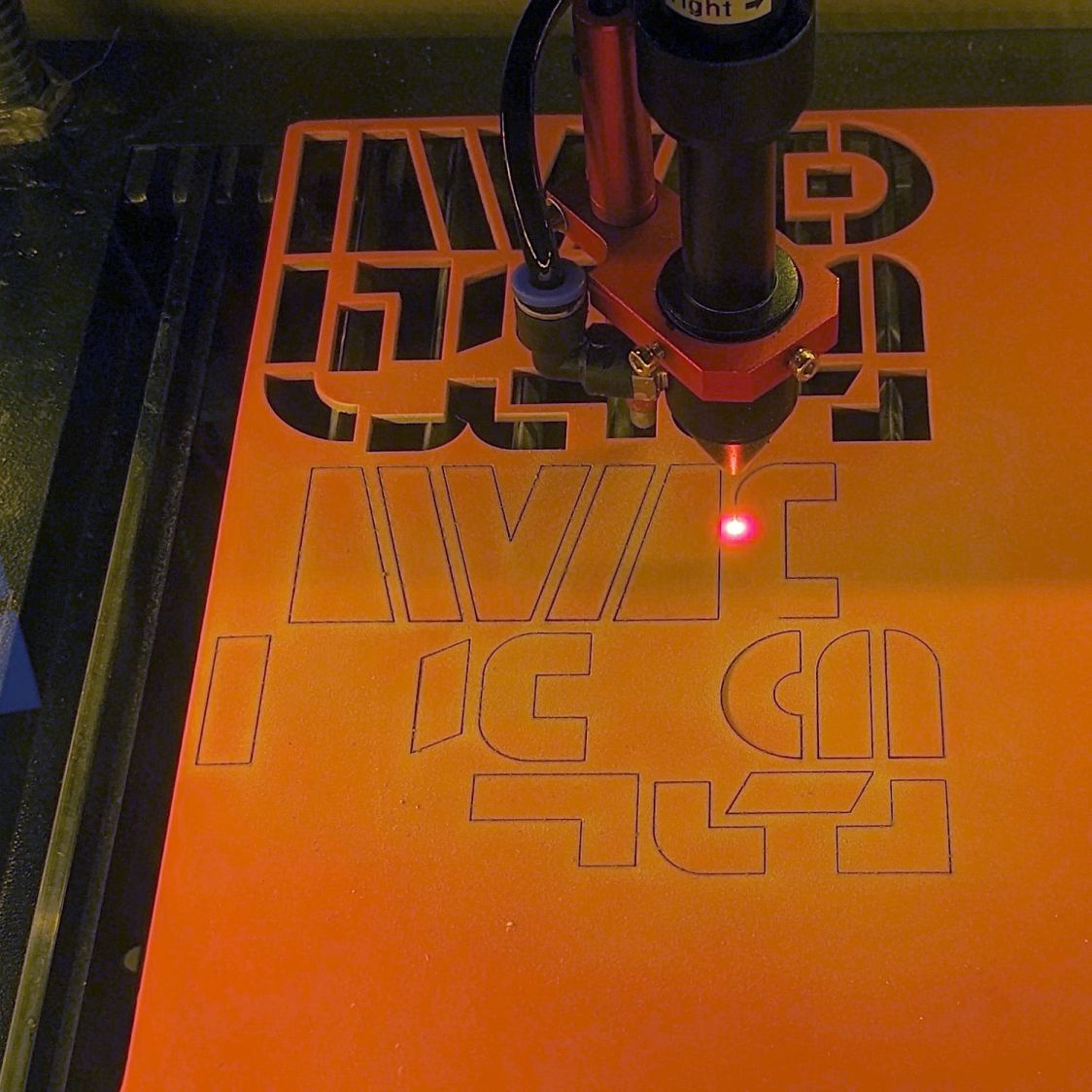
The cuts did not smell like a tire fire … 
3 Likes
Thanks very much for this. I will have a look.
I would rather use wood to make the paint blocks as I have a good supply of various woods. I wam going to have a look on You Tube to see if there is any help there.Again I thank you for your quick reply and hope I can be back soon to show my results.
Check here for a way to do it with wood.
Thanks for this. I will have a look at trying this out in the morning when my carers have left. Thanks again.
1 Like
I couldn’t resist having a look at this and it. When I click on ‘Preview’ it looks like a motorcycle within a circle. very nice and would be what I like and want to do. however I think it is the reverse of what I want. I want the motorcycle and the outside ring to stand out and the background to be cut out. Any suggestions ?? Thanks from a very new newbie. There are quite a few things in this project that I don’t understand will you be able/willing to help me please ?? Thanks again for the help.
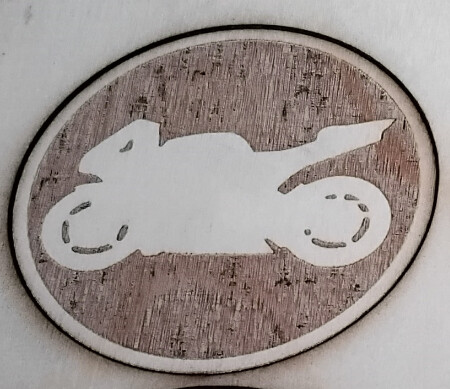
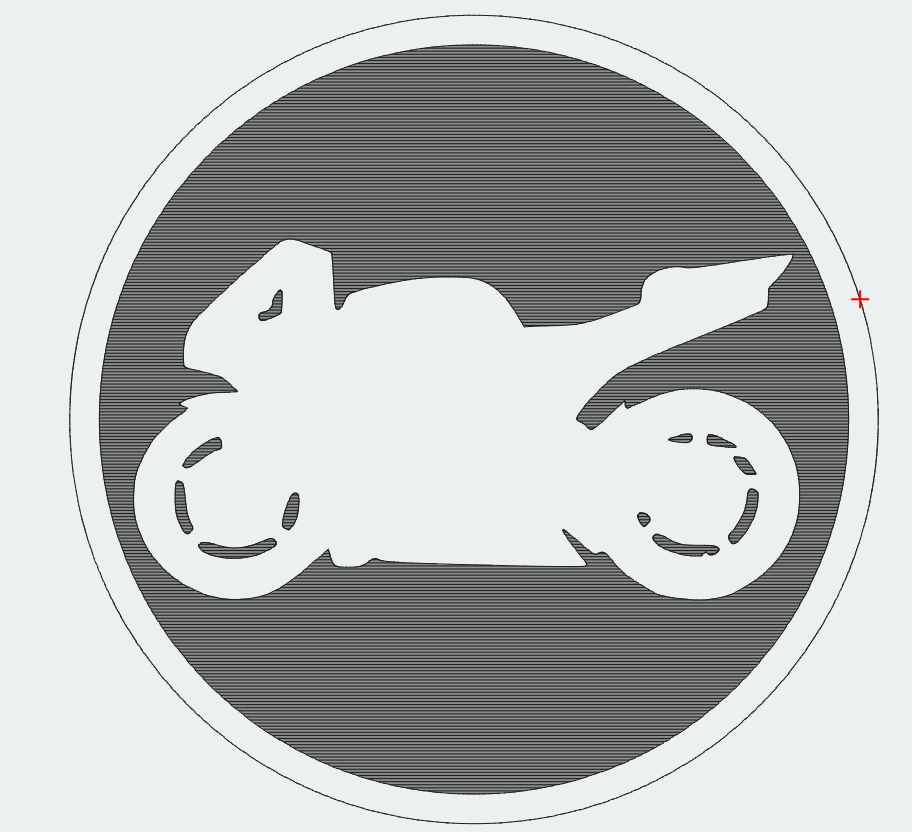
The black zone in the preview is engraved and the black outline is cut. the motorcycle and the ring are positive. The brown you see in the example is “depressed”.
A doc to help you understand the FillMode:
And the preview window:
1 Like
I will have a good look through the documents that you have advised and see what I can learn. It is quite hard learning all this so I need some time. Thanks for your advice.
craigdon
1 Like
Learn a bit by reading and by doing.
Engrave/cut the motorcycle, is a 55mm circle, and check the outcome.
If you need more help, tell us. A lot of us are here to help.
1 Like
Yes, I think I need Lightburn running and then I can input the various things I want done. Sometimes it doesn’t quite work and I know I can come back here and explain what happened and it will get sorted. Thank you all for being here.
craigdon
2 Likes
We’ve all started there: you’re not alone!
1 Like
I know I am not alone as I regularly get encouragement from all the generous people on this site. It is a great feeling to have all my queries and problems solved almost instantly or at least at a time when I can respond. It does take me a while to understand what I am doing but I am getting there (slowly lol)
1 Like
Can I ask if anyone on here has worked with ‘Engineered Oak’. I have been given 2 pieces of new flooring and it is ‘Engineered Oak’. I suppose that means Oak and a binding agent to form the material. It is quite heavy/solid and I will conduct the usual material tests on it to see if I could possibly use it too make paintblocks.
Be careful, that binding agent might not be laser safe. Meaning it is a plastic or resin that can emit toxic fumes when burned.
I think it may be someting like that, that is why I asked if anyone had used it. I have an enclosure wth extraction fittted and an air assist pump so I hope to stay safe.
The enclosure is a good idea. I removes the toxic stuff. There is one plastic, PVC I think, that emits hydrochloric acid. That you do not want swirling around your laser electronics and aluminum components.