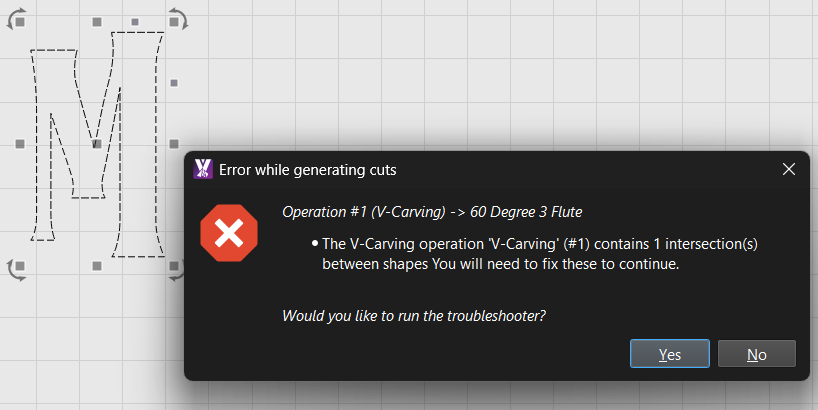
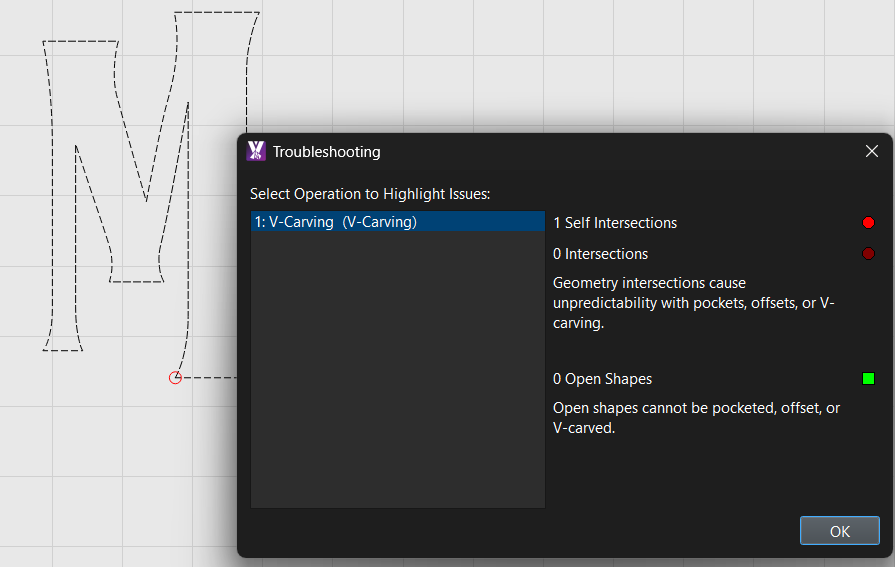
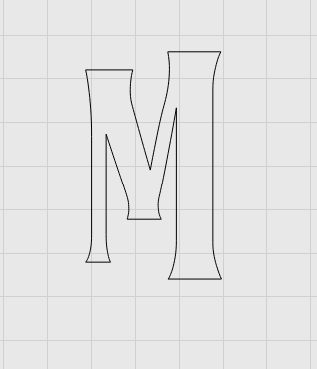
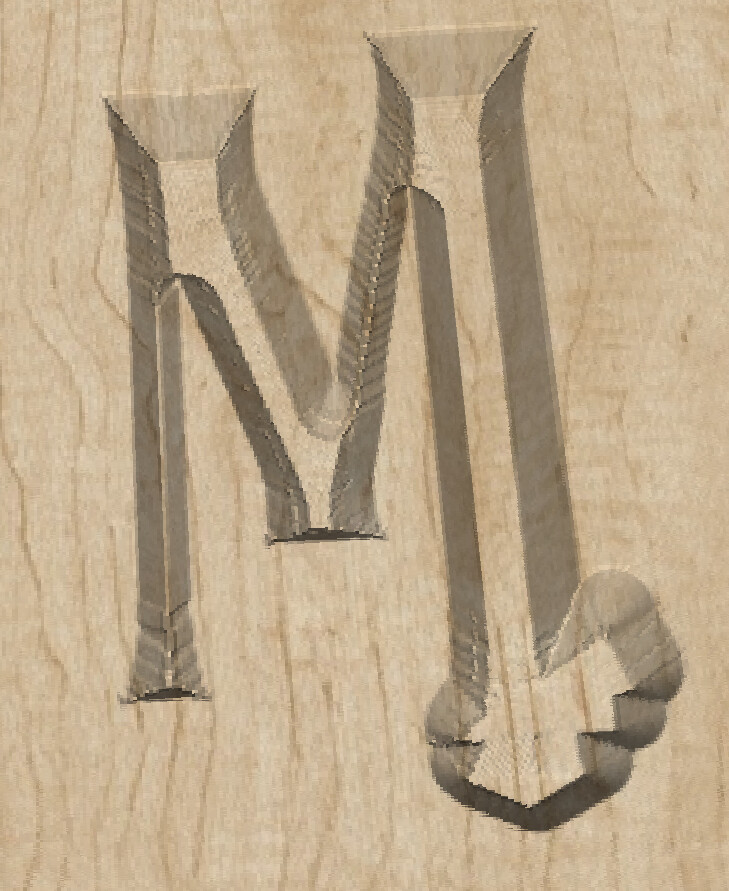
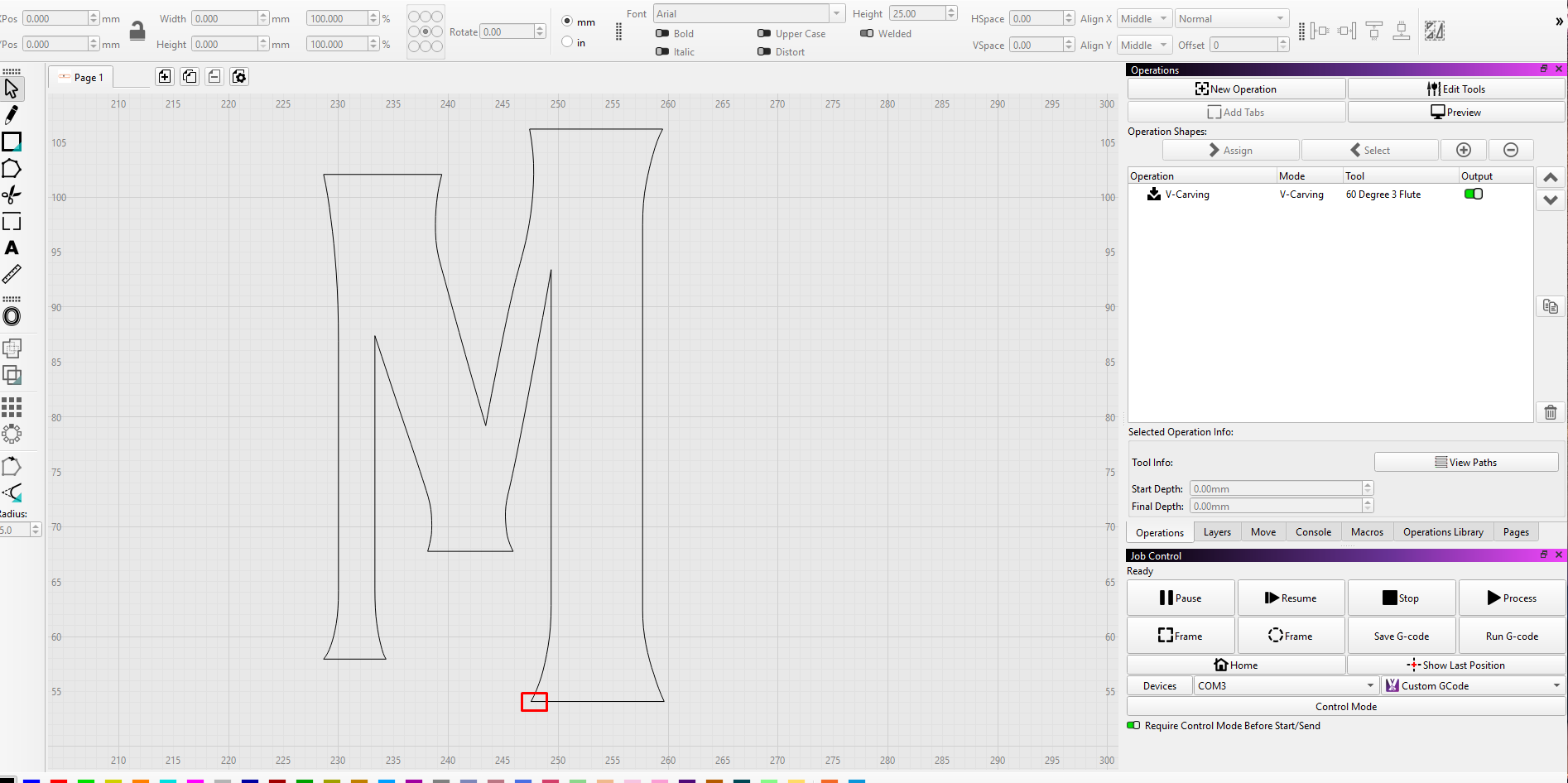
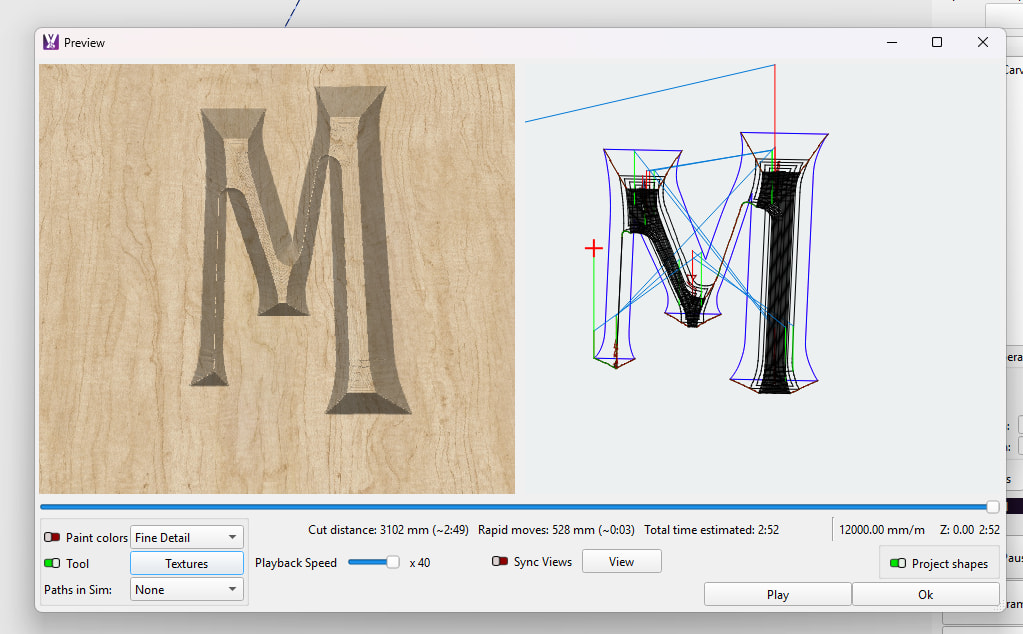
I am using V-Carve on RC-4 and noticed a few issues. I noticed several problems that work fine in Estlcam, but MillMage struggles with. On this one, it doesn’t seem to understand the path correctly for the letter. It is blowing out the bottom right of it. I had to limit the depth of it otherwise it would just go straight through the wood.
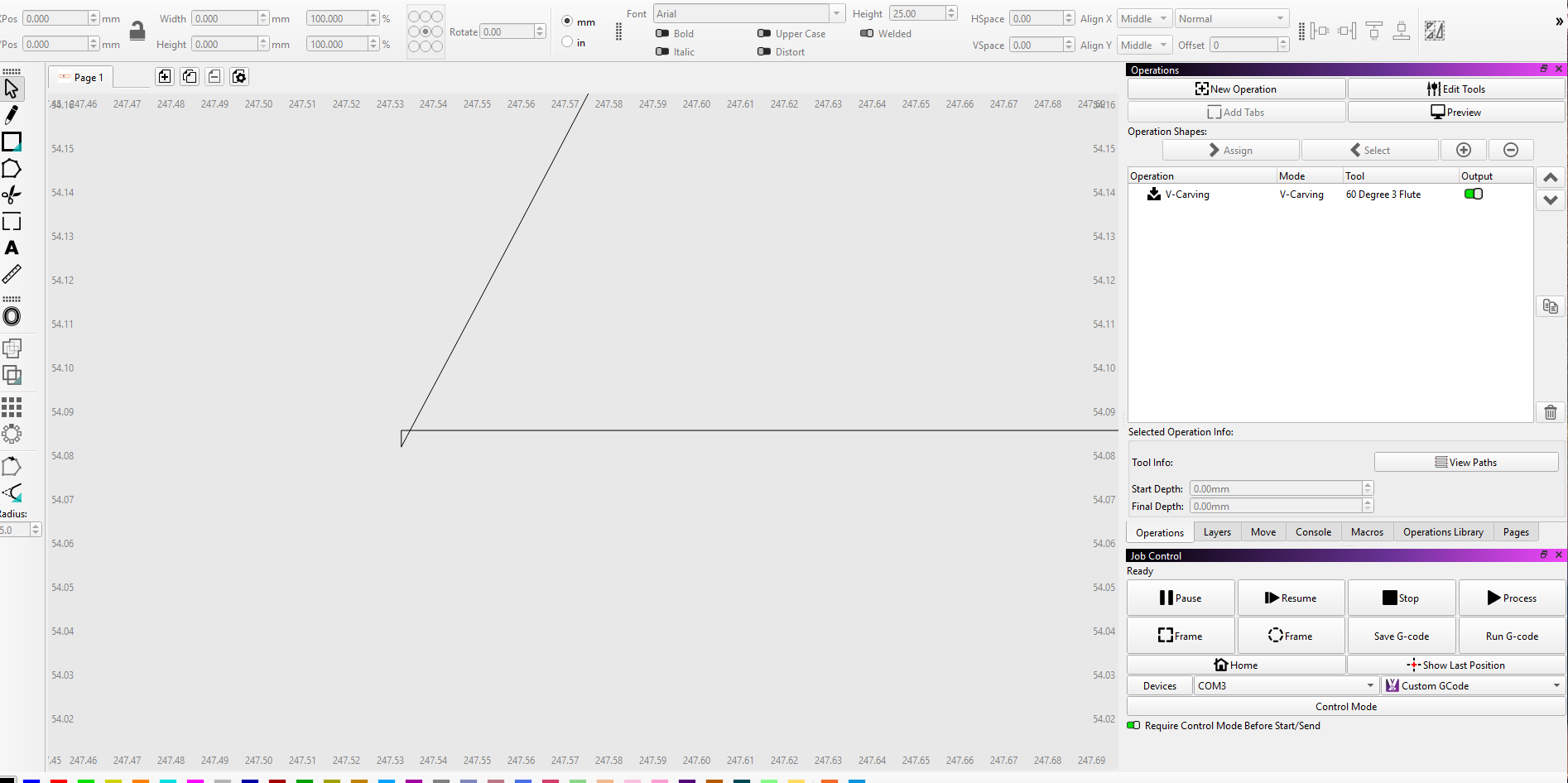
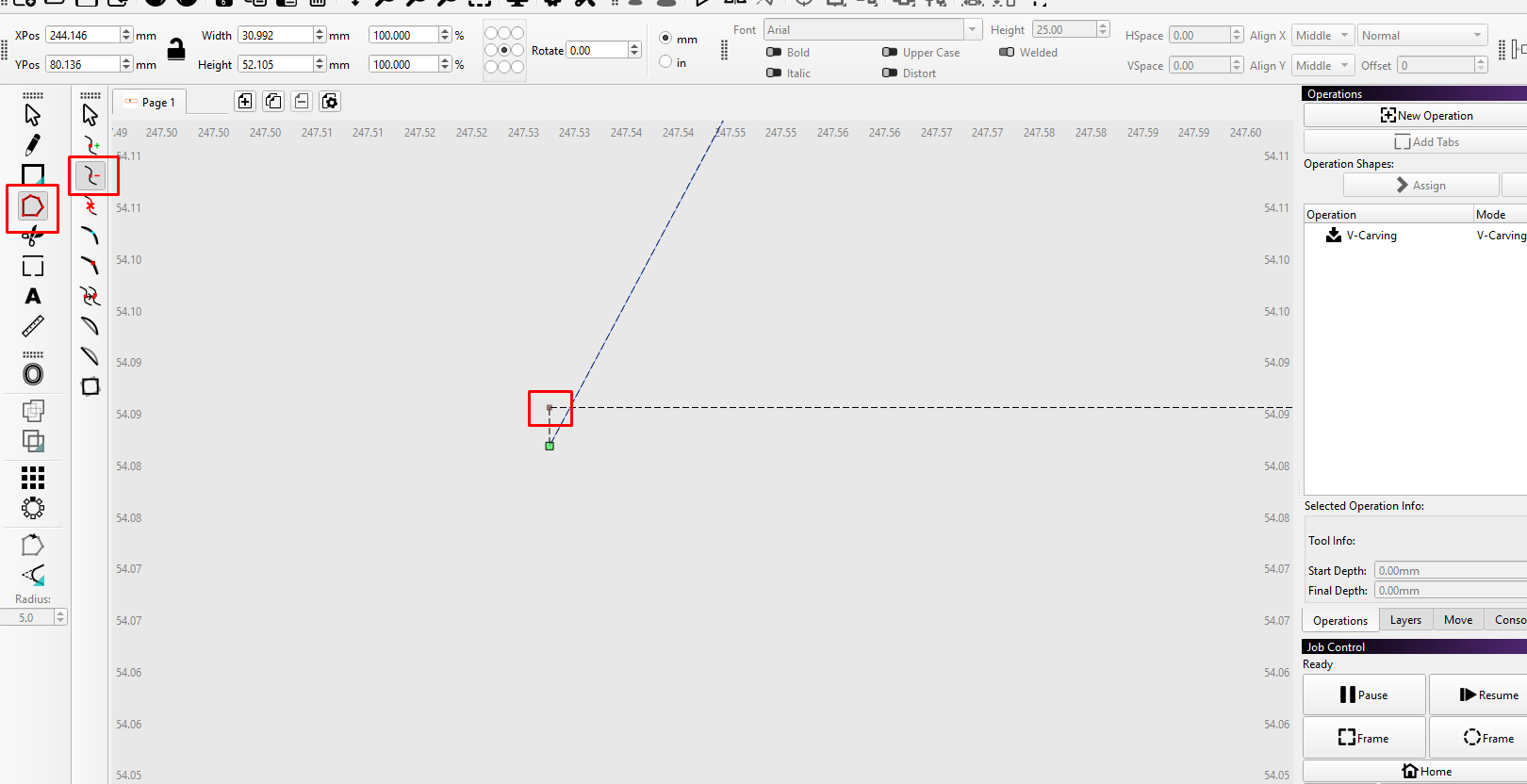
Use the Edit Nodes tool to delete this node to remove the overlap. Highlight the marked node and on your keyboard select D to remove the node, or use the delete node mode and click on the node with your mouse to remove it.
Ive had a couple like this, more so in detailed designs, where the over lap was so minute , none of the tools picked it up , it was just a pain staking process of trial and error till i found it,
Q i guess there is no easy way to detect them when they are so small
Did you try the Trim Shapes Tool?
Usually the shape gets red till a problematic zone and if there’s a little overlap that little zone “shows bigger”.
If it’s red along the shape it is continuous and closed.
 , i really hope its not AI