V carve with pocket query

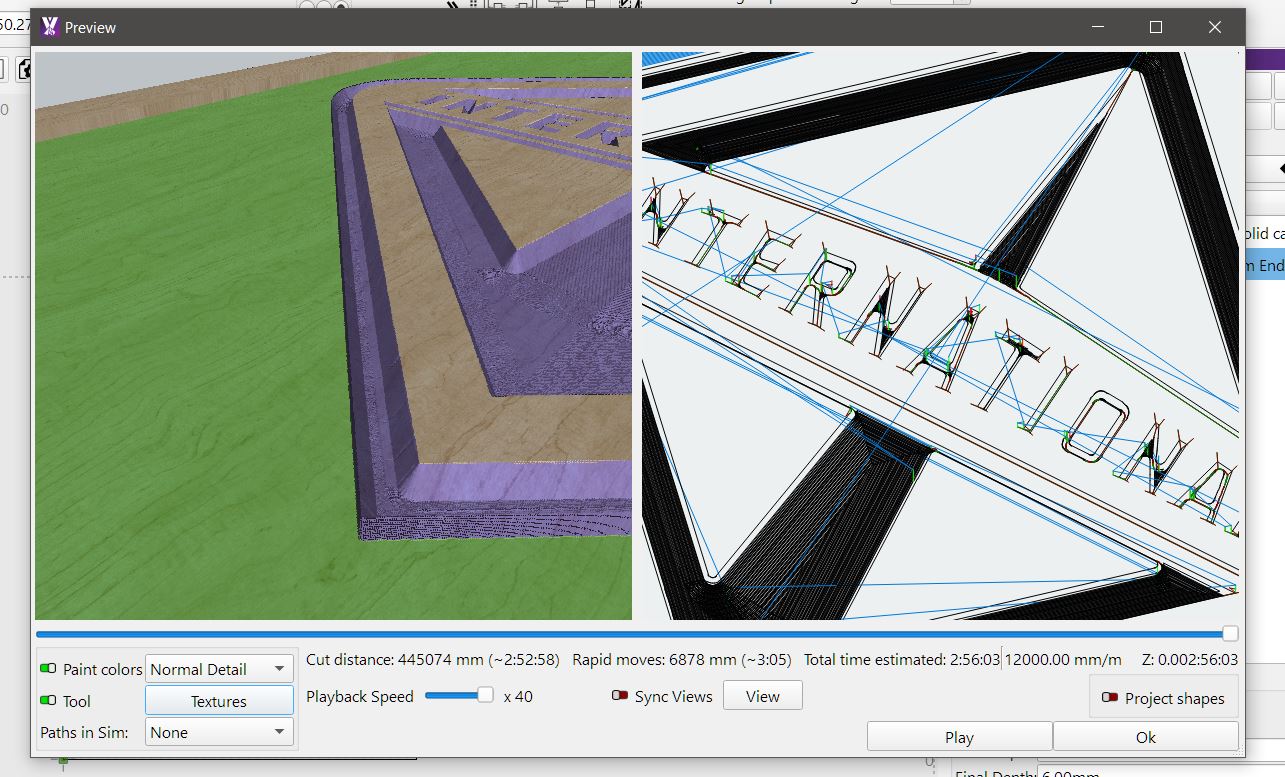
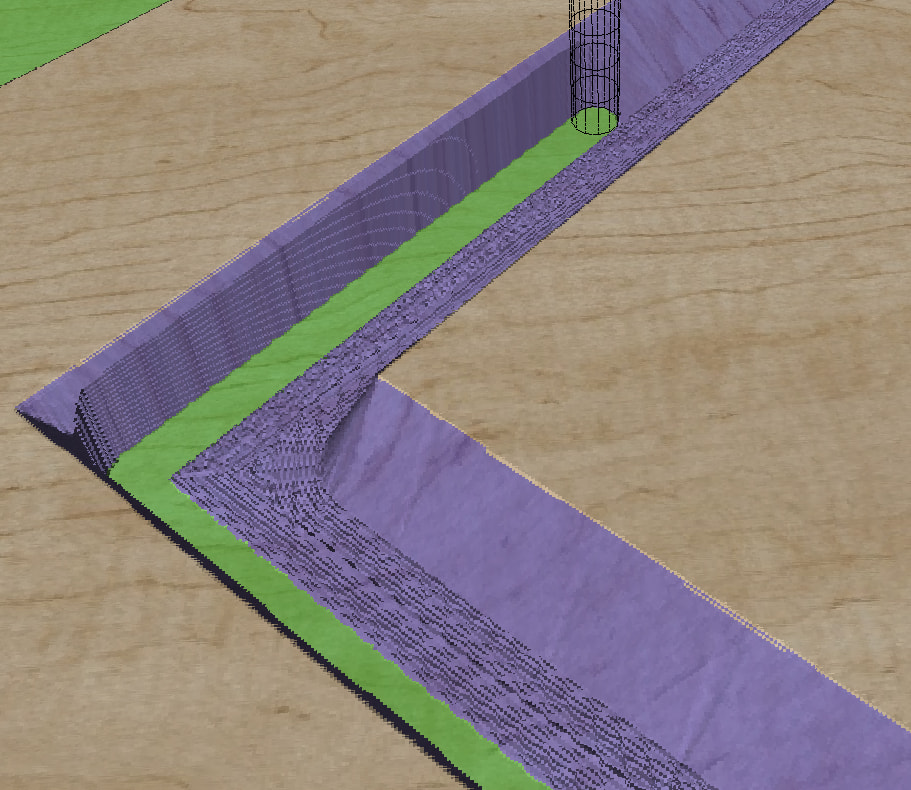
doing some trials with v carve below is vcarve preview only , which to me as new to v carve i assume is correct depth iss set to max of 6mm

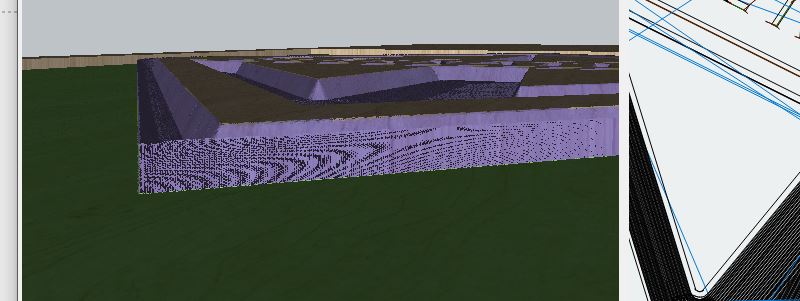
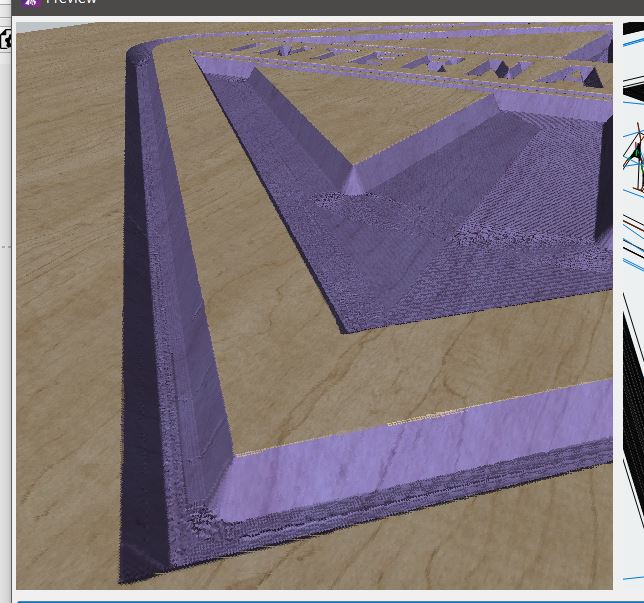
next ive created a square around subject and assigned pocket at 6mm depth , I’m my mind the pocket should remove the material to the line but it leaves the angle in the preview on the left

am i interoperating this wrong, v carve runs along line when viewing in right pane of preview and pocket would cut right up to line , which is centre of that cut which should remove material on left of cut ? yes or no

i have to go -3mm stock to leave before it removes the material

on another project doing a profile cut on line , it previews as i would expect a pocket to also look

is this a glitch or me

v carve test.mage (40.0 KB)

Unknown. That file came in with no Operations set up in it.

well thats random

i just clicked on the link in this topic and downloaded it and operations are there

v carve test.mage (40.0 KB)

it def got operations

try that one thatss the one i just downloaded, hmmm thats going make it hard to sort problems if files loose all operations when transfered to another machine

maybe you make a test file in .9 and add it here and ill see if operation show on my end

Do you have the MM Pro preview / release candidate? If not, it wouldn’t know about those ops or how to load them.

Hahaha, you got me with Feature Creep!

That is exactly how it’s supposed to work.

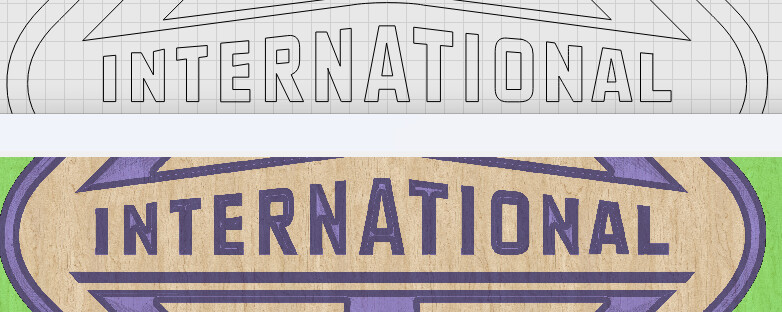
The V-carving operation runs the V bit perfectly inside the shape. Look at the lettering:

The pocket operation also runs exactly to the border of a shape, so if you want the outer ramped edge of the V-carving operation to be removed, you’d have to offset the inner line by the the correct amount, which will depend on the angle of the V-bit and the depth limit of the V carve.

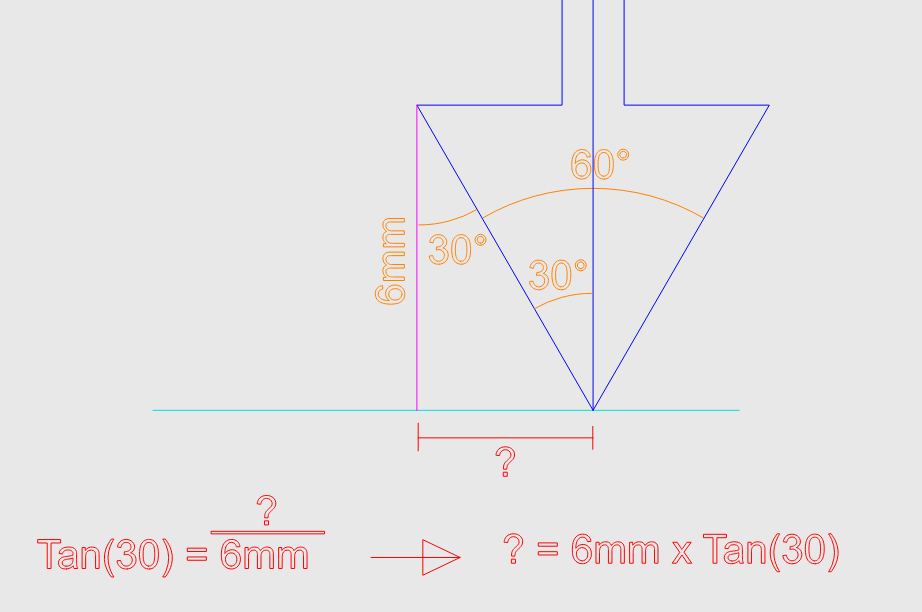
In your case, a 60 degree bit to 6mm deep would work out like this:
Half the V-bit angle is 30 degrees (because it’s one side of the bit).

Tan(30) = 0.57735 (close enough)

and 6mm x 0.57735 = 3.46 ish mm.

So the total amount you’d need to shift inward is 3.46mm.

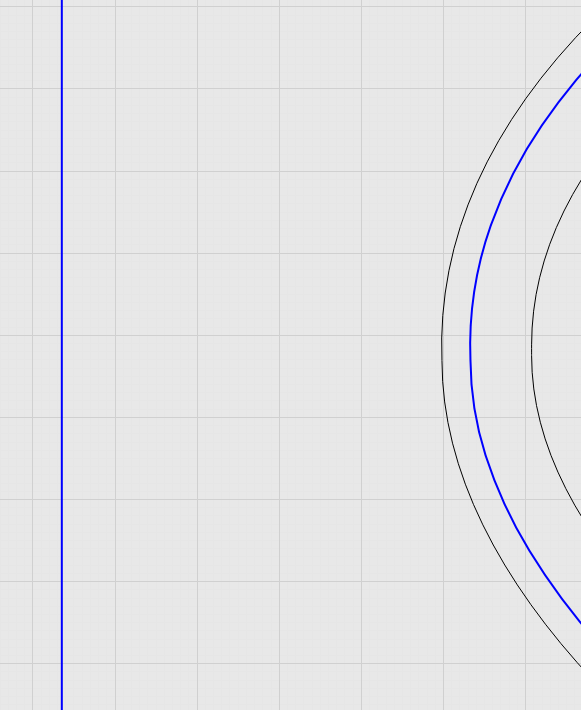
Here’s the inner line of the diamond, offset inward by 3.46mm:

And here’s the bit, perfectly removing just the ramp after offsetting that line.

cheers for clarify it for me ,

Glad I paid attention in Algebra class!

It actually falls in place if I go slow and not try to rush the visualization of what is going to happen with each tool.