Variable barcodes

I have seen each of these topics spoken about to one extent or another, but have not found a consolidated answer and am looking for some guidance.

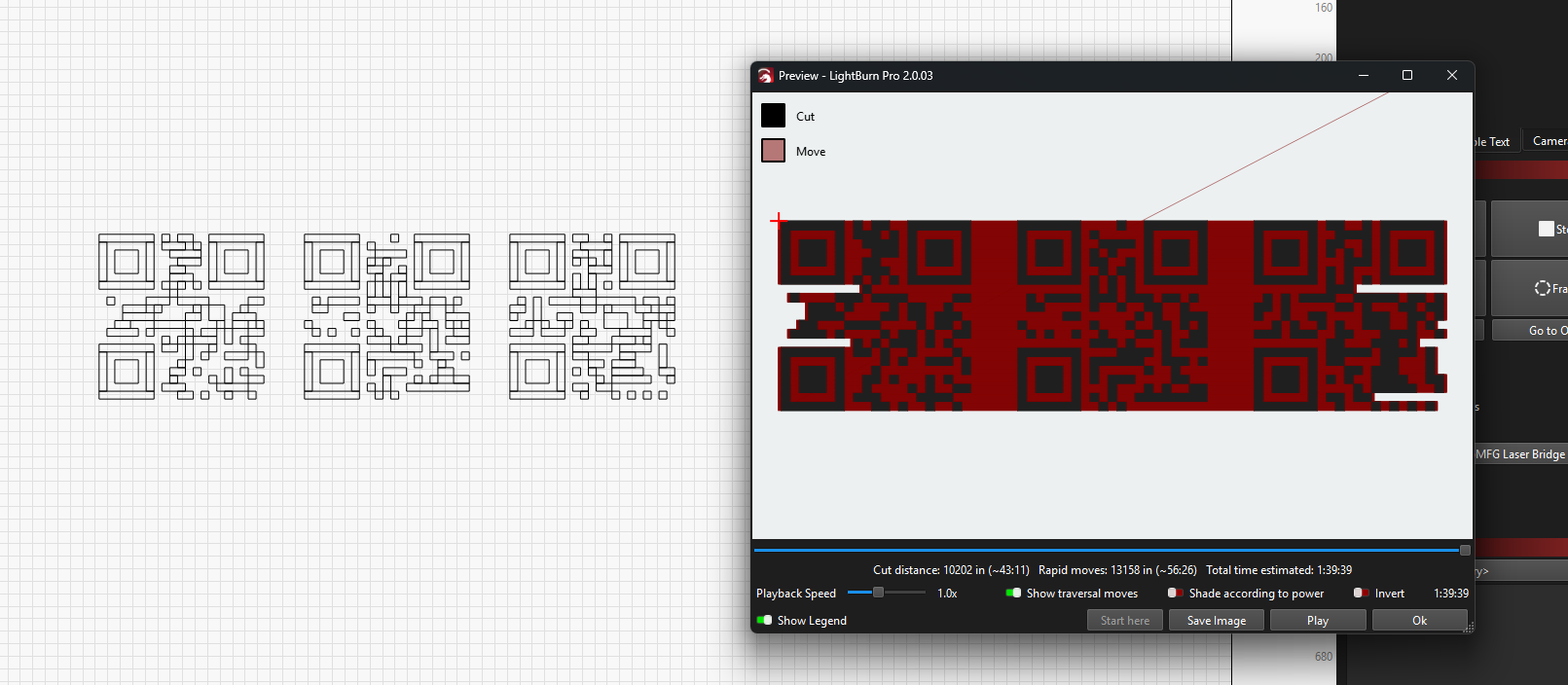
Objective: Using a csv file as the base generate a series of QR codes in an array.

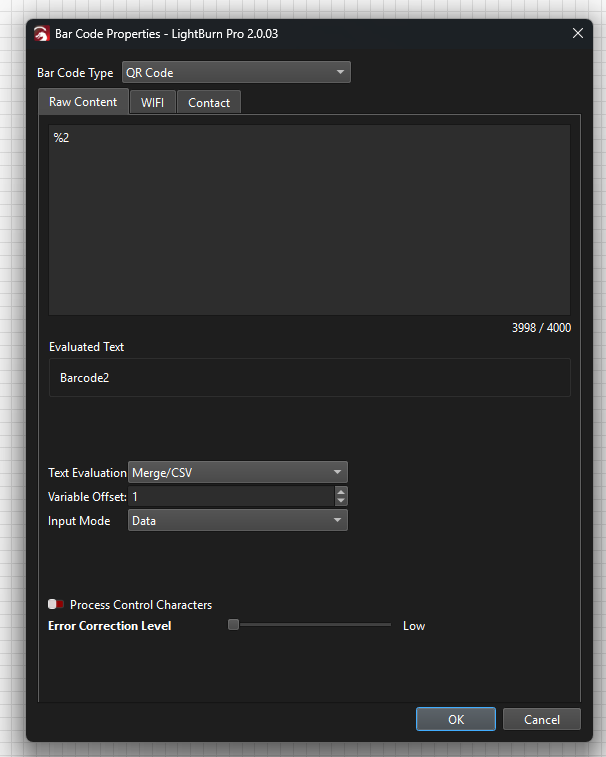
The CSV would contain 3 unique columns, 1 (%0) is a name, the second (%1) last name and the 3rd (%2) is the barcode. The barcode settings are, %2 in raw content, Merge/CSV, offset 1, input mode data, process control off, show bar code text on.

I see the first barcode no problem when I test, but when I advance, all the data advances but the barcode or the QR wont change

Played around this for a while and still cant get it to work.
So it sounds like you have the fundamentals of Variable text down, that’s great.

Each time you press send, the variable text should update and everything should increment. I’m poking at it given your constraints on my end now.

Untitled spreadsheet - Sheet1.csv (233 Bytes)

After performing the array, with Increment set to 1, all the barcodes update.

I just realized what is going on.
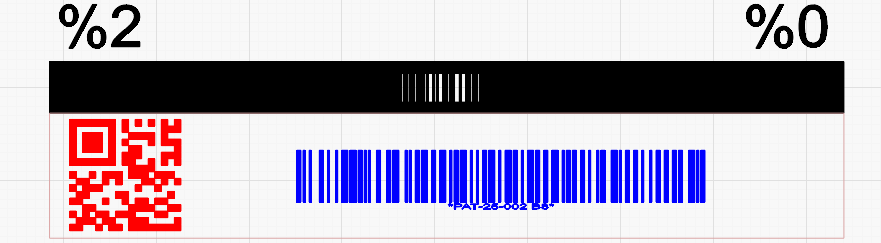
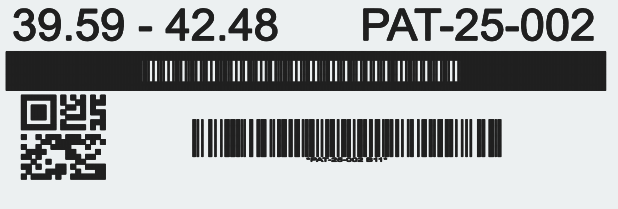
Here are 2 different types of barcodes that has the same info of %2 in a table with 100 offsets.

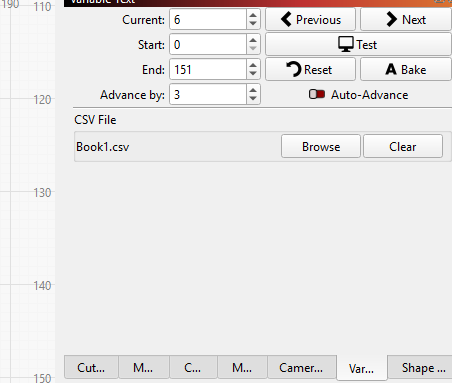
When you use the Variable text tab on the right, even if the rest of the text changes when you click on test, the barcodes dont change.

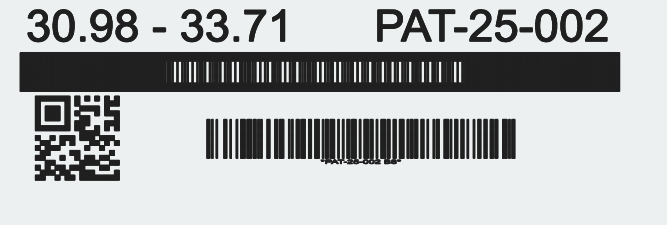
When you click on preview leave the preview, click on next in variable text, then on preview again, you can see the changes.

Note, the top barcode is a barcode font which did change. This is why I thought it didn’t work.

Thank you for the help,

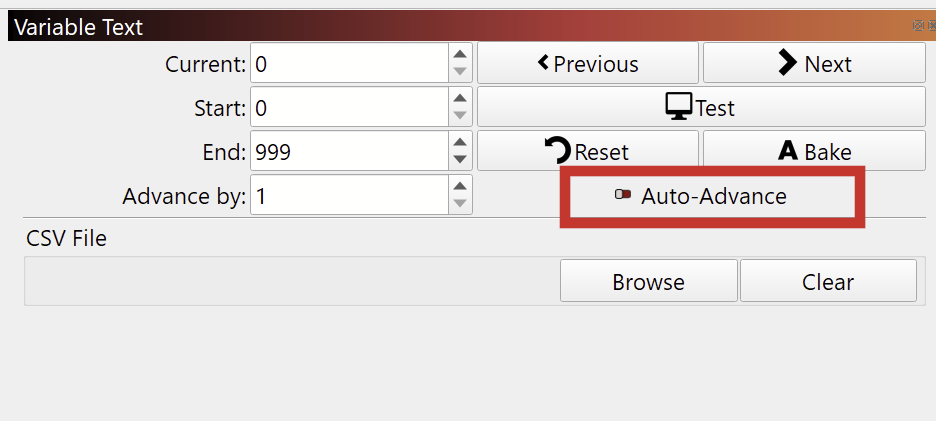
@Rfortier, enable “Auto-Advance” in the Variable Text window:

This post describes the process with only one variable, and using Repeat Marking. (You can leave out the last part about Repeat Marking):

This topic was automatically closed 30 days after the last reply. New replies are no longer allowed.