A noob here! I’m looking to make sticks for plants. 1 - 2 lines of text on each stick.
For info like this:
Line 1 Line 2 Quan
Germanium 25
virginia Bluebells 40
I can set that up with 25 lines of Germanium and 40 lines of Virginia Bluebells in a CSV
But:
Anyone know if variable text can be given the table showing quantity and it will use the first line for 25 sticks and then go to the 40 lines?
If not, I guess I have to look for a macro that will take my table and make the 25 lines then 40 lines in another spreadsheet (or build it manually… but I have LOADS of different species to do this with).
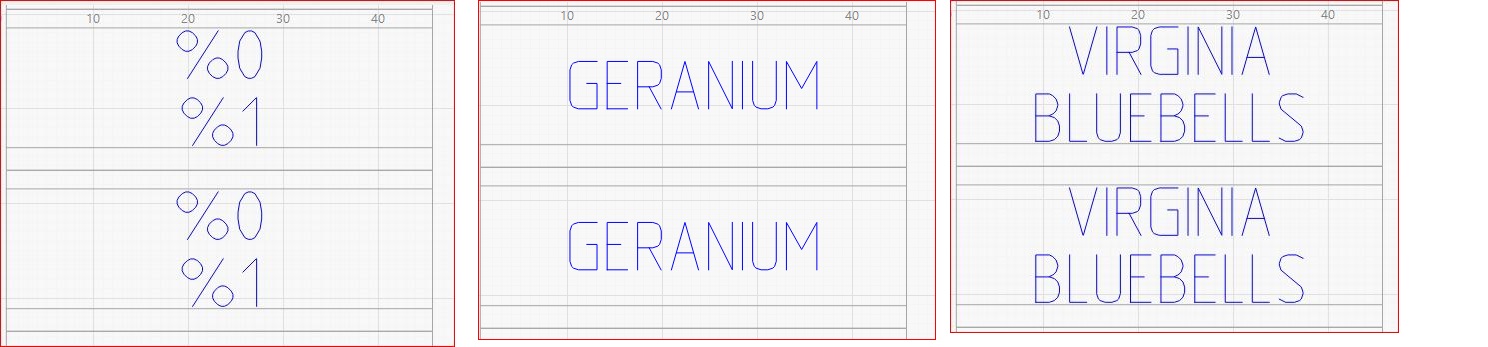
Some species are 2 lines or 1 line of text. Any way for lightburn to be able to center the %0 text vertically in area allocated for %0 and %1 if there’s 1 line of text or fill the %0 & %1 fields if there’s 2 lines of text? Or have to do the 1 line species together in a different template with just %0?
The Variable Text formatter just slams the fields from each line of the CSV file into the variables laid out in the design, so you must duplicate lines to get duplicate tags.
If you’ll always have multiples of, say, ten tags, you can lay out ten tags with the same CSV variable to get ten identical tags from every CSV line. For reasonable numbers of identical tags, you could duplicate the lines by hand in a text editor and be done with it; having a few tags left over wouldn’t be the worst possible outcome.
The Ignore Empty Vars setting will get you close to where you want to go, but not quite all the way:
Not sure exactly how you got the single line text to align vertically centered. I did the same test and my single line text remains in the same location as the variable. I have the text set to middle, both horizontally and vertically. The top 2 have items in both fields and the bottom 2 are just single items.
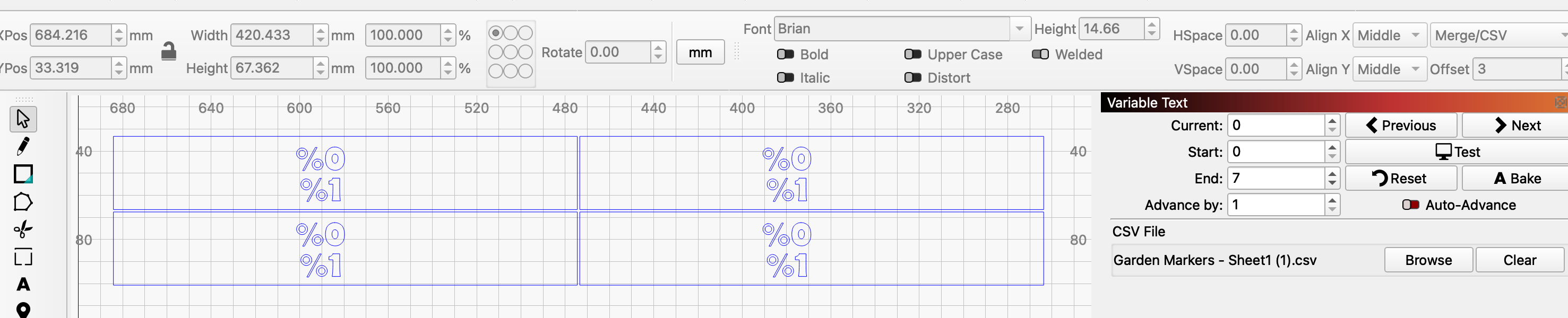
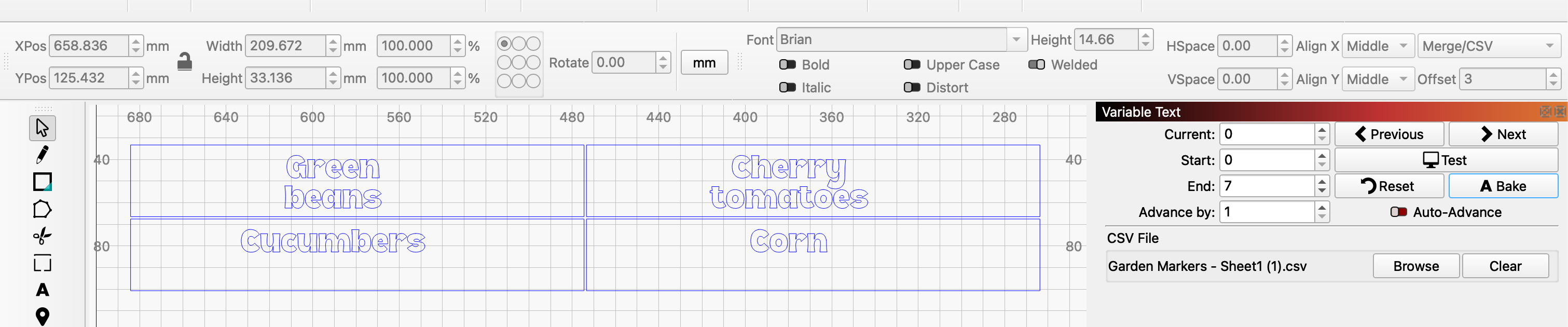
Here’s the file I am making - feel fee to roast my file : ) Spacing isn’t firm yet. And I’ll turn off layer 2 from engraving. I just did that layer 00 to help with spacing (before I found that Lightburn will create an array when you give it spacing between the text boxes : )
Ignore Empty Vars : instructs LightBurn to remove newlines preceding empty Variable Text fields when aligning text.
Maybe when you were doing it, each line was it’s own text box?
I was envisioning, with my luck, it wouldn’t do what I needed because I didn’t use a ‘newline’. Like in word, there’s line breaks, paragraph breaks, etc. So hitting enter on the keyboard doesn’t always create they type of linefeed you might need? But it DID work out. So this is great!
Don’t hold your breath? Been an suggestion for 3+ years
But look into squeeze? or in the spreadsheet you use for making the csv?
if you have 1 or 2 lines of text, they’d be in col a or a&b…
If your box is 10 char wide (although yeah, the letter I will take less width than W) and 2 lines high, have an equation in col d - if col a’s text length is more than 10, cut the length of text of col A to 10 and put it in col D. And put the characters over 10 in col e.
Then use just D & E to make the CSV? Would work if you don’t have text in col b for that row.
Follow? not sure if my thinking is getting typed clearly : )