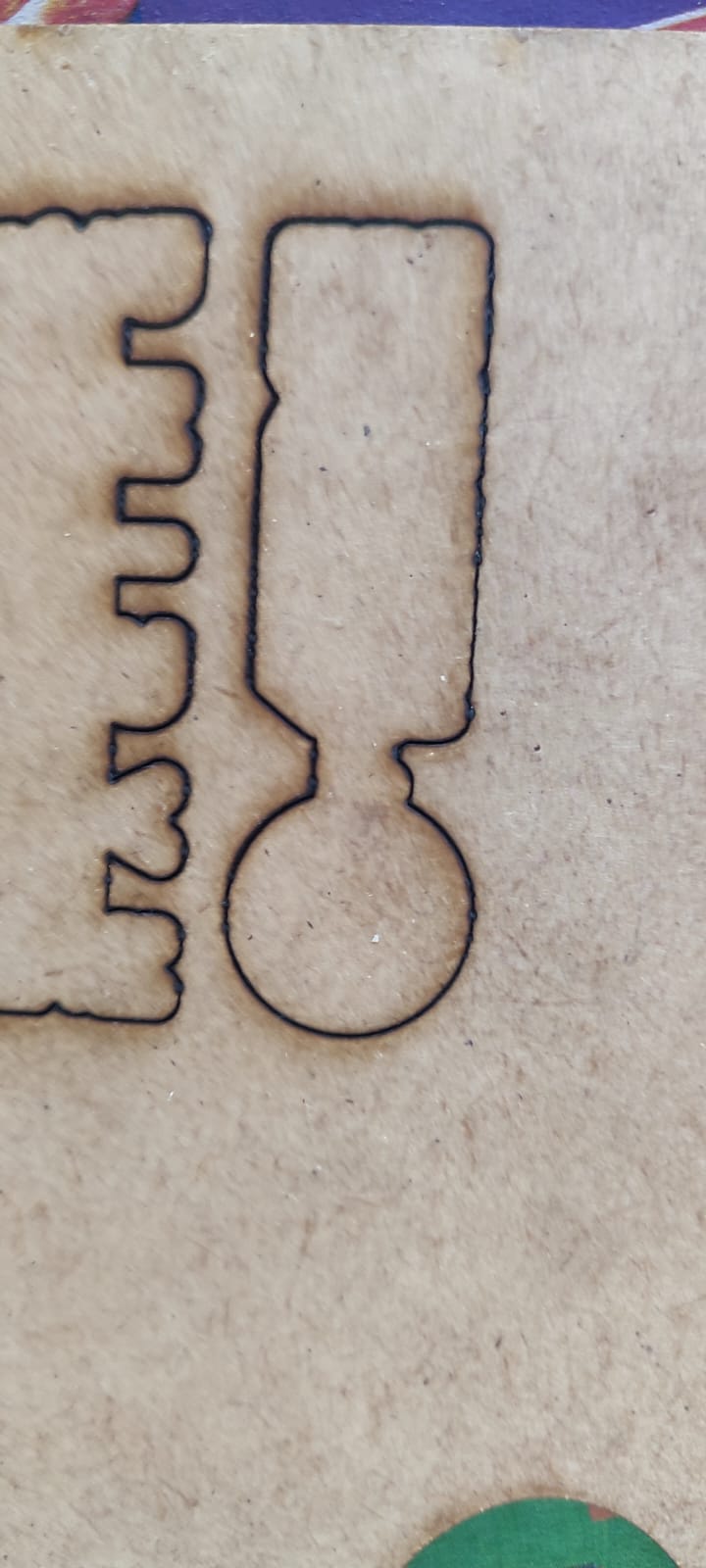
Hi Community, I’ve been using my Orture LM3 for over a year and the cuts have been clean and straight. I cleaned the lens and all of a sudden I’m getting inconsistent and jiggered cutting on my vertical only (as per the image), I cleaned the lens again thinking something was left behind but still the same. tried different material and also the same. Has anyone else experience the same and managed to sort it? TIA
Likely your laser was working with a disturbed/dispersed beam path so increase the speed a bit or lower the power and test.
Likely, unrelated to you cleaning the lens. Wiggly lines are something mechaincally loose, such as belts or tracking mechanism. I think on these you can adjust the eccentric wheel holders to tighten up the head assembly.
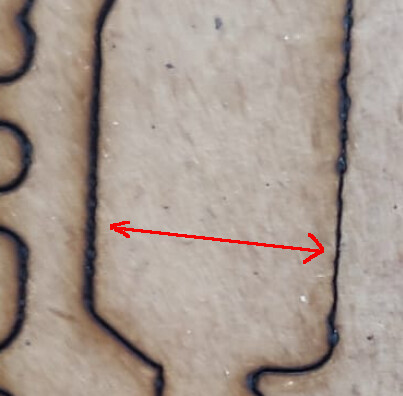
However, this is a problem, line looks like a change in focus point. Same line, different size lines.

Building on the other answers here, check to make sure that your laser lens did not get loosened by the cleaning. Even a little bit of wiggle will disrupt the cut consistency.
Thanks everyone for your suggestions, I’ve tried all the recommendations and unfortunately still the same result.
It looks like something is loose, I doubt it’s the controller or your software. It isn’t focused correctly or the line would be the same size on both sides of the object.
I think you’ve missed something that is loose. This type of anomaly can occur with a loose grub screw.