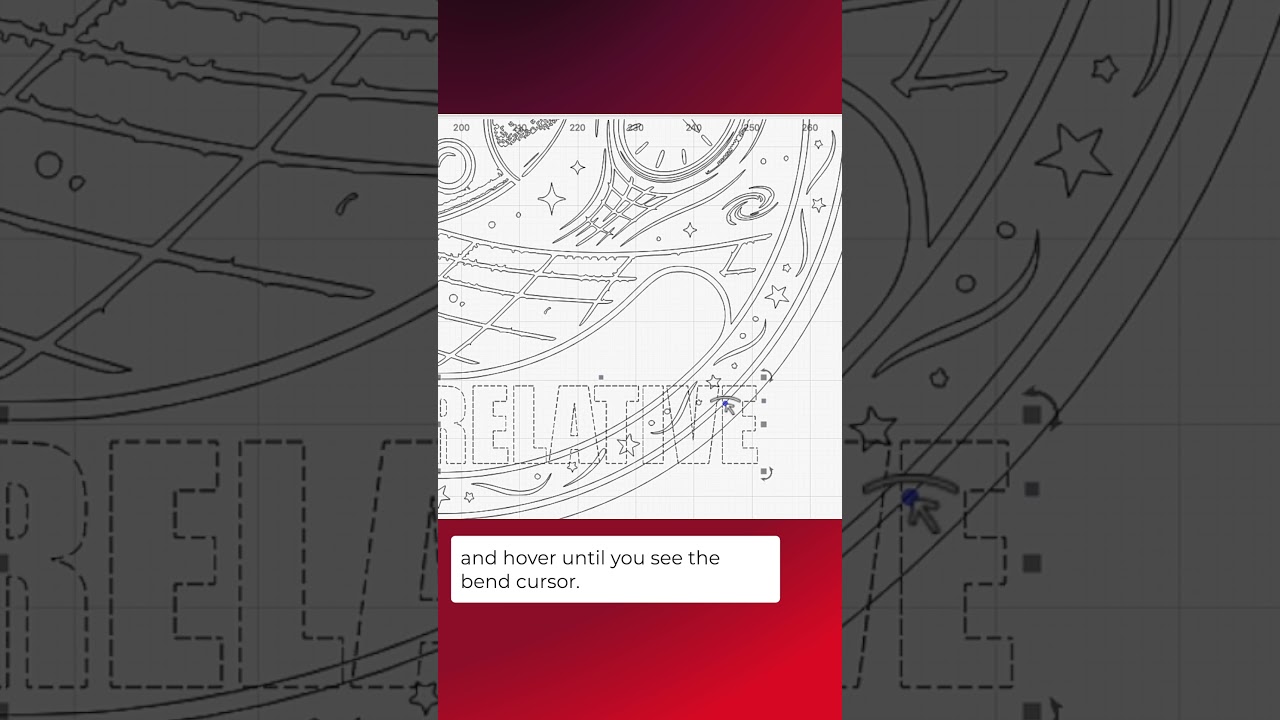
The Bend Text handle lets you curve any text created in LightBurn. Click on the blue dot, then drag in either direction to bend it up or down. Double-click the dot to clear the curve and restore the text.
Documentation on Bending Text:
Create and Edit Text - LightBurn User Guide
LightBurn Tutorial Playlist:
https://lbrn.info/s1FJi