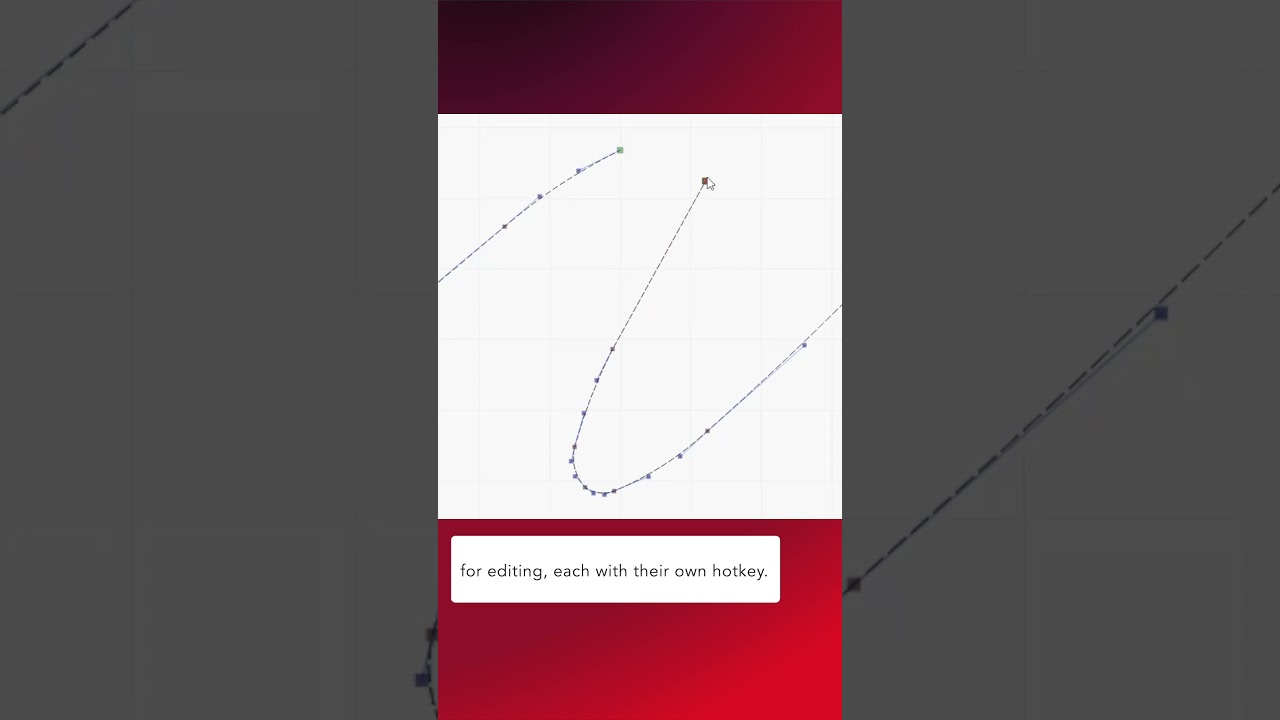
In this week’s Quick Tip, we take a look at the Edit Nodes Toolbar introduced in LightBurn 2.0.
The Edit Nodes tool has always contained a rich array of settings for creating and modifying nodes and lines, but they required the use of hotkeys.
In 2.0 all of these options have been placed in a sub menu with their own buttons to help with accessibility.
Check out our documentation for more info on the Edit Nodes tool:
Edit Nodes - LightBurn Documentation
Our long form video goes into greater depth on how each of the various settings work: