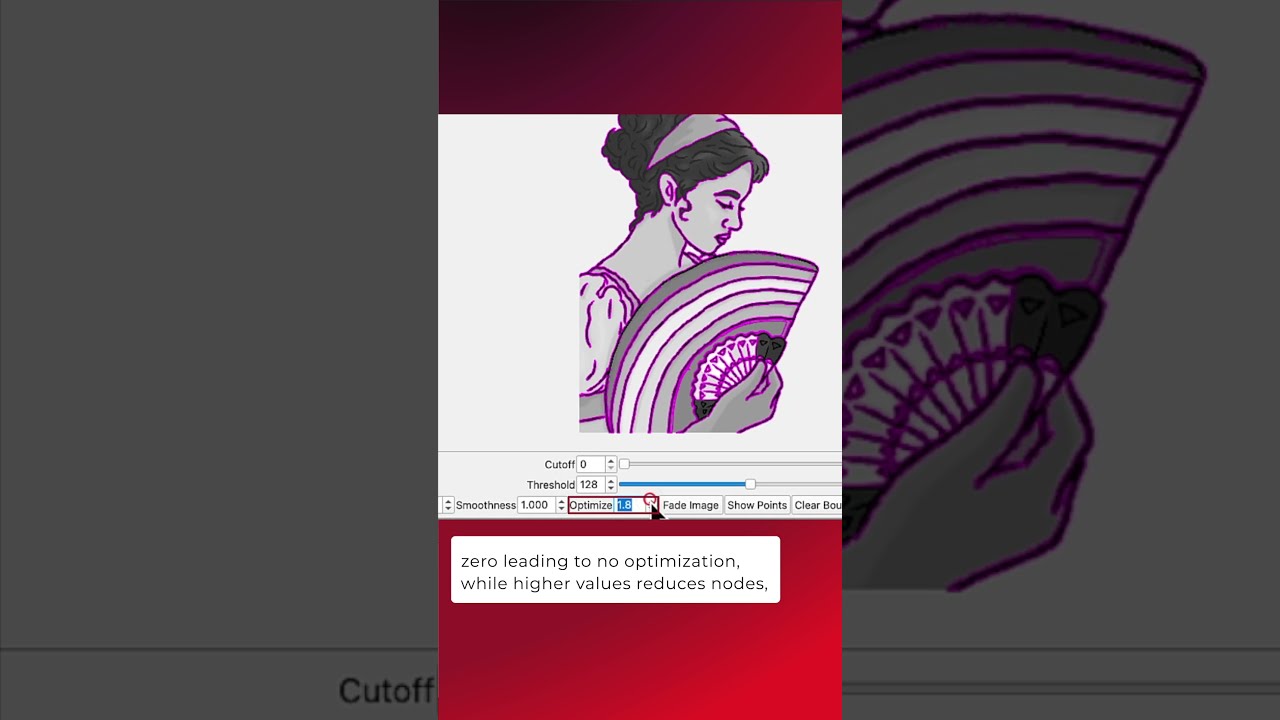
All vector graphics are made of nodes which define the lines and curves that make up each shape. Whether you’re tracing an image or importing a vector you found online, knowing how to reduce the node count using LightBurn’s built in tools makes it much easier to edit these shapes and get cleaner results.
Documentation on Smooth Selected Shapes:
Optimize Selected Shapes - LightBurn User Guide
LightBurn Tutorial Playlist:
https://lbrn.info/s1FJi