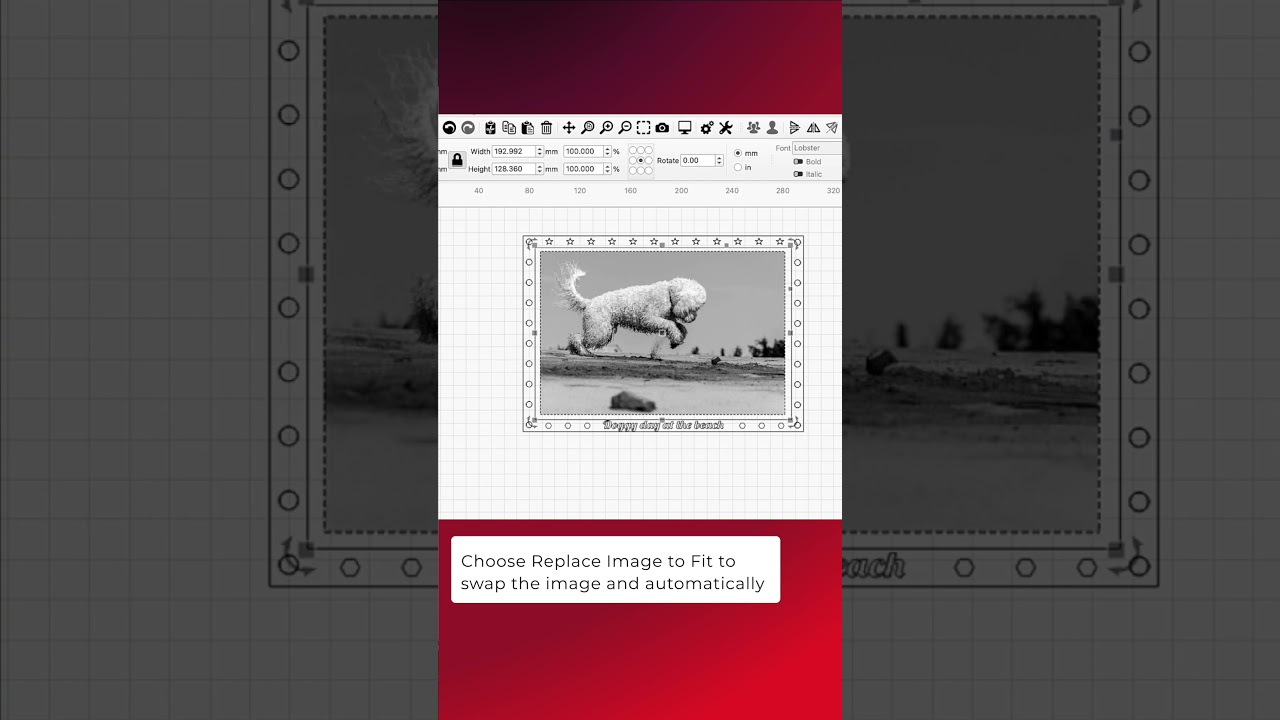
When you need to make changes to an image in your project, LightBurn has a few tools to help expedite the process. If you’ve made edits to the image outside of LightBurn, use Refresh Image to read the most recent image file. Replace Image lets you swap one image out with a different one, and Replace Image to Fit replaces the image with one scaled to fit in the space taken up by the original image.
Documentation on Refresh and Replace Image:
Image Options - LightBurn User Guide
LightBurn Tutorial Playlist:
https://lbrn.info/s1FJi