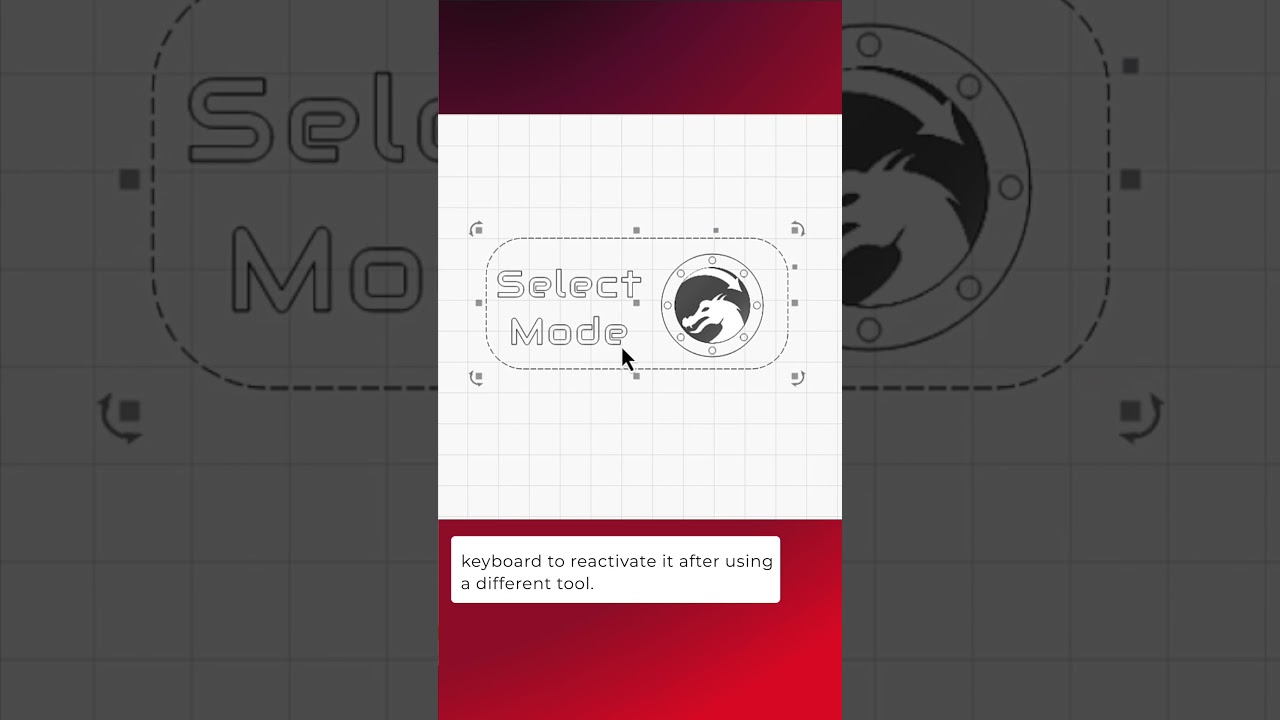
Whether you’re designing or organizing objects in your Workspace, the Selection Tool is one of the most used tools in LightBurn. You can select it from the toolbar at any time, press ESC to switch from to it from another tool, and even enable a setting that automatically enables Select mode after drawing a shape.
Docs on Selection Tool:
Selection Tools - LightBurn User Guide
LightBurn Tutorial Playlist:
https://lbrn.info/s1FJi