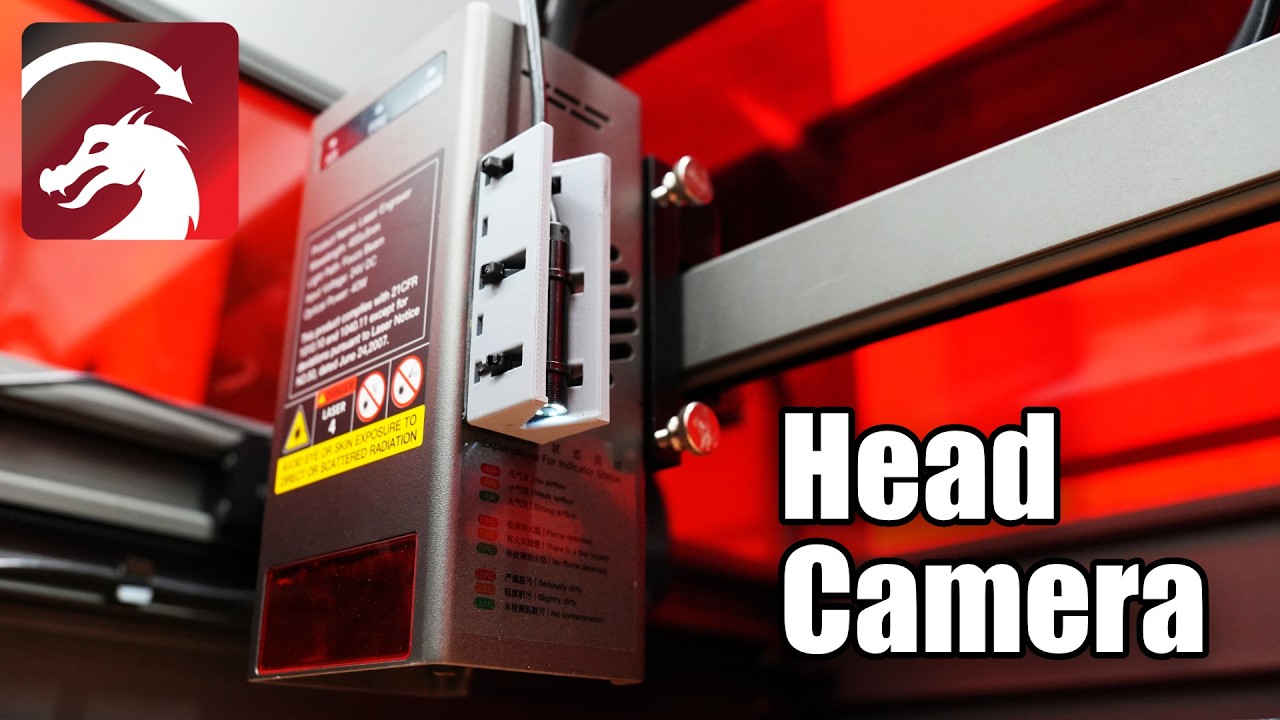
Head mounted cameras have become more common with modern lasers, giving you additional details on objects in your work area. In LightBurn, they can be used to grab an overlay from one segment of your machine, or stitch together images of your entire work area which is great for machine’s where an overhead camera is not feasible. On top of that, it gives you access to Camera Print and Cut, a highly precise and much more automated version of the manual Print and Cut workflow.
The good news is, even if your laser doesn’t include one, you can easily add a USB head mounted camera to your machine. In this video, we’ll take you through the process of getting your camera installed, calibrated, and up and running with LightBurn.
Documentation on Adding a Camera:
Add A Camera - LightBurn 2.2 User Guide
Documentation on Head Mounted Cameras:
Head Cameras - LightBurn 2.2 User Guide
LightBurn Tutorial Playlist:
https://lbrn.info/s1FJi
