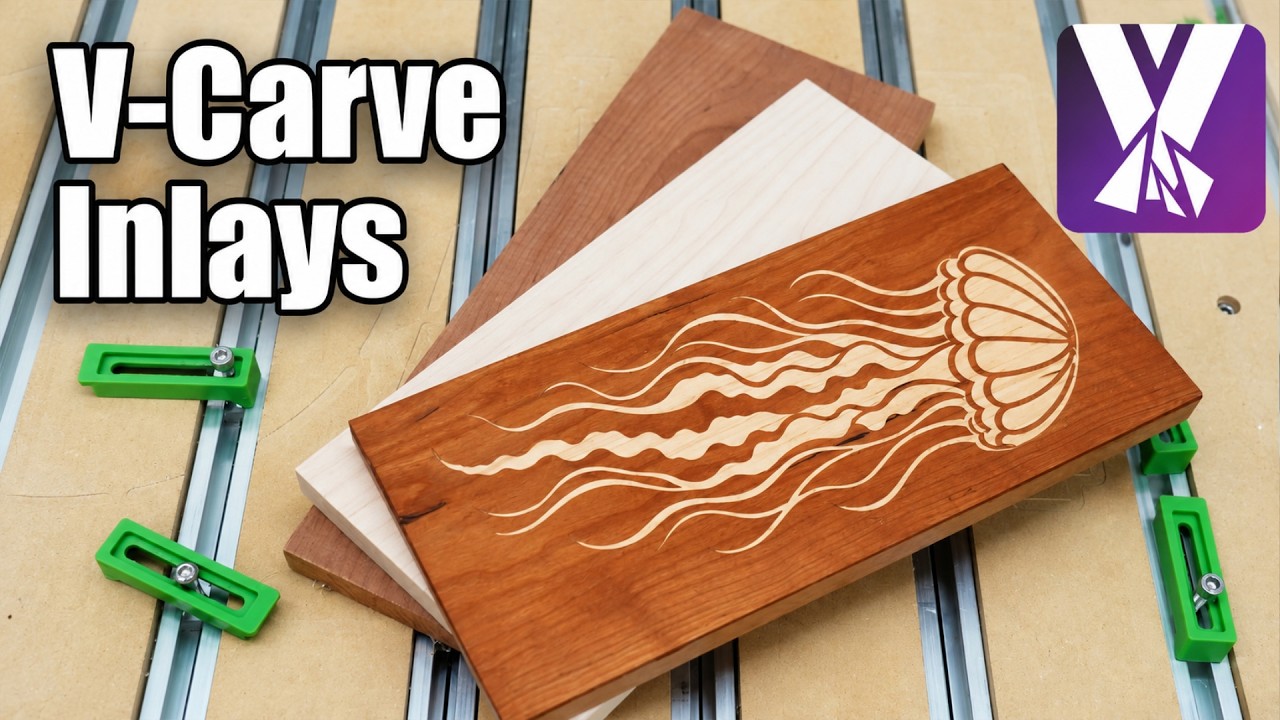
V-Carve Inlays are a great way to create beautiful standout pieces of work, by combining two or more different pieces of wood into one cohesive design. In this video, we’ll take you through the process of configuring your very own using MillMage’s V-Carving operation.
Is this manual V-Carving workflow intended as an interim approach until the dedicated V-Carve Inlays feature is released? Will the forthcoming feature automatically generate coordinated male and female toolpaths, including glue gap and surface clearance, or is the workflow shown in the video essentially the intended final implementation?
Correct - the next release of MillMage will have specific operations for the inlay pocket and plug, and supports using a clearing bit, as well as values for surface and glue gaps and inlay depth, as well as mirroring and outlining the plug, and setting up multiple pages if desired.
This video was already in the works when I started on those ops, and the new ops will have to go through test and release before they’re available, so we felt it was reasonable to put this out in the interim.