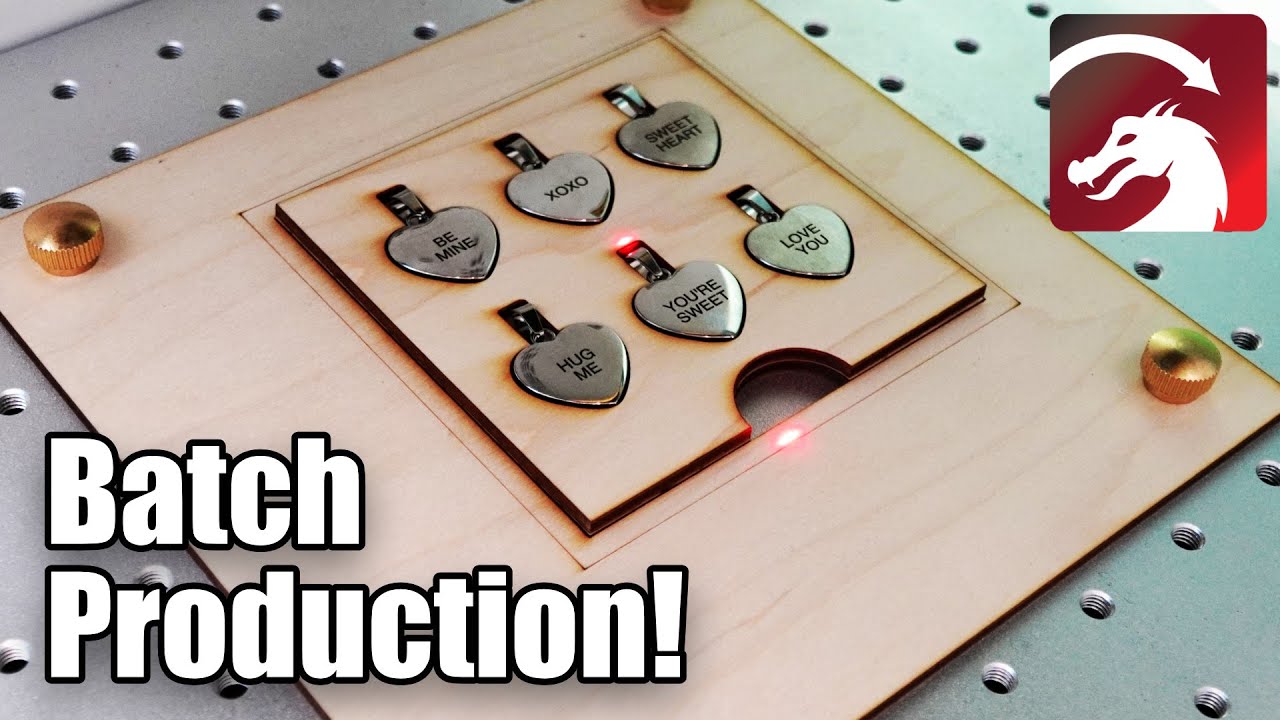
If you need to produce many similar parts, or even identical ones, creating a jig can really speed up your workflow. Jigs take away the time and guesswork of manual alignment, and ensure your design is placed exactly where it should be. In this workshop, we take you through the process of creating a jig using an image of the object you’re engraving, along with how to turn the jig into a Tool Layer template for precise design placement.
Check Out Katie’s Channel Here:
https://www.youtube.com/c/ThingsKatieMakes
Documentation on Image Trace:
Trace Image - LightBurn Documentation
Documentation on Two Point Rotate / Scale:
Two-Point Rotate / Scale - LightBurn Documentation
LightBurn Tutorial Playlist:
https://lbrn.info/s1FJi