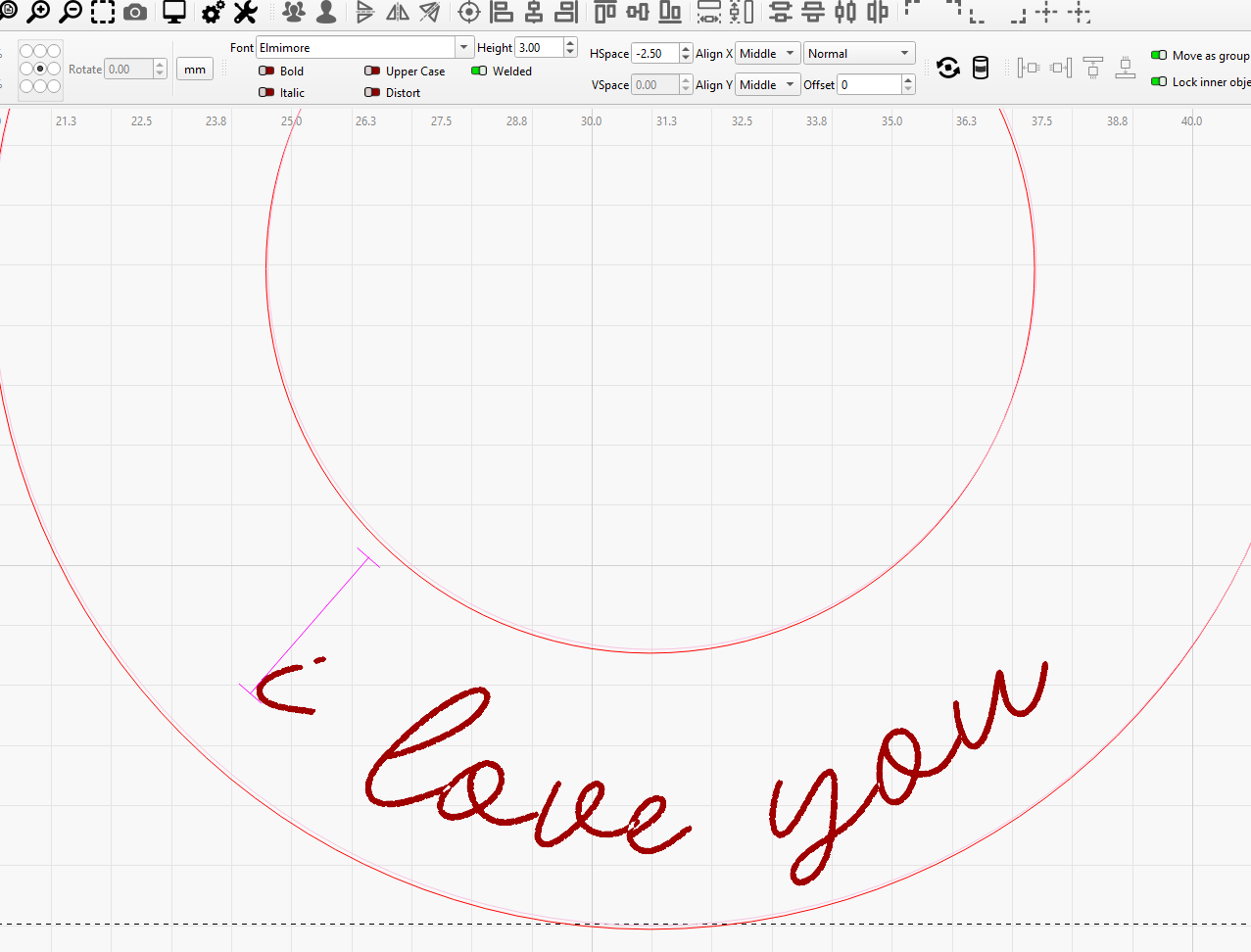
Hi, when I set text to follow a curved path, VSpace becomes greyed out and I also cannot use offset. I can still set top middle and bottom, but I cannot adjust it any further than this.
Any idea how to fix this?
Thank you
Hi, when I set text to follow a curved path, VSpace becomes greyed out and I also cannot use offset. I can still set top middle and bottom, but I cannot adjust it any further than this.
Any idea how to fix this?
Thank you
You convert the text to a path when you do this. Use CTRL-Z to undo the to-path, and Vspace it. Then do-path it. You may need to do a few trials to get it to your liking.
You can’t use V-Space when putting text on a path - It only uses a single line of text, so you adjust the spacing between lines by repositioning the paths themselves.
This topic was automatically closed 30 days after the last reply. New replies are no longer allowed.