I’m working on getting my WeCreat Vision working with Lightburn to hopefully extend its limited usefulness.
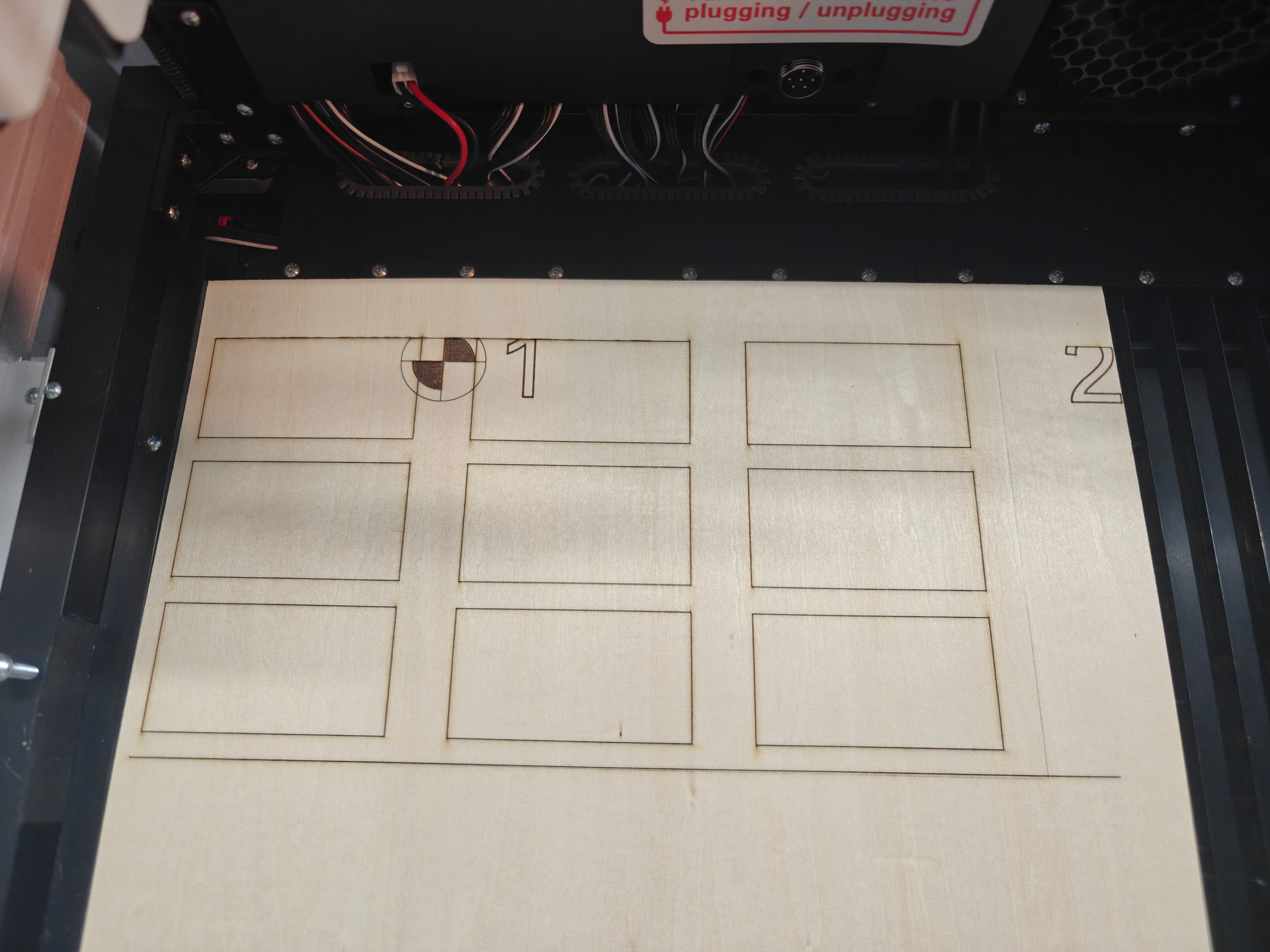
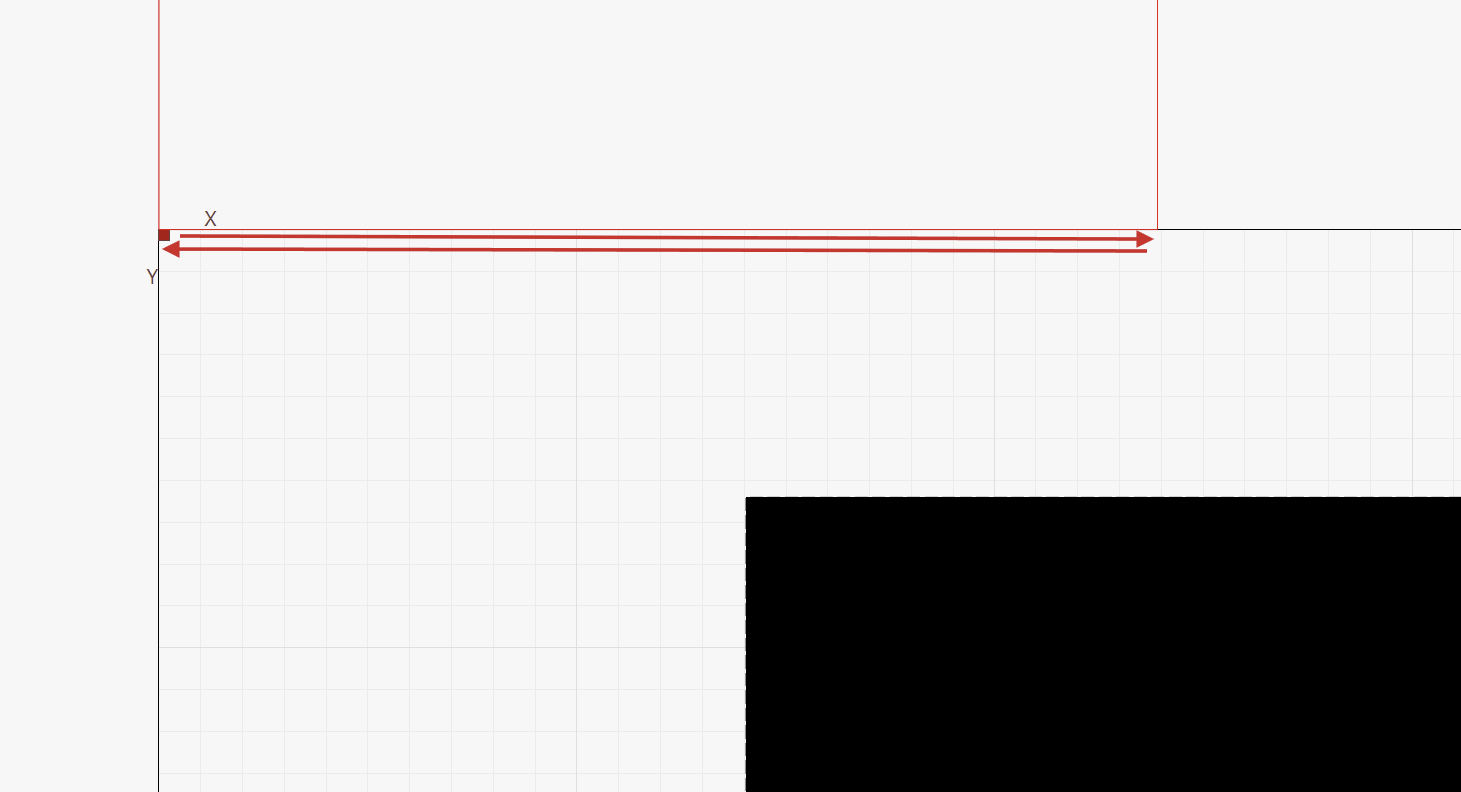
I’m working on making a jig for parts, and beyond a certain point in the job (say under Y<15mm) the laser just starts moving exclusively on the X axis. Is this a setting I need to tweak? I have the SW set to start from absolute coords.
The WeCreat firmware doesn’t exactly work according to the GRBL specs, as one would expect.
We sent them several emails with various points explaining which behavior is problematic, but didn’t hear back so far.
This was one of them, and the reason for what you are reporting:
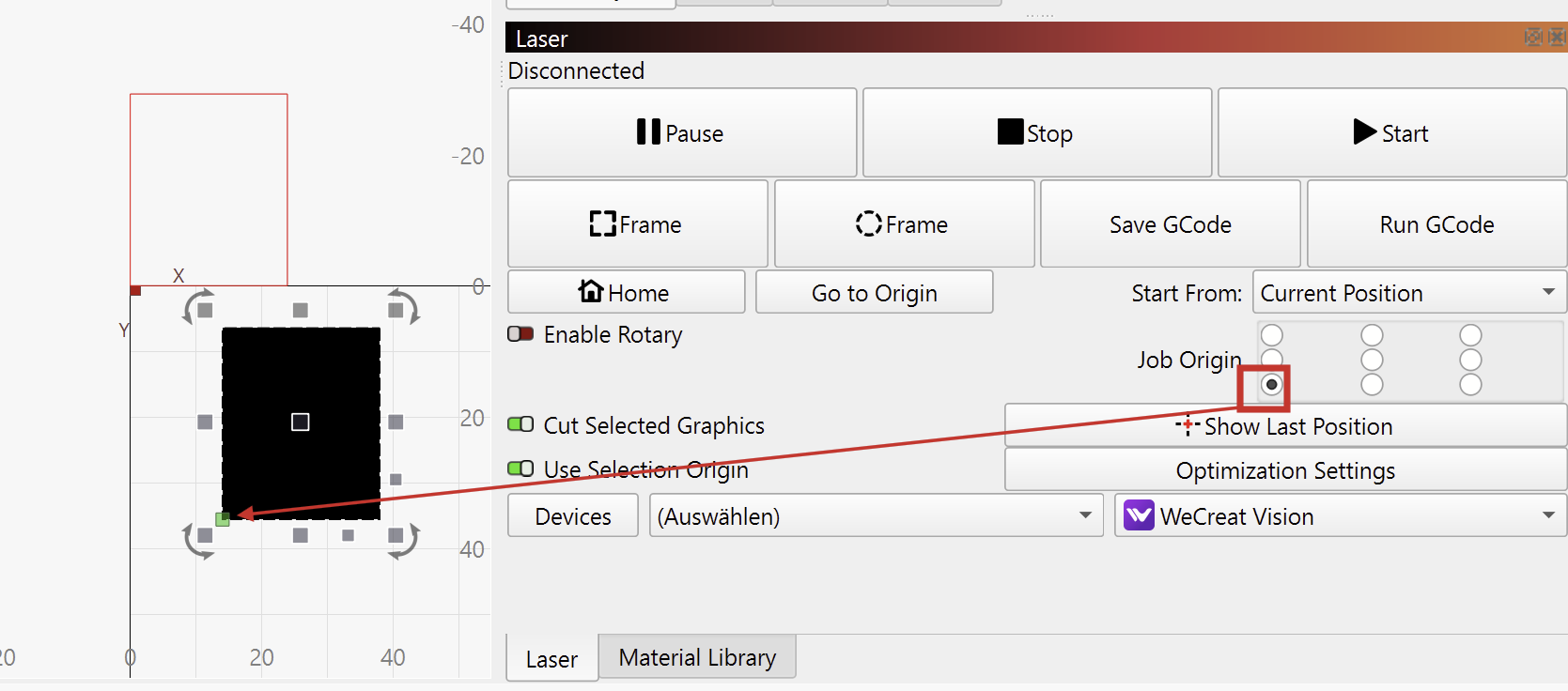
Lack of out of bounds errors: We have noticed the problem where it will try to frame or run a job when Start From is set to Current Position, and the design requested goes out of bounds, but the machine will just happily execute only the partial moves to stay in the frame it can work in… This is a problem if the frame or engraving moves are only partially executed. The user may expect the completed framing motion to represent the full design area. GRBL normally throws a “Move out of bounds error” when this happens, and it clarifies to the user that something is going wrong.
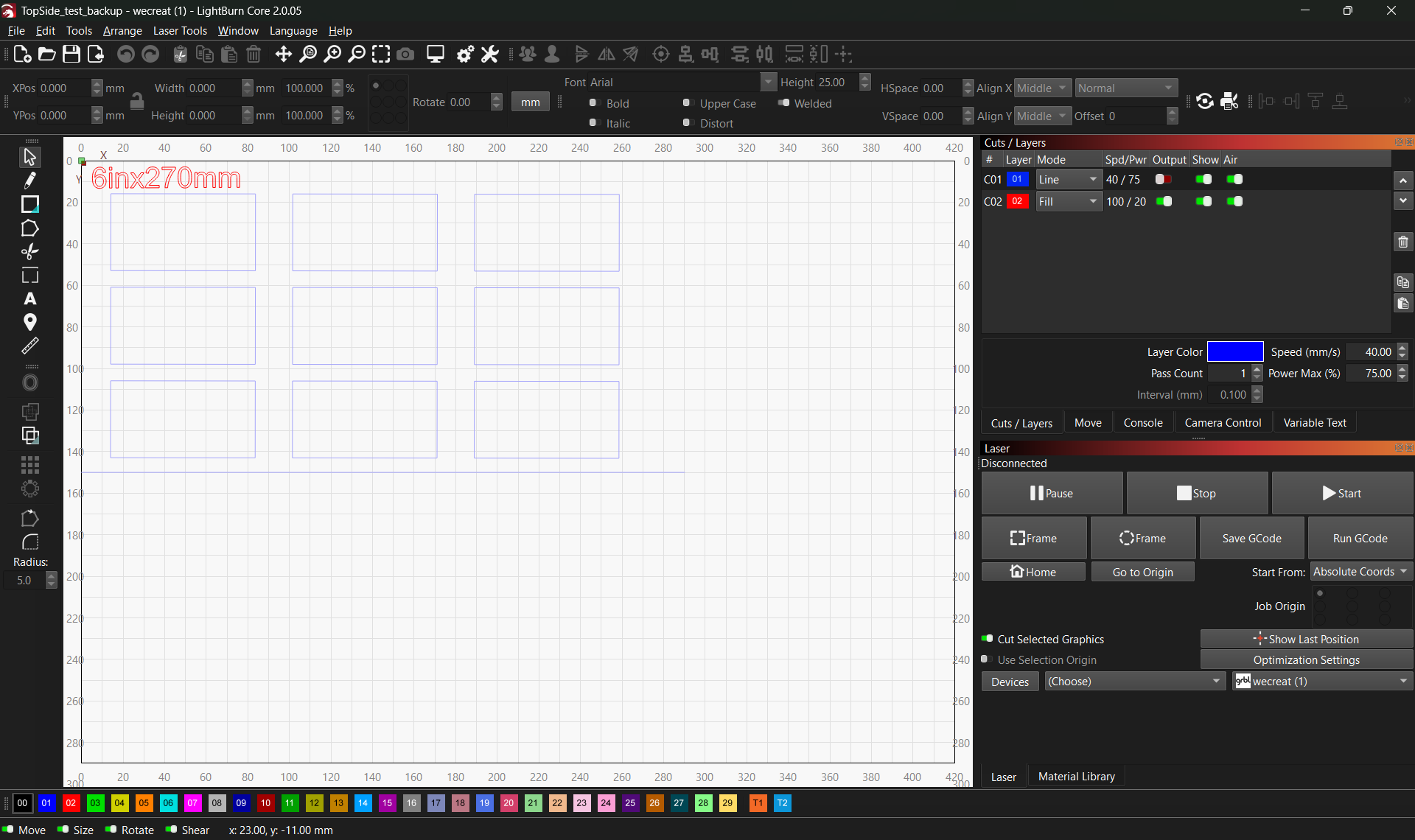
TopSide_test_backup.lbrn2 (56.0 KB)
Thank you for the support! Sure thing - Here’s a screenshot as well as the file. I was mostly saying I tried to make sure there wasn’t some strange offset in the job itself, but I’m still learning the software.
Is the best way around this to avoid that “out of bounds” area? Or is there a way to permanently configure a new origin?
Your design looks exactly like the engraving, so I probably still don’t understand what you meant by “the laser just starts moving exclusively on the X axis.”
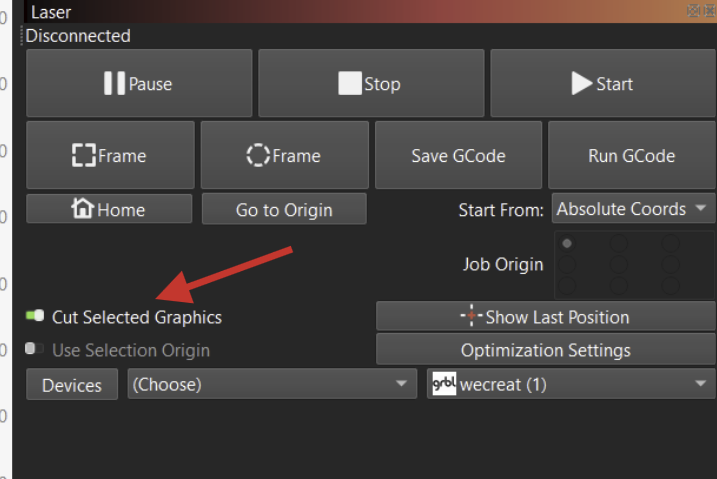
If you only selected the horizontal line and start the job, it would explain what you’ve described.
Absolutely.
It should not be an issue, if you always use “Absolute Coordinates”.
(You might want to move the blue horizontal line a few mm to the right, so that it doesn’t touch the side.)