When trying to weld there is no options for specifically what type of weld id needed and gives a very unwanted array of results. In my particular design i am trying to create a box joint with reliefs for the tool. when useing array to place the circle relief in the corners and then welding the program seems to do what it wants with each weld. This happens when selecting all or doing individual as well as useing array or placing each manually.
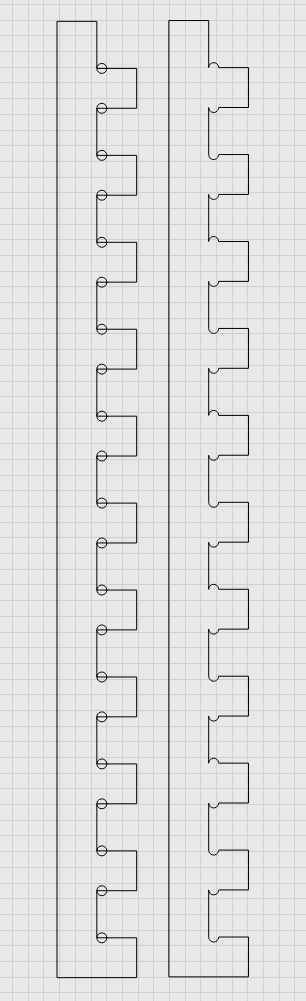
Would be nice to have options on the weld function ie: union, subtract, intersect, exclude
Can you upload that file, with the part made before Welding? I would like to play with it. I suspect it depends on the order of selection and on how the circles were created, and maybe even where you click on the circles and lines.
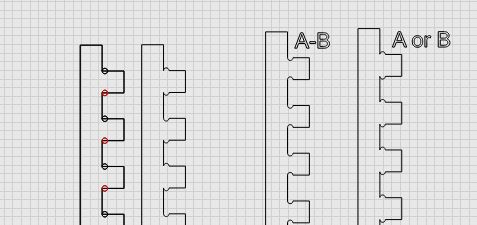
Which weld is desired, the innie or the outie in the notch?
joint.mage (23.0 KB)
innie as you put it is the desired result

Have you tried the Boolean Assistant?
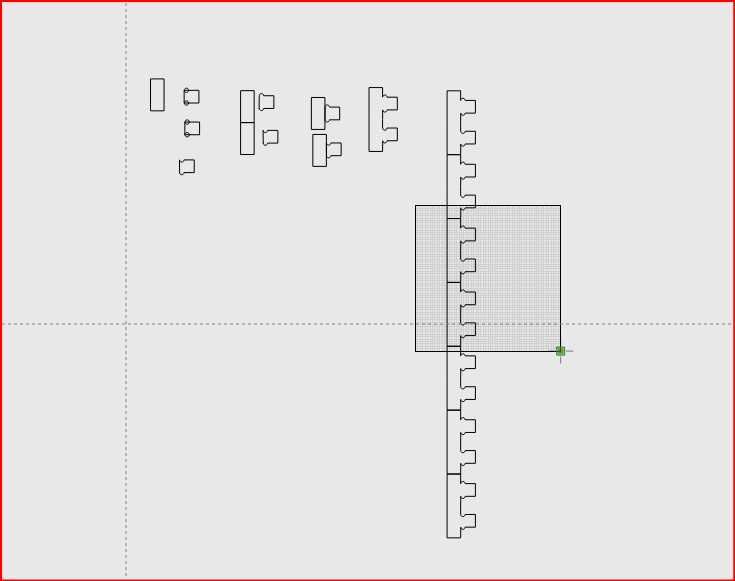
Thank you!!