Wha is going on, what is error code 48?

$$

$54=ACMER1234

$53=ACMER

$52=12345678

$51=ACMER_P3_

$0=10

$1=255

$2=0

$3=4

$4=0

$5=1

$6=1

$10=0

$11=0.010

$12=0.002

$13=0

$20=1

$21=1

$22=1

$23=7

$24=5000.000

$25=6000.000

$26=250.000

$27=1.000

$28=9000.000

$30=1000.000

$31=0.000

$32=1

$41=1

$47=0

$46=1

$44=1

$43=0

$453=10.000

$49=80

$48=1

$40=1

$42=1

$50=1

$100=80.000

$101=80.000

$102=100.000

$103=100.000

$104=100.000

$105=100.000

$110=6000.000

$111=6000.000

$112=6000.000

$113=1000.000

$114=1000.000

$115=1000.000

$120=500.000

$121=500.000

$122=500.000

$123=200.000

$124=200.000

$125=200.000

$130=390.000

$131=390.000

$132=400.000

$133=300.000

$134=300.000

$135=300.000

ok

[MSG:Using machine:MKS DLC32]

ok

[MSG:CoreXY Kinematics Init]

E (277) ledc: requested frequency and duty resolution can not be achieved, try reducing freq_hz or duty_resolution. div_param=139

Grbl 1.1h [‘$’ for help]

ok

error:48

[MSG:Local access point ACMER_P3_52237 started, 192.168.4.1]

[MSG:HTTP Started]

[MSG:TELNET Started 8080]

[MSG:‘$H’|‘$X’ to unlock]

ok

Grbl 1.1h [‘$’ for help]

ok

[MSG:‘$H’|‘$X’ to unlock]

ok

[MSG:Caution: Unlocked]

ok

ok
I don`t have no idea what is those mean..
(help..)

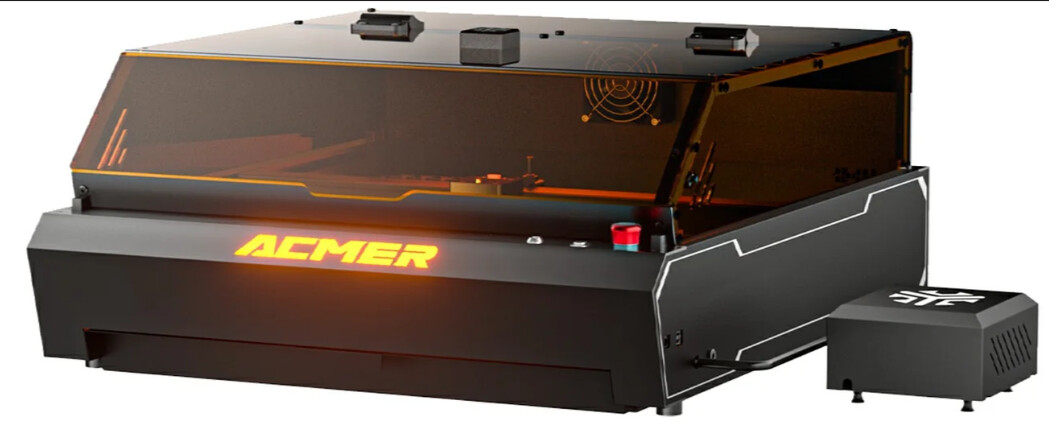
We can break down the console info into a few phases. Looks like you have an Acmer P3

The user manual for the P3 is available here: https://drive.google.com/file/d/1Z29iYXMUjIBdYMIBAmgNmXaEszf9EU0G/view

And all drivers and software downloads are here: Software - Google Drive

First, $$ reports all of the parameters saved in the EEPROM on the laser controller itself.

Then you see an ok, and the controller starts it’s boot process

Controller is a MKS DLC32

Kinematic system is CoreXY, CoreXY is a popular motion system that uses two stationary stepper motors and an intricate belt system to move the laser head in the X and Y directions, allowing for faster, more precise movements with less moving mass compared to traditional Cartesian lasers.

Now we get into an error report

E (277) ledc: requested frequency and duty resolution can not be achieved, try reducing freq_hz or duty_resolution. div_param=139

On an ESP32 this means your chosen frequency and PWM resolution are too high for the hardware to handle simultaneously. I wouldn’t expect this error on an out-of-the-box machine, but I’ve been proven wrong by some manufacturers initial settings before. Did you make any changes to the settings?

1 Like

Hi Colin Thank you for quick answer! You wrote: I wouldn’t expect this error on an out-of-the-box machine, but I’ve been proven wrong by some manufacturers initial settings before. Did you make any changes to the settings?
Well, its all my bad, I have made many changes, that I didnt be sure, what did I do.. Now, I have try to correct those changes. Obviously I have no idea what did I think of.. This is my consol view now :
$$
$54=ACMER1234

$53=ACMER

$52=12345678

$51=ACMER_P3_

$0=10

$1=25

$2=0

$3=4

$4=0

$5=1

$6=1

$10=0

$11=0.010

$12=0.002

$13=0

$20=1

$21=1

$22=1

$23=7

$24=5000.000

$25=6000.000

$26=250.000

$27=1.000

$28=9000.000

$30=1000.000

$31=0.000

$32=1

$41=1

$47=0

$46=1

$44=1

$43=0

$453=10.000

$49=80

$48=1

$40=1

$42=1

$50=1

$100=80.000

$101=80.000

$102=100.000

$103=100.000

$104=100.000

$105=100.000

$110=6000.000

$111=6000.000

$112=6000.000

$113=1000.000

$114=1000.000

$115=1000.000

$120=500.000

$121=500.000

$122=500.000

$123=200.000

$124=200.000

$125=200.000

$130=390.000

$131=390.000

$132=400.000

$133=300.000

$134=300.000

$135=300.000

ok

ok
Is it coeerct, don`t know..

In that case, I would opt to load a fresh firmware from Acmer

They have it hosted in Google drive here, along with instructions.

This will reset the settings to default.

1 Like