what is the reason for the Alarm 2
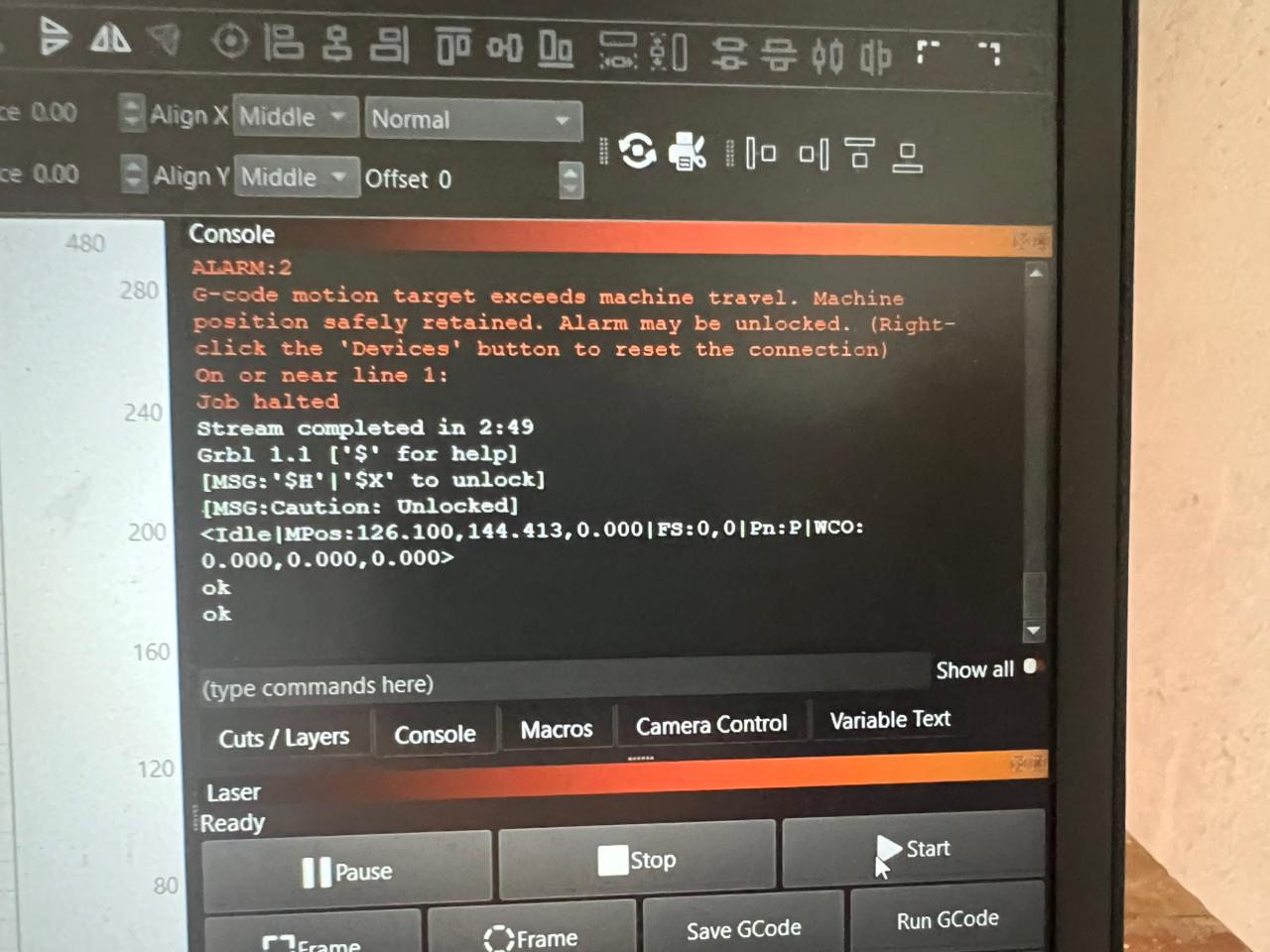
error..can you give the solution for that
Defective limit switch or switch not being mechanically activated
I used twothree ts2 10w lacer cutting machine..how to activated it
Mechanically activated means that the x and y axis is physically hitting the limit switches
I think my lacer machine have not the limit switch
If it doesnt have limit switches then you cant home it , Just put the laser head on the bottom left corner of the machine before you connect to lightburn. If you have your device set to auto home you will get this error. Turn off auto home
I already turn off the auto home position..I can imaging the error
I can’t imaging the error
Actually, this has nothing to do with the limit switches. It is a virtual border that is set in your firmware. Your laser tracks its position all the time (it is set to 0,0 at boot time and can be set to 0,0 via commands or a homing cycle). If you activated soft limits ($20), then the laser will check if a command will send it past the limits that have been set in $130 and $131 (max travel distance). So if the firmware is set to 400x400 mm in size, the error will appear if you try to send the laser to any bigger value (which you did).
So, either make sure that the objects are small enough or make sure that the current position of the laser is valid in the coordinate system.
When I give the cutting and engraving jobs in the same workpiece… but actually it does not complete the wool jobs… as the example frame is not cut.and indicate the above errror
Yes. Then you messed up the coordinates. Simple as that. Make sure that positioning is correct.
If you are sure that there is enough room for the laser, just turn soft limits off. Send ‘$20=0’ via console. Then this error will not appear again 
Thanks..I will do
This topic was automatically closed 30 days after the last reply. New replies are no longer allowed.