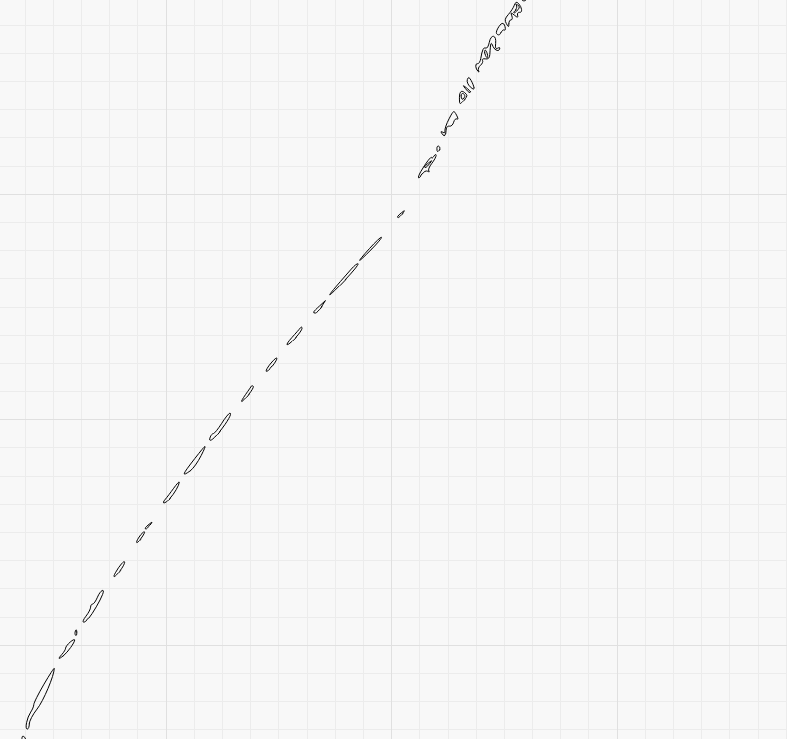
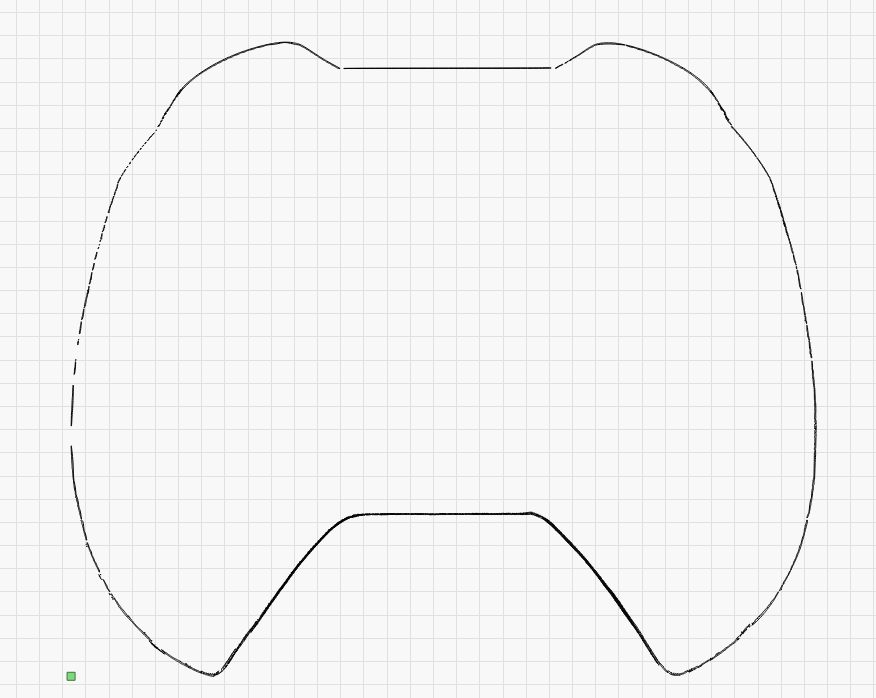
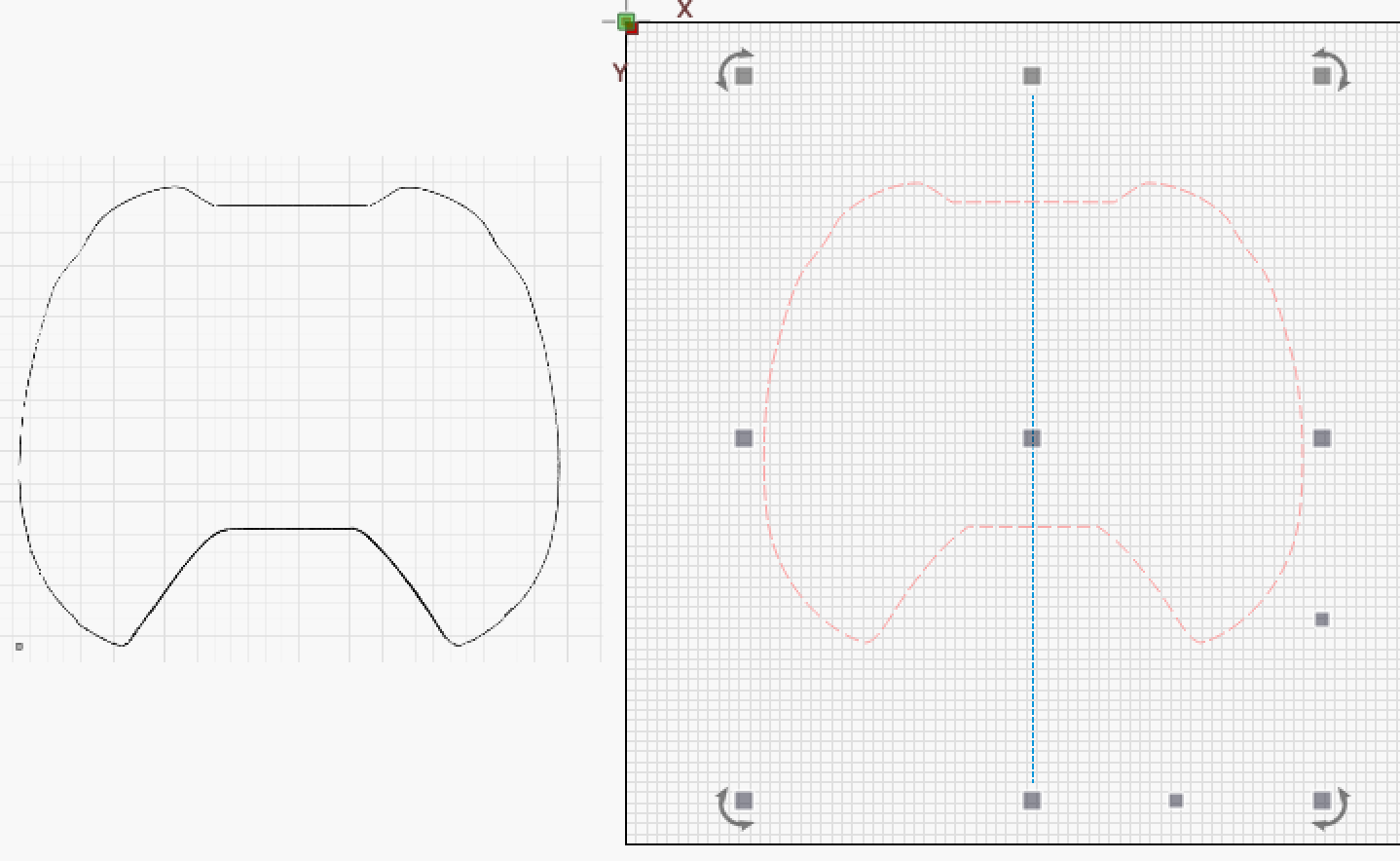
Wanting to cut this out to form/shape. Not certain how to make the cut layer.
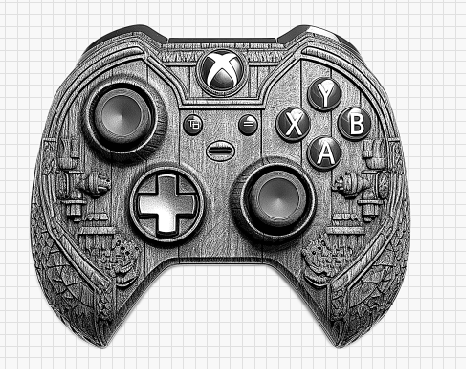
Much thanks
Wanting to cut this out to form/shape. Not certain how to make the cut layer.
Much thanks
LightBurn unfortunately lacks “centerline tracing” (you can vote for this suggestion).
But when the element is so simple and even symmetrical, it is not difficult to draw that shape after (the half part) and use LightBurn’s node tools to adapt the shape.
CL-Test.lbrn2 (94.6 KB)
Much thanks for the reply. However, I do not follow you on how to achieve the outline.
Chat.GPT /prompt: dumb it down for a 49year old 
Another option:
The hope being that the adjusted image is much easier to trace and goes around the entire silhouetted shape.
Yeah, I just zoomed in very tight and used the pencil to outline it.

64 year old breaks it down for a 49 year old…
Ok, I made a little video for better understanding.
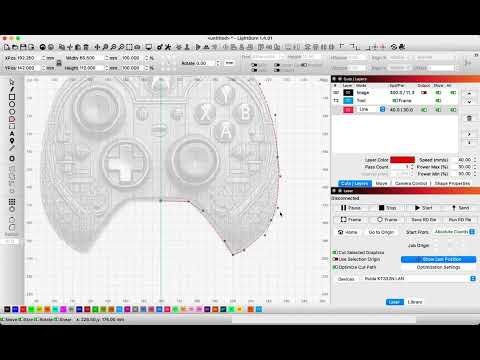
Much thanks for taking your time to make that video sir!
This topic was automatically closed 30 days after the last reply. New replies are no longer allowed.