I don’t have one actually. I think the one from that screenshot belongs to our LightBurn docs lead, @JackieG. 
@Bigmullo The port selection Tyler posted won’t be available if your galvo is in fact using a BSL controller.
Some Monport Gpro machines were using an EZCad (JCZFiber) controller where the port selection is important. Since you received the BSLApp on the thumb drive, that indicates that it’s in fact a BSL.
You can see the device type with the ifon in the Device Manager here:
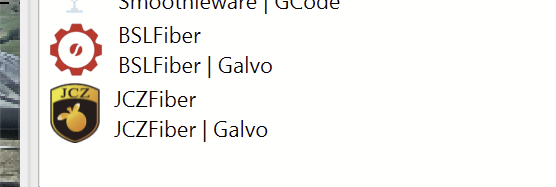
Since BSL controllers don’t use a COM port as such, it’s possible that you need to re-plug the USB cable when switching between devices, or even restart the laser. During the tests, make sure you only have one instance of LightBurn open, just to be sure.
G’day,
I’ve been problem solving this framing or lack there of problem, for ages. And I’m not even sure how or what it fixed.
I did turn the laser on and off. Closed lightburn and reopened it. But. . i have done this before. Nonetheless it now works, for the first time.
So, thank you for your time, support and expertise.
JTR, you legend.
I’m not 100 percent sure… but I suspect the non-framing issue we have been working on for a long time, may have been the old ‘red dot always on’ configuration.
I don’t understand it, i’m not a tech guy but… all i know now when i press the frame button my sweet lazer does a beautiful frame. And it’s zeroed.
So thank you for your persistence and tech support. It’s been greatly appreciated.
BM
Turning off “Red Dot Always On” was @Aaron.F’s suggestion, so all credit goes to him. 
@JTR was right - the iCube was mine.
It was a nice little machine for portability, and I took it to local maker events and robot battles sometimes. But I mostly had it for documentation purposes. When it came to actual cutting, given the choice between a 90W CO2 and a 10W diode… the choice was pretty easy.
Copy that!