… allow the bypassing of the mandatory job setup window. In other words, the app shouldn’t immediately close if you cancel that window. There are plenty of reasons to load Millmage without being forced to immediately setup a job. Is this possible already and I’ve simply been unable to figure it out?
If you’re not starting a new from scratch or opening an existing file, what would you be doing?
There is no way to use MillMage without defining a workspace/stock size - but you can absolutely just click through the initial wizard to end up at a blank page and deal with the settings later, if required.
Where LightBurn is tied to the bed area of your machine, MillMage is constrained by your raw material size, so it needs to be input at the beginning. You can make a template and open that, in lieu of going through the setup wizard - just go to ‘File > Save As Template’
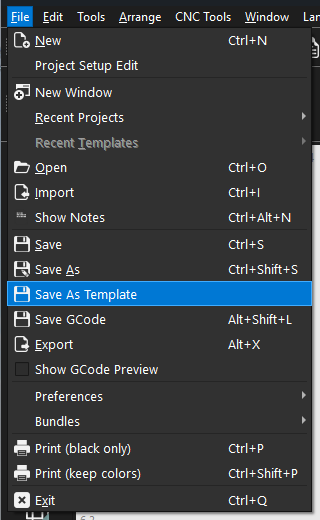
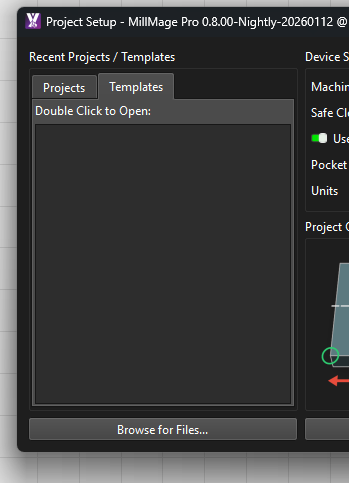
Then that template will be in the Templates tab in Project Setup
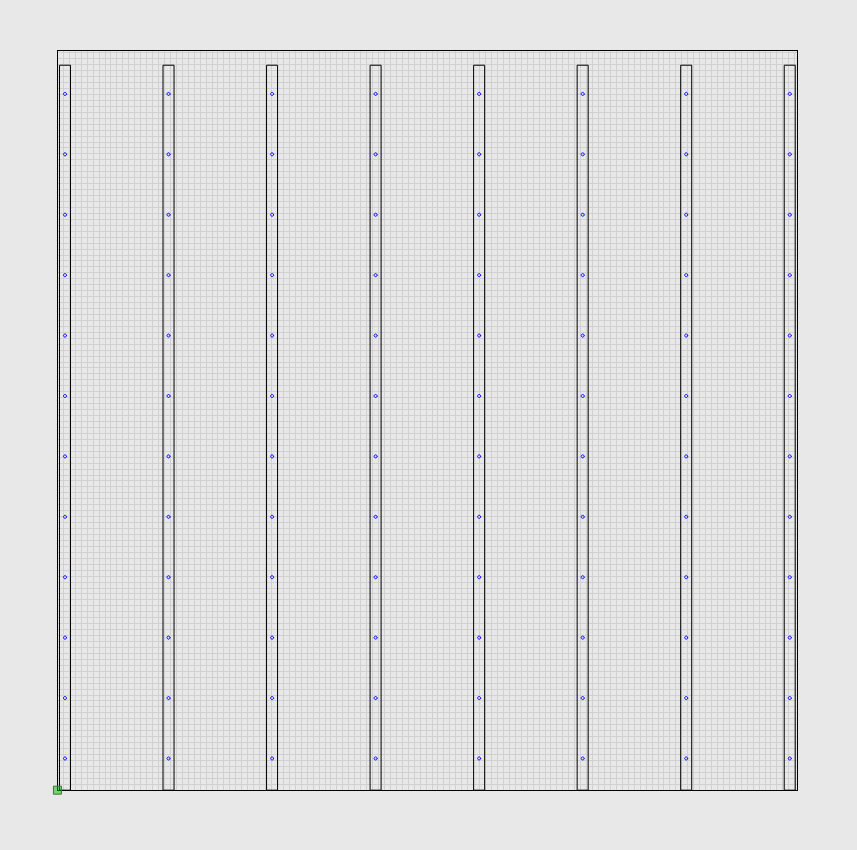
I have a template for the bed of my Altmill, for example:
1 Like
So I just keep clicking “next” to eventually get rid of the wizard as I’m doing now? OK… but there is cause for me to bypass it so that I might do some control testing with the machine. There is a “project setup” menu option, of course, but I thought it shouldn’t be forced at the start and, at the very least, it wouldn’t shut down the app if you cancelled it. But that being the case, I’ll just madly click through it so I can move on. 
If you just want to jog the machine around for setup, you can use Candle (free).
Or you can just create a MillMage dummy project and call it “Setup”. In that case, the workpiece might be your CNC table size so you get full travel.
At the bottom of the wizard there is a button that says “use advanced setup” or something similar. It opens a nice single window project setup where you can load a template if you like.
2 Likes
in rc 12 and 13 my templates dont reload ? , i have them saved in my drobox could this be the issue? should i save them to hard drive on computer instead, have had same issue with recent files in rc 12 and 13
Yes, that can be the issue. It is HIGHLY recommended you not use any sort of cloud storage except for backup copies of your files. Always load and save to the local drive. Some people have luck using a NAS box, but I use mine strictly for backup copies.
1 Like