Good afternoon all
After all the valient efforts made by members on my last request for help (s9 Limit Switches) I have another problem where Lightburn is not working but LaserGRBL is.
Attached are some photo’s.
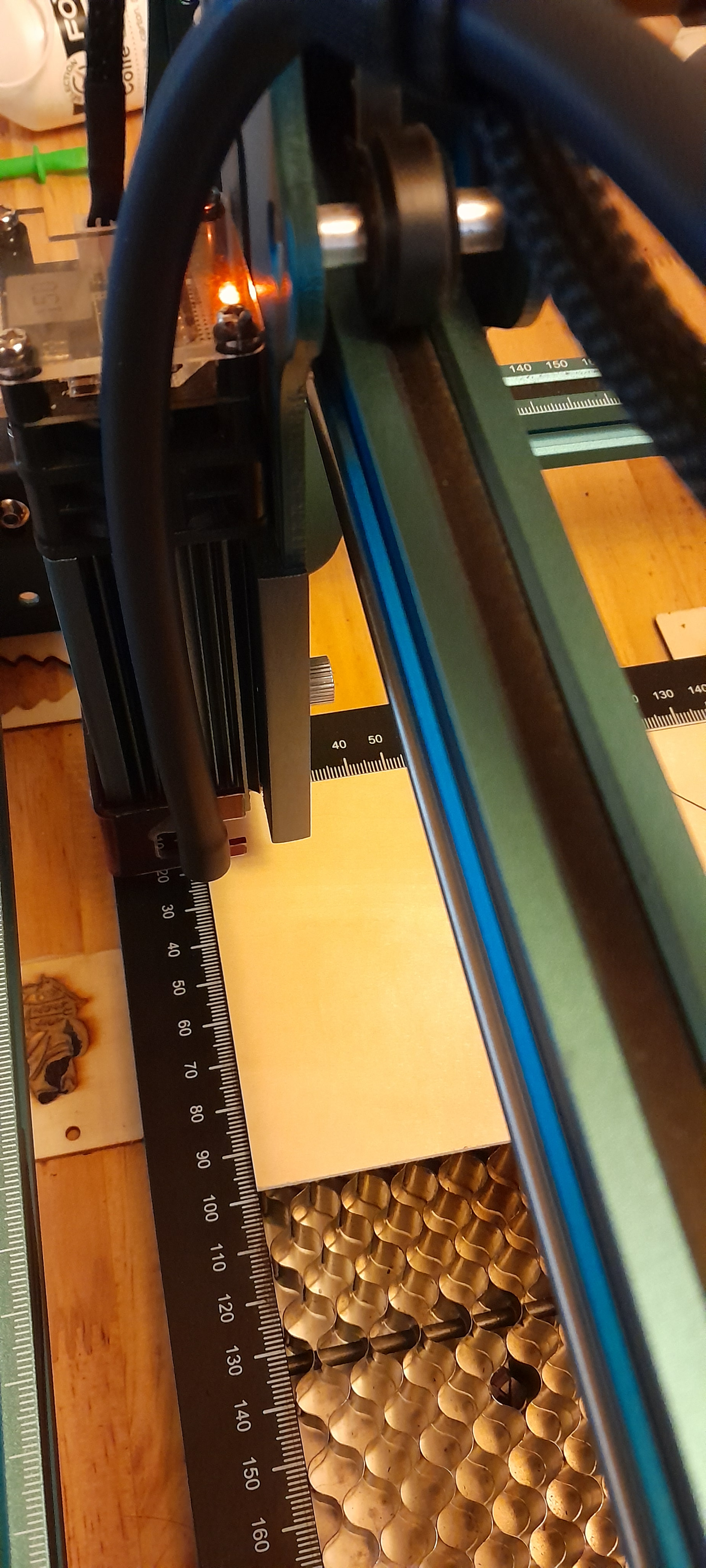
The first shows that my test workpiece is located on the cutting board at X0,Y0. This confirmed by LaserGRBL that, with the head switched on at 10% power and moved vertically or horizontally, the head moved sharp against the edge of the cutting board guide (I even have a video of this confirming the alignment).
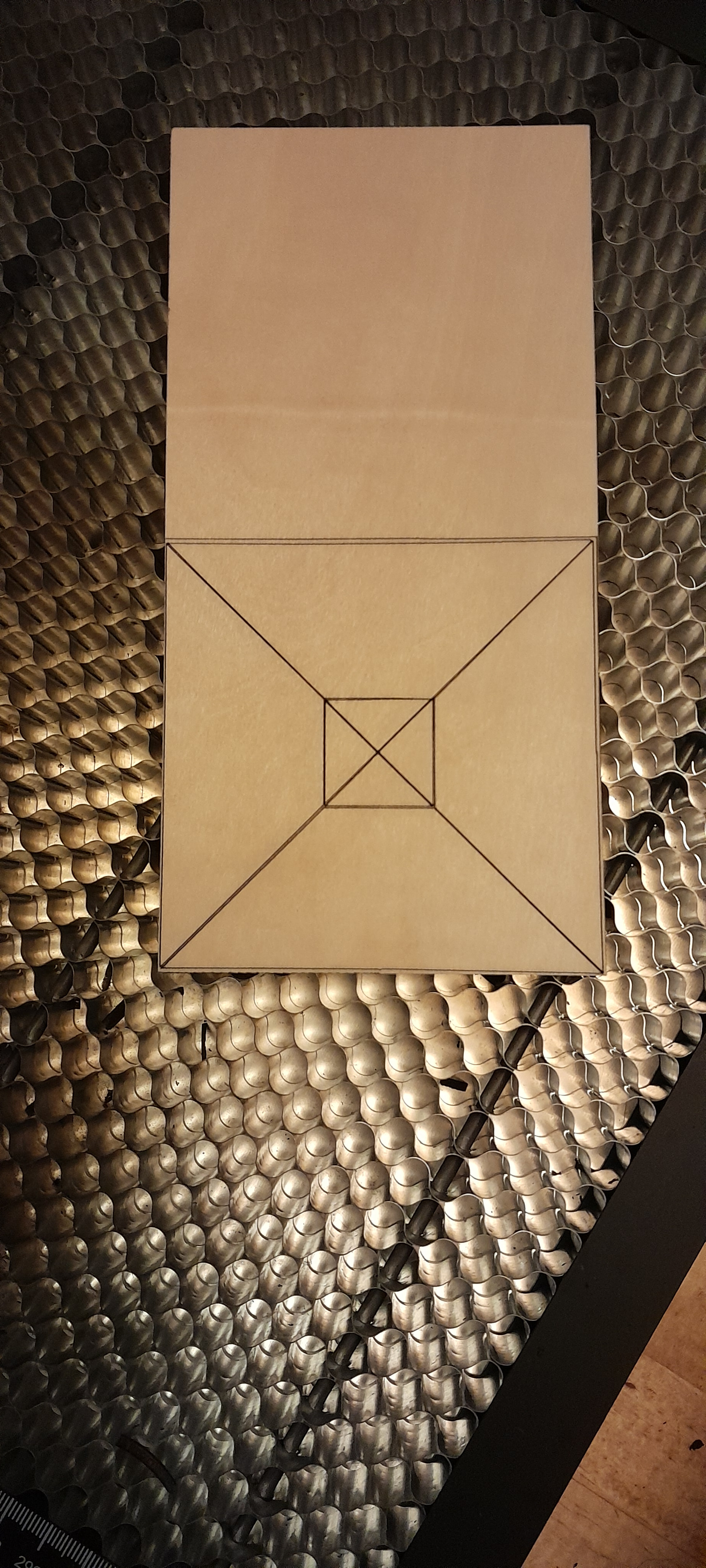
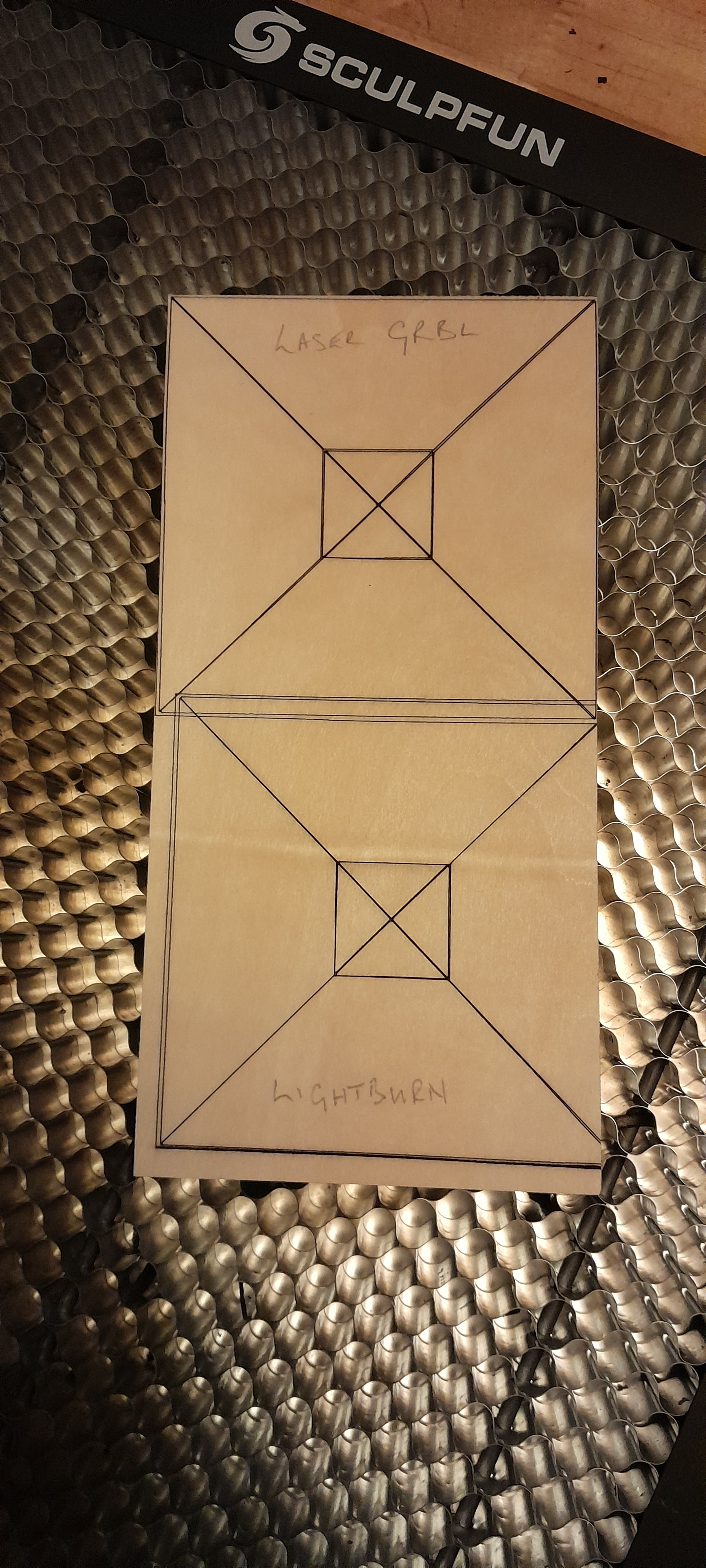
Using a test image of a 100x100 box, a X through the centre and a central 20x20 box placed at X0,Y0, with no indent, LaserGRBL marks the test piece accurately (image 2) whilst Lightburn offsets the burn by 5mm x 5mm (image 3) even though the workpiece is placed exactly the same as when LaserGRBL carried out the same task.
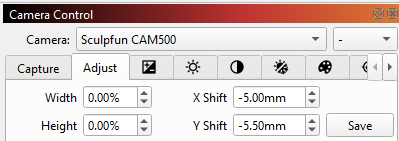
As LaserGRBL is apparently working correctly, I can only assume that something is happening in Lightburn to make the head move 5mm up and across before it starts the task.
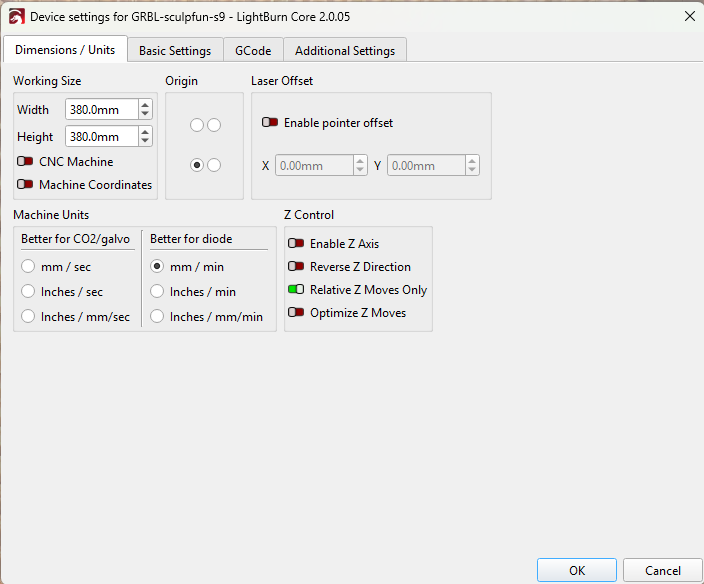
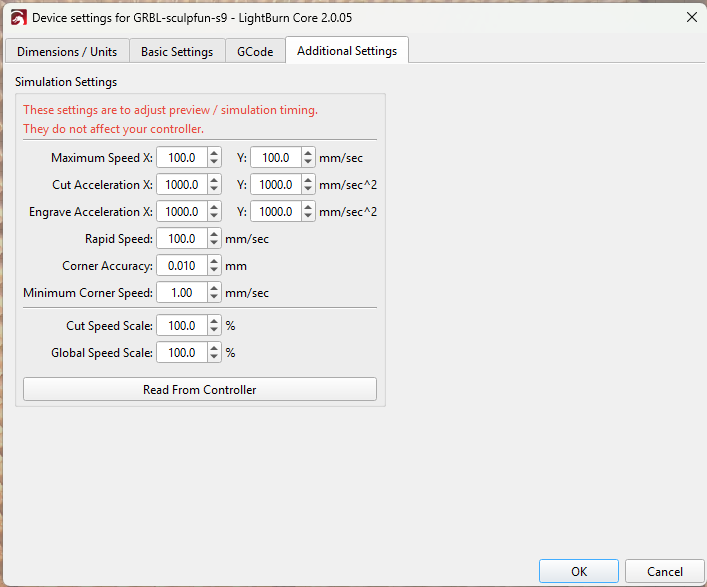
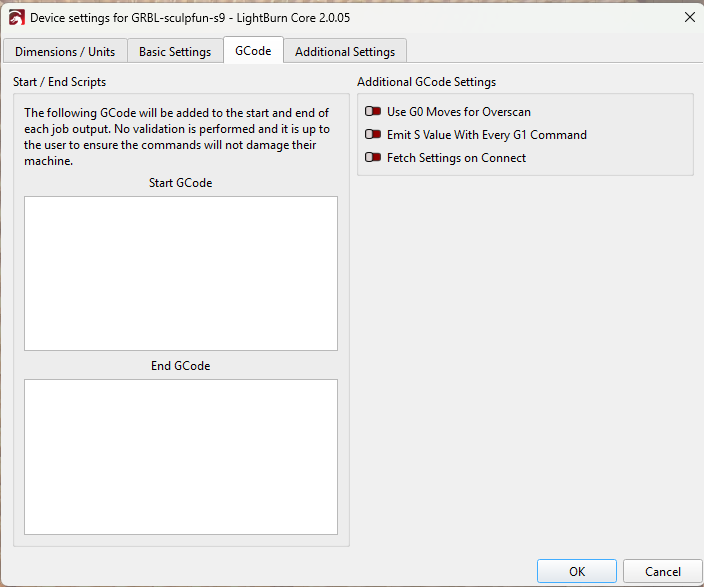
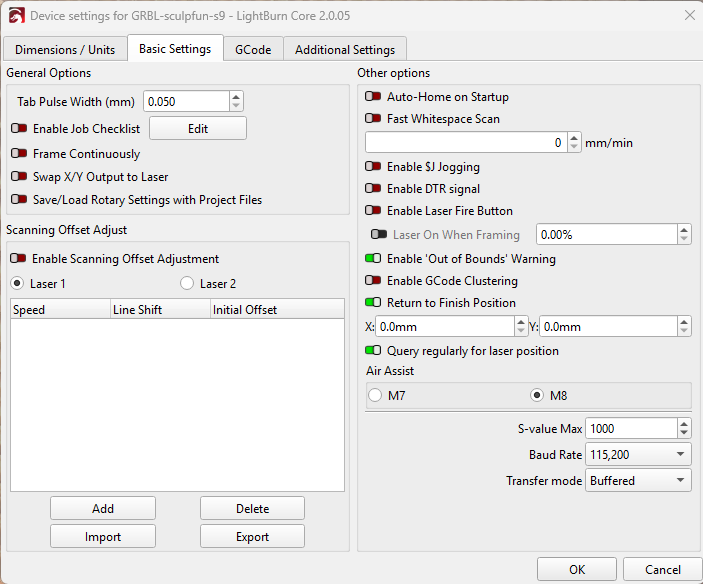
I’ve gone through the settings and cannot see an indent marked up in Lightburn as a default so if anyone has any ideas they would be much appreciated.
Thanks in advance
Bob
 )
)