I can’t Group, Ungroup, or Break Apart…they are all grayed out!
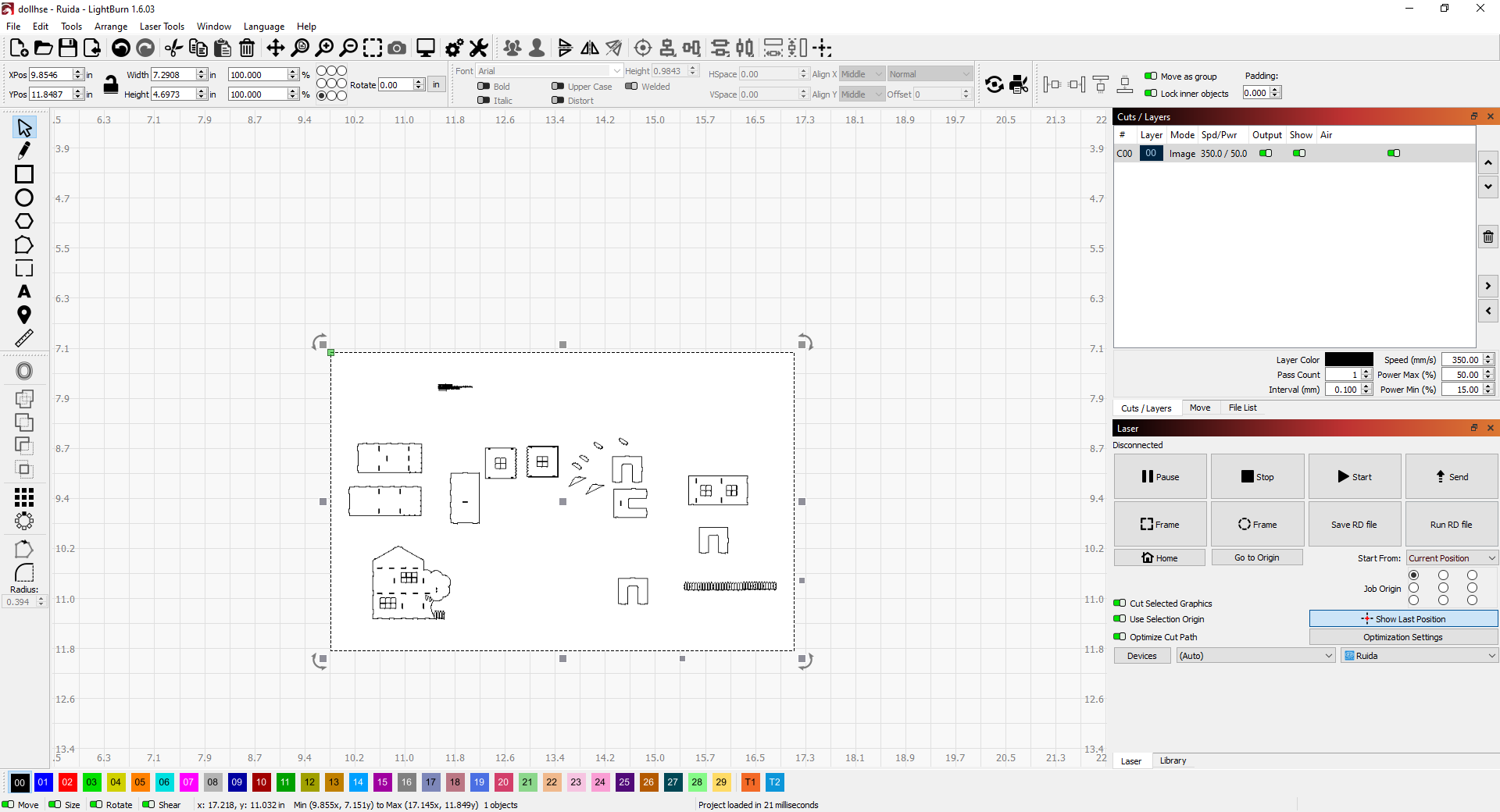
That looks like it’s a raster rather than a vector image. You’ll need a vector image if you want to ungroup/break apart etc.
1 Like
Oh my, can I somehow convert a raster image to a vector image?
The short answer is yes (the longer answer is it depends!). There’s a function in LB called ‘Trace’ which will trace around the various parts of your image producing a vector version. There are basically two type of trace: centreline and outline. Unfortunately LB doesn’t do centreline tracing and that’s what you need for this type of ‘line art’ image. Other applications such as CorelDRAW etc can do centreline but it can still be a bit hit and miss especially if you need the parts to fit together. The best I can suggest is to find a source of a vector version of your design or trace it manually using the native vector drawing tools in LB
3 Likes
Damn, think I was trying to break apart an image! Whatever, I got it. Thanks.
1 Like