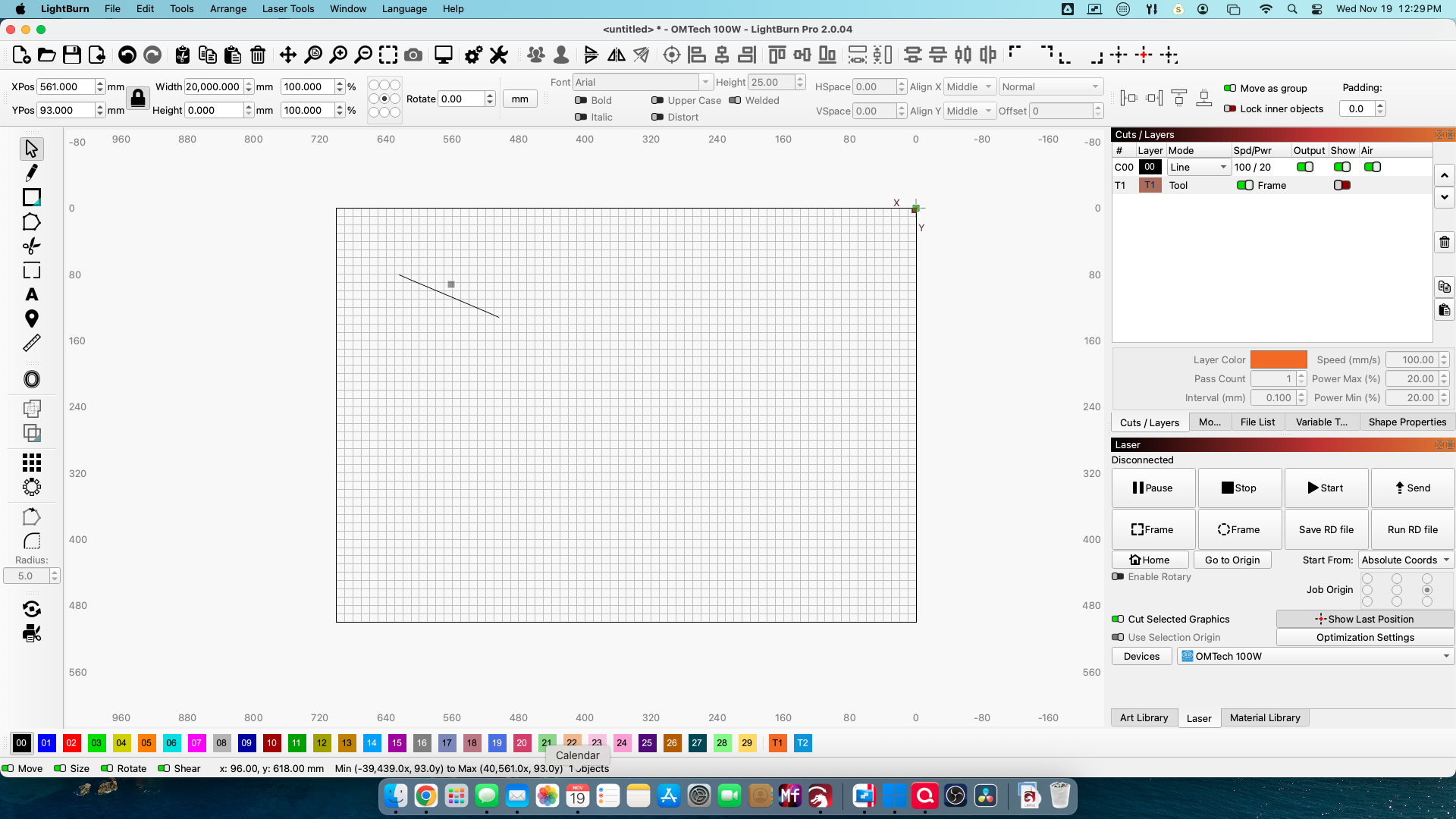
Why is my image 20,000mm wide?

I have two LBs running, one is on the desktop and the other one is a laptop in the garage hooked up to the laser (50W Fiber). Both are running v 2.0.04.

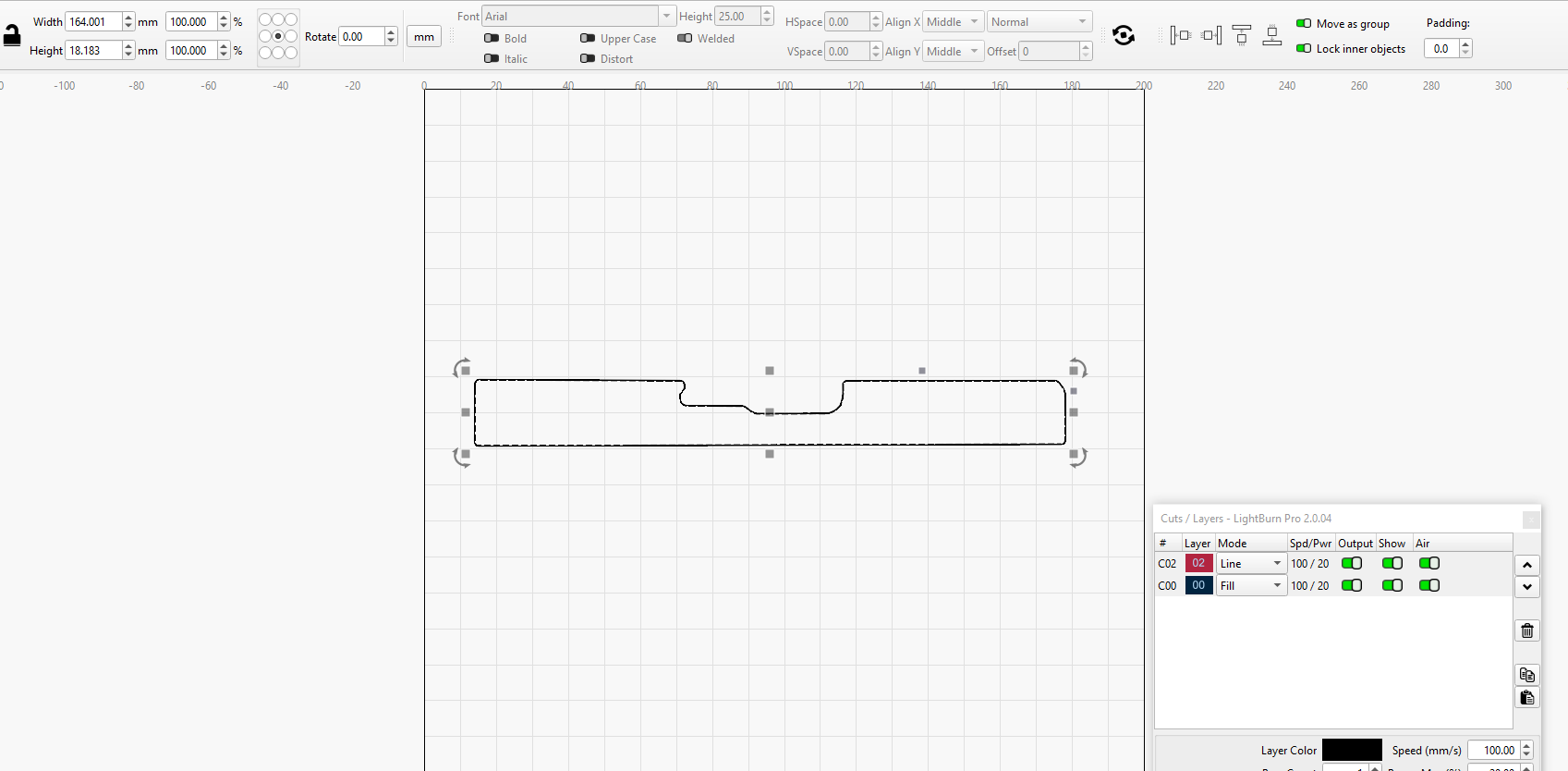
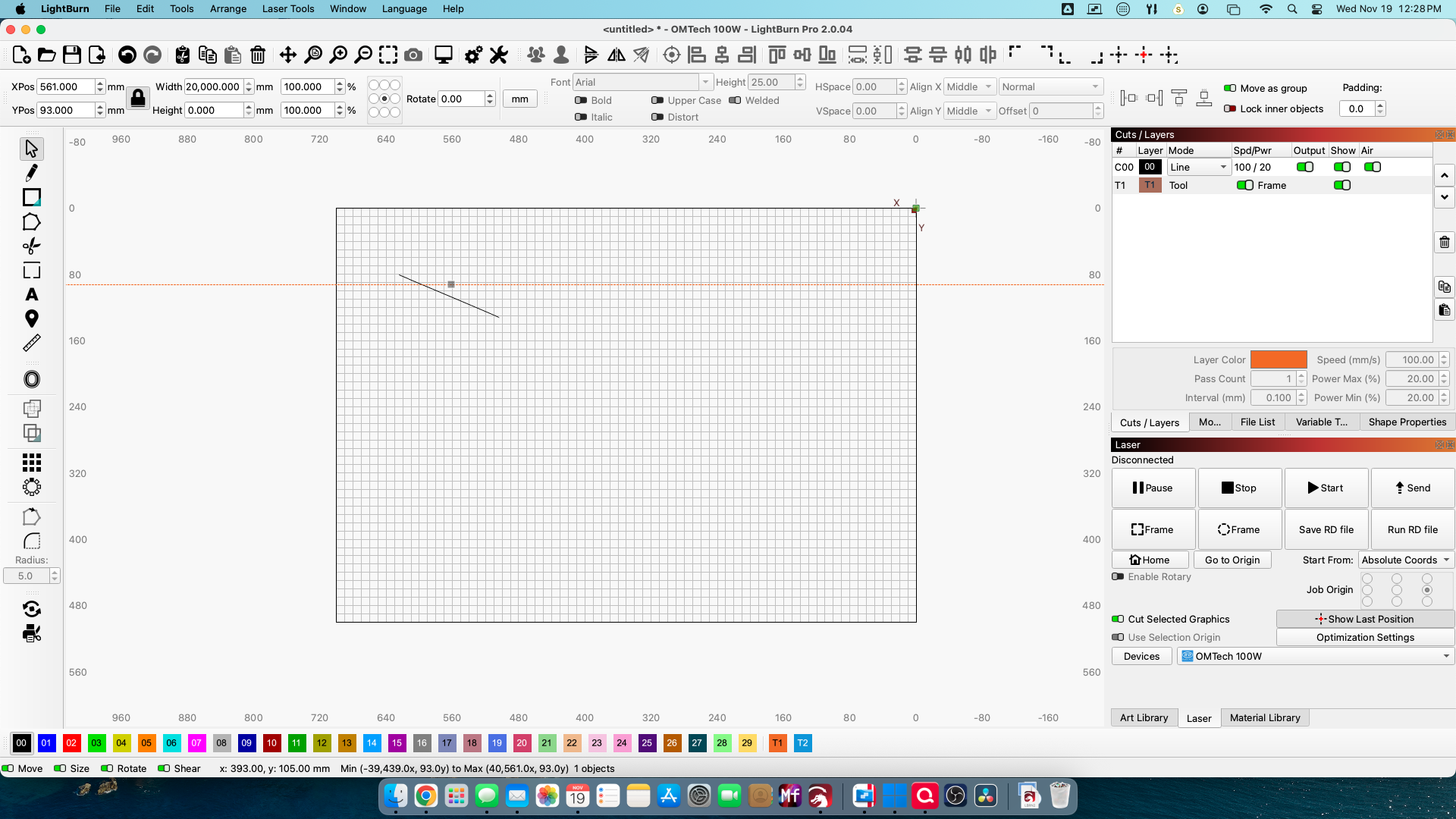
I created an outline on the desktop that is sized correctly. When I load that same file into the laptop, the outline is correct but there is this other background(?) that is 20,000mm wide.! tried a second image, and it did the same thing.

I can’t use the laptop for designing because it’s cheap and the touch pad is crappy.

Any ideas? Thanks.

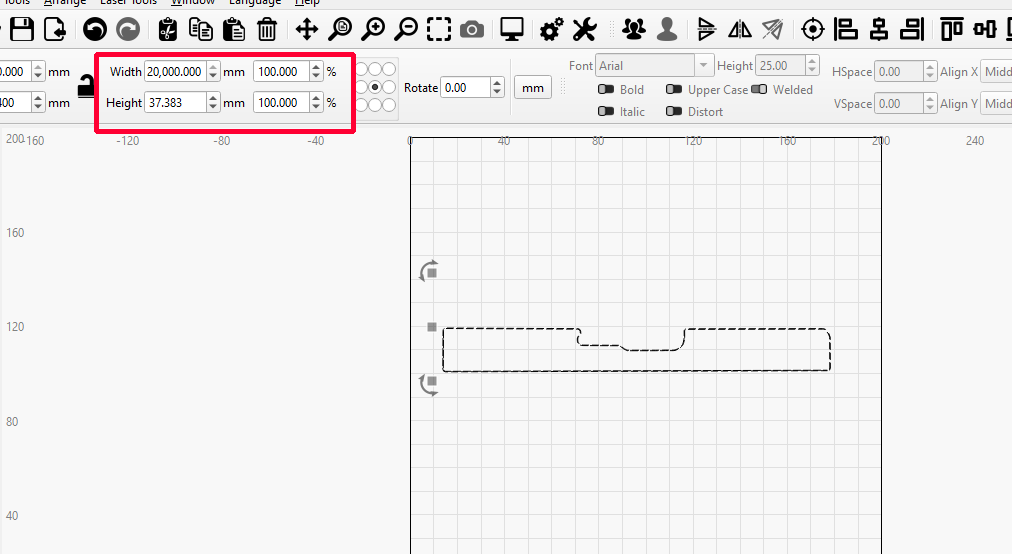
20,000mm is the length of a guide line. You don’t show your entire screen on the laptop. Make sure there are no hidden guide lines. They will still select,even if turned off.
3 Likes

Thanks, didn’t know that. I’ll see if I can find the guidelines instructions. I know I used them but how they got that big is beyond me.

That’s how they’re designed. Nothing you can do about the size.

How did it get there in the first place? Why is it 20,000mm wide? The file doesn’t include it. This is confusing.

More importantly, how do I get rid of it?

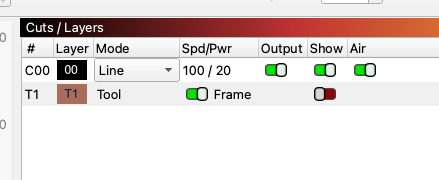
Do you have T1 tool layer in the cuts/layers window?

Ok, mentioning the tool layer rang a bell and I checked and it was there. I deleted the tool layer, and it went away. Another lesson learned.

Thanks, again.

1 Like

LightBurn should maybe change it to 2000 mm, there aren’t many machines that are over 2 meters at the moment.

1 Like