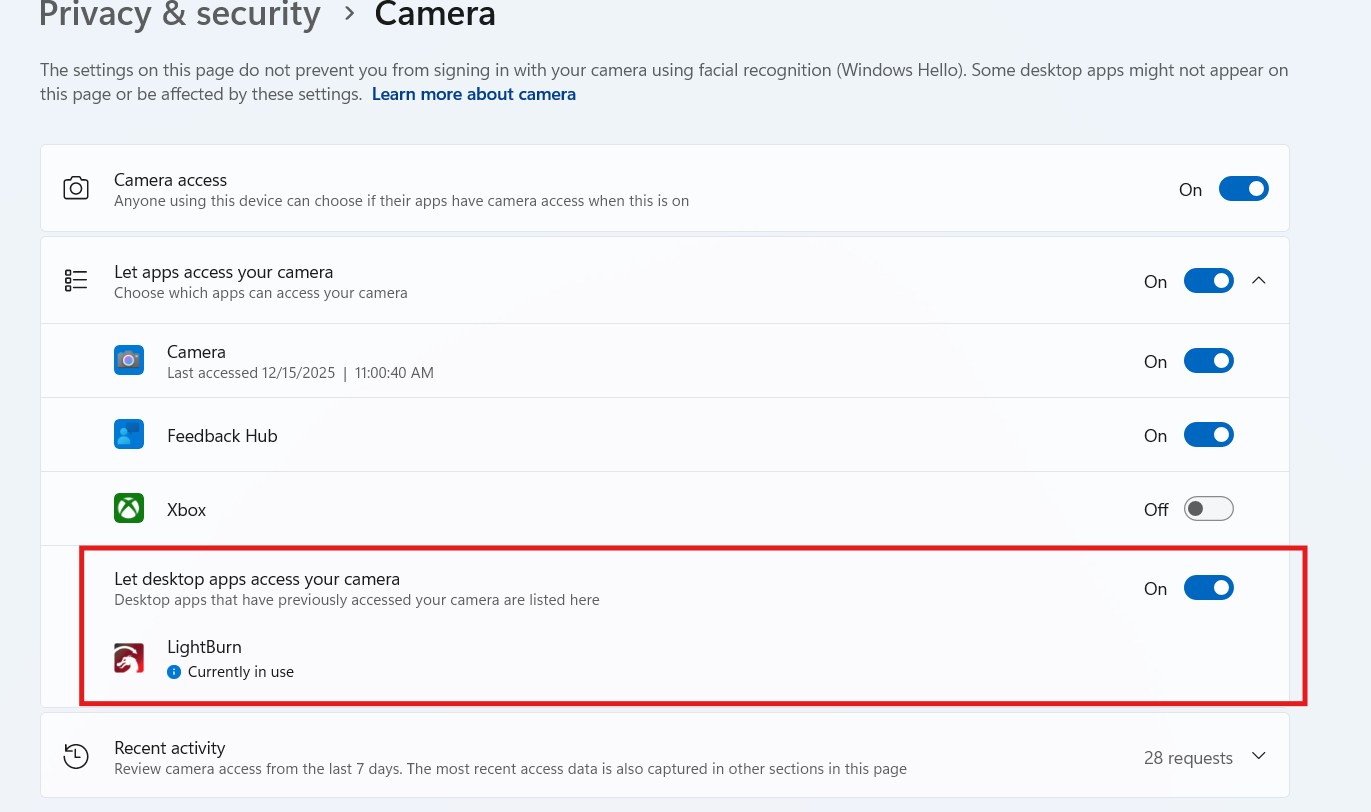
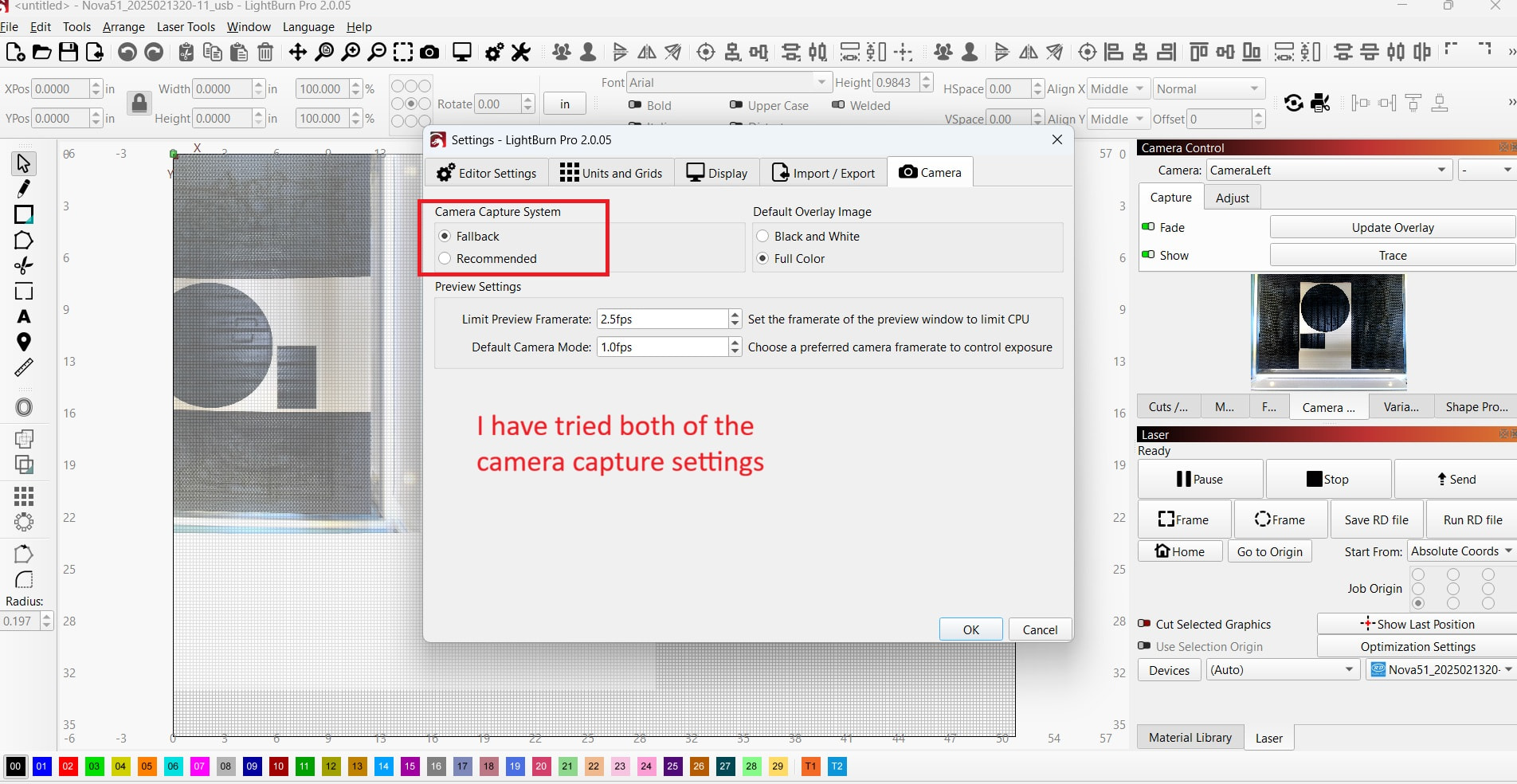
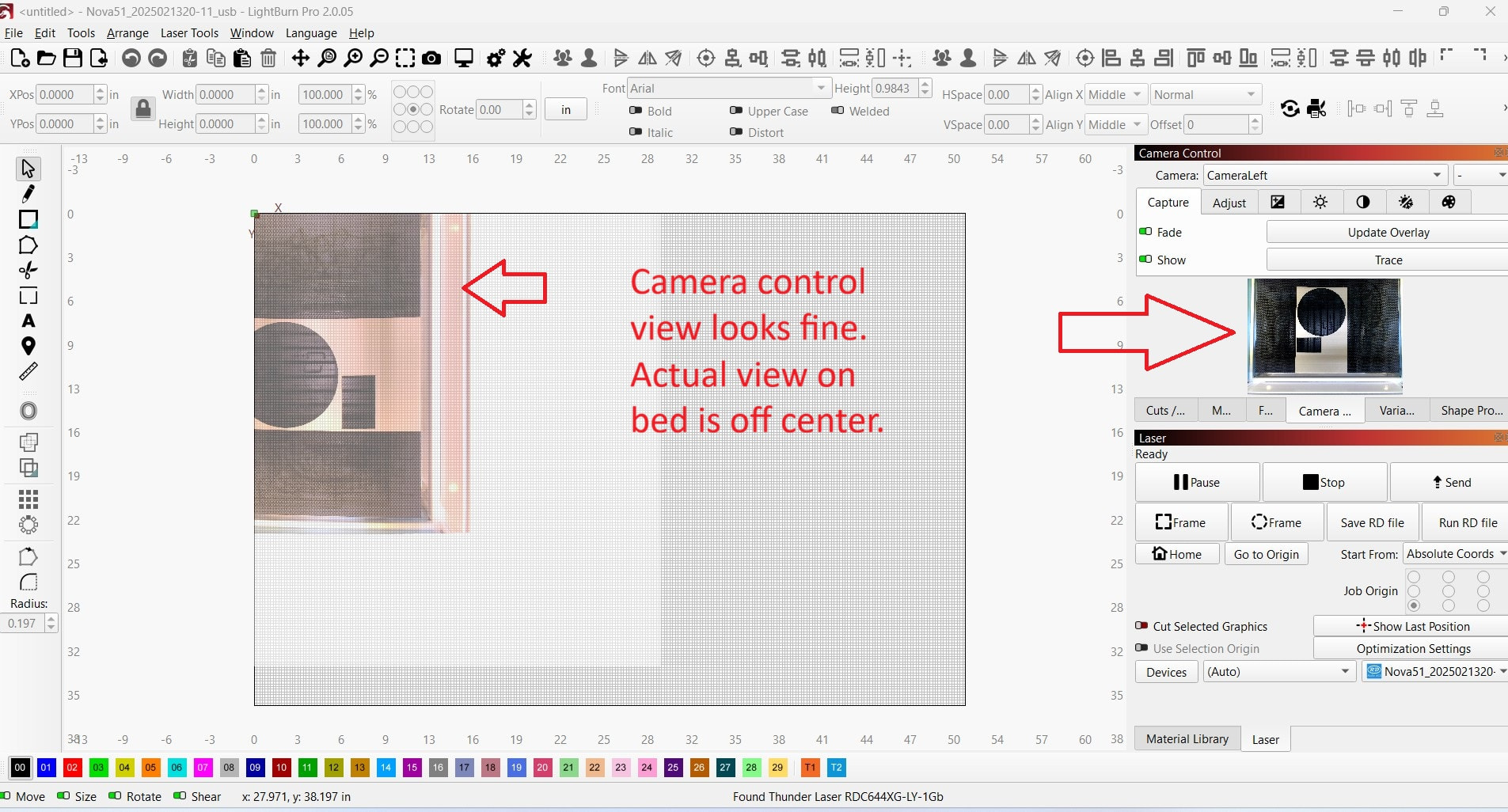
Hello, I am a decent novice user of Lightburn and need help. Amazing software BTW. I got a new laptop. Old laptop Win 10/ New laptop Win 11. Not sure of that is even relevant. Latest Lightburn. 2.0.05. I have a Thunder laser with built in camera that works fine with the old PC. I copied the Lightburn camera settings from old PC to new. The camera looks OK in the Camera Control window, but is rotated and extremely off center in the view of the workspace. I have compared the device settings and cannot see a difference between PC’s. Pics to explain. I have looked at similar posts and no luck. Any ideas?
1 Like
Issue solved! Thanks to help from Lightburn’s tech support, I simply ran the camera alignment procedures. Yes, that is common sense. I was stuck on the fact that transferring camera settings from one PC to another didn’t work in this case.
This topic was automatically closed 30 days after the last reply. New replies are no longer allowed.