With the latest version out 2.0.03, I cannot change the layout, so I can see my color palette at the bottom, and I do not have the x to be able to close lightburn window, any help would be greatly appreciated Tia
Hi Bob,
Could you attach a screenshot so we can see what you’re seeing? https://www.take-a-screenshot.org/
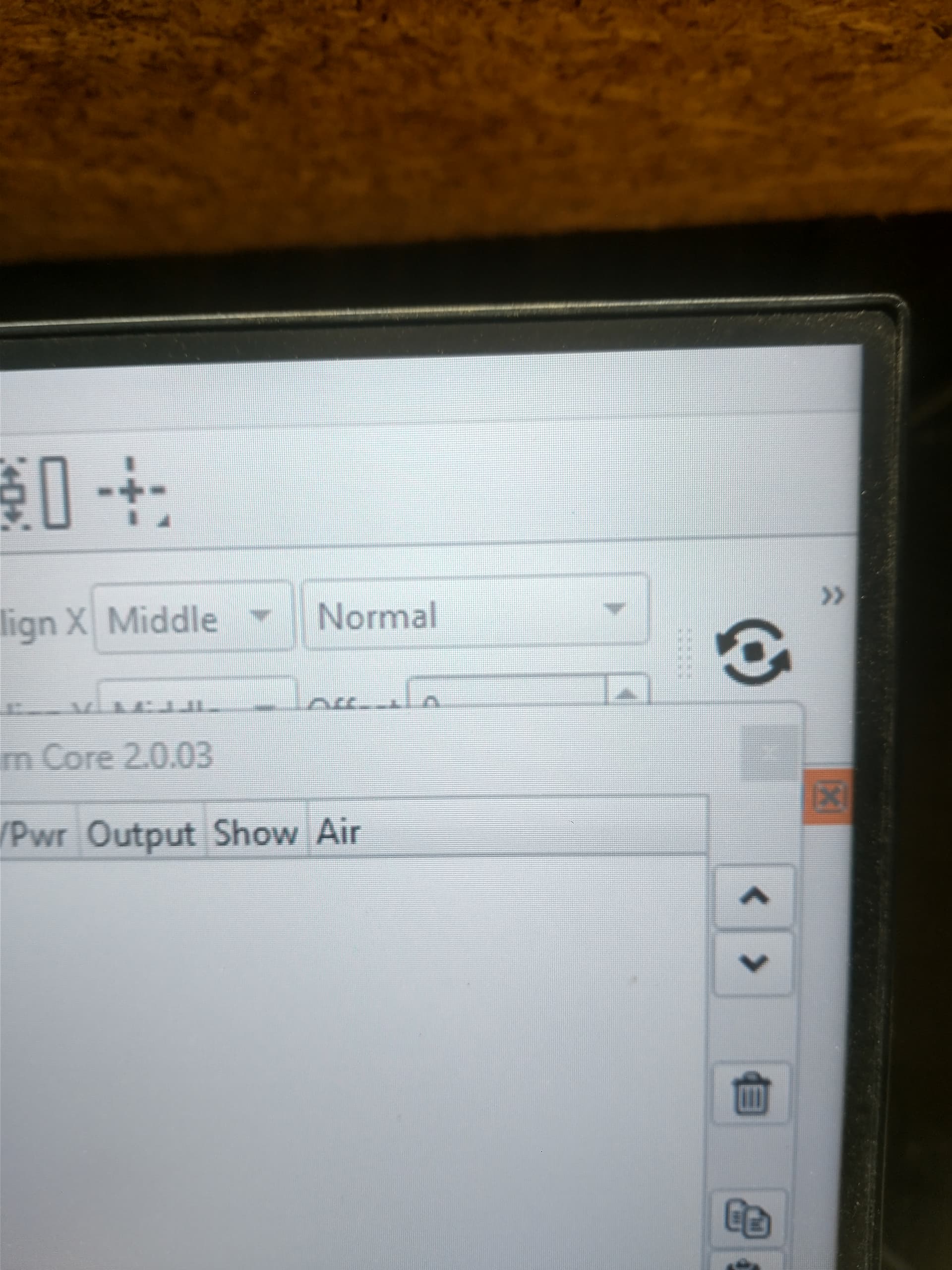
Hi Bob,
It looks like you’ve undocked the Cuts/Layers window. You can grab it by the top bar and snap it to any part of the LightBurn UI.
This video explains it all:

You can also go to ‘Window > Reset to Default Layout’ in the top bar menu to reset LightBurn to the default layout.
Let us know if that fixes the issue!
I will thank you
I have the same issue. My layer window was oversized and beyond the vertical window border. Couldn’t see the “ok” button. Pressed fullscreen and now I can’t resize the main window. The max, min, and close buttons are off screen. Can’t drag the window from the top bar either. Windows 10 Pro.
After much frustration I backed up one version level to 2.0.02, and now everything is working fine, so I’m assuming our latest version out it’s got a slight bug in it, thank you for everybody’s help hopefully light burns can get a handle on this thank you guys
1 Like
@Brodie - care to chime in here?
This topic was automatically closed 30 days after the last reply. New replies are no longer allowed.