Hello 
I’m looking in the magnifying glass but I can’t find the thread:
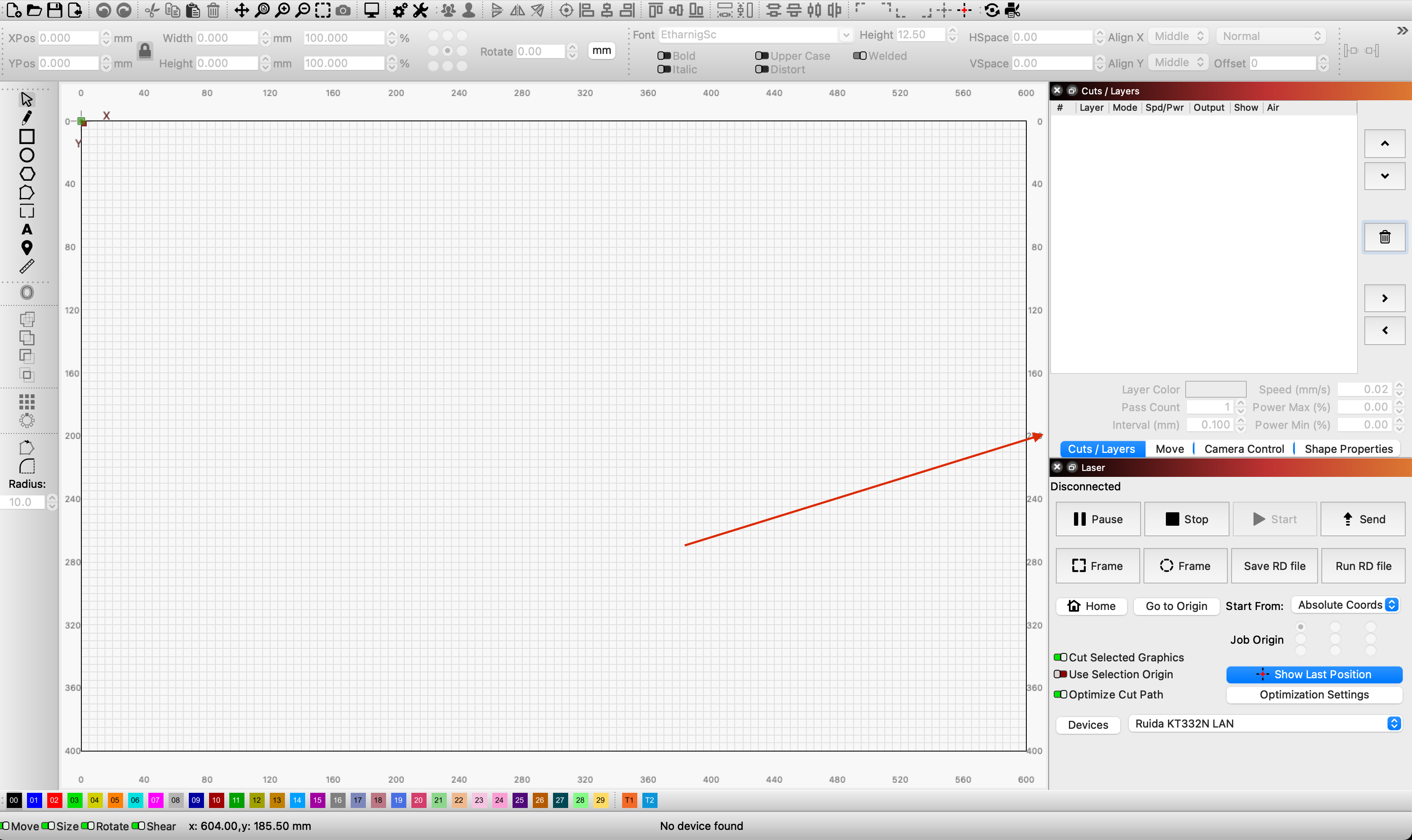
Is it possible in LB to change the size of the windows with the Cutting/Library/Console tabs etc. (the ones on the right)? They take up half the screen 
“normally” you can drag with the mouse on the horizontal edge itself to change the size of the side windows. But be aware that it depends a little on your screen resolution, how wide or narrow it can be.
When you hit the edge, the cursor should change. Smaller than in my picture, the side window cannot be (with the selected resolution)
This topic was automatically closed 30 days after the last reply. New replies are no longer allowed.