I turned a little more and now it’s over 45’, but error 20 still pops up, I think it’s a matter of this gcode but I don’t know how to configure it correctly, could you somehow remotely help me set it up, or set it via teamviewer? I would be very grateful
Error 20 has nothing to do with any hardware. Did you make sure you disabled “gcode clustering” in device settings?
Edit: in one of your screenshots above, this option is missing. So I suspect you added the laser wrong. Did you add it as type “grbl” (and nothing else)? I highly recommend going step by step through this guide: Setting up the software - Diode Laser Wiki
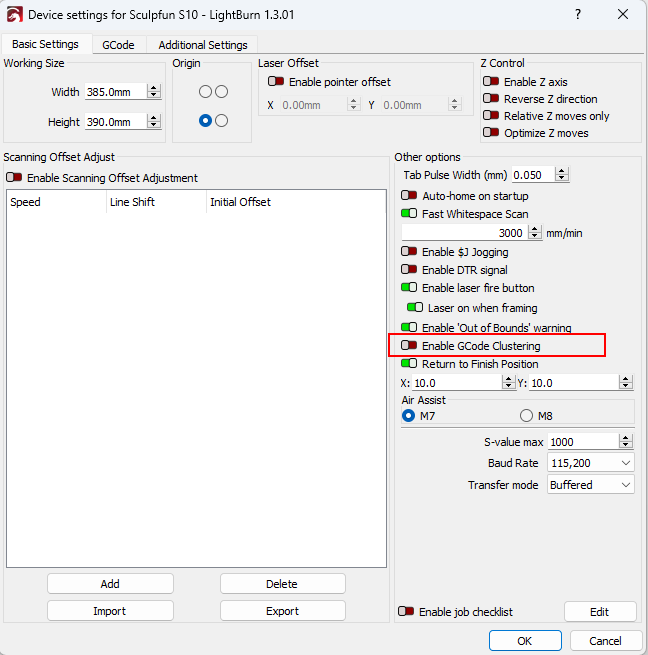
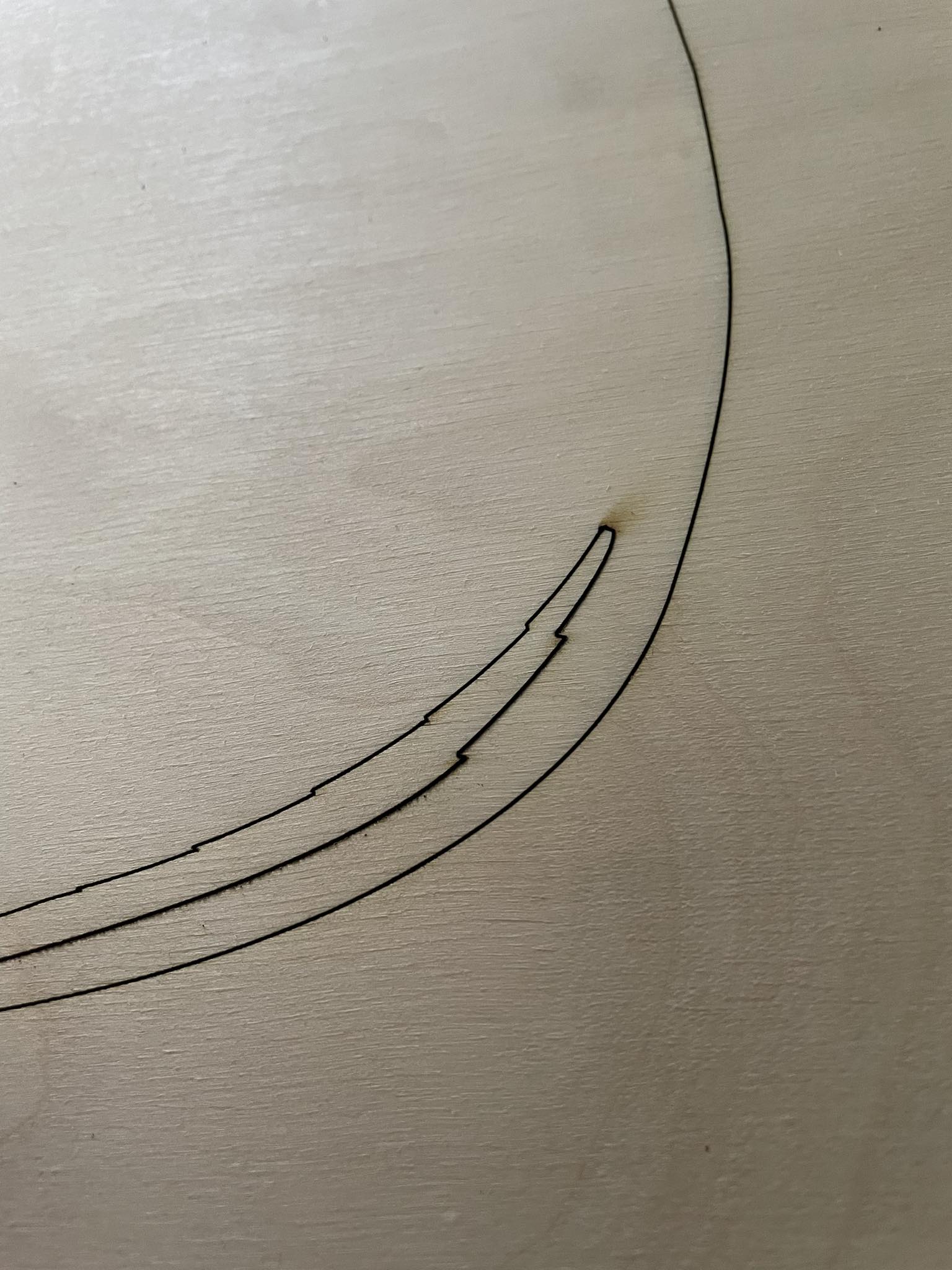
the problem with turning off the cutting right after reaching the starting point solved, it turns out that I had to change the name of the laser at the very beginning, in the sense of searching for the grbl driver and it works. i.e. it cuts out but the problem is with larger elements. At a cutting speed of 1200, the laser cuts well and straight, the problem is when I lower the speed to 800, it goes half straight and then makes teeth and so on. and an error pops up. I am sending g-code
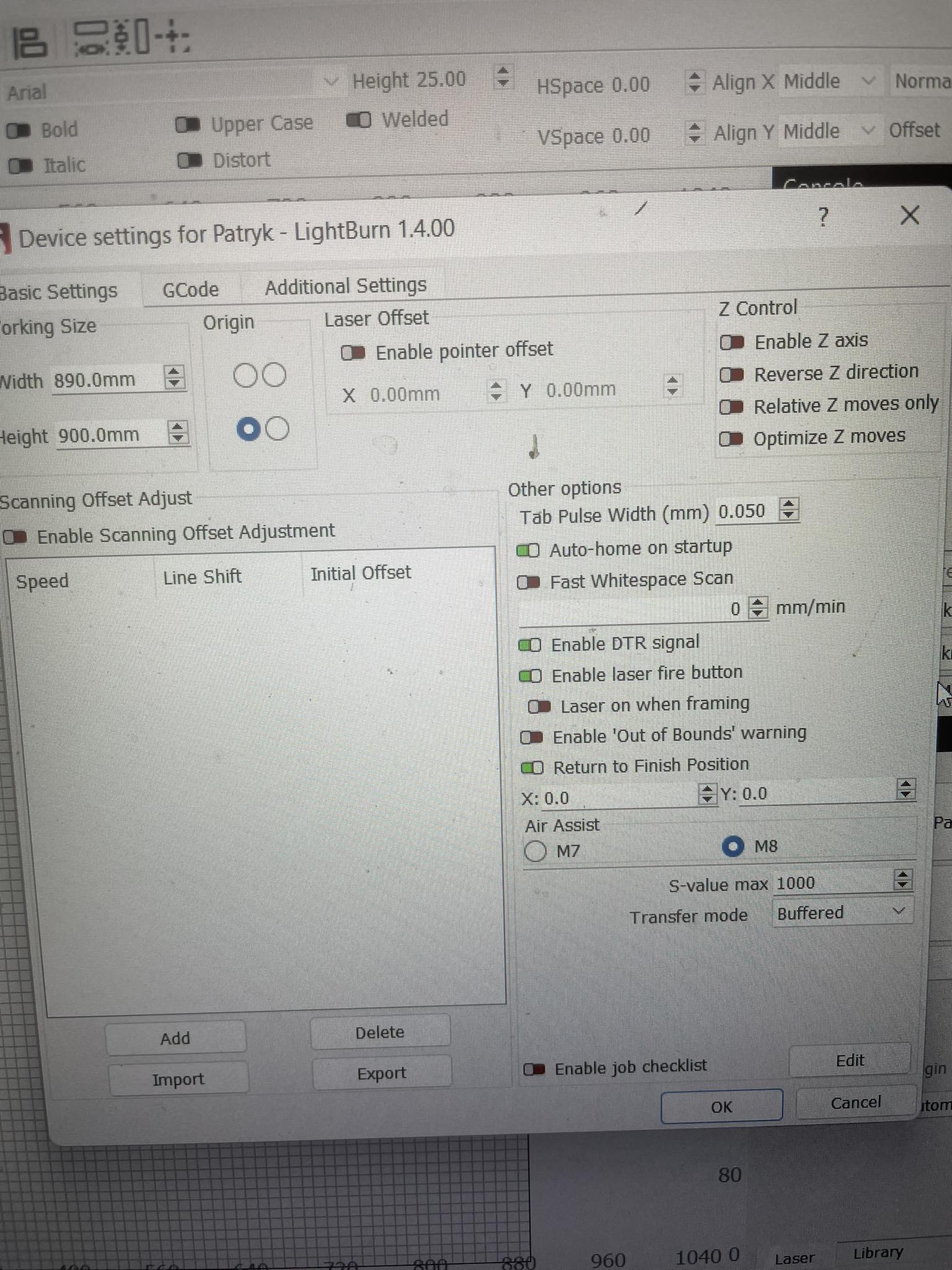
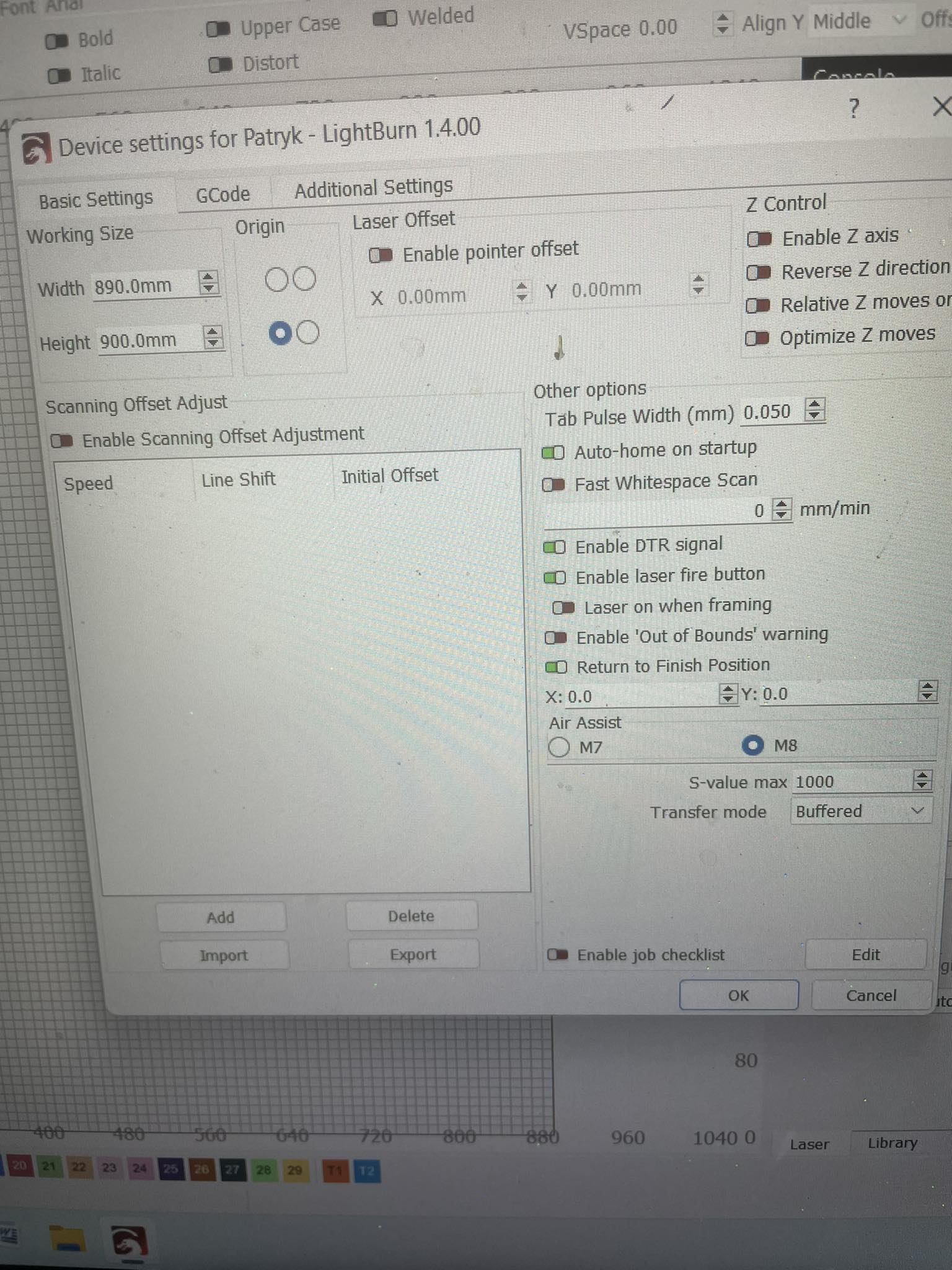
100x80cm-11.gc.txt (68.3 KB)
Note that while not likely the cause of your issue that your laser is configured with the incorrect device type.
You are configured for GRBL-LPC when you actually want GRBL. Push Devices button in Laser window, then click on your laser, then Edit. Change the device type to GRBL. You can accept the other choices if nothing else is incorrect.
yesterday I cut the numbers with a laser and he started making teeth again, I don’t know what the issue is but clearly the laser is losing steps. I do not know what is the reason, it works well for a while, but once it loses the steps, it loses them every now and then on one element. I have another question: shouldn’t the construction on the y-axis where the laser head is mounted be rigid? just move forwards and backwards and not side to side? everything is tightened well, but there are still some slack
Did you check the grub screws on the y-axis rods as well? Those tend to get loose at these models.
and where is it ? you can send a picture
These (there are multiple ones along the mechanics, check them all)

I have an extension to the size of 900x900 and I do not have such a mount in it, I only have the same tape as I send in the pictures
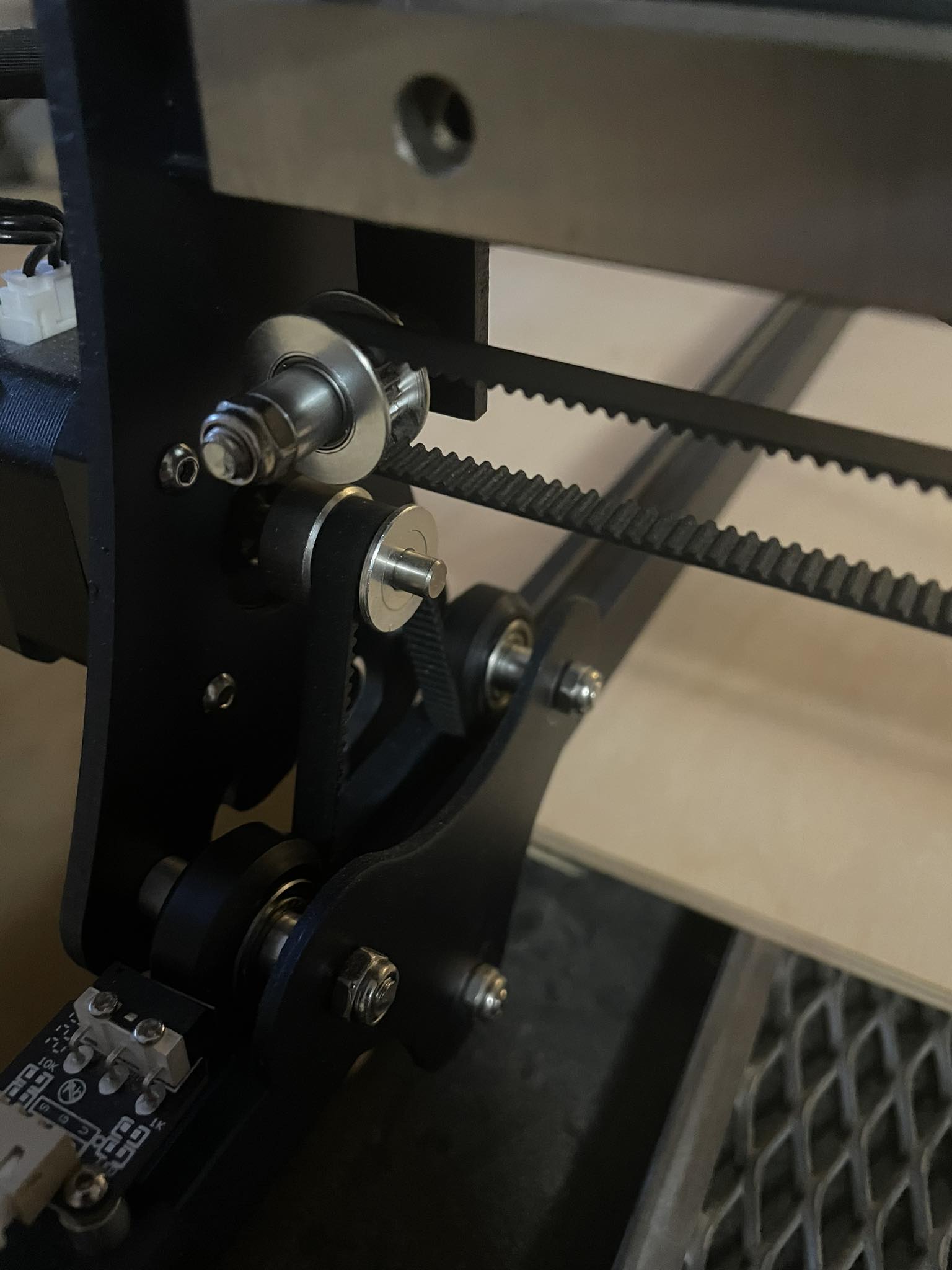
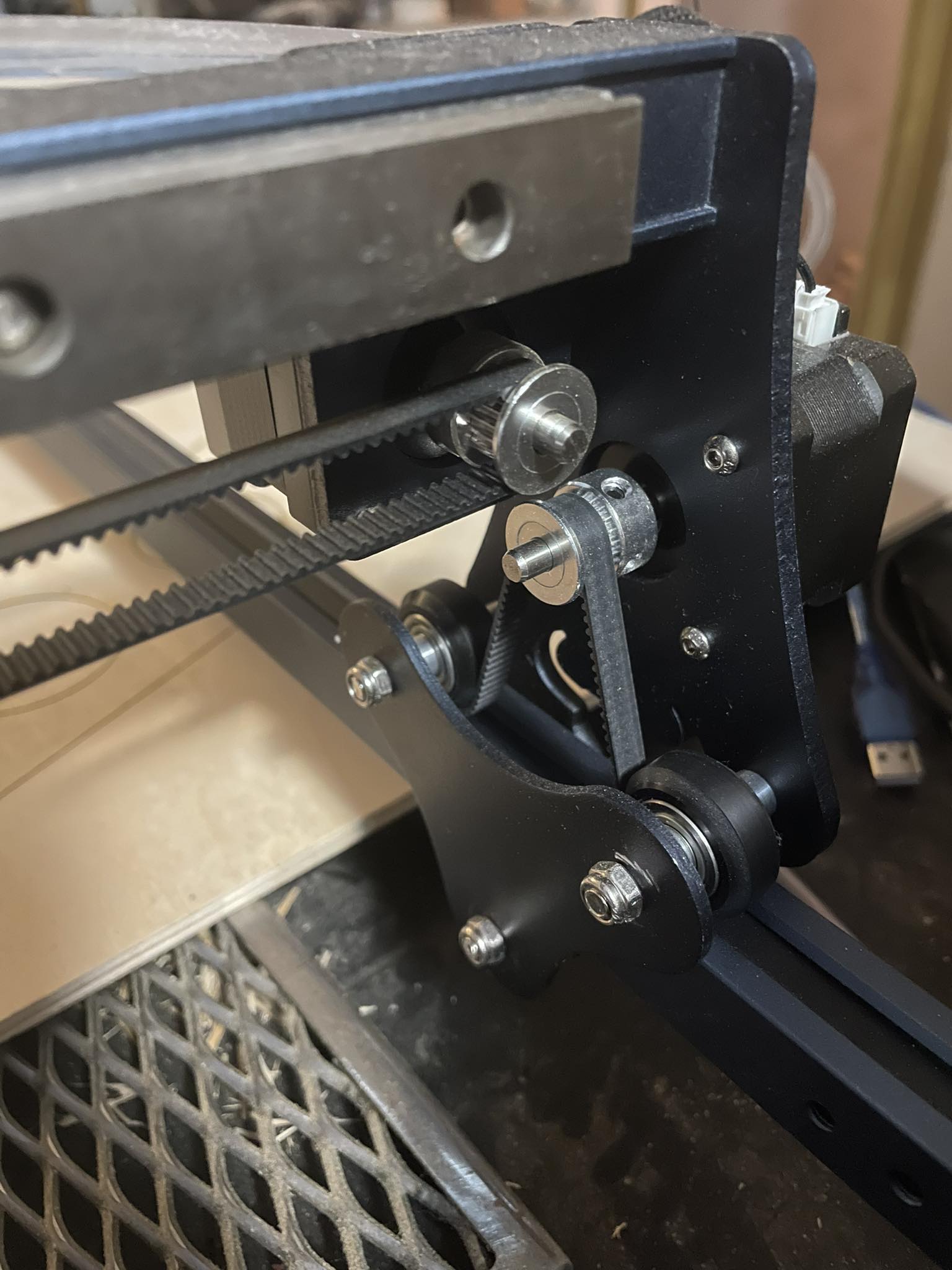
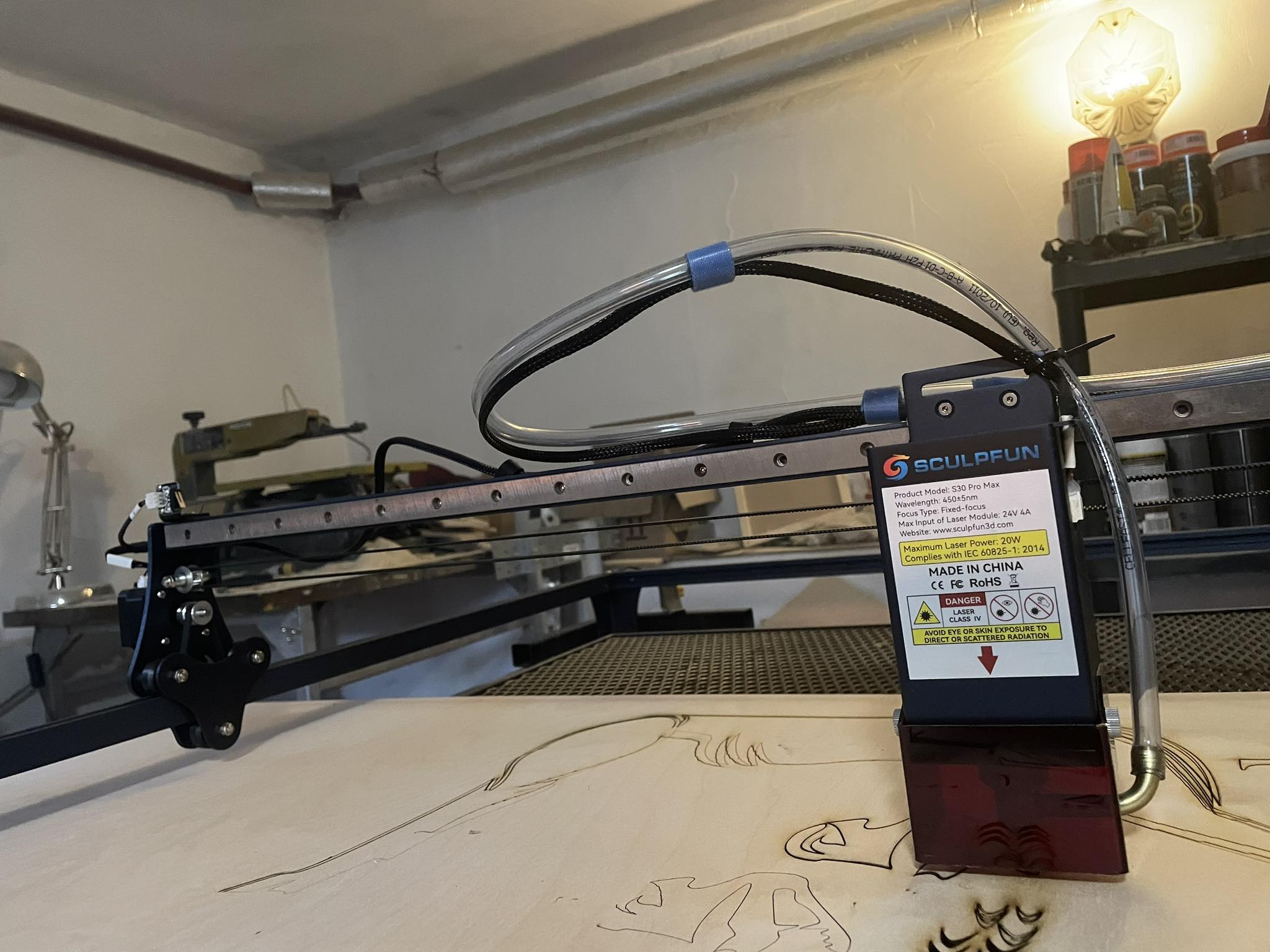
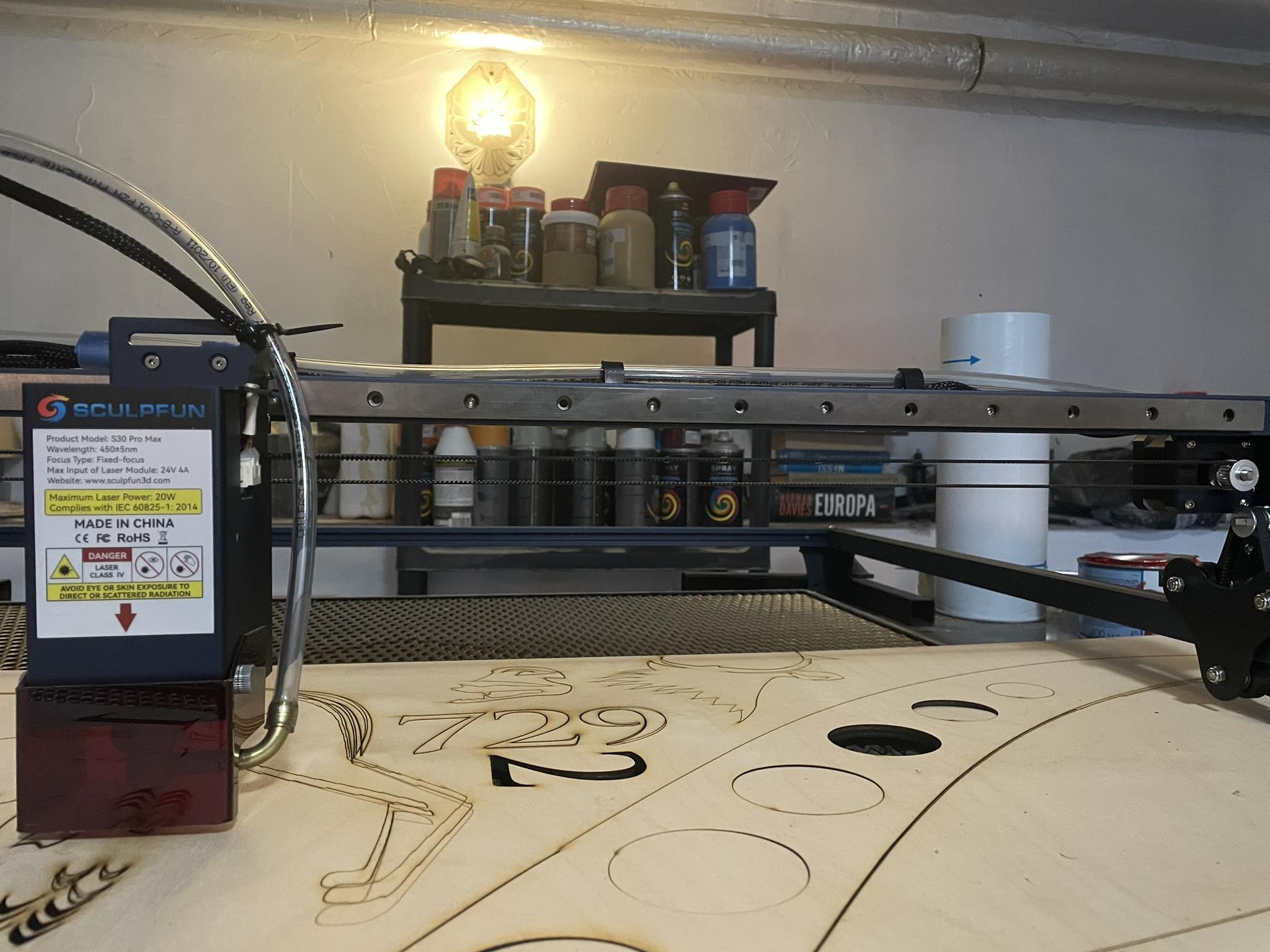
I did the assembly entirely with the help of the instructional video and there was no such fastening. I had only such a mount in the standard size of 400x400
any ideas ? could anyone comment on this? some person who will not follow every query to the instructions or every now and then spoke about the basic 400x400 format where there are completely different mounts? in my opinion, it looks like there is too much play on the y axis, because it should not tilt up and down, it should only be stable, I don’t know, maybe I will use some washers, which will allow me to increase the distance on the profiles by the frame and automatically reduce the y profile instability to which the laser head is mounted
The grub screws are also on your mount. You don’t have the long rod, but still check them on the pulleys. As you are talking about the washers, did you check the eccentric nuts as well? Did you check the tightness of the belts?
If you have too much play on the y-axis, your task is to remove it. You are the only one that can judge where it comes from, as we don’t see it.
I never experienced that issues and I have all Sculpfun laser models and all extension kits here.