Since the update, I can’t get a max cut. I get the exceeds working format error. I have a thunder bolt, Ethernet connection, windows 11
I am trying to cut a large circle, 1/2” acrylic. Prior to the update I was able to cut the file out of cardboard. Same file, same laser, same position. I updated to the newest version 2.1.02 and now I am getting this error. I deleted and went back to 1.7 and again, got this error message. I went back to a different file and was able to cut, at the edges of my current working format. I went back, rebuilt the file within the bounds and still get the error message.
What start from mode are you using? Perhaps that inadvertently changed?
I don’t understand “start from?”
Either starting from the laptop or sending to the laser results in the same error
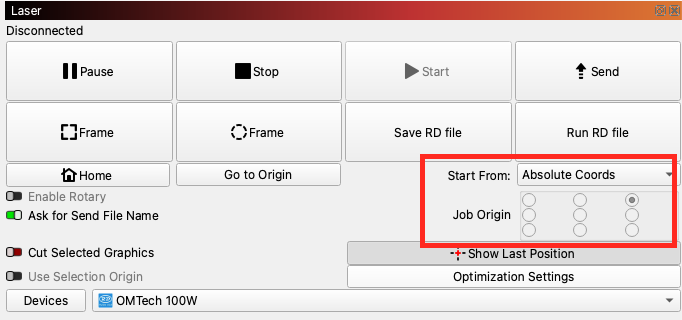
Absolute coordinates - upper left hand corner is home, as it always has been. I only change this when doing tumblers
Welcome Virginia.
Also worth checking this:
Just making sure this didn’t change without you being aware. That would cause all kinds of issues. That’s all I have for now. Maybe post a screenshot of your entire screen, we might see something there. Pay attention to what @parsec said as well.
Thank you. Knowing there was an issue. That was the first thing I checked. That is set correctly across the board.
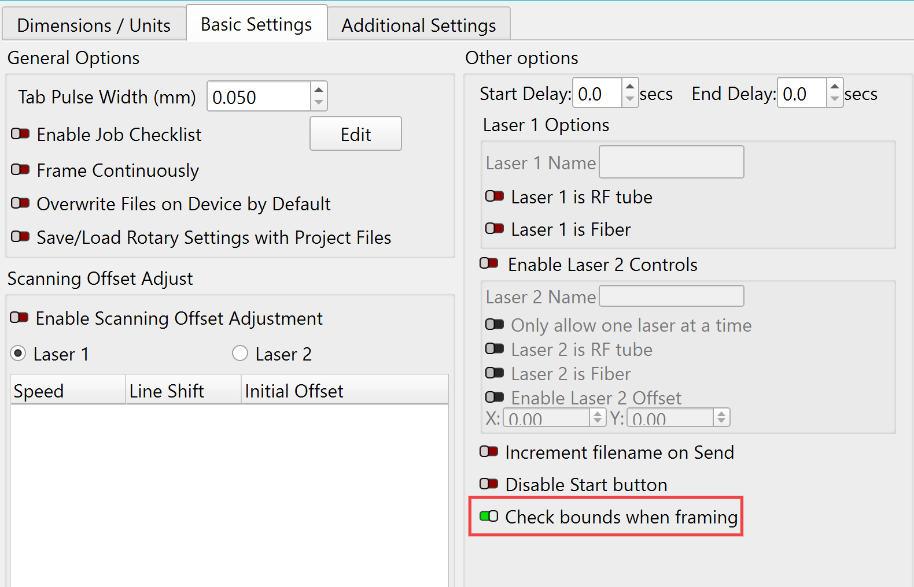
No go on this fix either. Whats frustrating is that I cut this exact file prior to the update with zero issues. Could this be a controller issue on the laser itself? Again, I cut this file a few days ago. The only change is the focal length between the cardboard vs 1/2” acrylic.
If your working and non-working projects are run at different speeds, or one of them has an Fill layer and the other does not, it could be lack of overscanning space that is leading to the error.
If you’re willing to share examples of both here we could see if we spot any other differences.
On this file, it’s all cut, no fill layer.
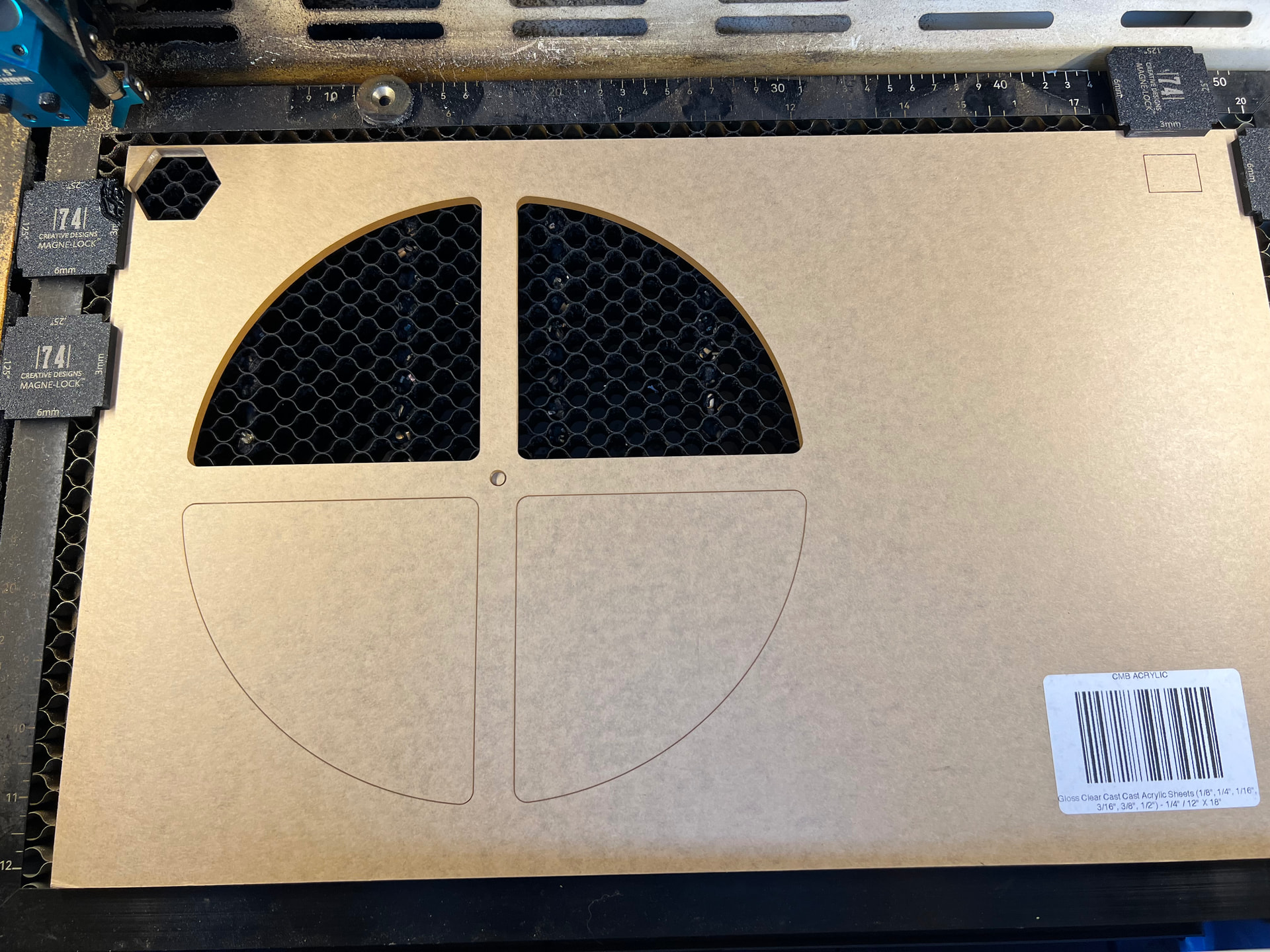
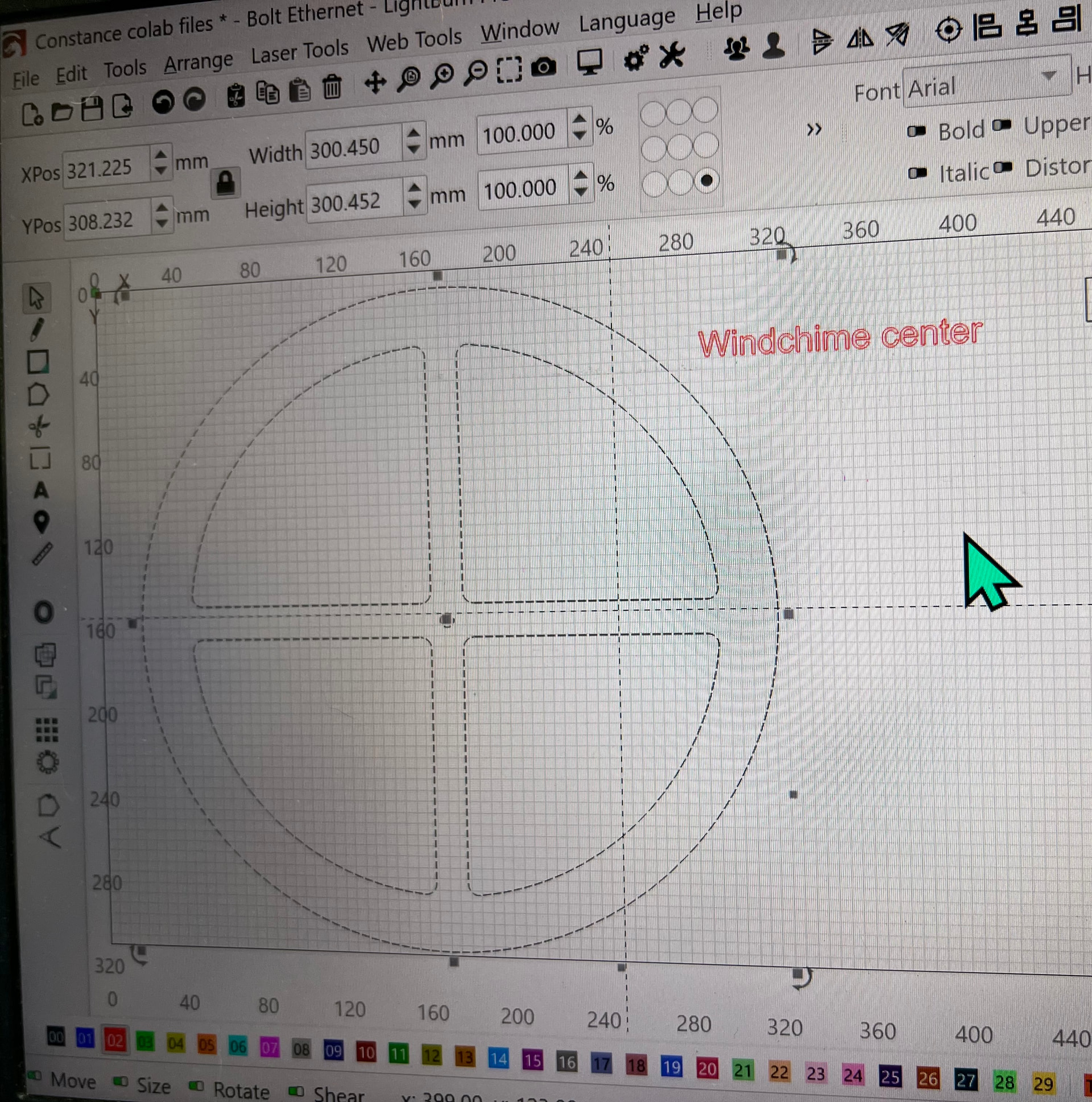
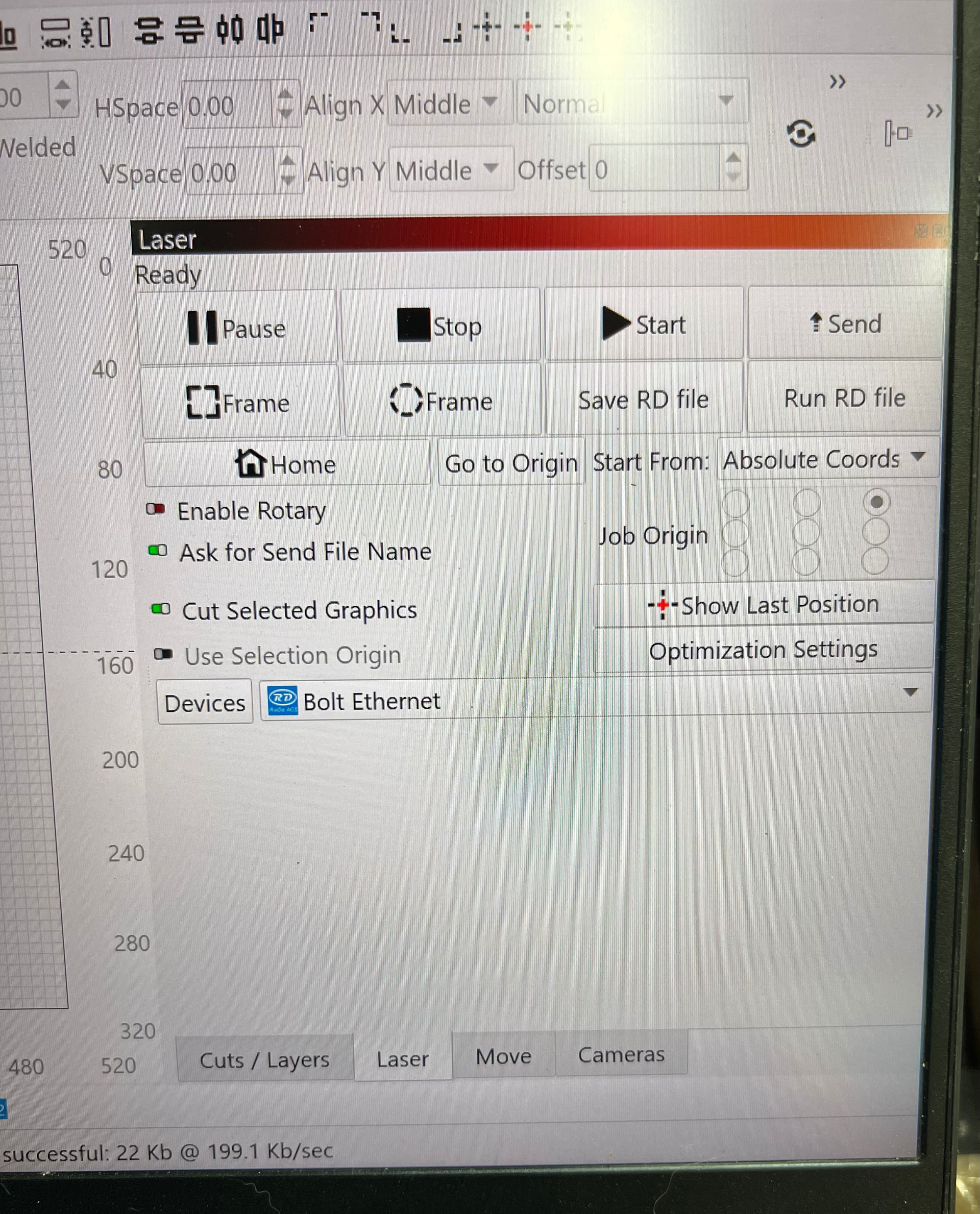
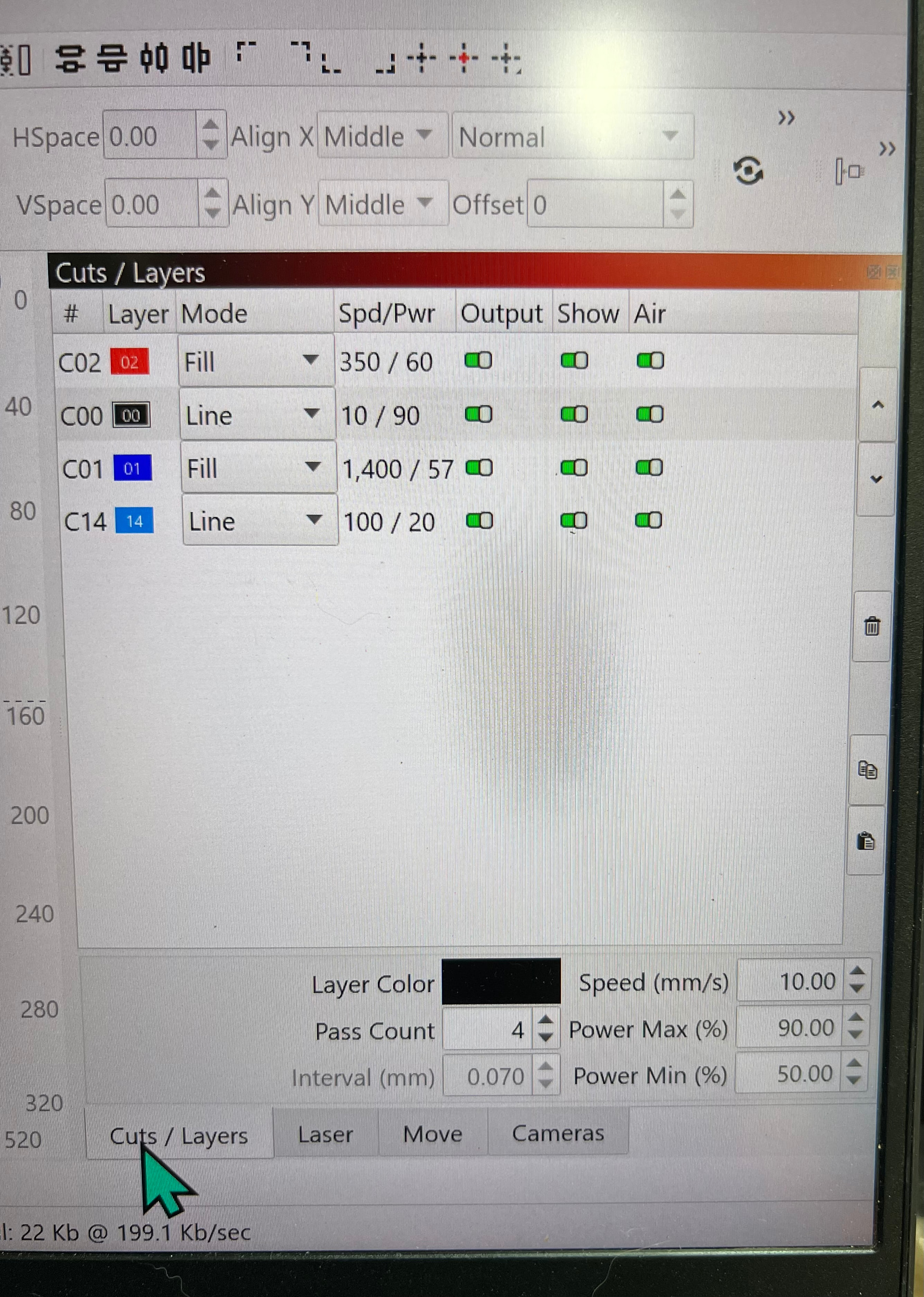
Okay, not a permanent fix but. I made a square on each corner at the max output. My bottom square, even though my working space framed and was within my parameters, needed to be moved up.
Maybe when I updated, my workspace defaulted back to the machine settings and not my preferred settings.
Although, I cut before on my expanded work space, I will need to go back on the laser machine settings to see if the update defaulted back.
Thank you for all of the suggestions and help!!