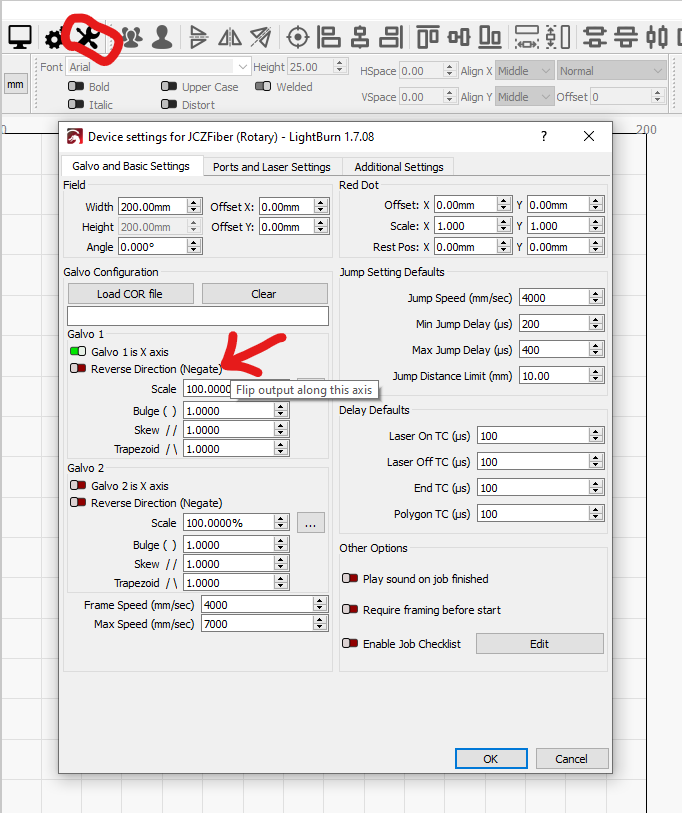
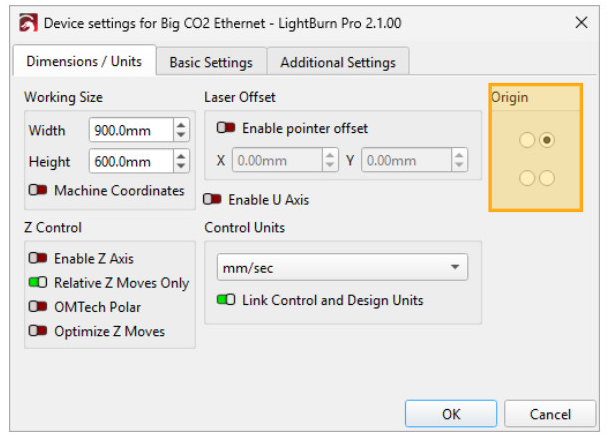
Ok, I give up and need help. I am trying to get my old CO2 laser back up and going and am running into one problem I cannot seem to solve. As simple as it seems my X axis is reversed in the software. For example on my controller for the laser if I jog left it goes left and if I jog right it goes right, go figure. However when I jog in Lightburn if I push the right button the laser goes left and the left button jogs right. Years ago there was a simple toggle in light burn to reverse the direction and then no issues but I can’t find it in this newer version! If google search or search the forum here I find that all the answers shown are for older Lightburn software and the dialogs have changed so the setting is not where the answers shows.
Im sure it is incredibly simple and I am just missing it but I seem to be getting nowhere in finding it.
In the GRBL version of the laser diode software, I have to access “Machine Settings” through the “Laser Tools” tab (from version 2.0 onwards). There you can invert the axes. I don’t know if it works the same way for the CO2 versions.
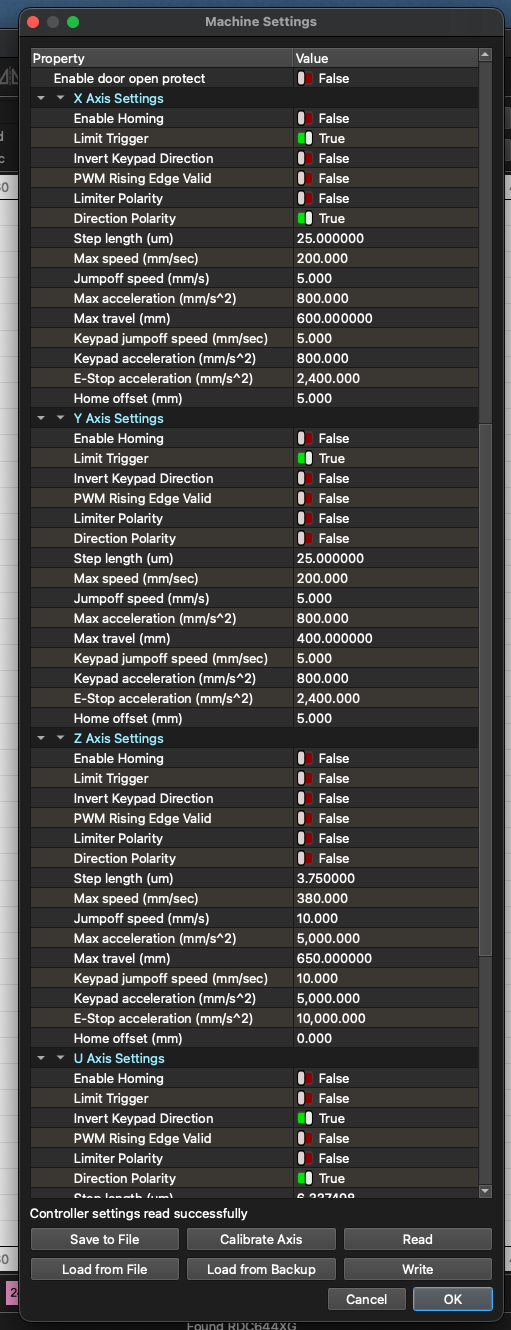
A little background, I bought this generic machine in 2018 and it is a 60watt Red & White and had a motherboard very much like something you would find in something like a K40. The board went out pretty quickly like within a month and I replaced it with a Ruida 644XG. Im pretty sure I bought Lightburn at that time also. The one crazy thing with the Ruida was that it came up with the home location of 10000 X and 10000 Y and if you tried to Home it you were in for quite the show. I have always worked with Homing off and just started by an origin I selected. With that said though there used to be a setting in Lightburn that would reverse the X in the software. If I edit the Machine Settings by toggling “Direction Polarity” Lightburn will correctly jog the X axis but now the keypad on the machine is reversed.
Im going to have to boot up a really old laptop but I think RDWorks had no issues.
I also have a Creaility Falcon 2 Pro 40 watt Diode and a 30watt OMTech Fiber laser. Im using Lightburn on those also but with no issues
.
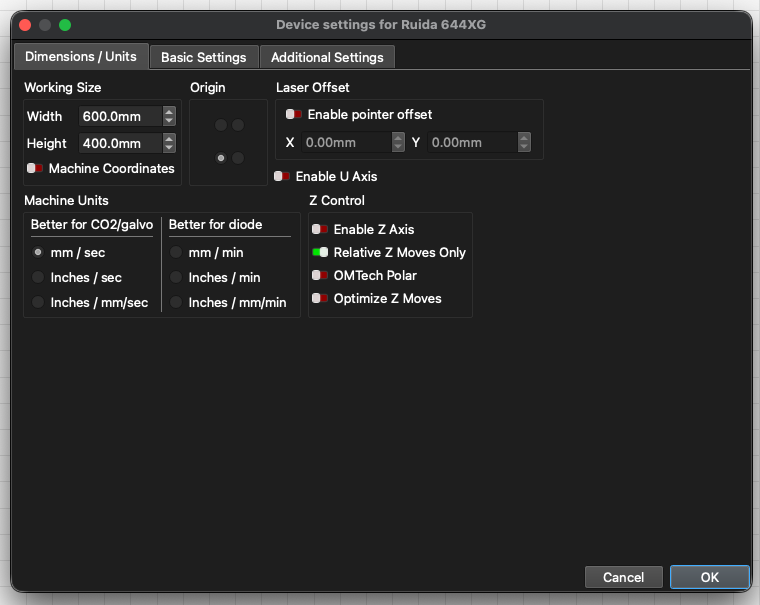
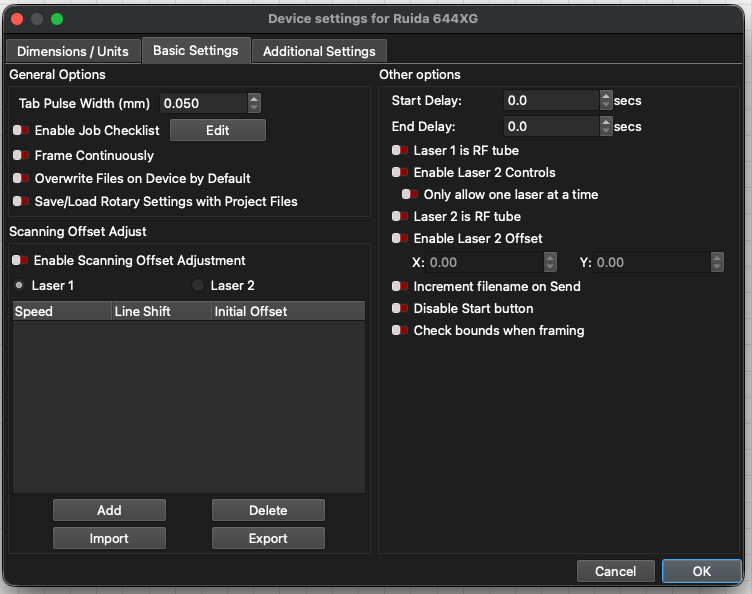
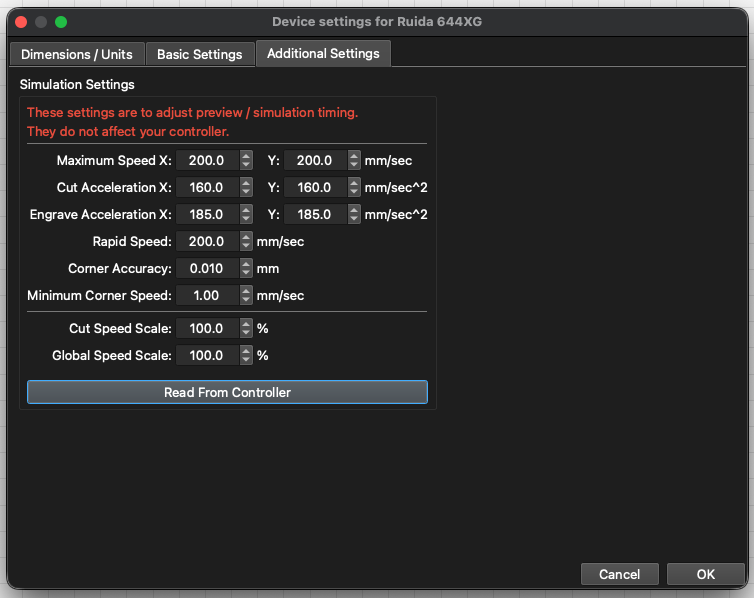
Here is the screen shot of what I see.
That says homing was not configured, so the controller has no idea where it is; the “home location” is wherever the laser head was when it turned on.
You must fix homing before trying to configure anything else, because there will be no end of confusion based on the machine being improperly initialized.
If you want to do that, we can walk you through it.
To start:
Where are the home switches
Are they mechanical switches or proximity sensors
Are they wired Normally Open (typical) or Normally Closed (unusual)
Do they activate correctly with the laser head in that corner
Nominal axis travel limits = platform size
Does the machine move approximately the correct distance when jogged
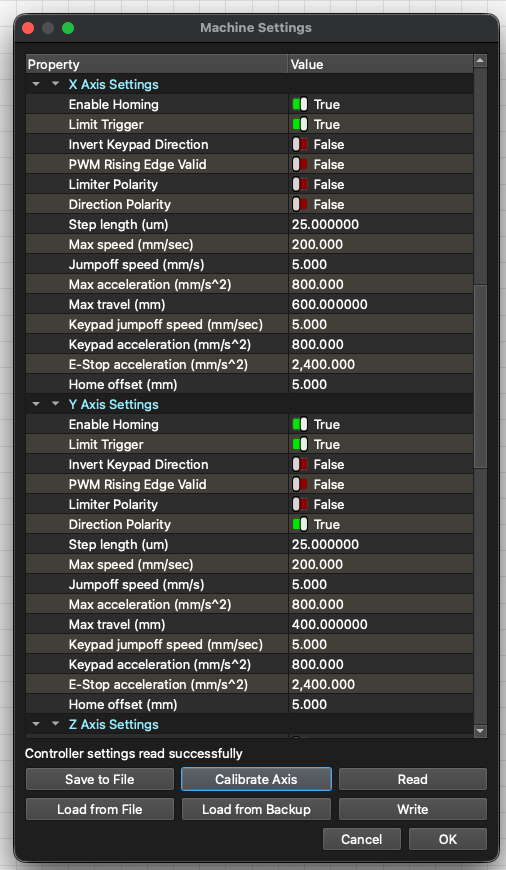
So this is what I have right now. It homed to the lower left 1 time and now it’s going to the upper right and ignoring the switches.
I have 4 micro switched X+, X-, Y+, Y-. According to the diagnostics they all work as I push them by hand and the show to be working again in the diagnostic part of the menu as well as lighting up the proper LED on the controller. I can jog the machine and trigger all of them and they light up accordingly.
Ruida controllers will home toward the switches connected to the “minus” axis inputs, typically labeled LmtX- and LmtY-. The corner you pick for homing must have switches connected to the “negative” inputs; there is no choice in this matter.
The Ruida controller will have a Diagnostics (or a similar word) display showing the state of the inputs. How you get to that display depends on which controller you have, but it’s typically under the Menu button on the controller display.
When you are in the Diagnostics display, verify that activating the switches in the corner you have chosen for homing light up the corresponding LmtX- and LmtY- inputs. Again, those must be the negative inputs.
The two switches in the other corner must be connected to the corresponding “positive” inputs. Verify that’s the case and that activating those switches will light the appropriate inputs in the Diagnostics display.
With those inputs verified and the axis settings as shown in your screenshot, twiddle the two Direction Polarity settings until the machine homes into the corner you selected when it’s reset. It should bump the switches, back off, bump again, then stop with the controller display showing X and Y = 0.
Now the keypad works correctly on the machine and in the RDWorks software but Laserburn everything is reversed. I have not tried to engrave anything with this setup to see if it’s mirroring or not as I am waiting for a new lens to come and that is supposed to be today.
With all of that from what I have read most Ruida controllers like mine home in the upper right and with the suggestion that the Ruida like to home on the negative triggers for Y and X (which it currently is in the lower left corner) Do you think I need to move the wires in the controller to put the X and Y negatives in the upper right corner?
Well again I need to thank everyone for helping me and to let you know I am working perfectly once again. Once Y’all helped me figure out where my origin truly was and understanding where it wanted to be based on the location of the minus switches it all came together and worked perfectly in RDWorks.
What I did to get it to work properly in Lightburn was to delete the machine and re-add it and selecting the lower left as the origin. All the Jogging works now and everything else. I can now use absolute coordinates. Also it still is accurate as I tell it to burn a 100mm line and my calipers put it spot on.
The Ruida homing sequence always proceeds until the switches connected to the LmtX- and LmtY- inputs activate. Those switches can be in any corner (my machine has them in the rear right), but you must configure the Dir Polarity switches to drive the laser head into that corner during homing.
In my machine, the X axis increases toward the left and the Y axis increases toward the front. In your machine, with homing to the left front, X increases to the right and Y to the rear. Either is fine and the fact that the coordinates are “backwards” in my machine stopped bothering me after a while.