XTool P2 won’t be found on scan of Newly Purchased Softwae
Have fun

Doesn’t work. Macbook Pro doesn’t recognize the Mac file that I downloaded for LightBurn
Might want to post a screenshot of the error you see.
You will want to download directly from here:
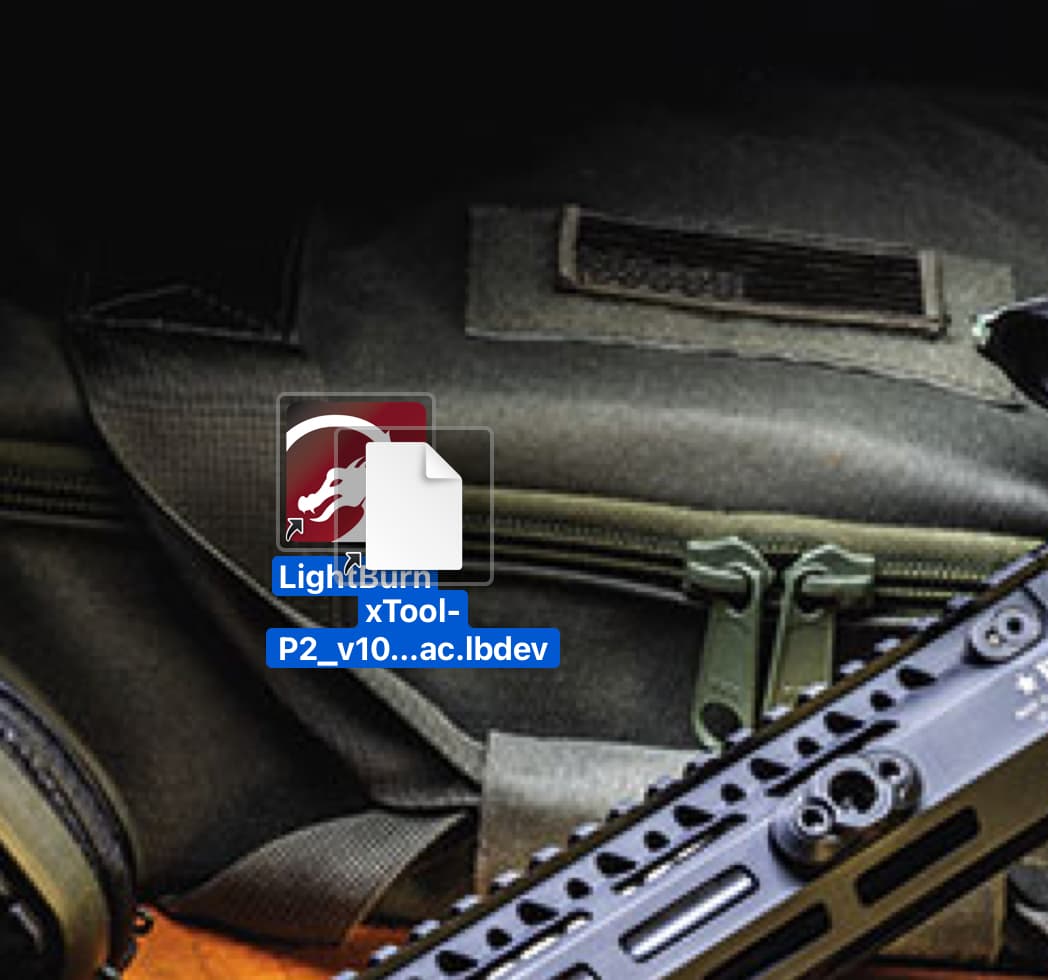
Is Lightburn open and running? The instructions say…
Download the xTool_P2.lbdev configuration file and drag it to LightBurn to install it
Looks like the desktop…?
Hello Jack,
Jut to let you know, I am very computer literate on both Macs and Windows, although I prefer Macs. Anyways, I have now tried it on my iMac with the results as the MacBook Pro…No Go. Appreciate your time. Should I call LightBurn?
First open LightBurn. Then drag the .lbdev file onto the open application.
If that doesn’t work, then push the Devices button in Laser window, then Import, then select the .lbdev file.