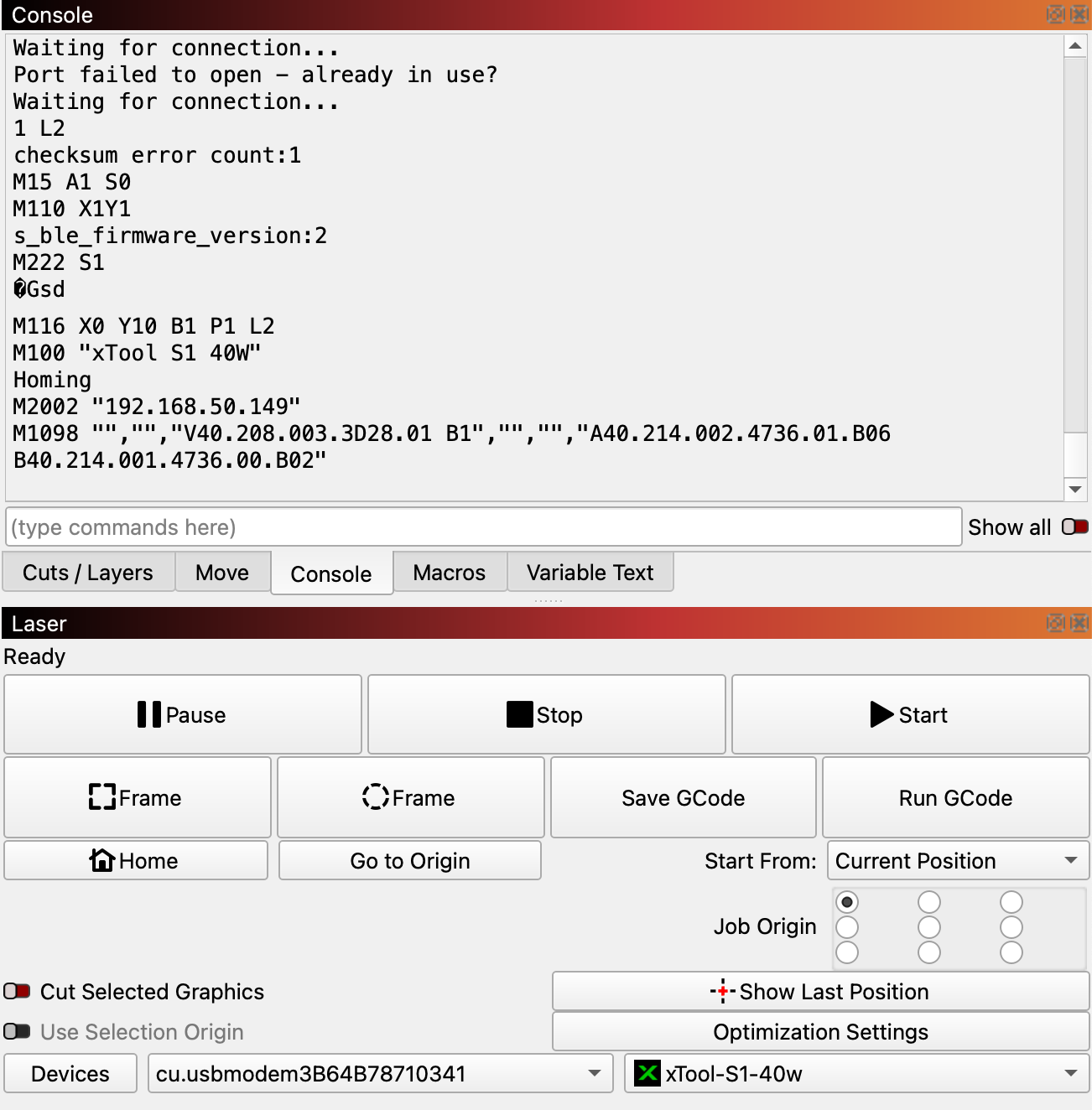
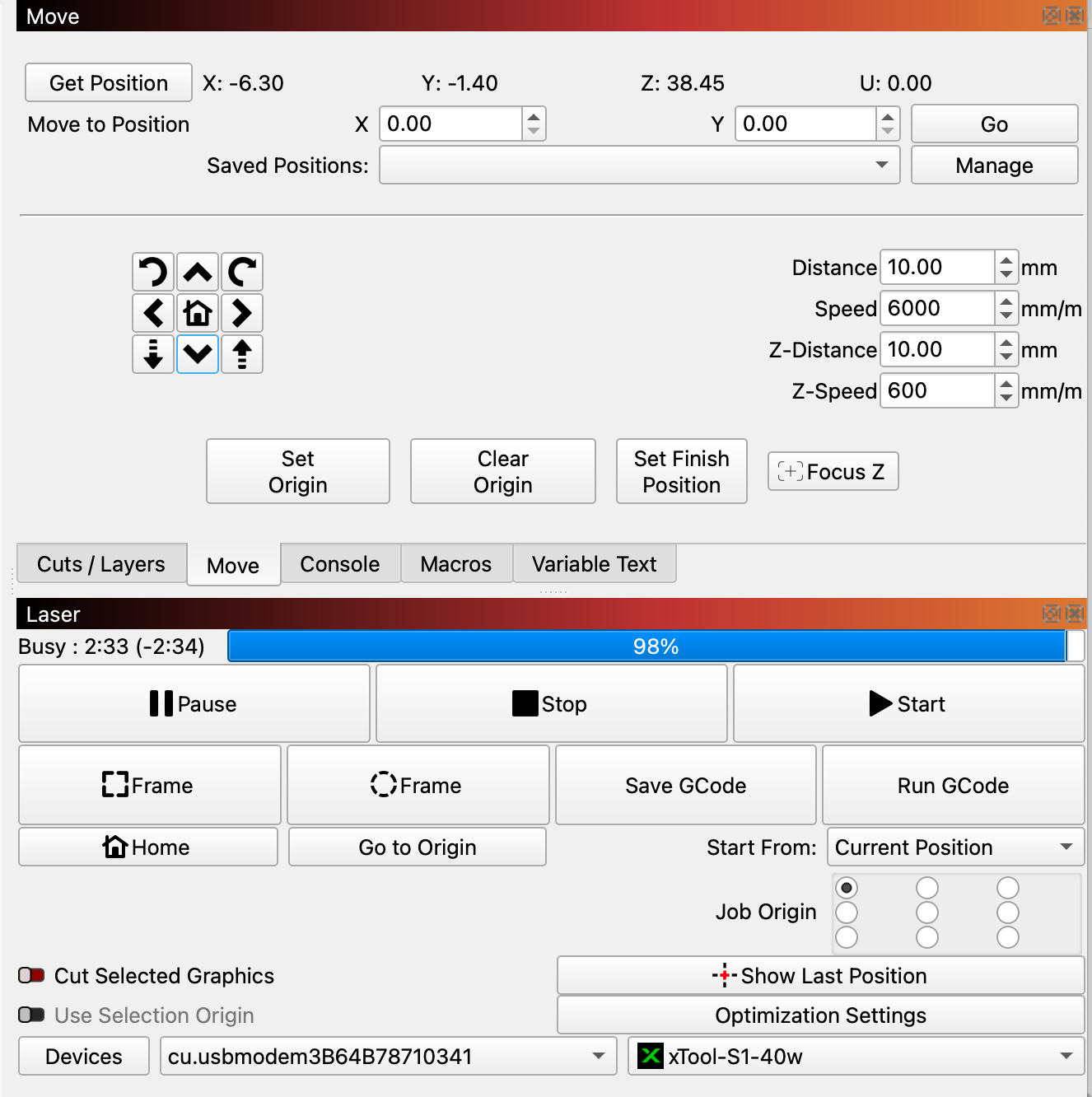
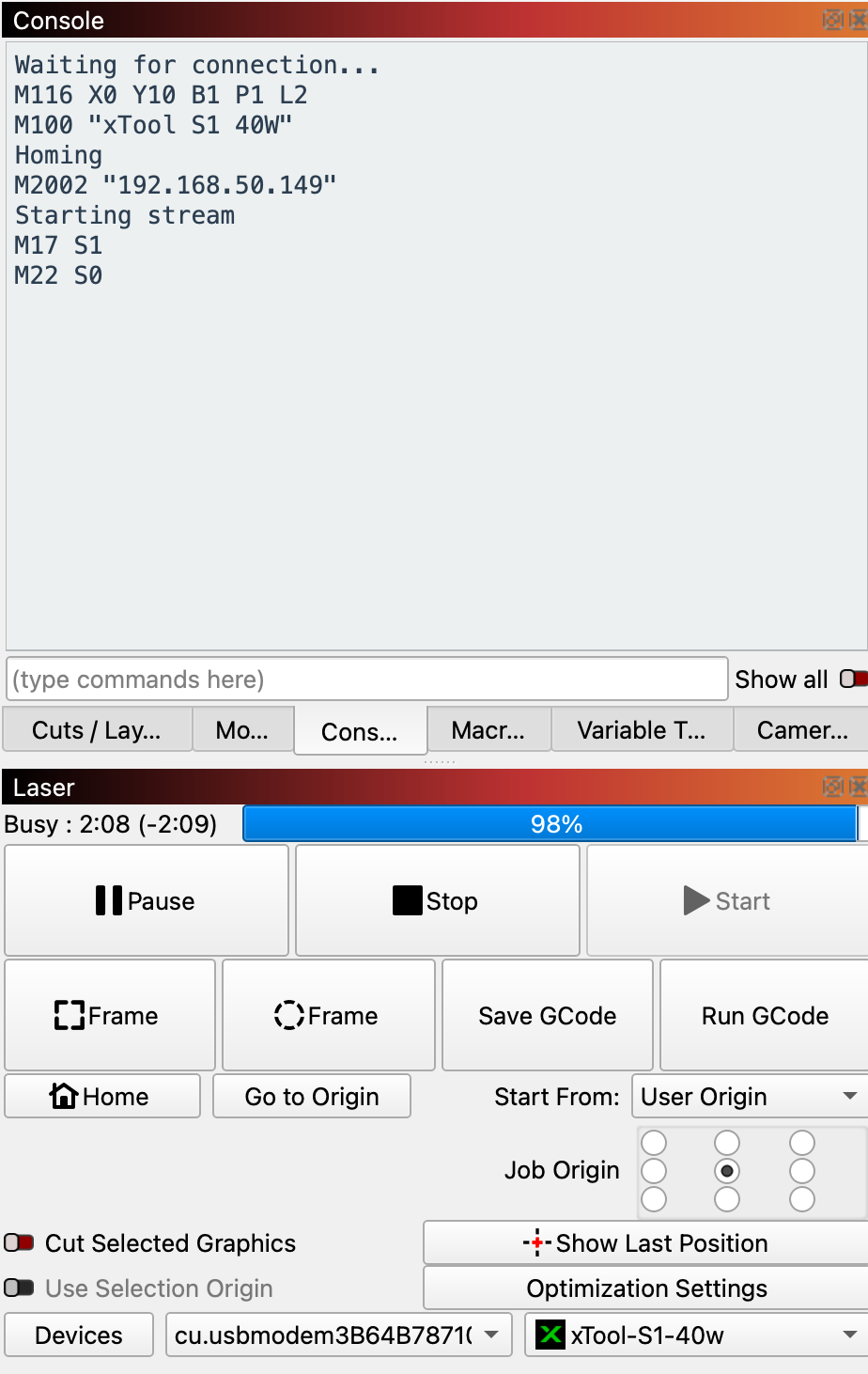
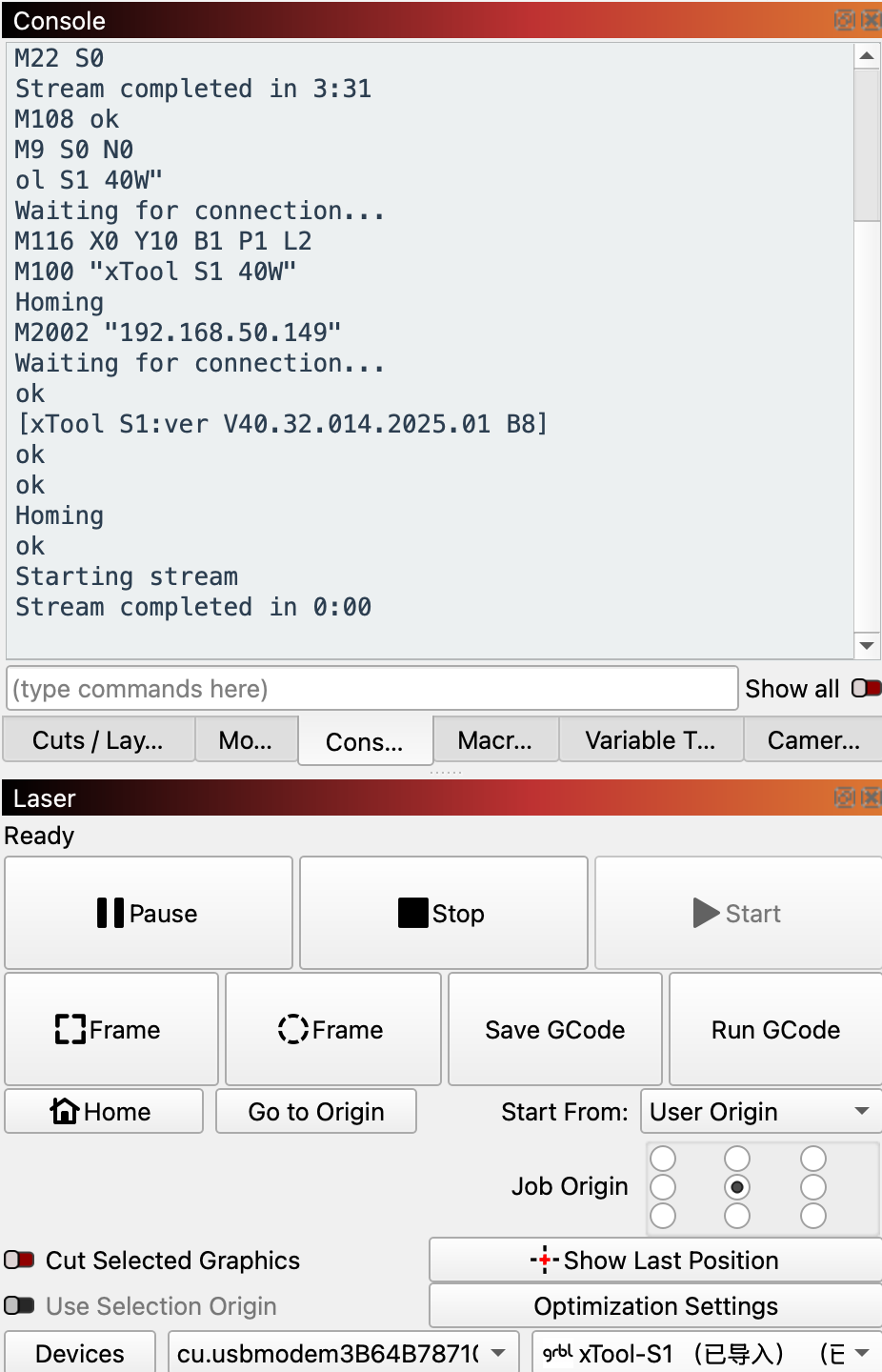
I tried the trial of LightBurn (v2.0.05 and v2.1.00-RC-1) with the xTool S1 and have had great results. Notified of a firmware update, which I installed and I have had the laser head slow down and over burn my project in numerous areas. Now when connecting my S1 doesn’t home, and I can move via LightBurn but each movement shows it streaming until I click on the stop button. Moving again causes the same issues.
I have exhausted all troubleshooting efforts and I’m running out of my 30-day trial.
As most of you know and I found out recently, xTool S1 uses proprietary code, and does not share well. My issues could possibly be due to a firmware change as LightBurn’s serial bypass of the S1 GRBL layer isn’t working properly for me anymore.
If anyone has the last few S1 firmware upgrade files I can troubleshoot further. With xTool Studio, I can force a firmware load over USB.
I’m hoping that someone may have xTool S1 firmware files saved so I can rollback / downgrade firmware on my xTool S1 to continue to run LightBurn. I’ve come up empty when searching the xTool site and the internet.
I’m looking to continue to be able to purchase and use LightBurn for features that xTool Studio doesn’t have.
I have the following xTool S1 firmware version (from around 5/23/2025) saved which up until a day or two was the last upgrade:
I have a second S1 that has a TF card and it has the current firmware files on it in the “update” with folders for the motion, laser, network and a file named “mcu_firmware.bin” in each folder with different file sizes.
Installed them on my S1 without the TF card and they were the same version that I already have.
I went back to my MacBook Pro M1 Max last night to rule out a USB issue with my Windows 11 laptops. I had initially used the MacBook when I started using LightBurn about 30 days ago and was getting great results.
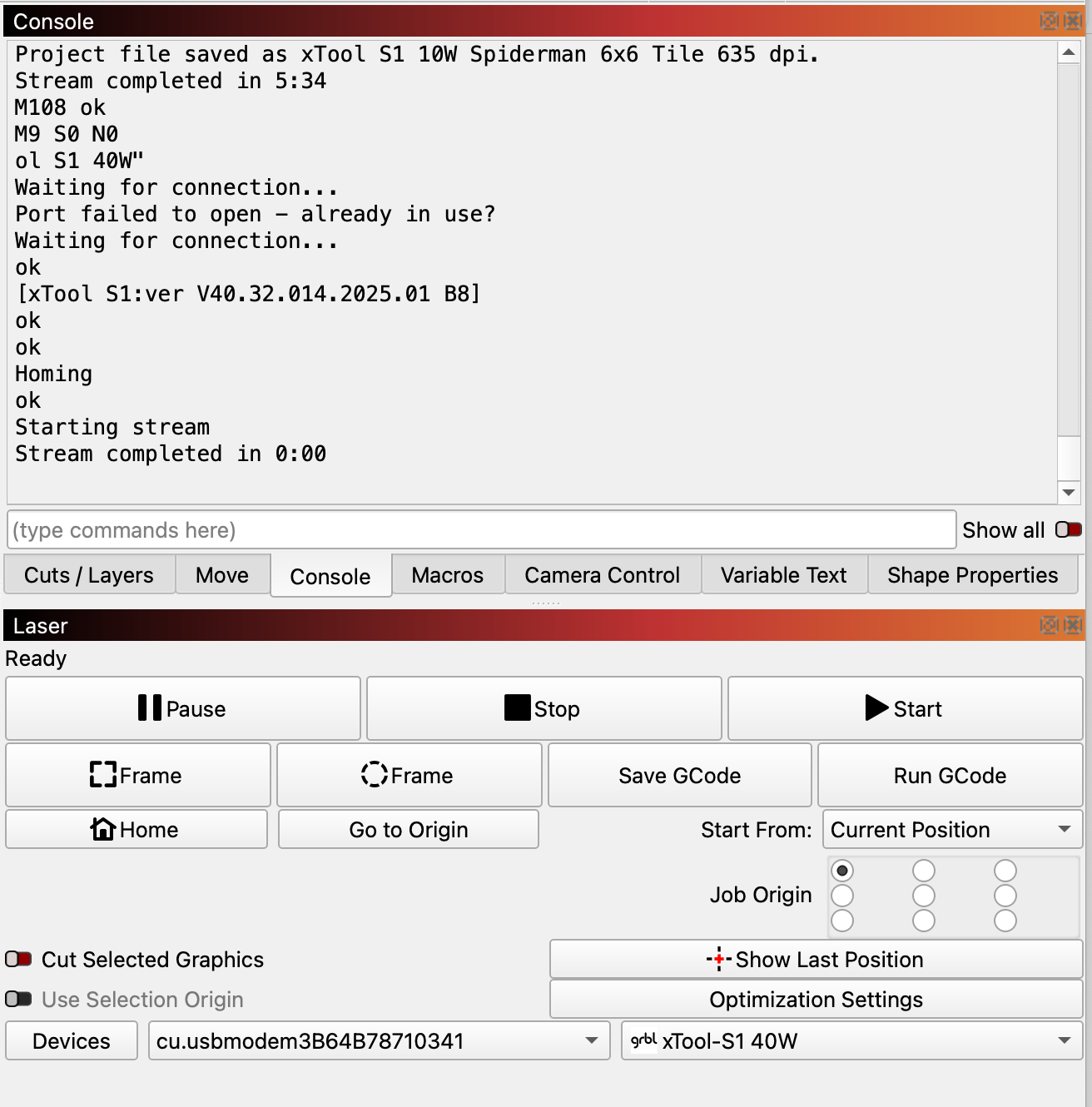
It connects, doesn’t show a checksum error, performs the homing, and does not constantly stream after trying to do a move.
The MacBook was configured for LightBurn using xTool instructions and choosing GRBL.
My two Windows 11 laptops are using the configuration that LightBurn has for 1.7 and beyond using the xTool profile (xTool layer bypass) my S1 will connect, sometimes have a checksum error and weird ASCII codes in the console, list the IP address, not perform the homing, and constantly stream after trying to do a move. When burning in this mode, the laser moves at a much slower rate then the speed of 200mm/s that the layer is set for and over-burns.
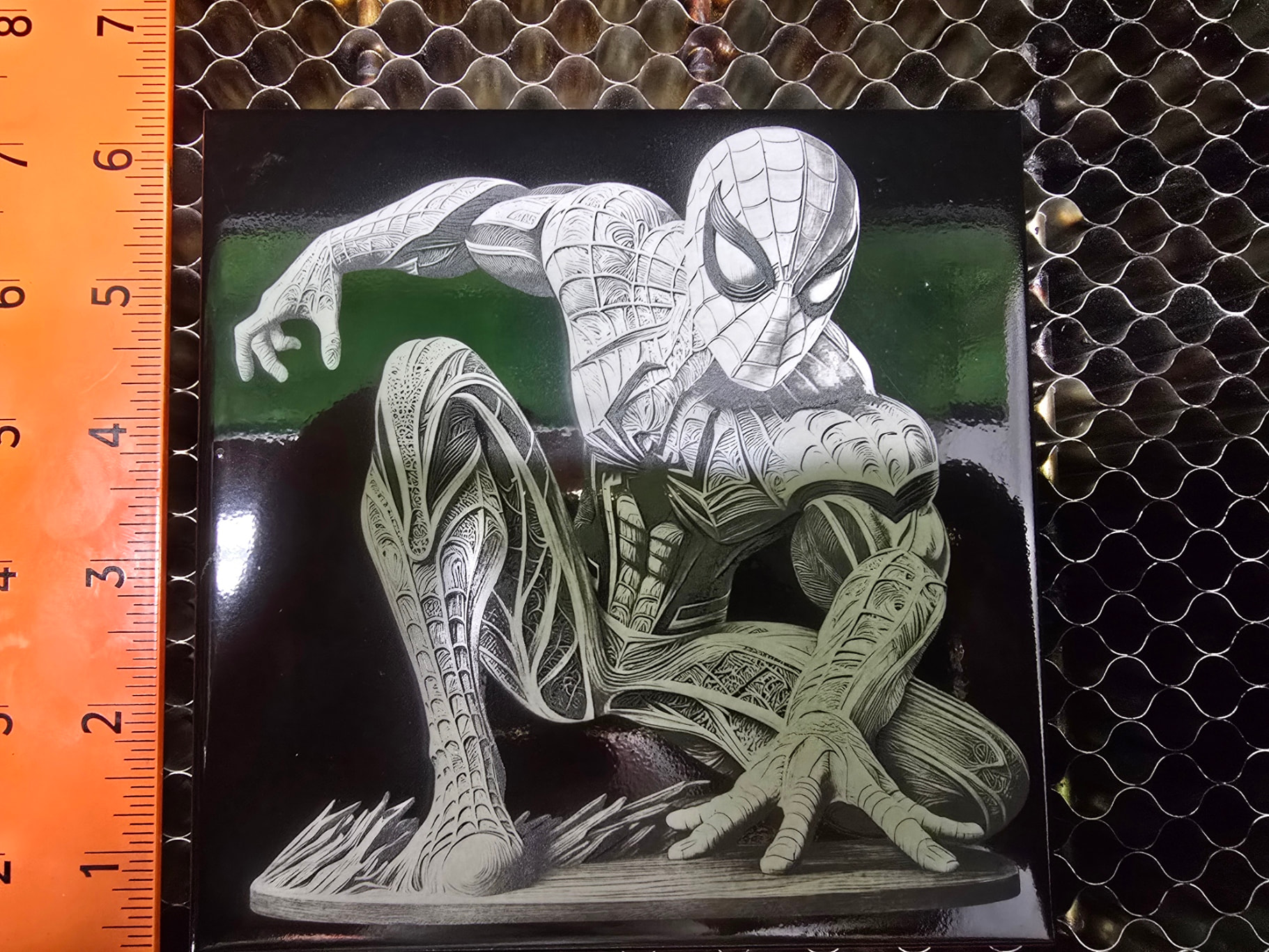
Once again, I was able to burn a tile last night with a file prepped in Imag-R at 635 DPI using the MacBook with my xTool S1 10W module with the GRBL configuration using xTool instructions. 200mm/s Speed, 21% Power, 635 DPI, Pass-through (as Kasia / White Tile Painted Black dithering was performed in Imag-R).
This is what I want to use LightBurn for, but I am perplexed with why the GRBL profile works and the xTool profile (xTool layer bypass) doesn’t especially when the later is recommended by LightBurn. Assuming that it is the newer S1 firmware, stale data, or some kind of file corruption?
Note that I can replicate this on two different S1’s with the 2W IR, 10W, and 40W modules with either the MacBook, or two different Windows 11 laptops.
The slowdown is a known issue with Raster engraving, but SHOULD be fixed using the XTool device type in the current LightBurn. The problem is if the machine makes a diagonal move at a more acute angle than “some threshold less than 45 degrees" that I haven’t found, and moving over some fast speed, it doesn’t like” the firmware puts the whole machine in a safe mode for a bit. But doesn’t do anything for power scaling, so you overburn. We changed how scan moves work in xTool in LB 2.0, so this is less likely to occur.
In XCS, this is avoided because the whole program is put on the controller, and we think it is doing some acceleration pre-planning. You can see the acceleration being handled differently from XCS and Lightburn, even when they are running the same exact code.
This is the bundle I am running from right now. I ran a couple 2 hour grayscale engraves on my S1 with no issues yesterday but ran with the previous firmware. I have not updated to the latest yet.
Checksum error, no movement to the Homing command, non-text ASCII, and if I try to Move the laser head using the Move tab there is constant streaming and I have to click on the Stop button.
In LightBurn Pro 2.1.00-RC-1, I don’t get the checksum error, nor the non-text ASCII code using your config in the bundle you posted. My S1 still doesn’t home and has the streaming issues after attempting a move using your config in the bundle you posted:
My firmware level is:
d2_gd470_V40.32.014.2025.01.V01 B8
V40.32.009.2122.01.V01 B1
d2_esp32_s3_app_V40.32.012.2224.01.V01_B4
I would appreciate the previous version of firmware, if you have it, to verify that this is firmware related AND mostly to be able to run the LightBurn config to benefit from your workarounds. It is stored on the SD card (xTool calls it the TF card) on the S1 if you have the SD card controller card (newer card does not have an SD card. It is in the “update” folder.
I forgot to mention that when I use the LightBurn company config that you provided, I get the slow down and overburn at the outer y portions of the burn. When using the xTool company provided config I get a clean burn without the slowdown and overburn.