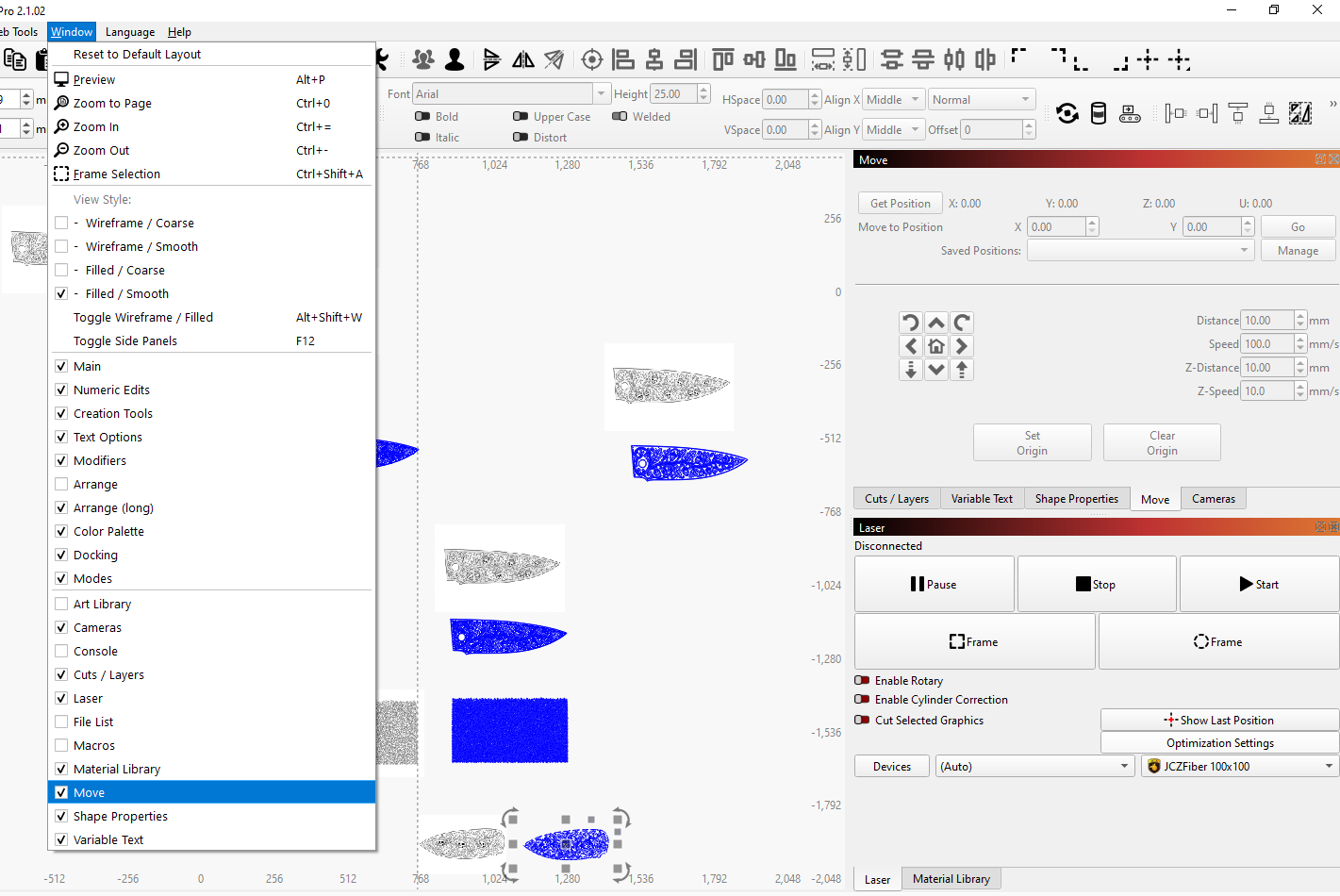
In the new release candidate 2.2.00-RC-2
Has z axis been added just for ezcad3 controllers or for both ezcad2 and 3 controllers?
I have an ezcad2 controller 100w mopa
As far as I know, it’s for ezcad 3 in RC-2 and will support ezcad 2 in RC-3.
Is there any information available about the Z-axis height compensation mode for 3D Sliced engraving?
exceptional new ty ty … look forward to seeing that happen.
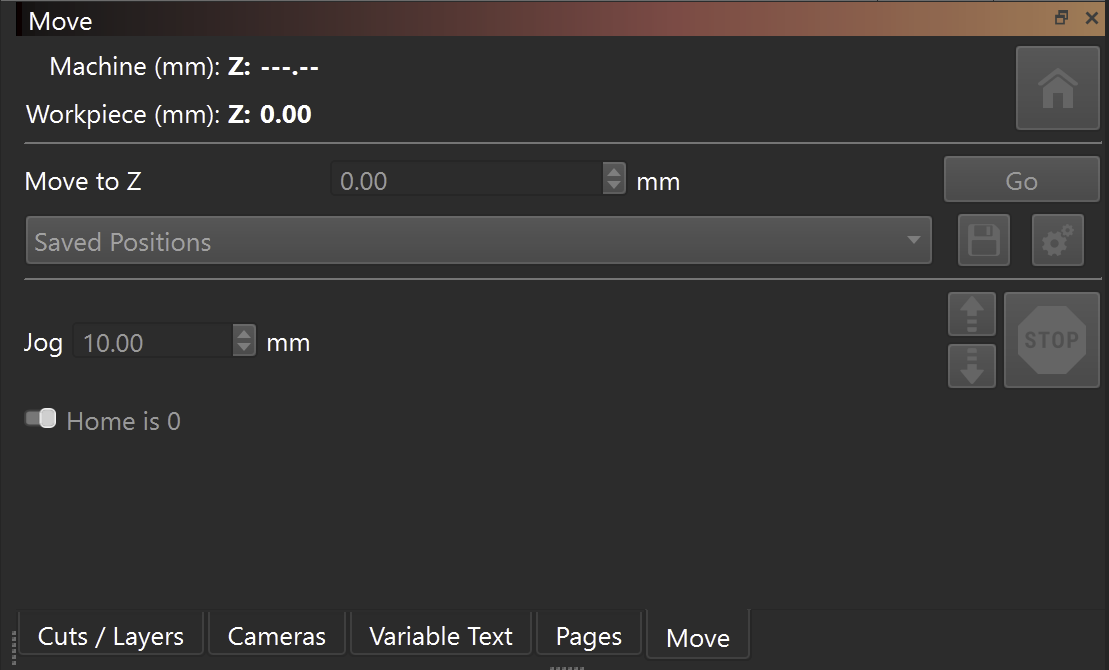
Hey knowing that its coming is consolation enough. I’m happy with that as Im sure a lot of other people will be as well.
Cheers and ty for the courtesy of a reply.
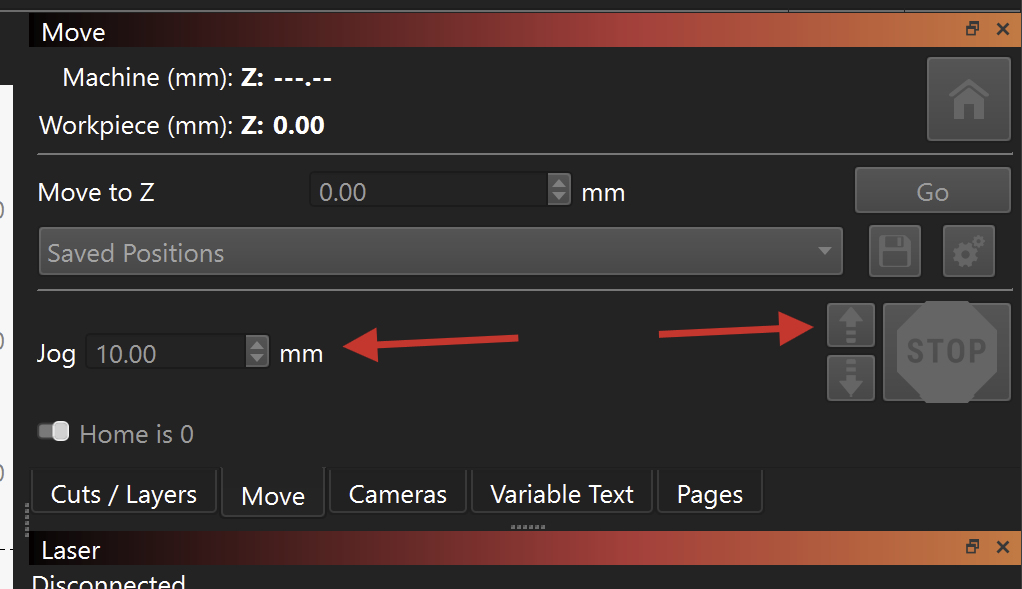
after migrating from EZcad 3 to Lightburn, I can only move on Z axis by millimeters unit only, I can’t get a tenth of a mm. how do I need to setup Lightburn to get the small steps.
thanks for you help
Dear All,
same issue here:
lightburn 2.1.04
ExCad3 board with motorized Z, 2.5D machine.
The Z control with a EzCad3 board in the device settings rounds the z movements to what first looked like integers.
I’ve switched the system language preferences to use both “,” and “.” as the decimal separator but with no success.
Playing around with the min steps per second and the acceleration I believe the axes actually moves of the right amount in mm but since the displayed value is wrong (it gets rounded) then it becomes impossible to use.
For example asked the Z azes to move 0,25 mm so from the integer it should do x,25 it showed x,3. Or doing it twice would skip the x,25 and jump to 0,3 or 0,5 and don’t move after two presses. I
I believe it is a software issue because the z axes actually moves.
Tried the release candidate 2.2 RC3 but the beahaviour is the same and I’m unsure what the extra field in the bottom does.
And cannot find the Galvo “move” window to experiment with the decimals.
Anyone could help me out with this?
Any update on this Z axes usage with EZCad3 board.