Hey Tim,
You are talking to me on support so I may as well answer here so everyone can see it.
First - Now I see why you are confused about the probe macro and where to set the plate thickness.
Tool Length Probe is for stationary probes that are at a fixed position on the machine. They offset the tool length based on a reference, not actual geometry. You are using a puck, so you should actually be using the XYZ probe block setup, just only in Z - I see where the confusion comes from here and have feedback for the dev team now.
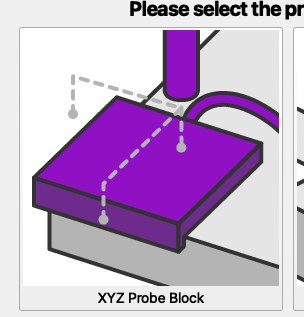
The reason the first move you are seeing with the Tool Length Probe is a positive Z move is its lifting to clear the workspace to go travel over to the tool setter. Where the XYZ probe block it will just start searching wherever Z currently is.
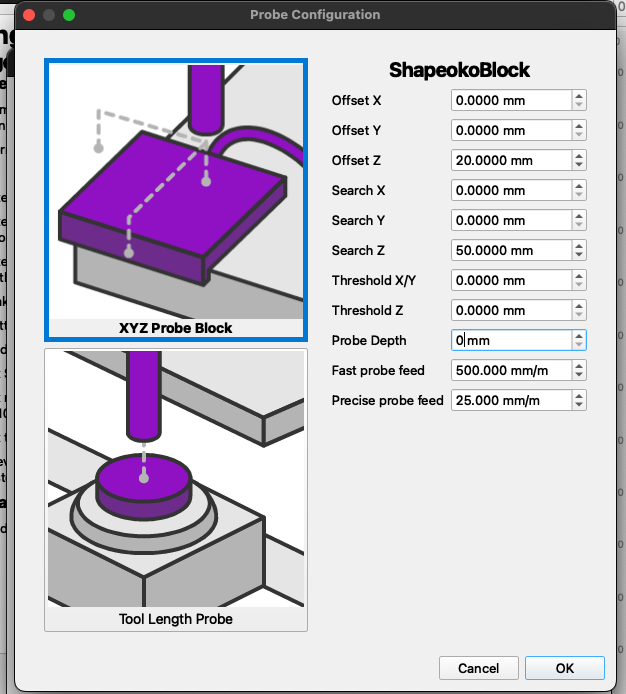
For your block, you would set up the XYZ probe block and put your block thickness in “Offset Z.” Your block setup would look something like this.
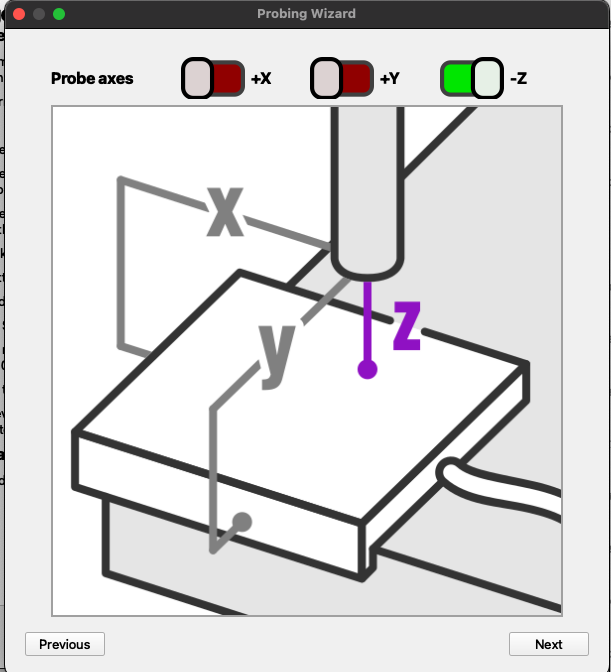
In the probe wizard you would do this -
And then you just run execute on Z after jogging to your probe location
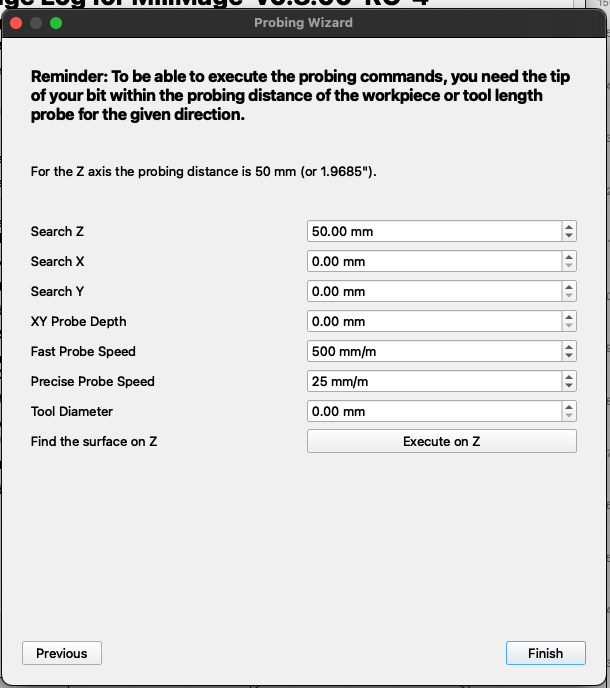
Probing and covering all the bases, unfortunately, is really wide and gets complicated quickly. We are working on making this workflow simpler and more straightforward. This post actually gives some insight into potential issues coming, so thank you!!