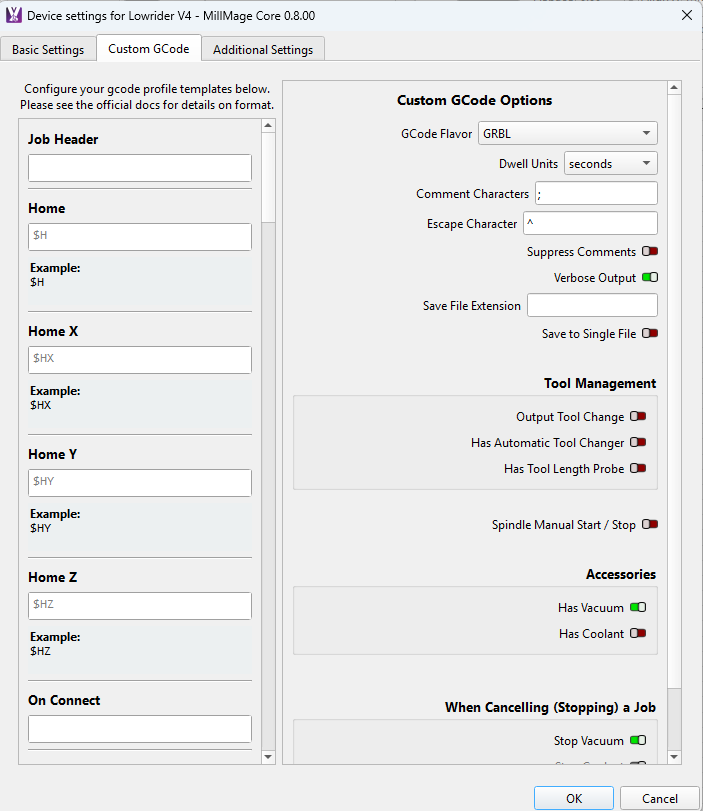
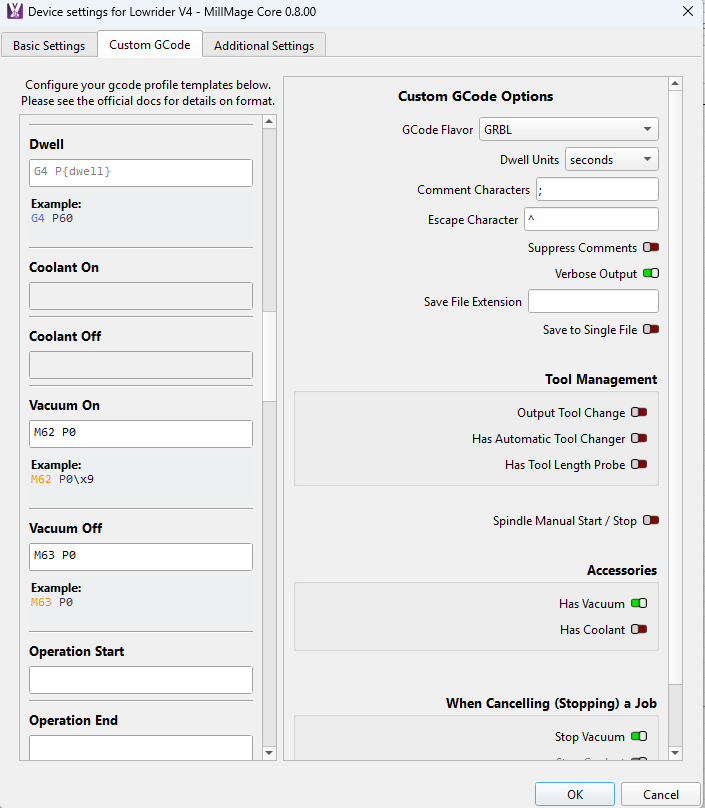
i run fluidnc and my z axis does not retract after framing, my z axis does not move at any time during framing.
Here is the irony, mine only does this in the Core 0.8.00 release. All the RCs the Z doesn’t move and it just stops at the end of the frame. In Core 0.8.00 at the end of the game Z lifts to max height and XY home.
Weird!
Hey sorry for jumping in but happy to see a another member of the “Fellowship of the V1” 
I also have a LR4. I use FluidNC and have a Jackpot 1 controller. Have you been successful at controlling your LR4? I can’t seem to have much luck but for now just put the motion control on the back burner.
Thanks!
According to the log, the Z never moved (it was at -49mm in “machine coords” the whole time).
Does it retract and zero after the M2 command? Is it possible your controller has an “end of job” sequence built into or saved in the controller itself?
Try typing M2 (then enter) in the console. Does it go to zero after that?
I connect to my Lowrider via WIFI. I just set that up in MillMage and all the motion controls function as they should. I did just discover using the preset V3 profile seems to have caused the issues with the framing I was having. My experience with MillMage has been a delight. I am fully onboard chewing my fingernails waiting for Pro to be released.
If you want to reach out to me with any issues you are having I am willing to help.
Bob F
Oz.
I used the V1E Lowrider V3 profile when I originally setup the public release of MillMage. I deleted that profile, setup a generic GRBL machine in its place. This new instance now works as it should. The Z stays put and XY do not home after the frame.
I don’t know if there is something with the V3 profile or something on my machine that caused the issue however it is now resolved. I will reinstall that profile to see if the issue reappears if you would like. I did like having the V1E logo for my machine  .
.
I did type in M2 but after I had changed the profile and nothing happened.
In the posts above you will find the Console capture first for when it was acting strange, the second one is of the newest RC where it acted as it should.
Bob F
1 Like
hi yes have been running my lr4 on mill mage since rc2 with good success
im away at the mo so cant send you all my settings will be home in couple of days , search lowrider on here i have shared my settings before
1 Like
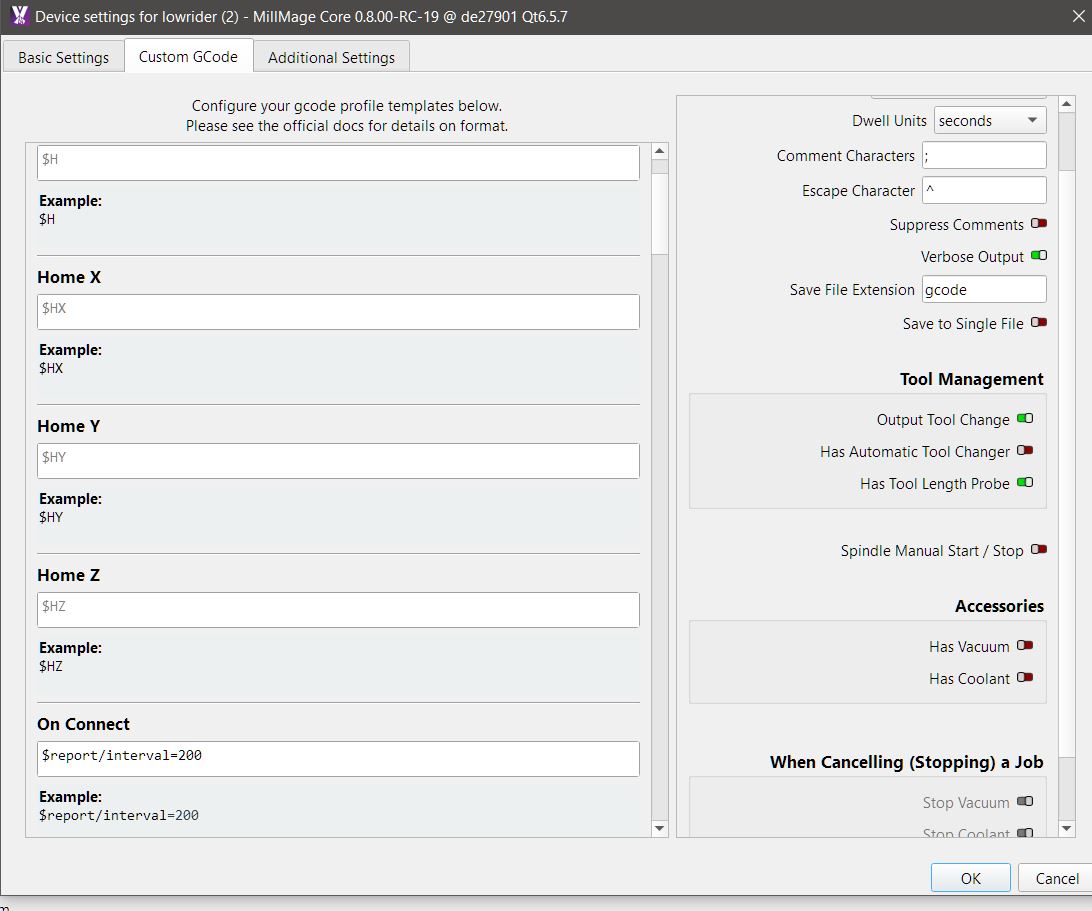
did you reinstall the V3 profile ?
did you end up with issues again
Yeah, the end of job script for the other profile definitely has Z moves and a “return to zero”. I’m guessing whoever set up that profile included those.
I did see these in the console however I am afraid I didn’t know how to get to them to make the changes.
So happy to say on V1 group someone asked if I open MM first THEN change wifi to FluidNC.
I did the opposite!! I first connected to FluidNC then opened MM. Dumb on my part. So tired it a great!! All good!!!
I have not reinstalled the V3 profile yet. I think I will over the weekend and see what I can learn. It is good to have the machine working as it should again.
The Z was going to max height and XY were both homing after every framing operation. It was because of the Lowrider V3 profile that is preloaded in MillMage.
I will get my custom g codes for you this weekend. Not at my machine right now.
Bob F
I added these lines in the custom ‘Job End’ area of my Lowrider profile, which was used for the default Lowrider profile.
You can safely delete those lines if you want.
I reinstalled the Lowrider V3 profile and deleted those entries, all is well.
Does MillMage treat the end of a framing operation the same as the end of a job?
I have always had to set to return to G28 at the end of the job. It didn’t do the Z to the top and XY home thing though.
I was looking for something specific to the Framing operation, never thought it would be in the “Job End” box. My bad.
Work got the better of me this weekend, sorry it has take so long to get back to this.
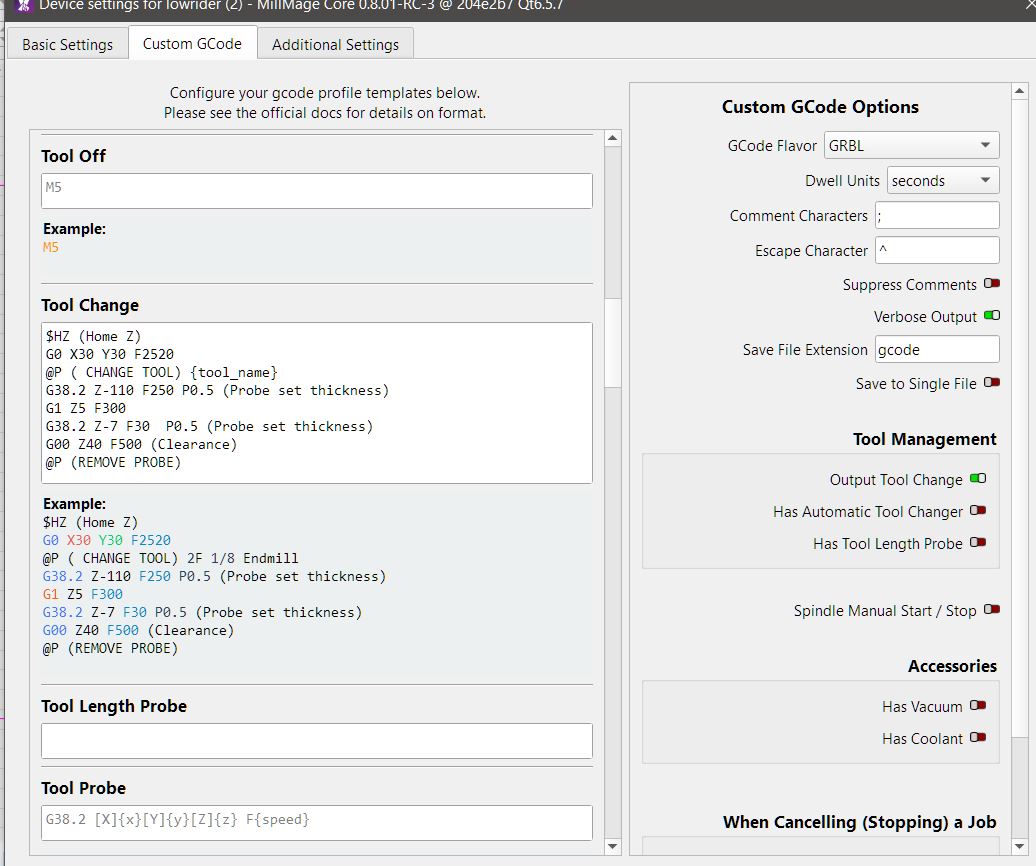
Here are my custom G codes, not a lot to see. I am going to steal you tool change code if you don’t mind. I have never take the time to set that up. The issue was some code put into the V3 profile that is available in MillMage, once I deleted that and did a generic GRBL machine everything went back to working as it should.