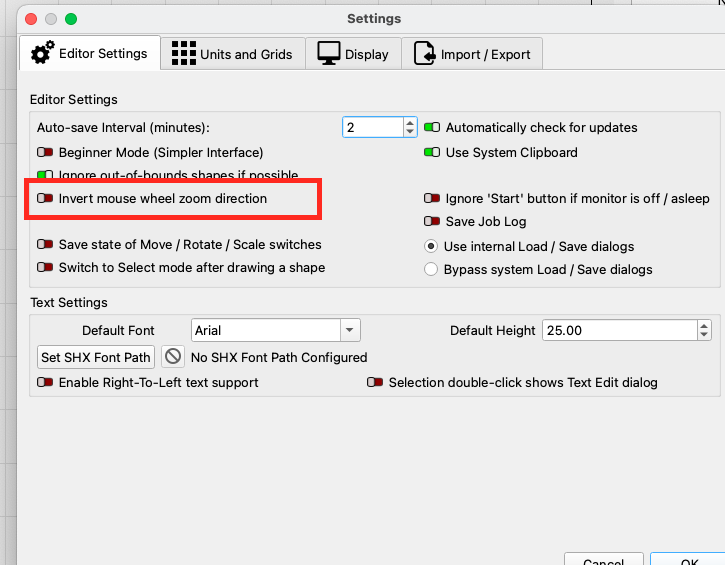
I come from the PC world, I have just got a job where they all use Apple laptops. I have change the scroll wheel to be normal. However what that does is reverse the zoom in MillMage.
When I scroll up it zooms out instead of in.
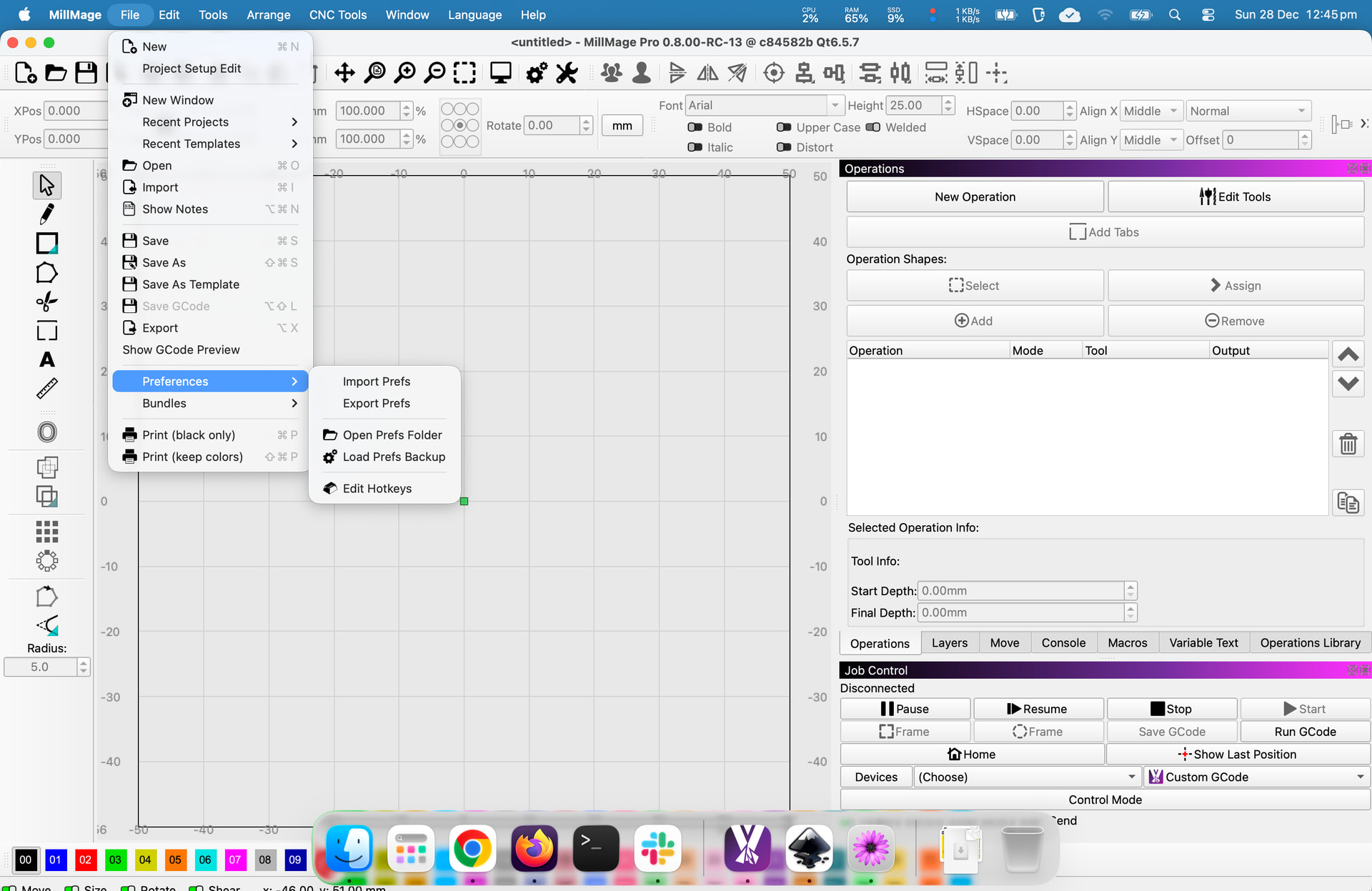
I thought I could fix it in preferences but there is no GUI fro preferences, all I can do is open the preferences location and edit the INI file. I searched for zoom but did not find anything.
I guess you missed the part where I can’t get to the Preferences on Mac? maybe I am missing something I click on all of them and do not see that screen, which one is it?
I am still trying to get used to things on Mac, like one time I saw instructions to go:
Finder - > blah → blah → tick enable
I could not see the “Finder” menu anywhere… it took days to realise that the menu is not at the top of the Finder window but at the top of the Desktop…sigh…
I have 30 years of IT experience and there is no way to retrain my muscle memory for keyboasrd shortcuts to things like Copy/Cut/Paste so I installed a utility called Karabiner-Elements that do the keyboard remapping.
I was a PC for many years until a couple years ago. It certainly takes some retraining of the brain but I got it, you can too. I now use both OS interchangeably.