I see we can now import 3D Models into Lightburn but it converts it to a depth map.
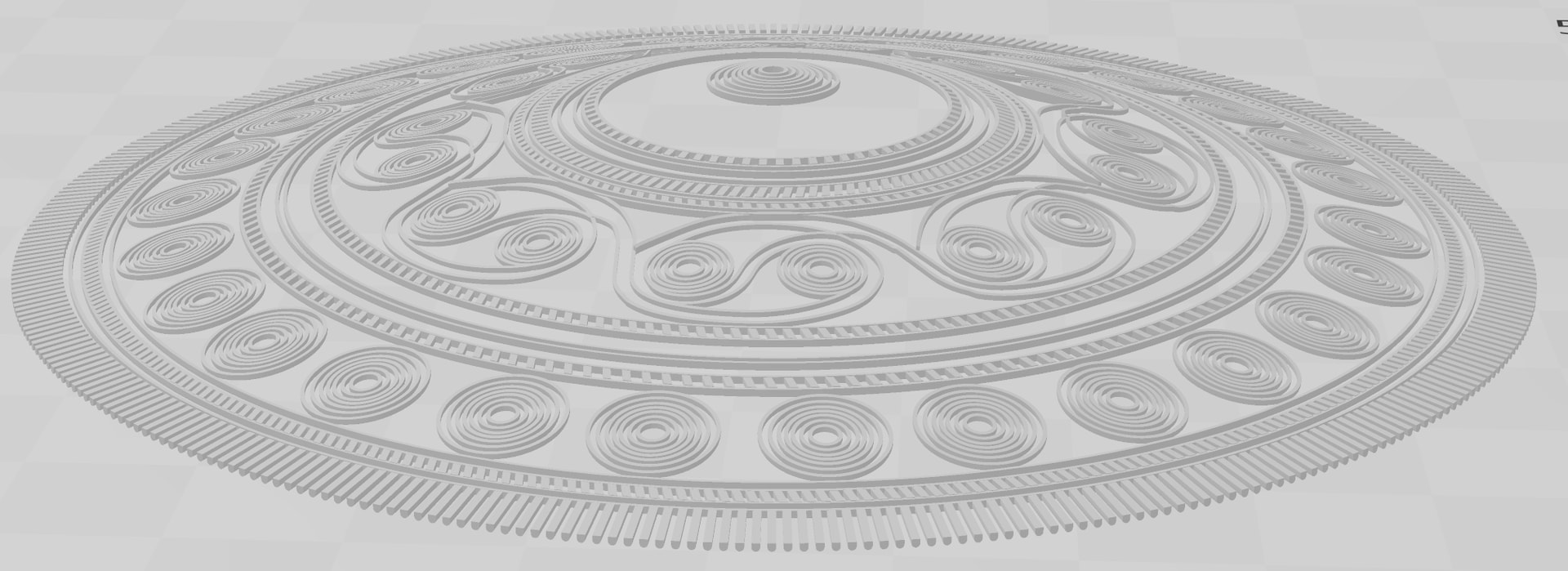
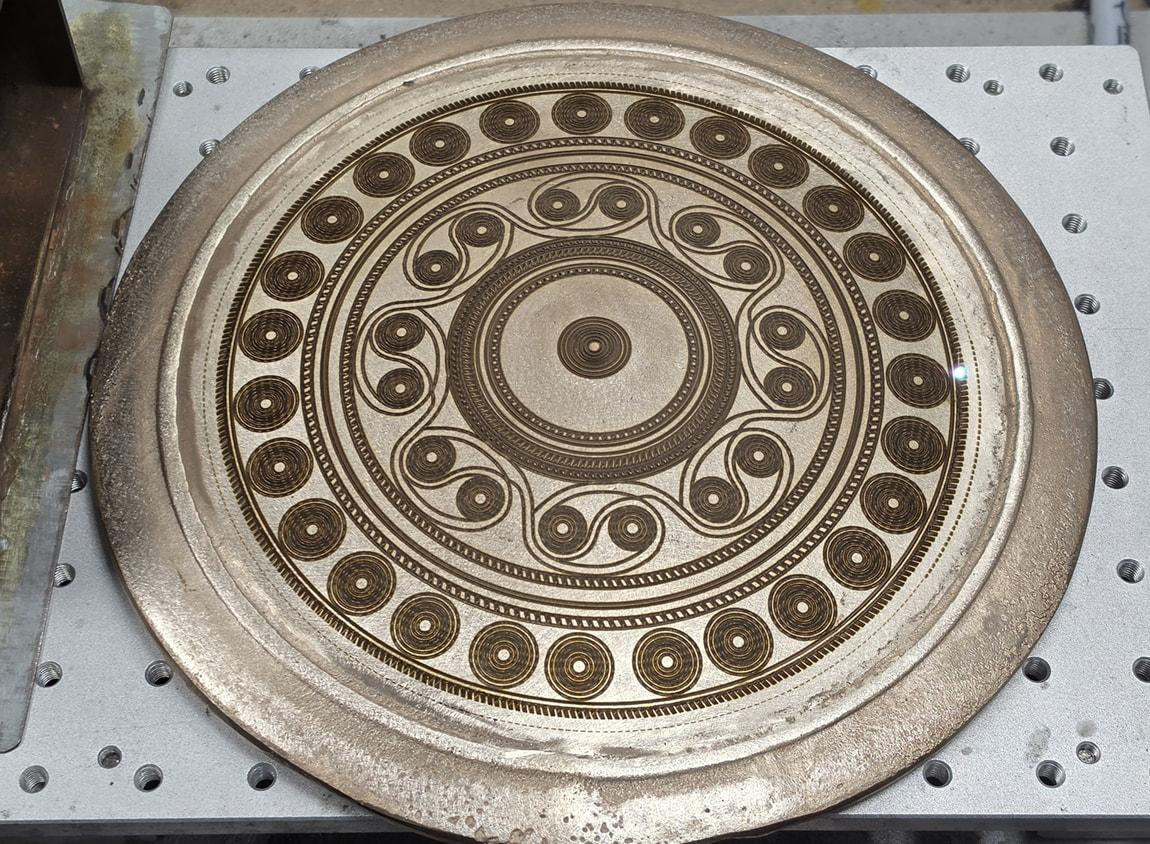
I’m not sure that this will work well for some geometries. For example I’m running this engrave as we speak using EzCad3 to put an engraved a pattern on a convex shape. The line depth for each element is only 0.25mm but the entire STL is 12mm tall (see pic).
For this engrave, I’ve got EzCad3 automatically moving my Z-Axis down 600 times in 0.02mm increments, and the laser is only engraving the details required for that slice.
I’d posted some example of simple deep engraves that I think Depth Maps would work with (with a Live Z-Axis), but today realised that I don’t think it works in all models (like the one I posted in this thread). Yes it is a model that follows the contour of the object to be engraved.
That is the beauty of using a 3D File (STL etc) as it has all that information and is how EzCad3 works. FWIW, the actual engraving I’m doing is 200 x 200 and takes about 6hours, just kicked off the 2nd side this morning.