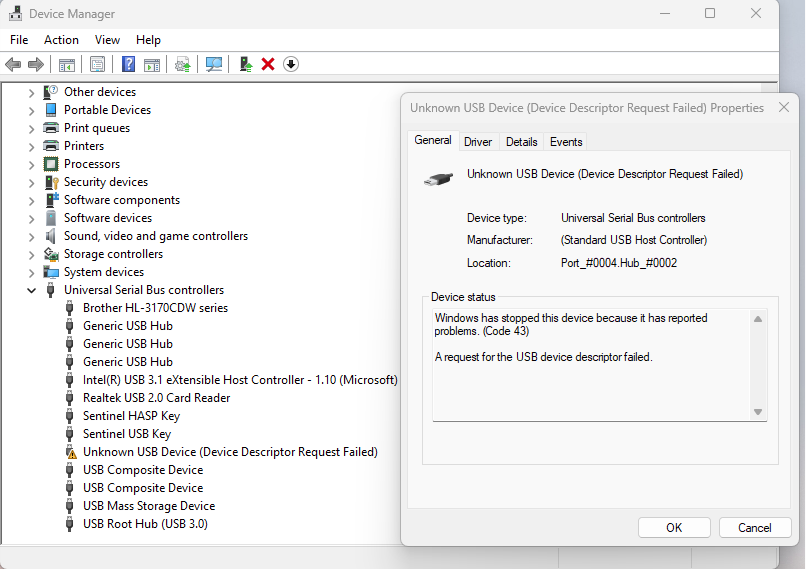
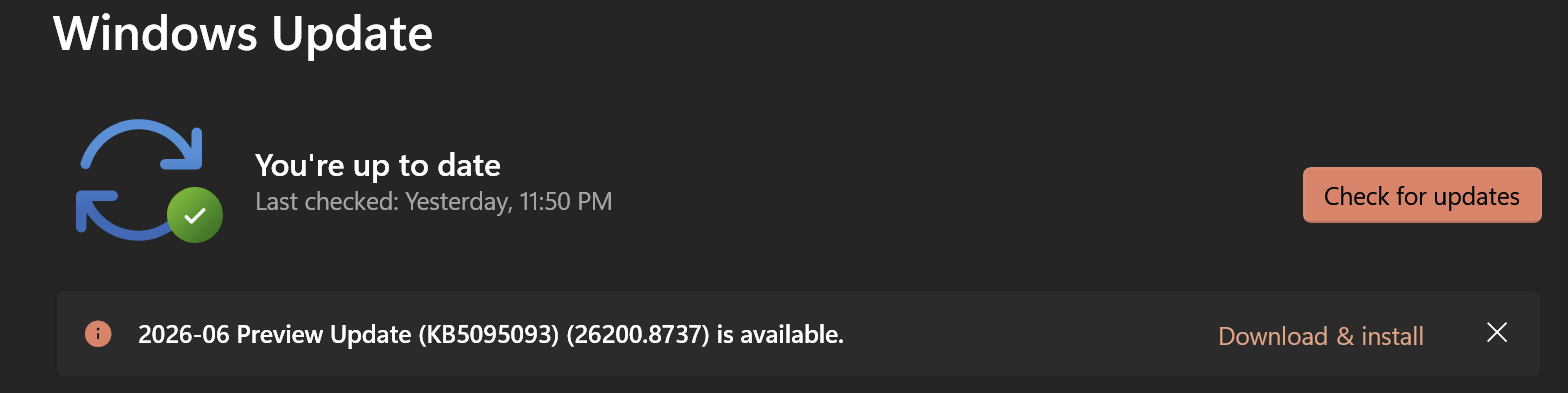
Today Windows 11 did a massive update. At the end of this update, my Omtech K40+ could no longer connect to my computer. Although I do run Lightburn, this is definitely a WINDOWS issue. In the Control Panel/Device Manager, the formerly “just-fine USB link” fails. Here’s what it says:
Unknown USB Device (Device Descriptor Request Failed)
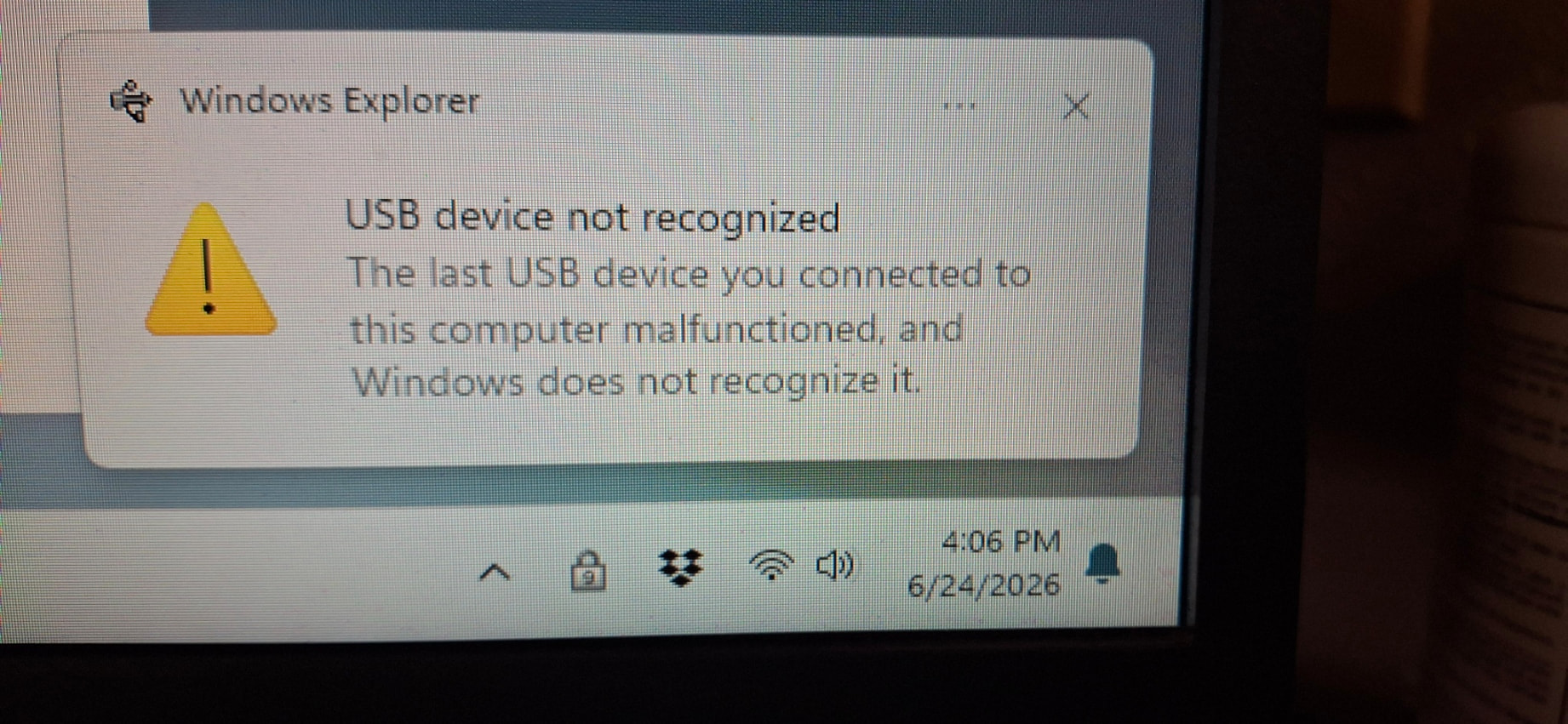
Before the update, everything was just fine. Afterward, I’m dead in the water until I can figure this out. The second I flip the on switch of the laser, this is what pops up in the system tray.
I’m at a loss right now, and the problem is too new for there to be anything in a search, but I wanted to give everyone a WARNING that this could possibly happen to you like it did me. So, be careful out there everyone.
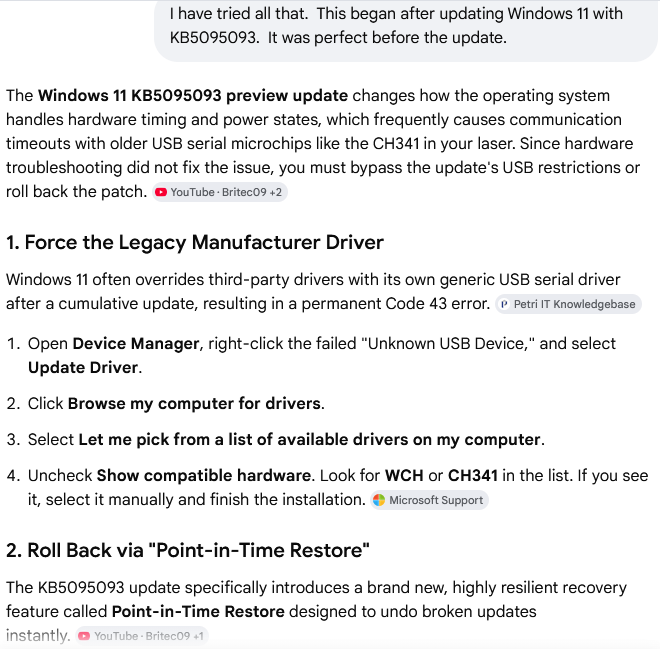
Thank you for this, although it doesn’t seem to have made a difference for me in this case. Omtech Support has been working with me on this since yesterday evening, but a remedy hasn’t been found. Their latest driver continues to fail after this Windows update. For some reason I don’t understand, Windows itself is severing contact with the machine. I have no idea what a Code 43 even is, nor do I understand this request for the USB descriptor. It seems to HATE this driver, LOL.
But they’ve been really good about trying to fix this problem for me, so thumbs-up to Omtech as of now.
You can try with Zadig, but as it is from 2024 I don’t believe it conforms to WHCP-cert.
Also you may check Win updates by going to Settings > Windows Update > Advanced options > Optional updates > Driver updates to check for available driver updates.
Looks like it’s “roll back” time on KB5095093 for now. Unless…
Now, it’s time to get off into the weeds entirely. Question: Will Lightburn in its current version run on XP? The reason I ask is that I run VirtualBox with an XP virtual machine on this computer. What if I tried to switch this laser over to the XP machine (so I don’t have to stop my Win 11 updates into eternity). Then the OS wouldn’t throw a fit about how old this CH341 is, because it would think this is a normal age for it.
Windows XP officially reached its End of Life (EOL) and ended all support on April 8, 2014. Microsoft no longer provides security updates, bug fixes, or technical assistance for any edition of XP.
LOL, yeah it is. You definitely have a point there. The only reason I have it as a virtual machine is because I have some ancient (and very expensive) software I use in my work that will not run in later Windows versions unless I spend thousands to update it. So, I figure that Win 11 can just defend it for me, since it has no access to the outside. And it doesn’t know the difference, that it’s a dinosaur.
Didn’t really expect Lightburn to run in XP, but on a whim I just threw it out there for the hell of it.
I am kind of in the same boat. I have a XP PC that I keep alive because it runs an ancient CAD system that would cost me about $8K to upgrade to Windows 11. I only use it about 4 times per month, but it still boots up
I did the same thing for years, and the two sat side by side on a counter next to my desk, sharing my single monitor with a KVM switch. Then I got to thinking that it would be so much easier to have them both in the same computer and take the old one to the recycling place. I’m glad I did it now. It was a hassle to figure out how to do that, having never done such a thing before, but it was worth it in the long run. (Plus, I’m always looking for a reason to beat my head against the wall…) I use VirtualBox.
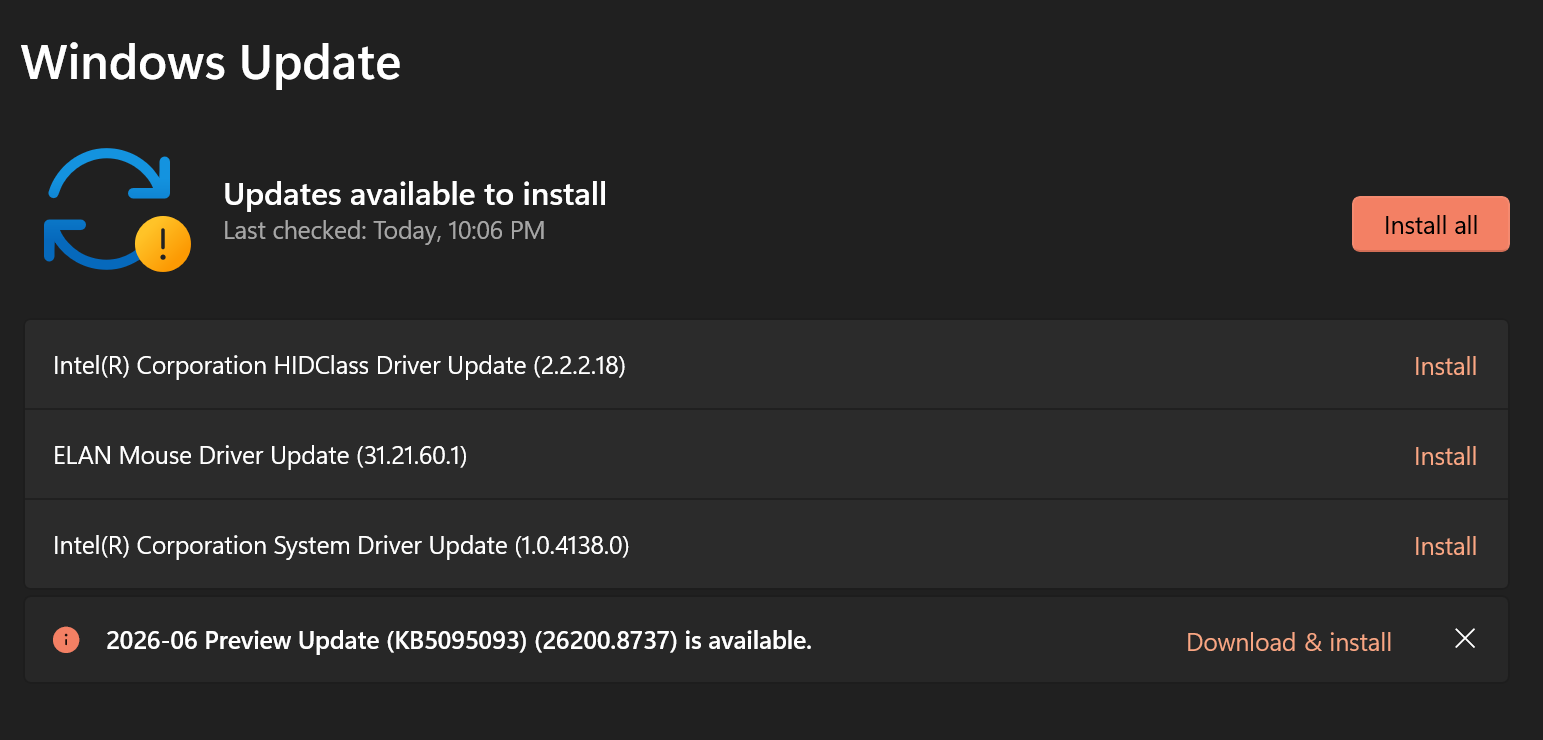
Two days ago, I also saw these components.
I was worried that the Intel “HIDClass Driver” could potentially bork something COM-port-related.
I’ve read the changelog of KB5095093, but didn’t spot anything related to USB drivers, so I took this screenshot and installed the update.
OMG, I woke up and went at it again this morning, and now have a Winner,
Winner, Chicken Dinner!
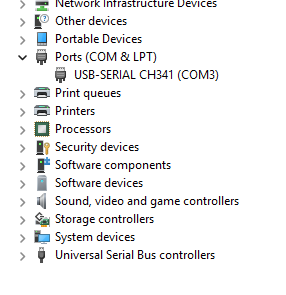
I must have uninstalled and reinstalled a dozen times, with no success. It was always coming up under the USB Controllers in the Device Manager. This time, it came up under Ports, where I uninstalled it and told it to delete drivers, rebooted, and here it is… connecting just fine! I did not have to reinstall the driver. It just appeared there all on its own. This all makes no sense to me, but I’ll take a win when I get one. Woohoo!
Yes. On this morning’s boot, it had already appeared under Ports, where I could right-click and tell it to uninstall AND remove the drivers. (I don’t think I had the option of removing drivers when it was under the USB list.)
When I did that, and rebooted, it came up under Ports again, and the driver was already there for it, so there was nothing more to do. It seems like WHERE it came up in the device manager was the key to the issue. I have zero idea why it suddenly moved its location in the device manager but that seems to be the key to getting it to work.
All is good now, and it’s running and making me happy.
I don´t want to be the messenger of bad news and I hope I´m wrong… I believe Win11 after the 3rd restart after uninstalling/reinstalling driver goes in some kind of “analyze” mode in which the Drivers work and after a few restarts blocks again.
Oh NOOOO!! At least my project is finished, so I guess if I need to find this out the hard way, then now’s the time. Maybe I’ll restart a few times this afternoon to find out the good/bad news.
No need to do that. Use the PC normally, if that happens again just uninstall/reinstall the drivers or rollback the update. You can also Hibernate the PC.
OK, I was curious and had enough free time to risk it. Three restarts was nothing compared to the number of restarts in the Windows update, so there’s that.
I’m happy to report that it’s still fine as far as I can see. Now that it’s listed in Ports in the Device Manager, it has not shown a single instance of failure.
Don’t know if this is pertinent or not, but I do have Fast Start turned on in Win 11. It was my understanding that Fast Start performed more like a hibernate than a full reboot? Since everything’s working fine, I’m reluctant to turn that off and reboot again. Think I’ll leave well enough alone here.
Everyone else’s mileage may vary, but that’s my experience with the CH341 for an Omtech K40+, anyhow. May any others who run the same machine and have this issue now be able to turn up this thread in a google search.