I have asked at least once before questions about the Boolean tools. The last one in April 2024. My issues from that event in April, doesn’t seem to work to resolve this isssue. I’ve attached 4 files.
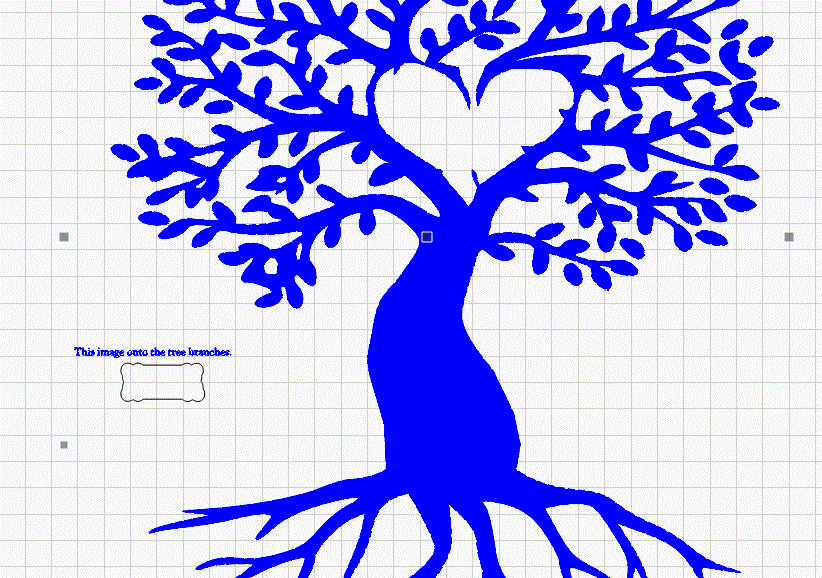
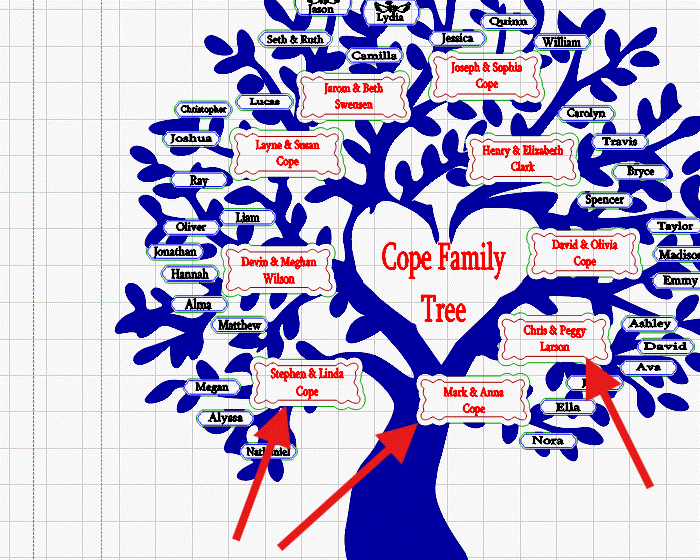
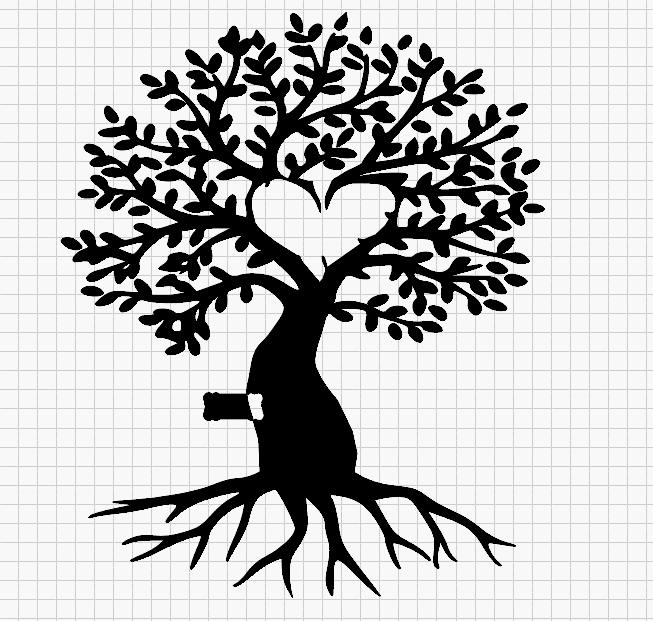
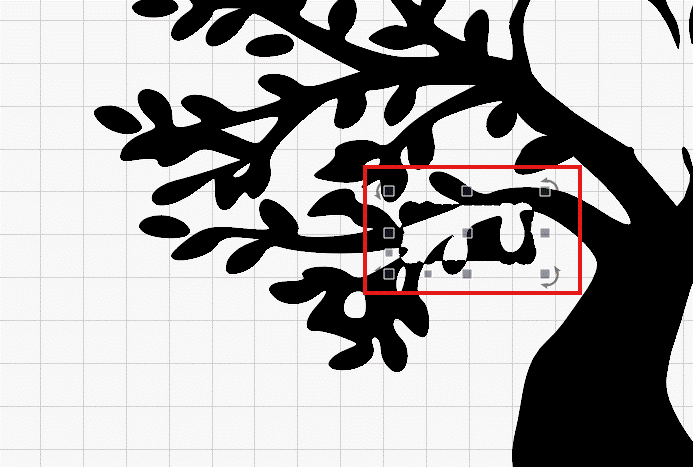
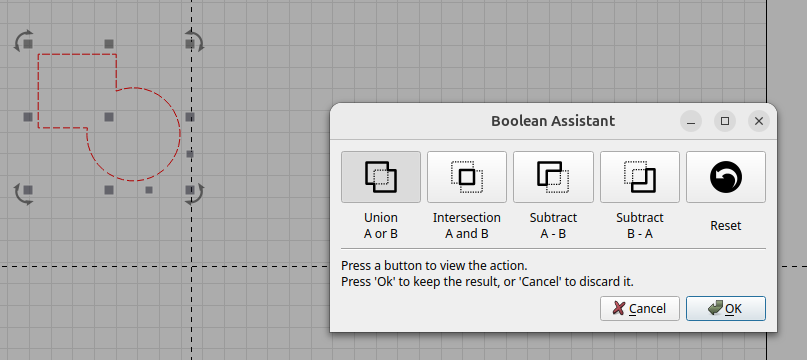
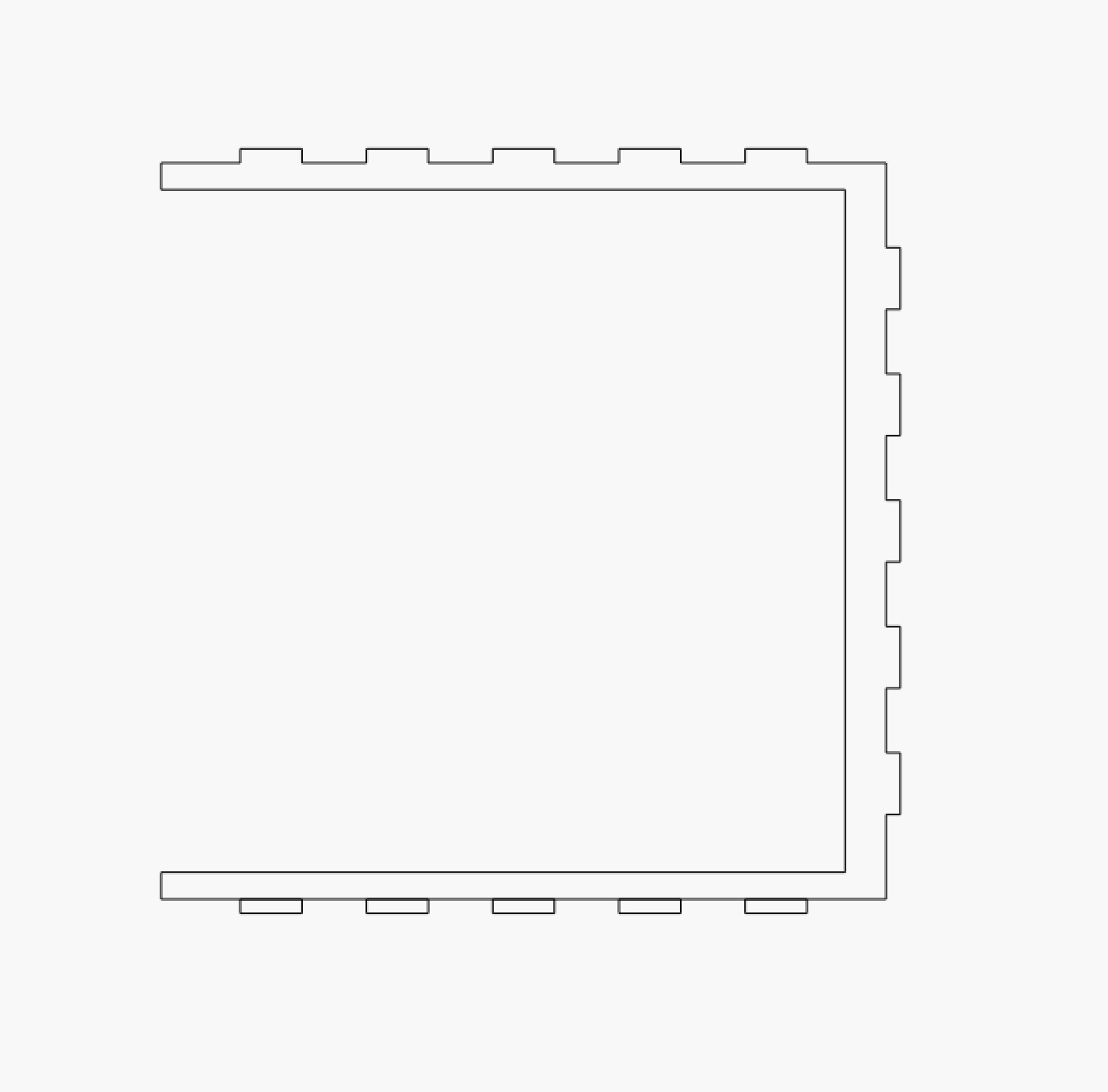
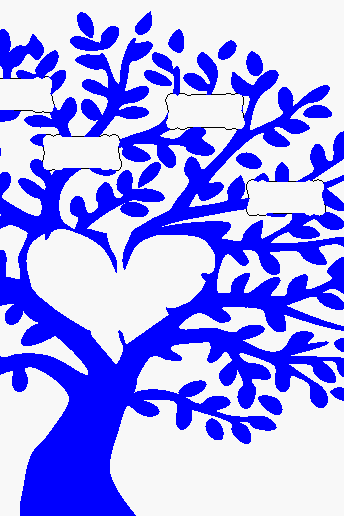
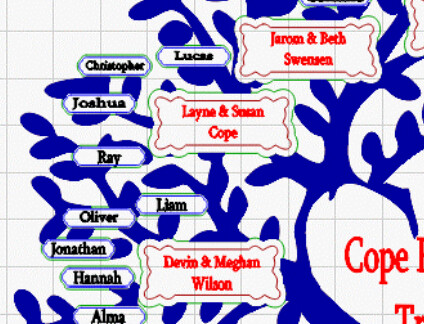
I’m trying to get the small image shown in image 1 onto the branches as sown in the example in the 2nd image. I did it once but I’m not remembering how to do it again. I’ve confirmed the tree and the image are closed objects, see last 2 images. I’ve also put them all on the same layer as sown in the last 2 images. I can’t seem to get them to work. I know the software is working like it should, and that user error is the cause. I am looking for suggestions on how to resolve.
Seems like I always have issues with Boolean tools. I’m hoping one day I’ll figure it out without asking for help.
I’ll see if I can find those files, but this is a new and different issue. I’ll work to find them just in case. The files attached is for a different problem as I understand it.
Here are the files from April 2024, and the link to the previous issues.
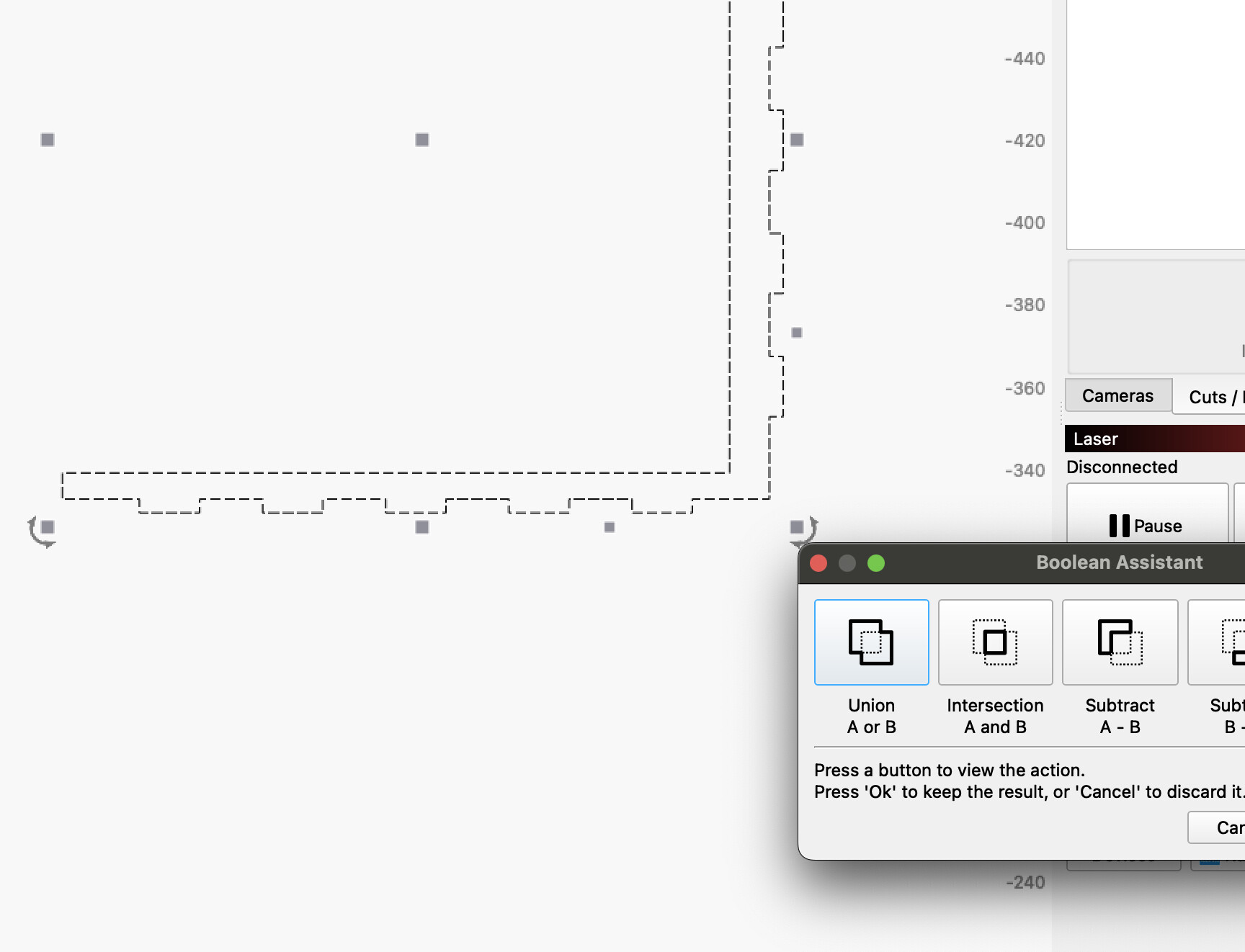
In this file there is a logical explanation why it is not suitable (as it is) for boolean operations.
Your bottom row of teeth is not “close enough” to the rest of your drawing, therefore…
That and the shapes not being closed, are the 2 main problems that most often prevent correct boolean operations.
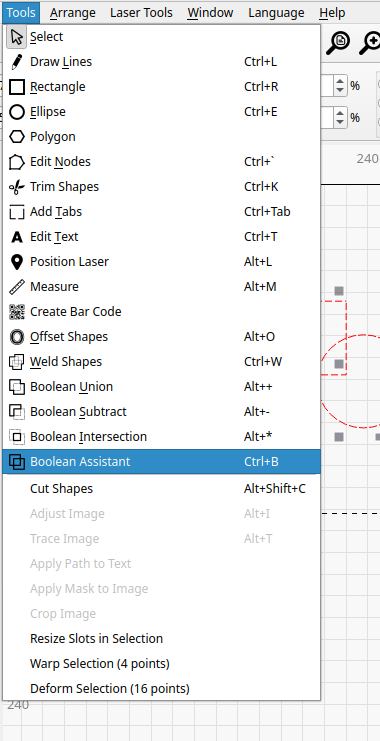
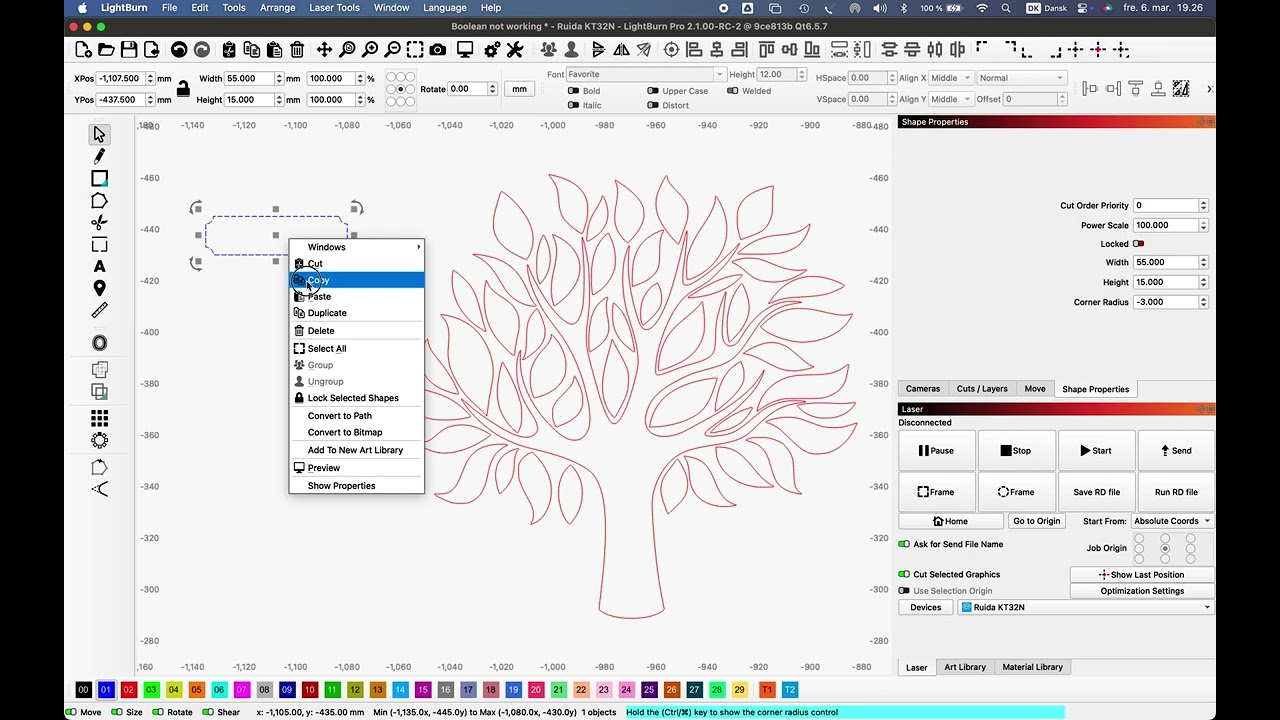
I thought I tried, but it wasn’t giving me the option, either from the menu drop-down under Tools, or by doing ^B
I’ll read the rest of the comments and see what I can learn. As I said, I’m confident this is user error as I am increadibly pleased with the powerful program Lightburn is.
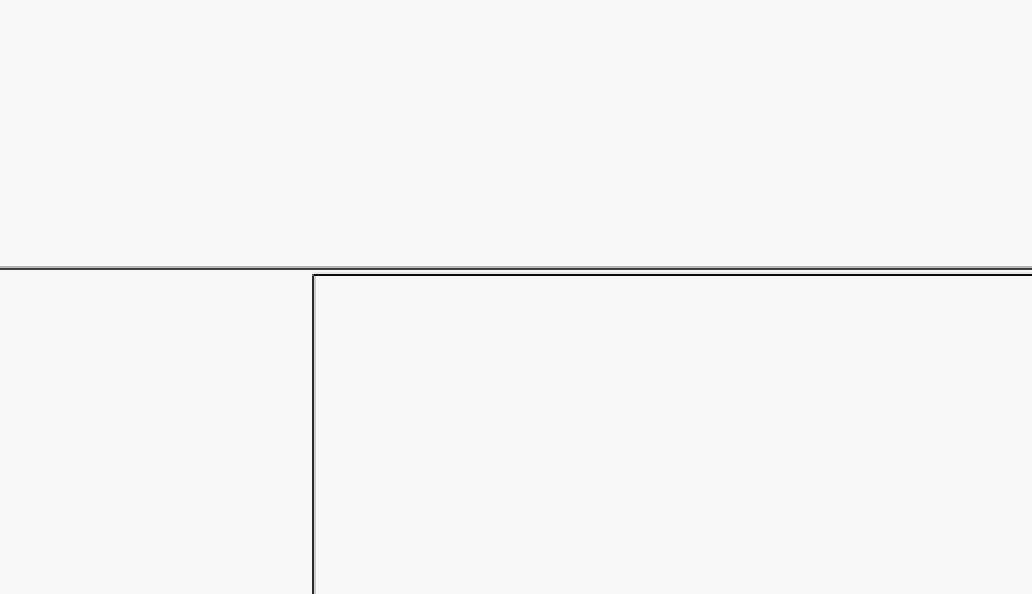
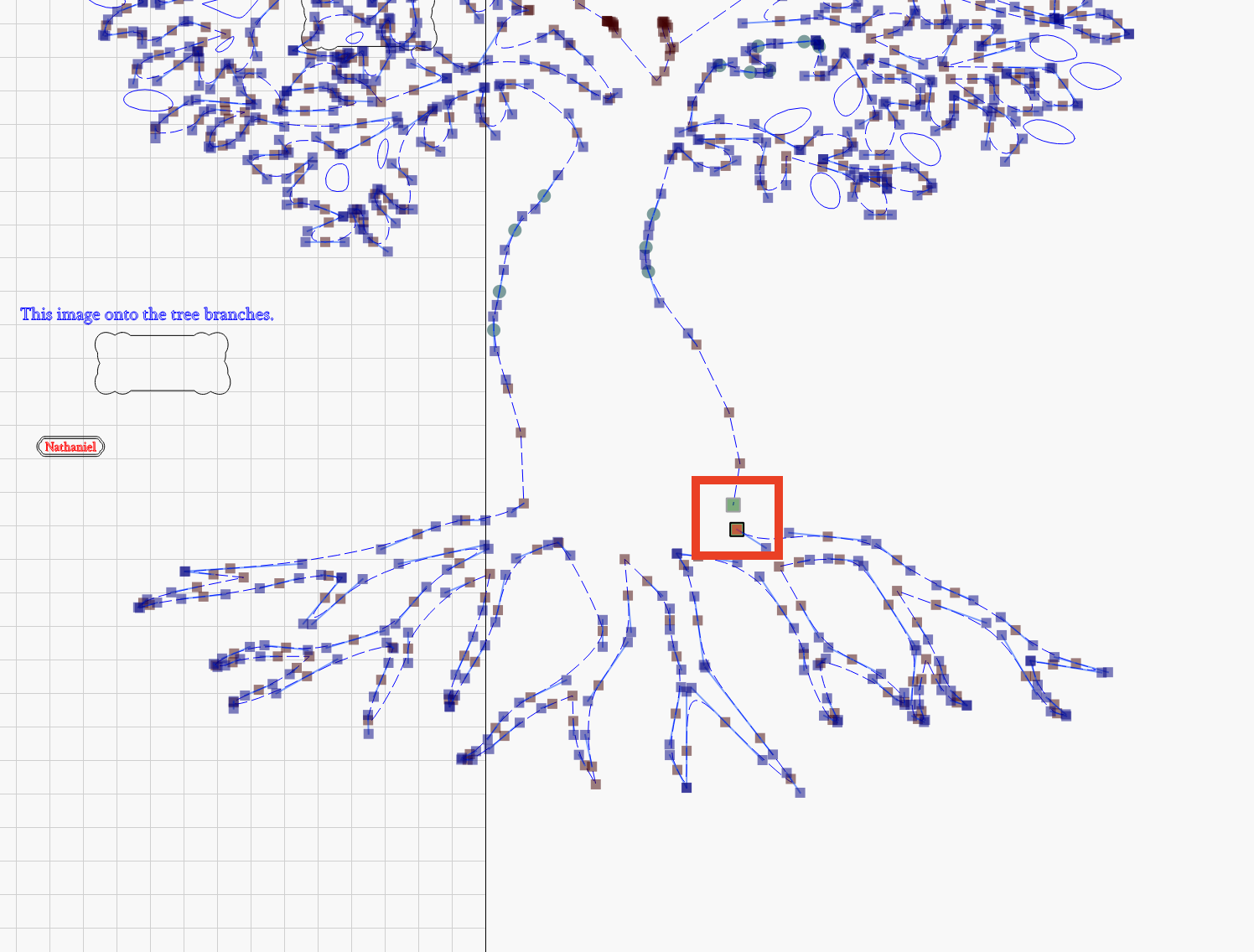
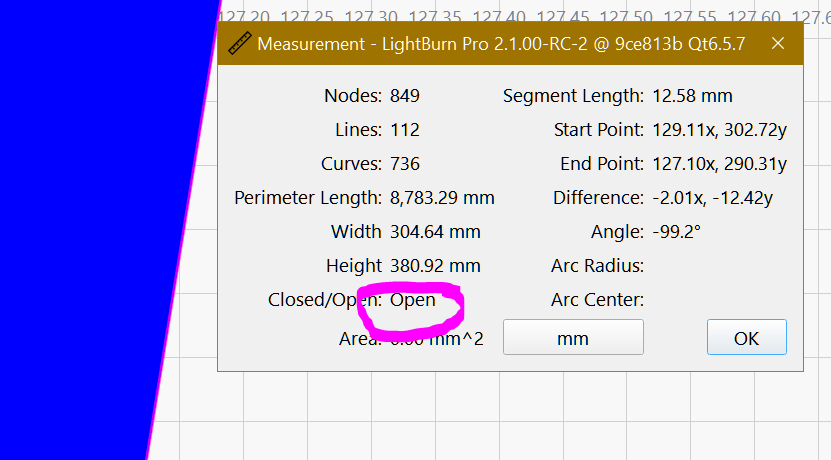
Your tree is an open shape. I went to Edit Menu> Select Open Shapes Set to Fill and it selected the main tree. I clicked Node Edito and found the problem. I pulled it apart for the screenshot. Connect the shape at this location and Boolean Tools will work.
Typically, yes, but in this case the nodes were right on top of each other. Apparently that is close enough for rendering. It didn’t pop up an error when previewing either. Select open shapes found it though.
This tells me there is a bug in Lightburn FILL or is above FILL tolerances.
Because is identified as a open shape but can be rendered as “closed” FILL.