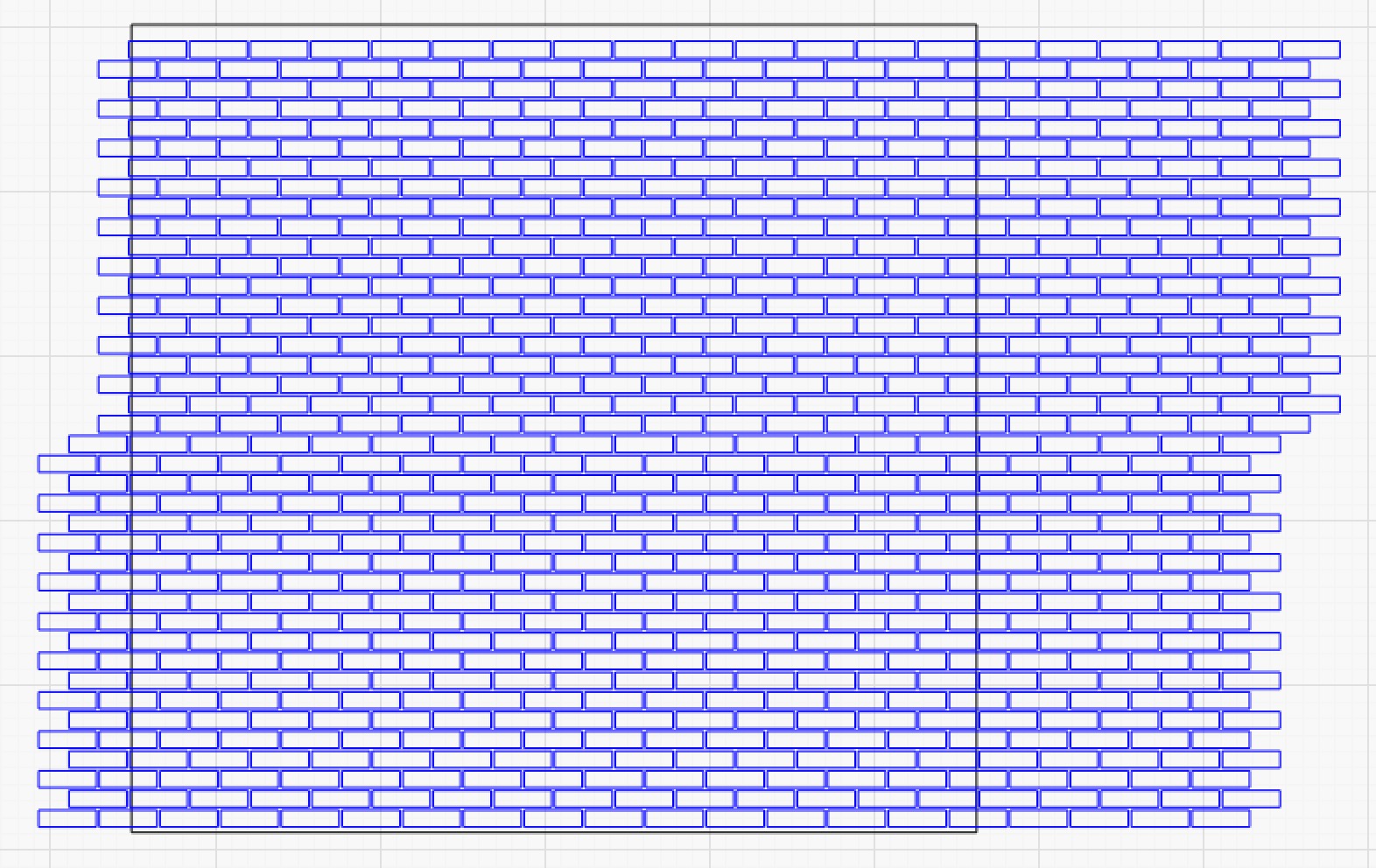
Brick pattern trimmed onto a wall

I’ve been encouraged to ask ‘how-to’ questions here, as I learn Lightburn. Consider:


Here I’ve generated a brick pattern using Array, and now I want to apply that to the wall (black rectangle), trimming all the extra bricks. And I want to keep the wall outline.

So it seems I could do (1) duplicate the wall. (2) select first the bricks, then one of the wall objects, and applying Cut Shape. Is there another/better way to do this?

Try the boolean feature. I don’t remember the correct selecting order. CTRL-B in windows

Is this an Image or Vectors?

Vectors. I drew a single brick then generated the stack using Grid/Array.

(One thing I haven’t worked out yet is engraving the mortar lines.)

A discussion of Z scale brickage may be helpful:

I work in HO, so the problems with backlash, etc, aren’t as significant. But a lot to learn from that post.

I’m still looking for the solution to ‘cropping the brick pattern to fit inside the box.’

Upload your file and let the Mind Hive play with it.

Try:
Do a Duplicate of everything and put aside.
Group the bricks, next select the Rectangle and apply the Cut Shapes Tool. Make sure the rectangle is a closed shape.