selected import “setting" multiple times. LB is labeling it “camera” when I unplug the USB the label goes away. The camera icon in the upper tool bar is BLACK.(not grayed out)2023 MacMini Tahoe OS. The “Photo Booth” app has a connection and image.
Where to start?
Is the photo booth program still running when you’re trying to connect in LightBurn? Does the mac have permission to access the camera? Here’s how to check: Using a Camera - LightBurn Documentation
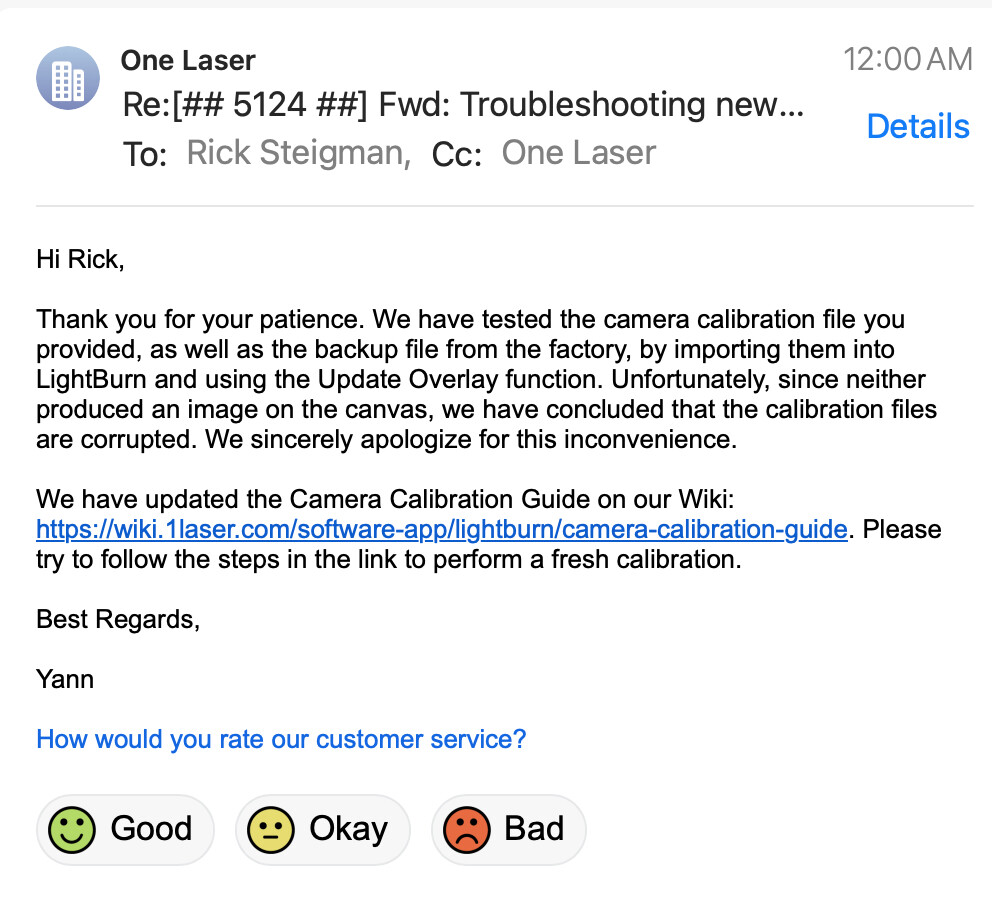
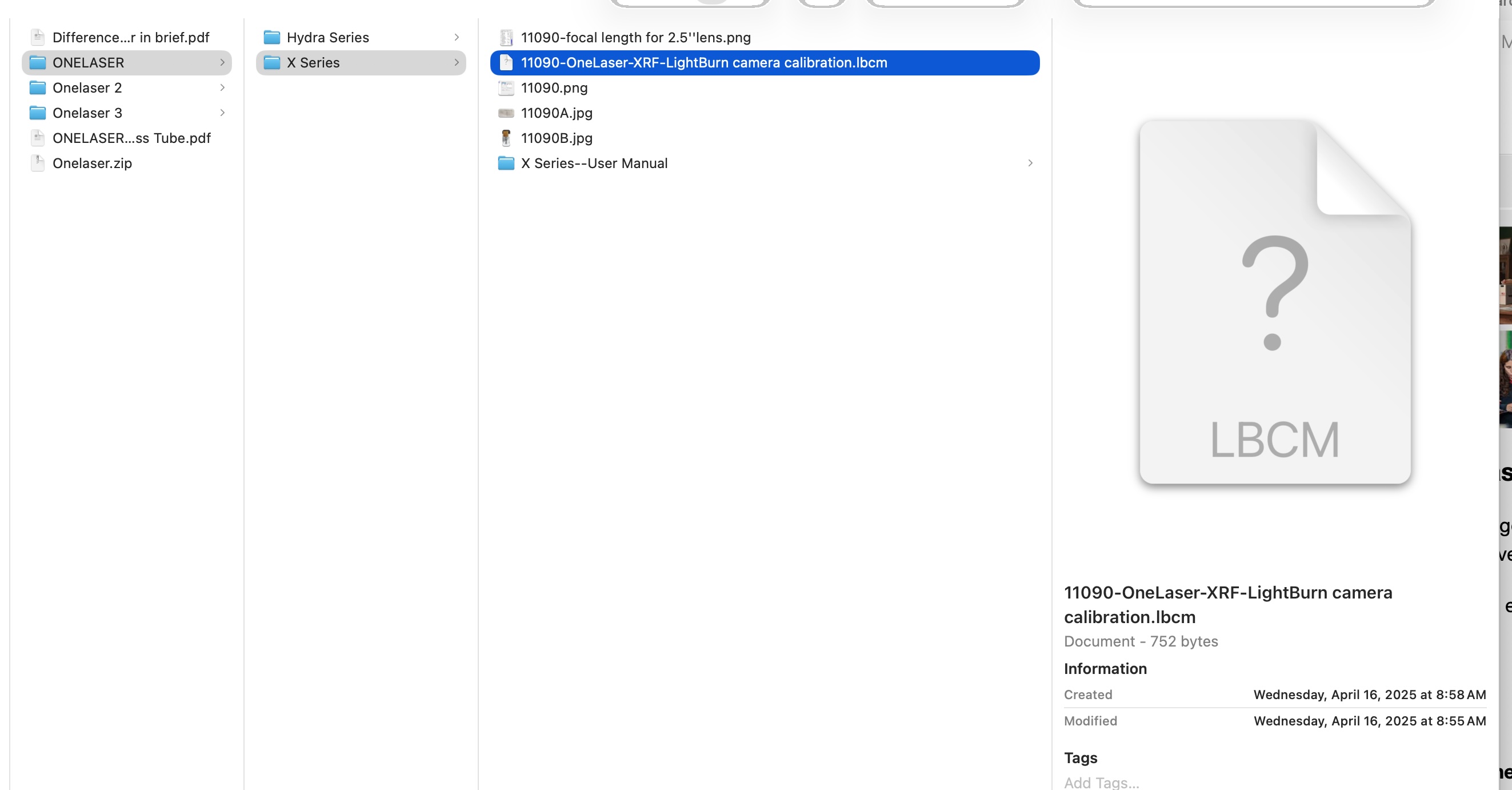
Thanks Jess, I have jumped through all the hoops. I’m wondering if the calibration from 1Laser is corrupted. would that do it? I wouldn’t think so. I have disconnected the camera from a diode laser just to eliminate a mixup. hoping to here from 1Laser. we know the camera works and I took off the cover. When its solved I will post here. Cheers
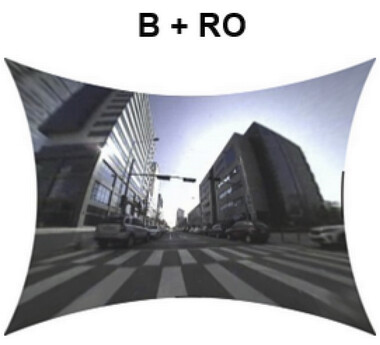
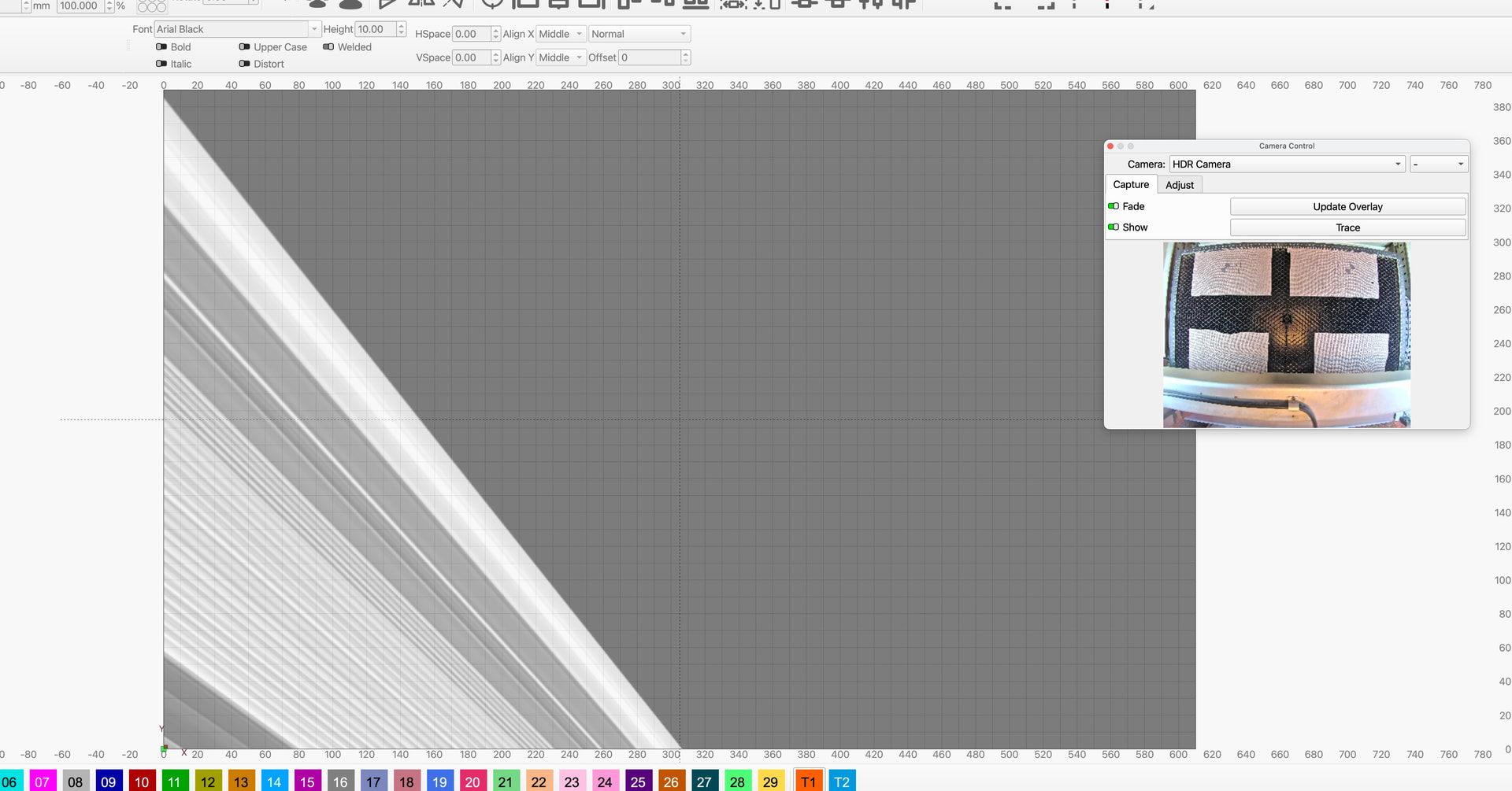
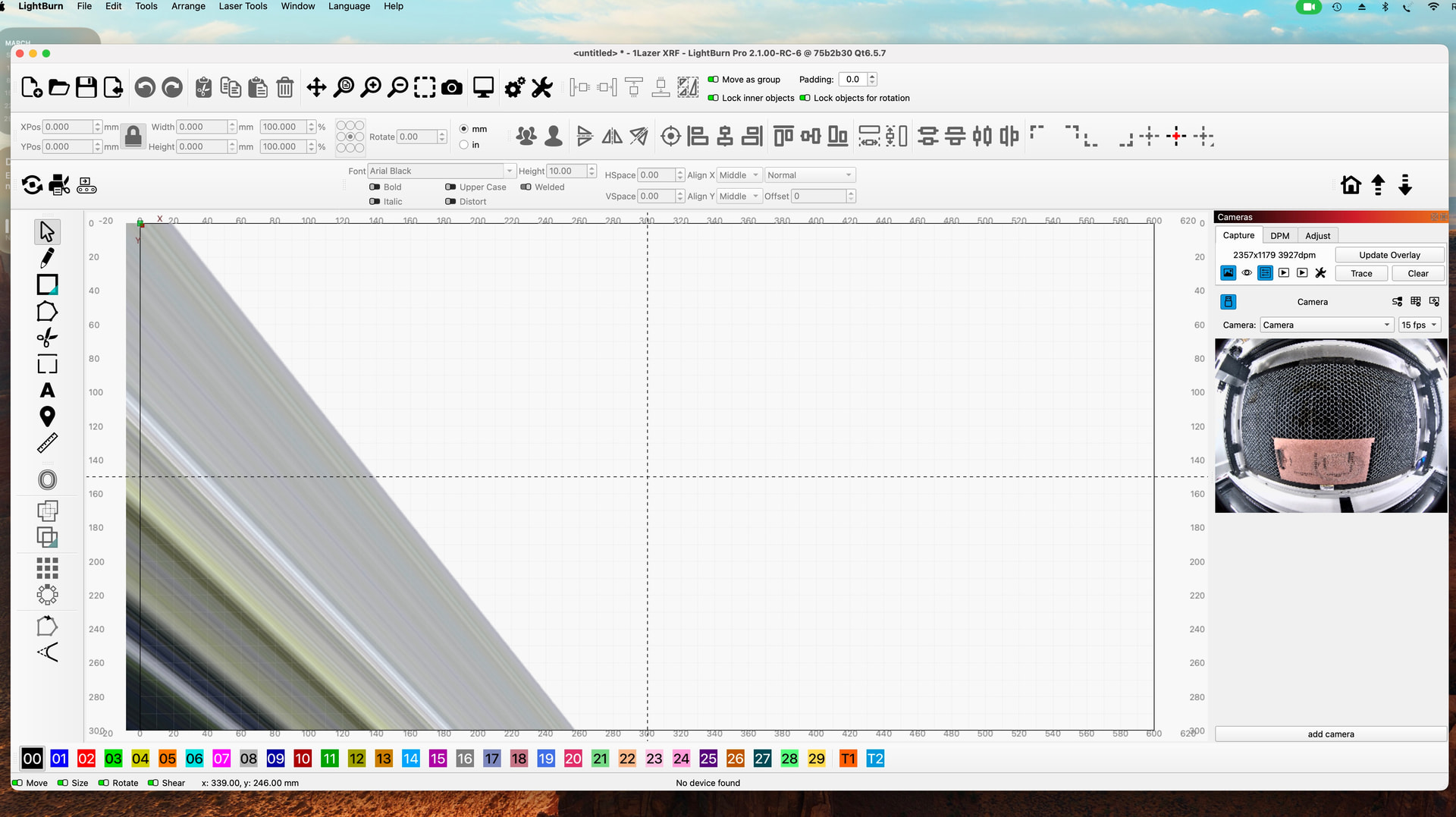
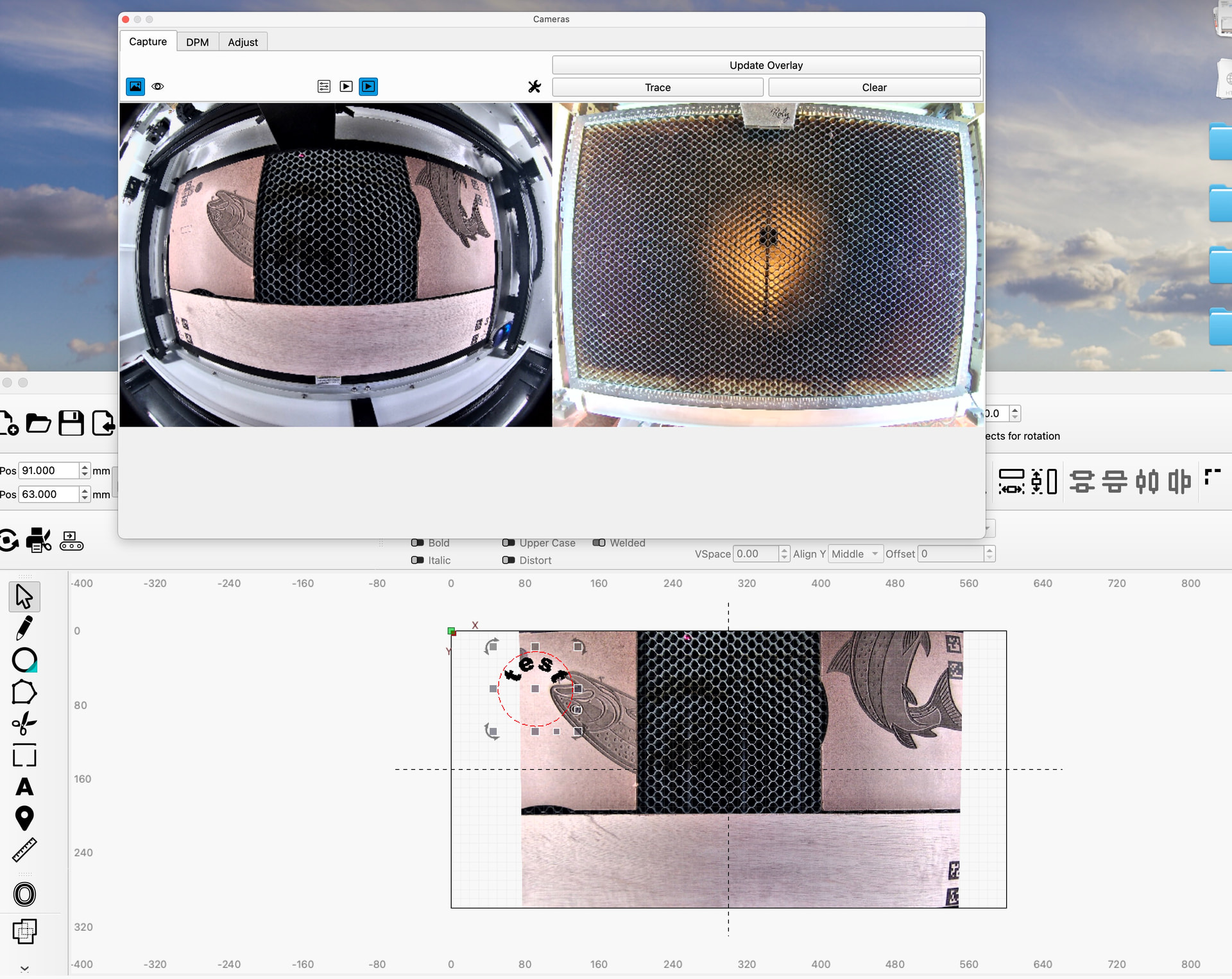
Later today things are getting crazier. I did a new download of LB. Have tried different USB ports. Photo Booth is still working fine. I can toggle to use the 1Laser or the Roly Lasermatic and see them in Photo Booth BUT LB still will not display the 1laser cam and now heres what Roly projects onto the worktop when using the capture icon. I’m Stumped
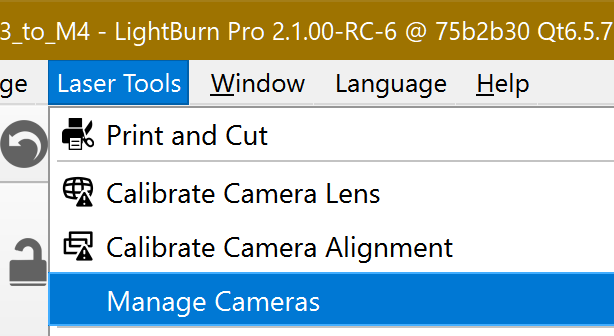
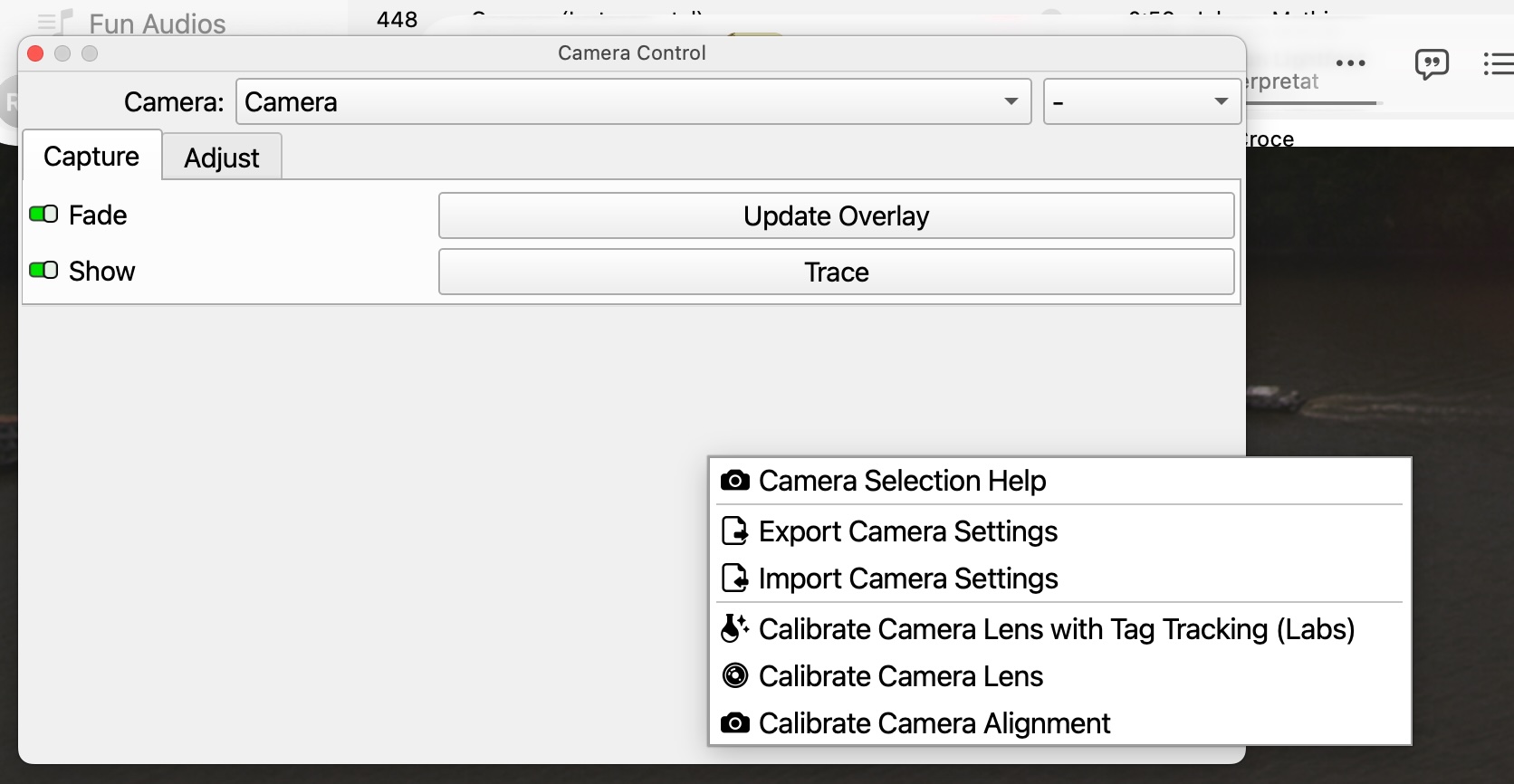
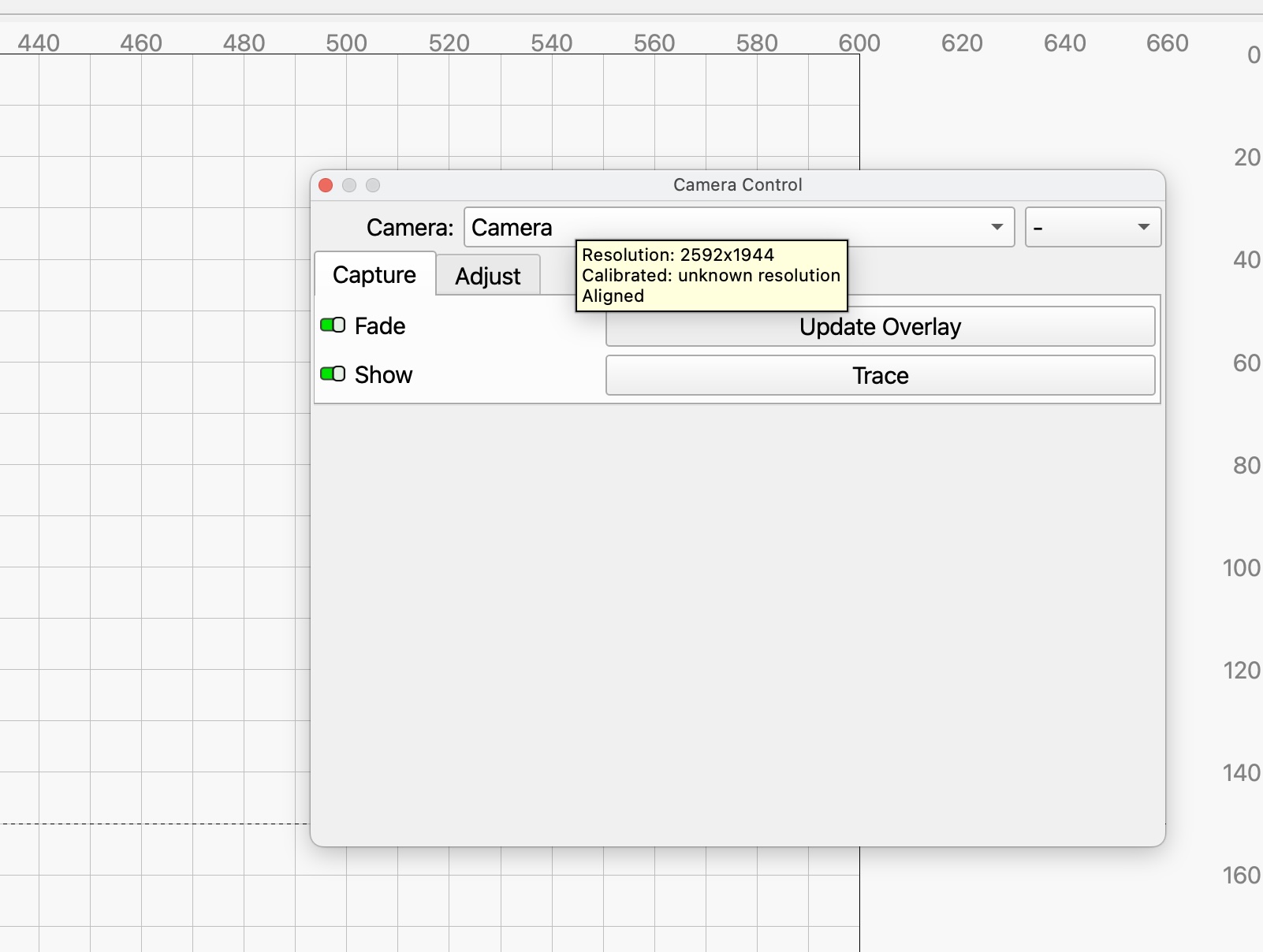
Your tool tip is from after you’ve imported the camera settings?
How did you get from HDR Camera to just Camera?
Ah I see we are diagnosing two cameras now?
I don’t think the calibration file is corrupted. Macs don’t usually require drivers but that is the next thing to check since you’ve confirmed LightBurn has permission to access the camera. Have you tried power cycling everything since confirming permissions?
I don’t think the 1laser camera settings file is corrupted but the screenshot of your HDR camera appears to be.
Was photobooth open at the same time LightBurn was? That and if you haven’t restarted LightBurn since adjusting permissions may be the reason why the camera isn’t showing up.
Which version of Lightburn are you using?
If it’s a different version, you can try configuring it in Lightburn 2.1.00 RC-6, exporting the file once you’ve done so, and then importing it into another version ( I think only version 2.0.00 or higher).
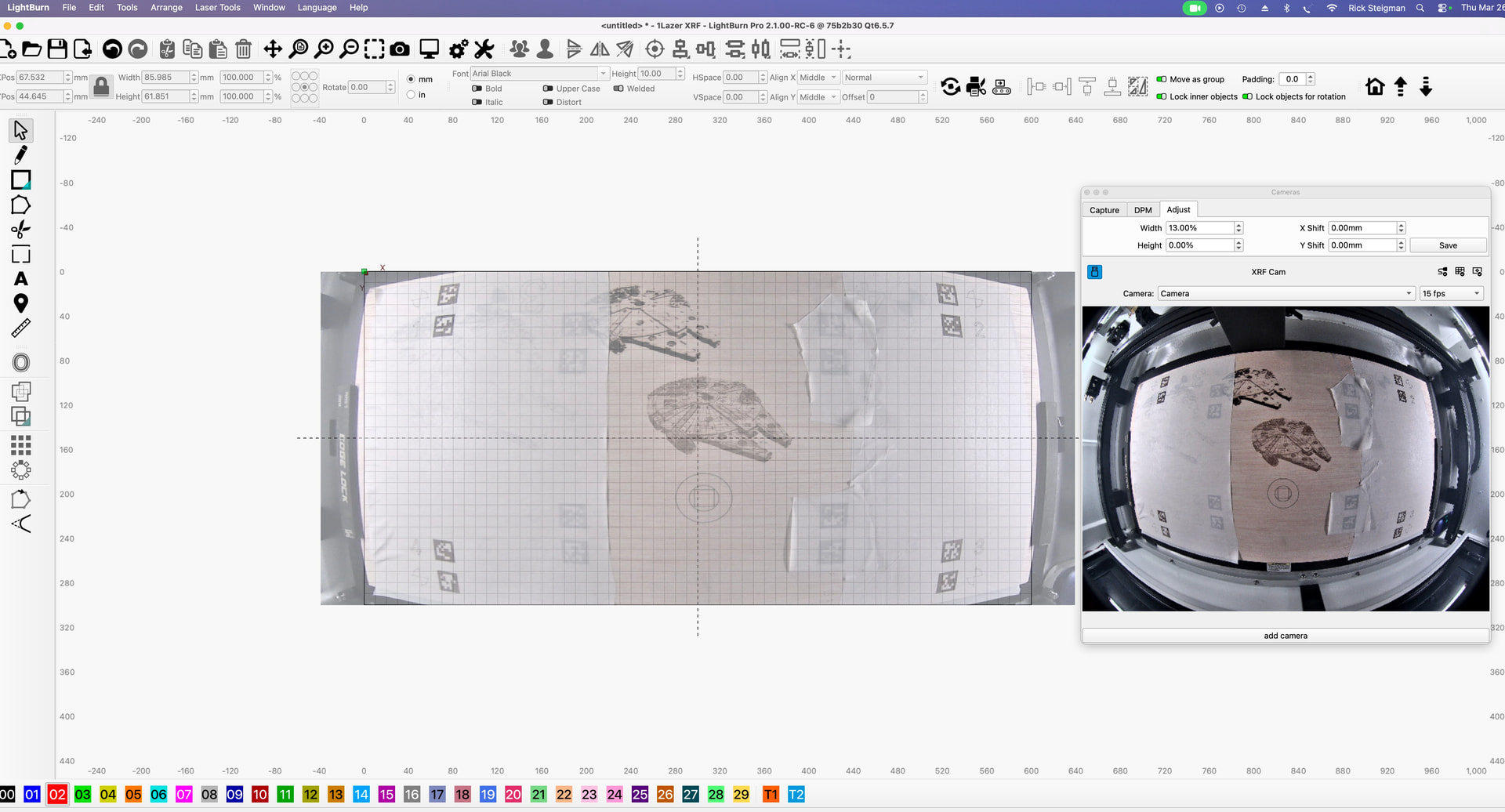
PhotoBooth has been off. Only using it to see if the hardware is active. LB and the mac have been restarted multipule times. as of tuesday evening I am now getting an image in the camera control box but the overlay is still distorted as seen in the photo above.
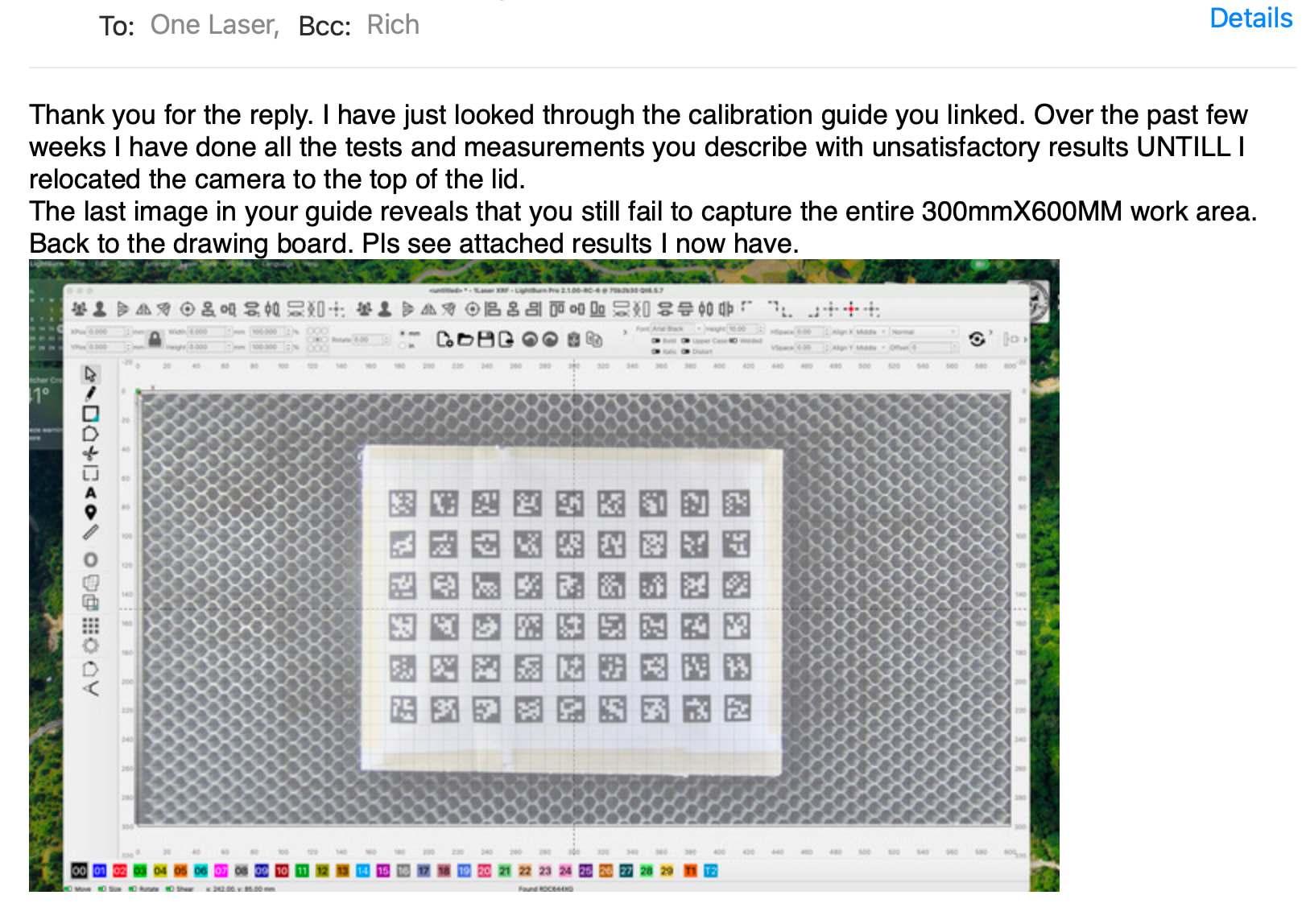
as of this morning I’m slowly making progress. LB 2.1 has options that got me over the hurdle. The extream distortion is corrected and LB is now showing both the Co2 and the diode cameras. As of yet I haven’t been able to capturer the full 300X600mm bed. Hmm
You can’t use two cameras mounted on different lasers simultaneously.
I mean.. you can, but:
You should never laser unattended and don’t use the camera to monitor your other laser.
If you are using OneLaser’s calibration file (.lbcm) for the Roly’s camera, that would perfectly explain the weird distortion.
I take it you are currently setting up the OneLaser, correct?
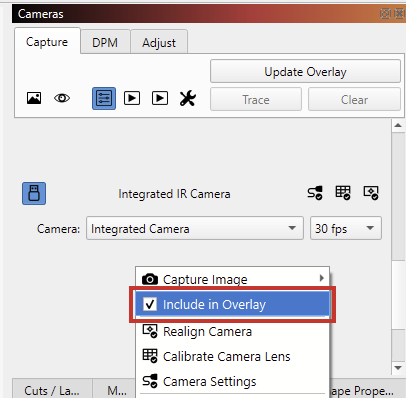
It’s best to remove the Roly’s camera. At the very least, don’t include it in the overlay: Right click the Roly in the “Camera” window and uncheck this option:
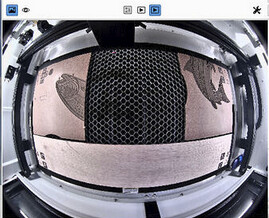
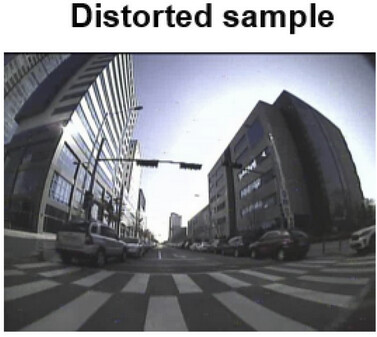
The camera here is using a very wide angle fish eye lens. The lens correction needs to flatten this and will compress and warp the edges (probably not the correct term).
This “pushing and pulling” results in something like this:
 When its solved I will post here. Cheers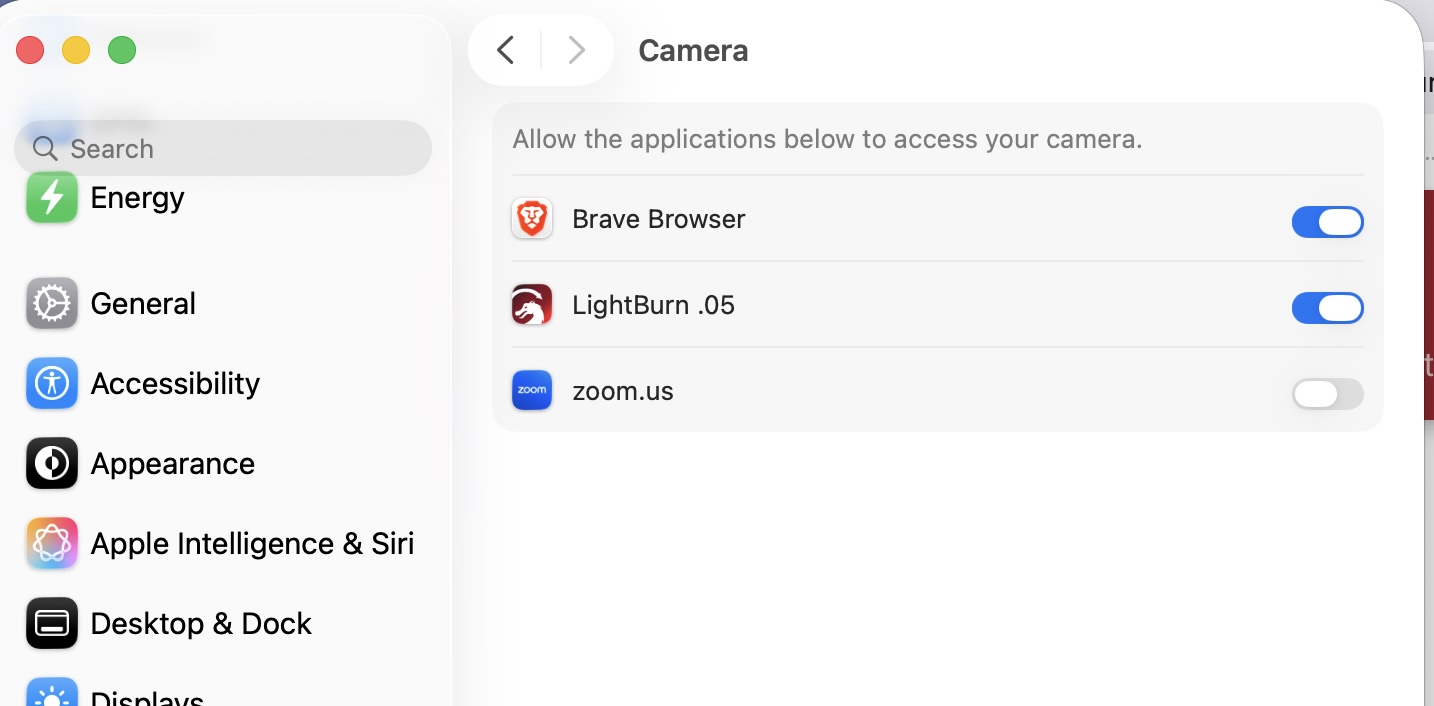
 or here: