Thanks, though the image may appear to be not flat it is perfectly flat since it is taped down. The fisheye might be giving that appearance. Is the dot size critical? It’s about a 1/4 page mounted to white board. If so, what’s you dot size measurement Thanks, Brian
The dot size isn’t critical, but the flatness is. Taped down implies that you taped the edges, but the middle can still bulge or buckle. Glued to a flat surface, like MDF, acrylic, or foam-core poster board is what we recommend. Any warping in the pattern will be assumed to be from your lens.
After sealing the dots to white board I have still gone through countless attempts to get it to recognize the pattern without any success. Let me know what other possibilities may exist before I just need to return it. Thanks, Brian
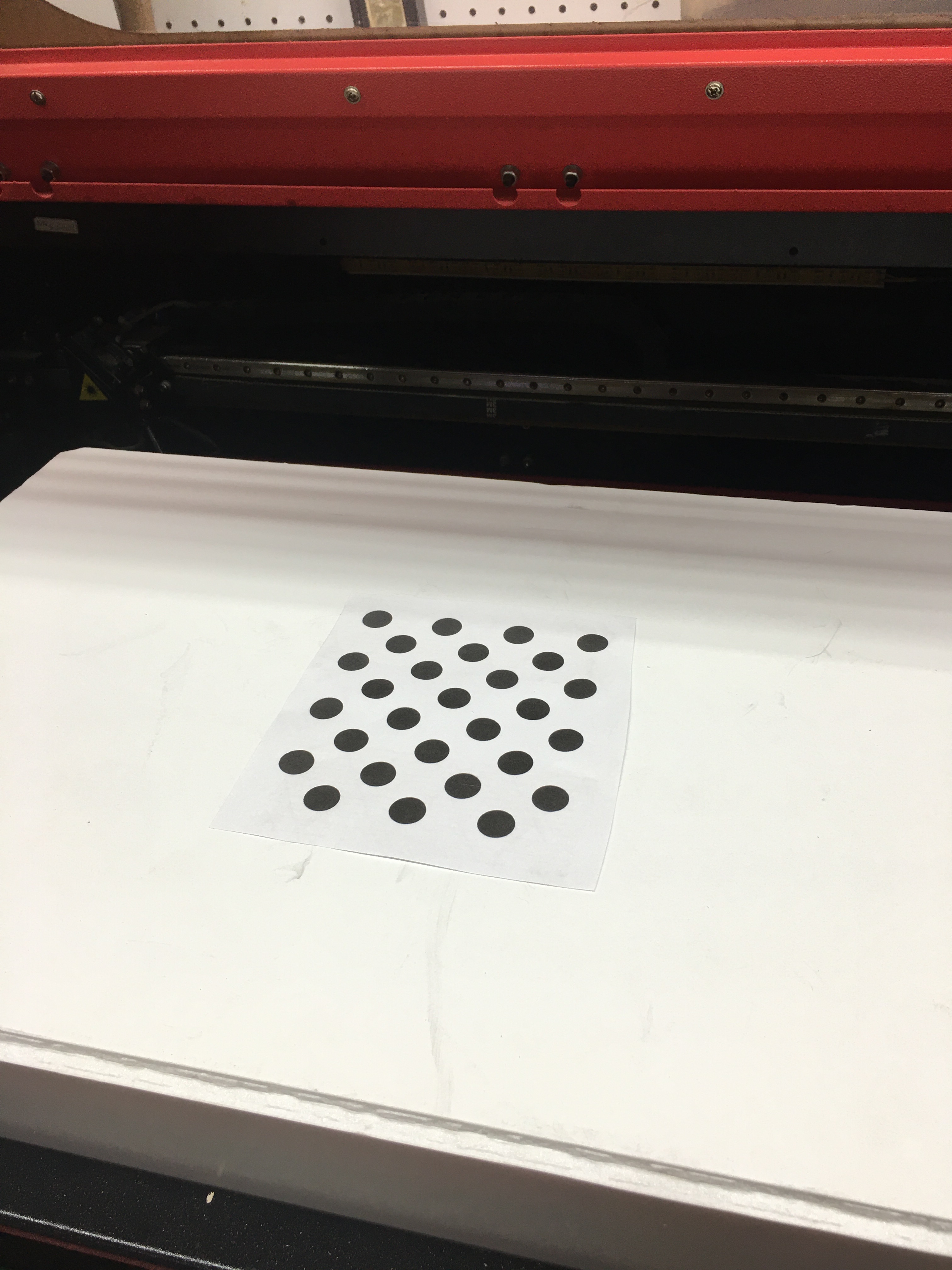
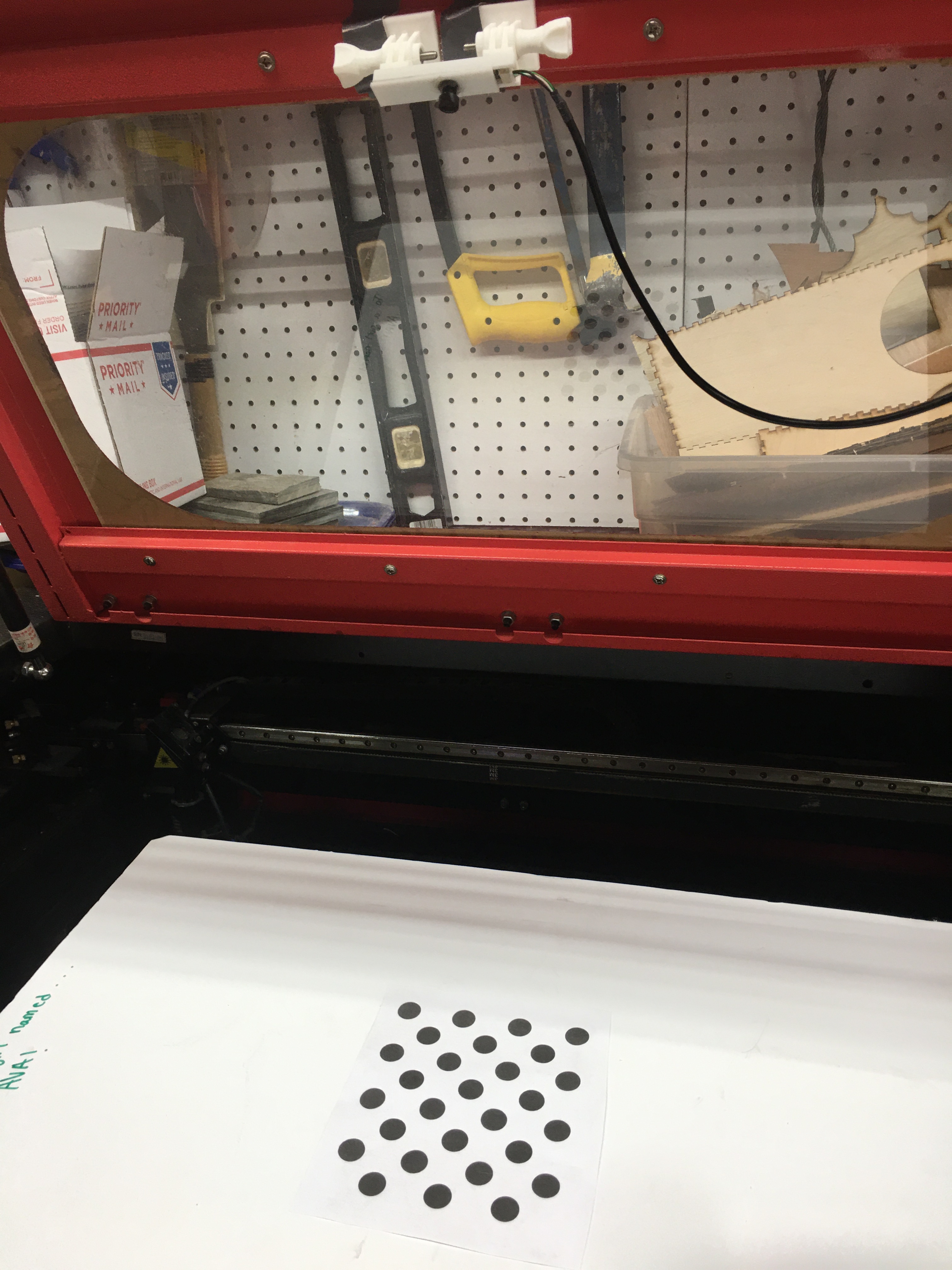
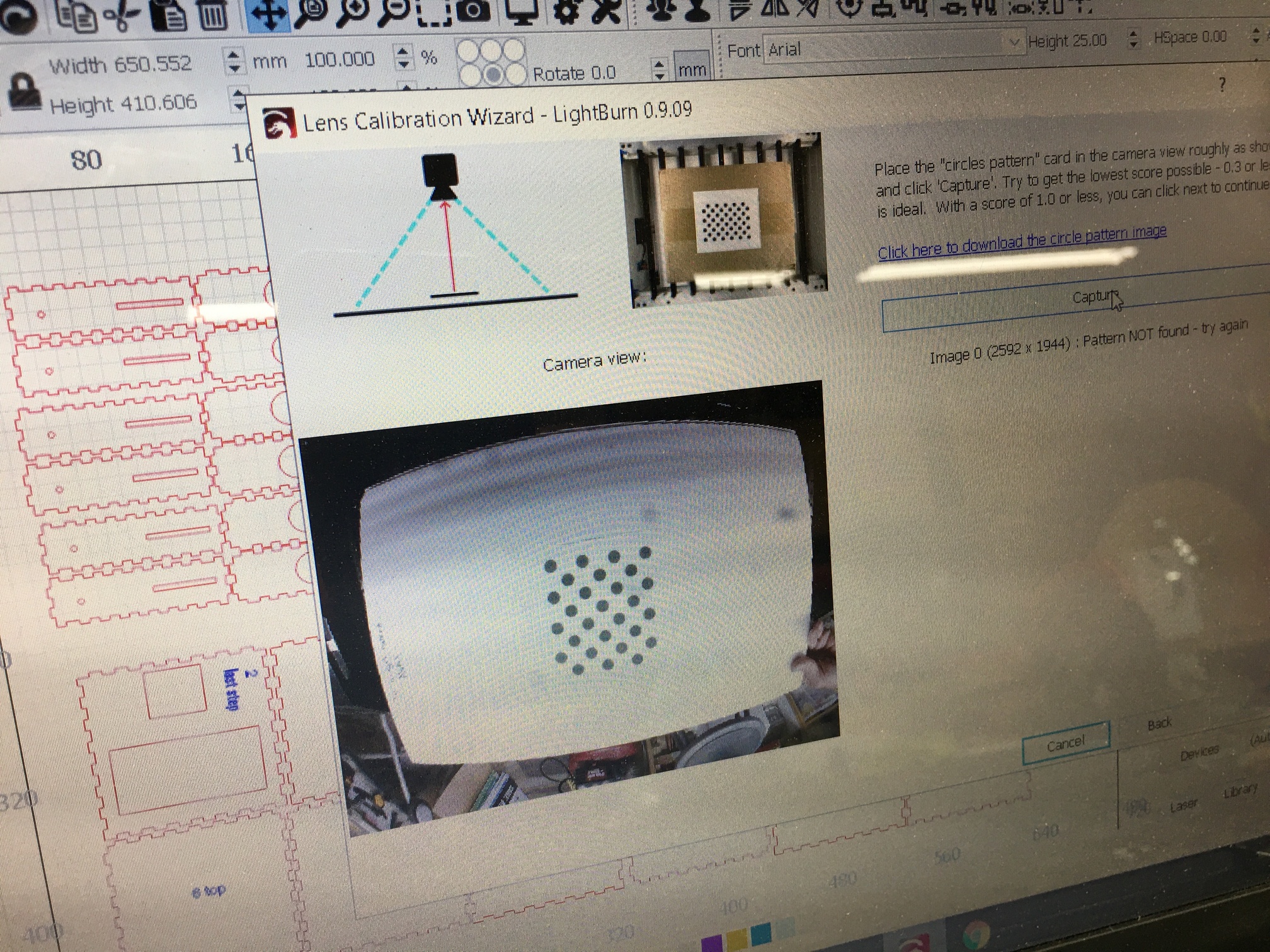
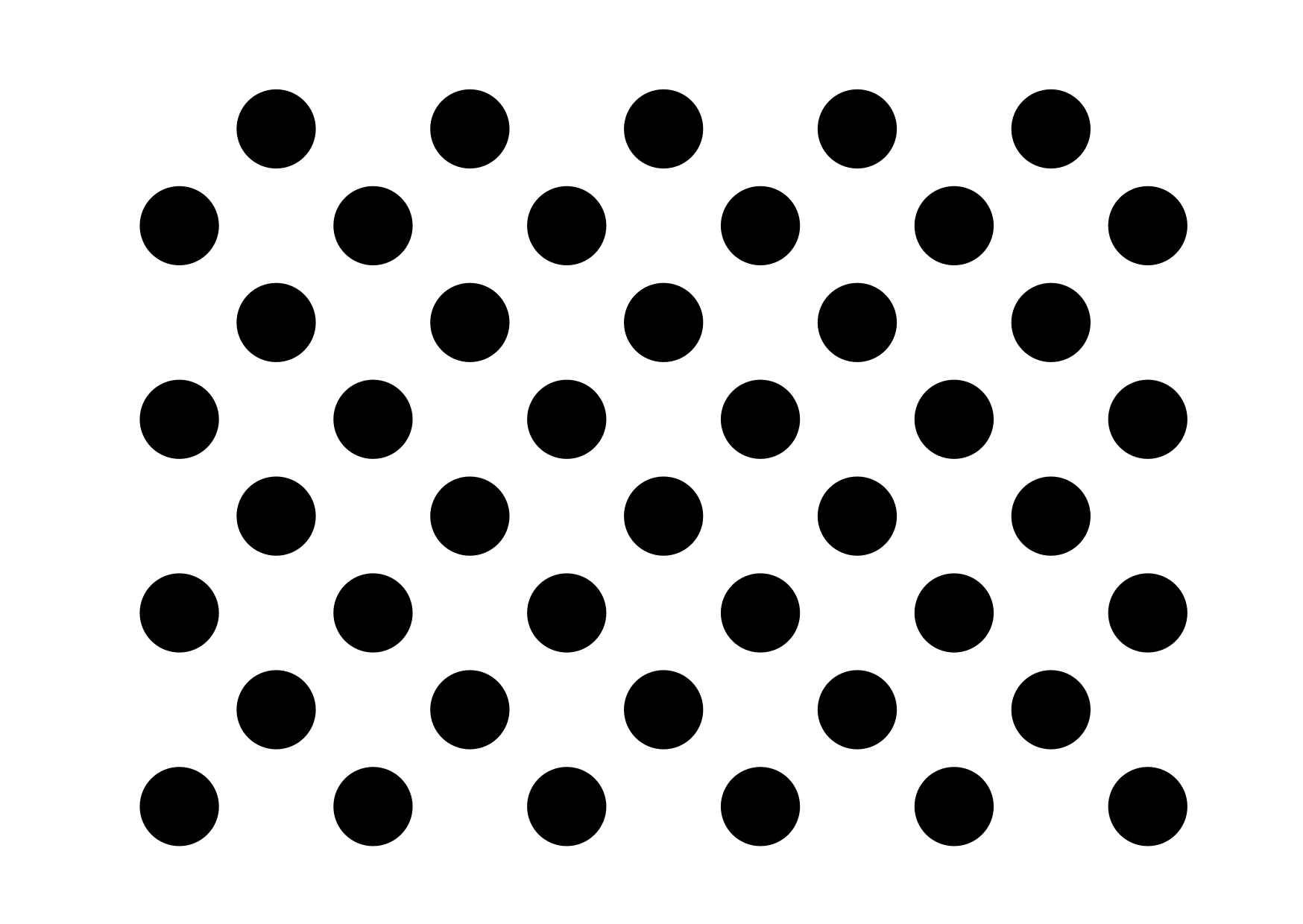
Your card is wrong - it looks like you printed the page that the card was displayed on, which clips it, instead of downloading the image and printing.
Print from this link: https://raw.githubusercontent.com/LightBurnSoftware/Documentation/master/img/Camera/Calibration-Circles.png
I have also had better luck when the lighting is brighter.Perhaps it helps the contrast?
Fred
100% agree, after installing this strips light setup around the inside off my bed, I have no shadows or problem with my Camera at all. Took about 15 minutes to install.
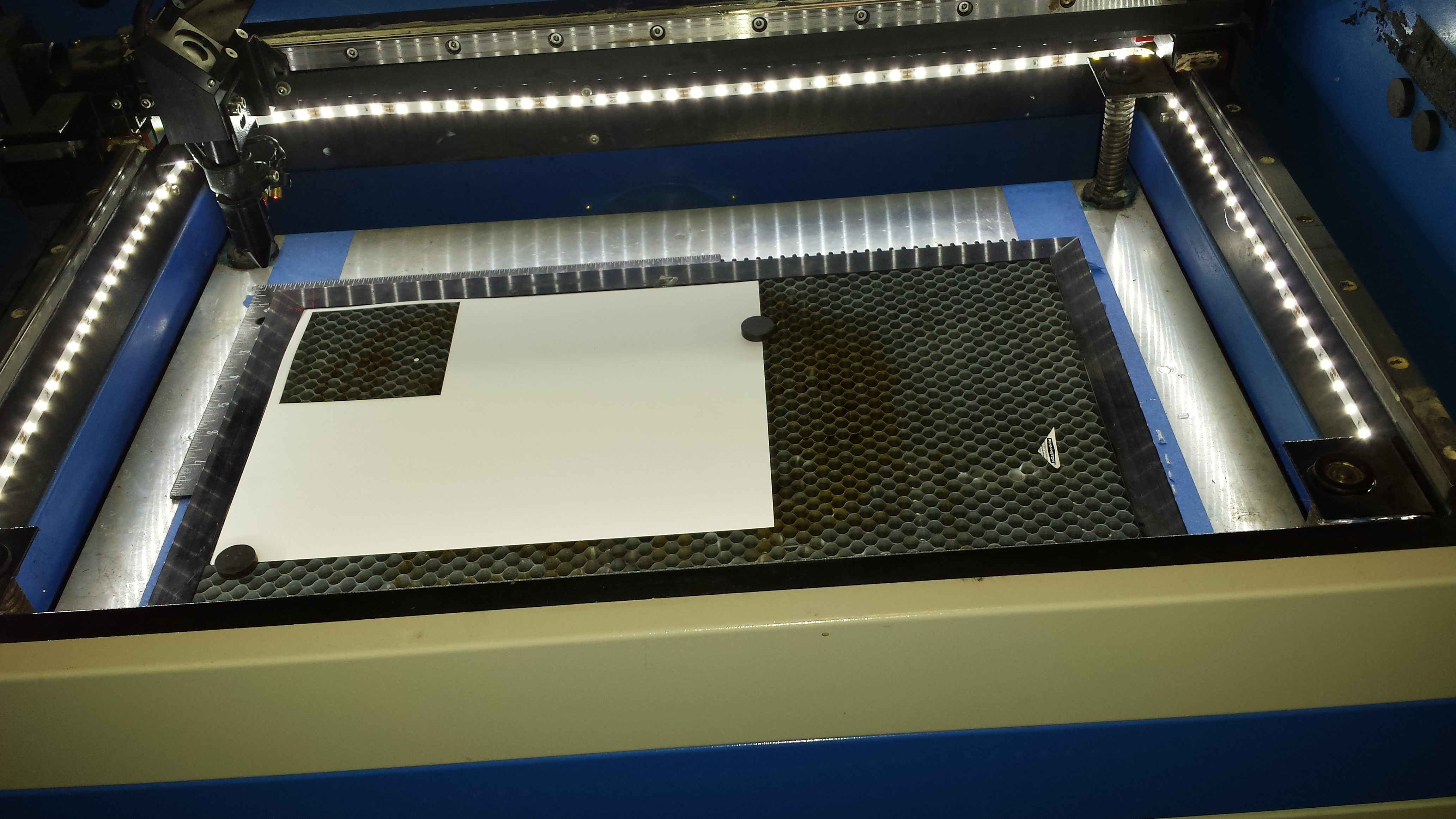
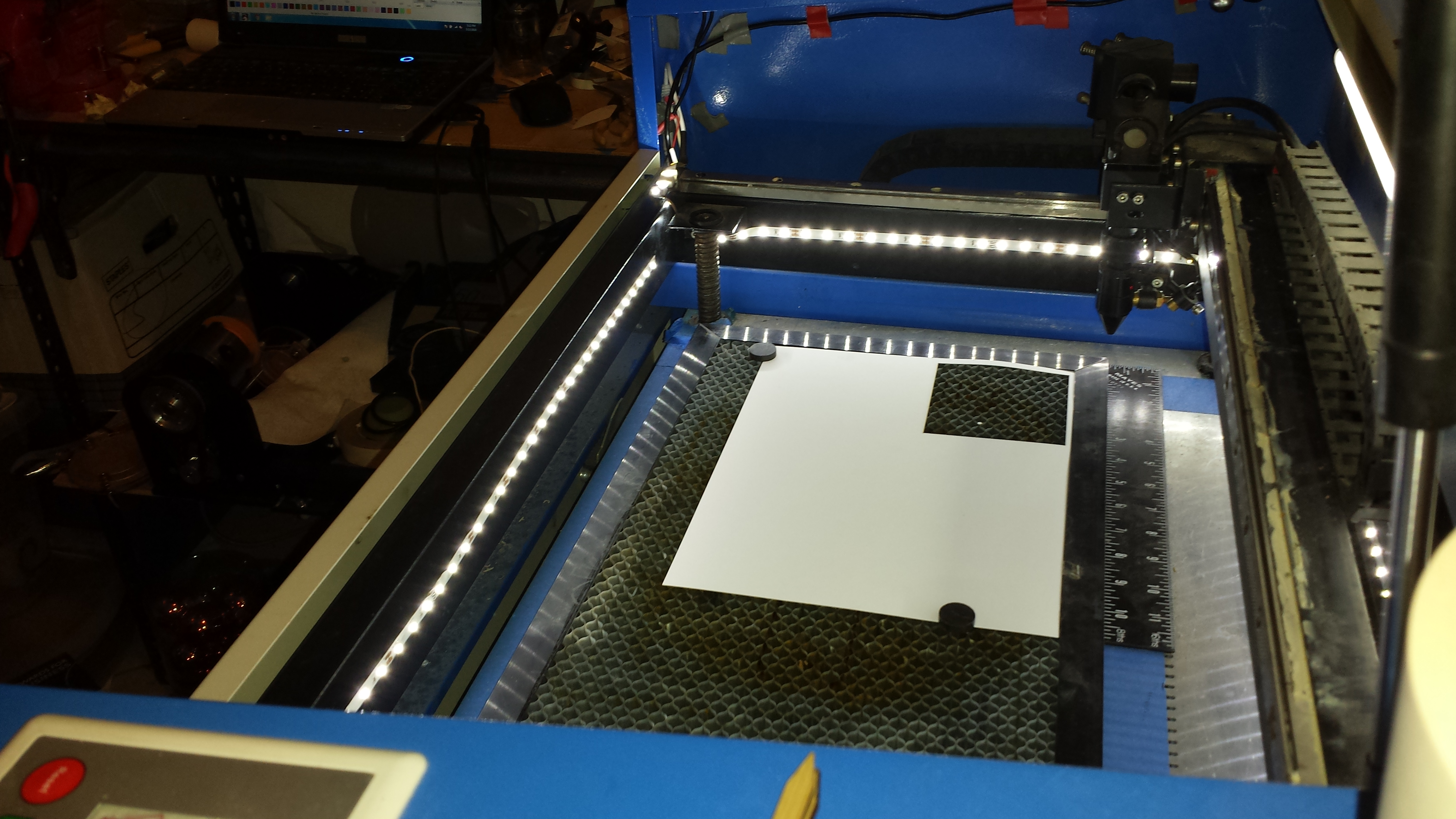
https://www.amazon.com/dp/B07PLZ385X/ref=cm_sw_em_r_mt_dp_U_9QTuEb0MRMN63
1 Like
So we did finally get the camera configured and it was working great for a couple weeks. Now the camera icon has turned gray like it’s not configured. The camera is connected and working I know for sure. Thoughts?
Have you chosen the camera in the camera control window?