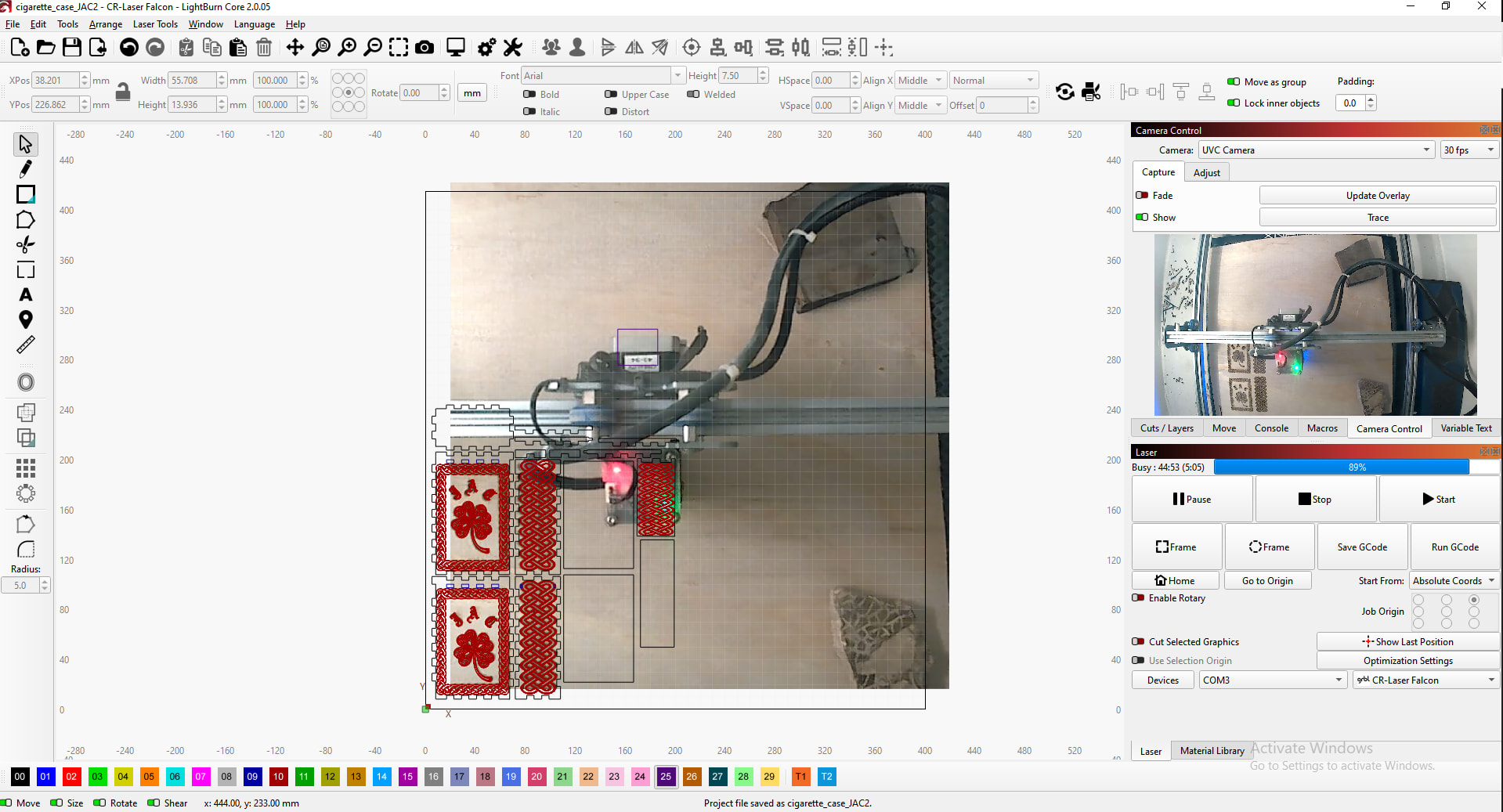
i have updated the camera setting and alignment more times then i care to admit. still the same issue. its pretty much spot on give or take a little as far as the overlay positioning. but it will not show the entire workable area on the main screen after i adjust the camera enough to get every thing in alignment. and the design im working on hangs over the updated overlay. is there any way to zoom the overlay out a bit or add a additional 50mm or so all the way around so that it will show the entire bed. could the ability to zoom out the overlay or a 50 mm overscan be added into the software if its not available.
There is something wrong with your camera setup. Typically this type of error is related to the first part of (lens) calibration, and or if the targets in the camera alignment are set up incorrectly or moved during alignment. I have had good experiences with April targets lately.
As I see your workspace in the picture, your lens calibration is incorrect. In all 3 lens scenarios, there should be a full workspace visible and after selecting the best result and refreshing the camera, your exact workspace should be visible with correction of lens distortions.
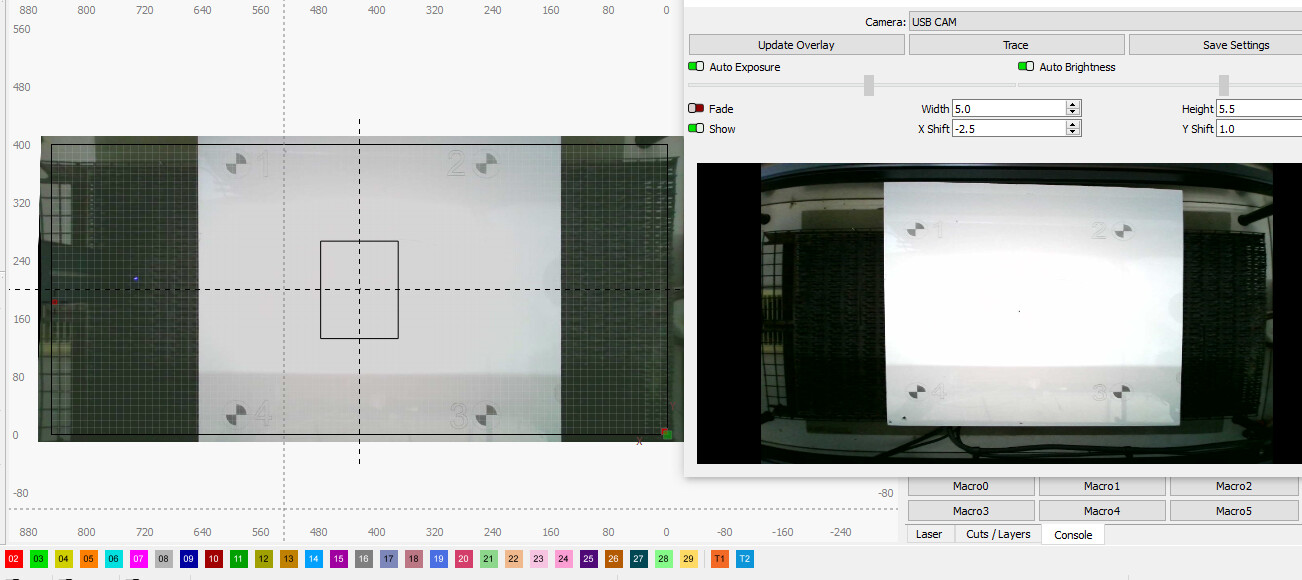
It’s not the camera settings control window that Dan has problems with, it’s the actual overlay of the camera system on the work surface, which is 20mm wrong and needs to be corrected in the lens calibration, errors in camera alignment..
It’s great that you have the entire work area back in your camera preview. Is it because you are on Linux that you are on an older LB version?
Calibration in the new LB version gives you better opportunities to define target placement and thus also better accuracy in the end. Your X Y and width/height adjustments are far too high values in my opinion, hence the inaccuracy of the approx. 2mm.
My experience is that if I place (April) targets as far as possible at the edges of the area, in my situation 550x350 for my 600x400 mm machine, I get the best camera alignment which is approx. 0.2mm above the aligned area. But you don’t have this option in LB ver. 1.7.08.
no im on windows 10, been sick and to busy with cnc and just kept forgetting to update, i haven’t really played with the xy to get it closer, but know i can, i have a 850 x 400 bed on my algo
calibration just dosent matter how many time i try with a newer version even with April tags, even as far out as possible, as you can see in my original screenshots I end up with a skew overlay, and when doing calibration its fish eyed even when clicking on standard lens, hence my post, maybe my type of camera was missed in the updates as to why it wont calibrate ?
Thanks for the explanation. I stayed away from MM because I knew it would take too much of my interest/time when I first started with it …I have tested a bit though.
Regarding camera calibration, I think it is LB that has some unresolved problems with it. Otherwise I cannot explain how it is possible that I can be in the same situation as many others who have high inaccuracy in calibration sometimes and on the other hand can achieve amazing precision. To achieve that, however, I sometimes spend hours on it. If my deviation is after calibration over 1mm, I start over (including lens calibration) again. It is a bit of an obsession I suffer from …
I use a 4 or 5 MP 85 degree camera from LB.
 …I have tested a bit though.