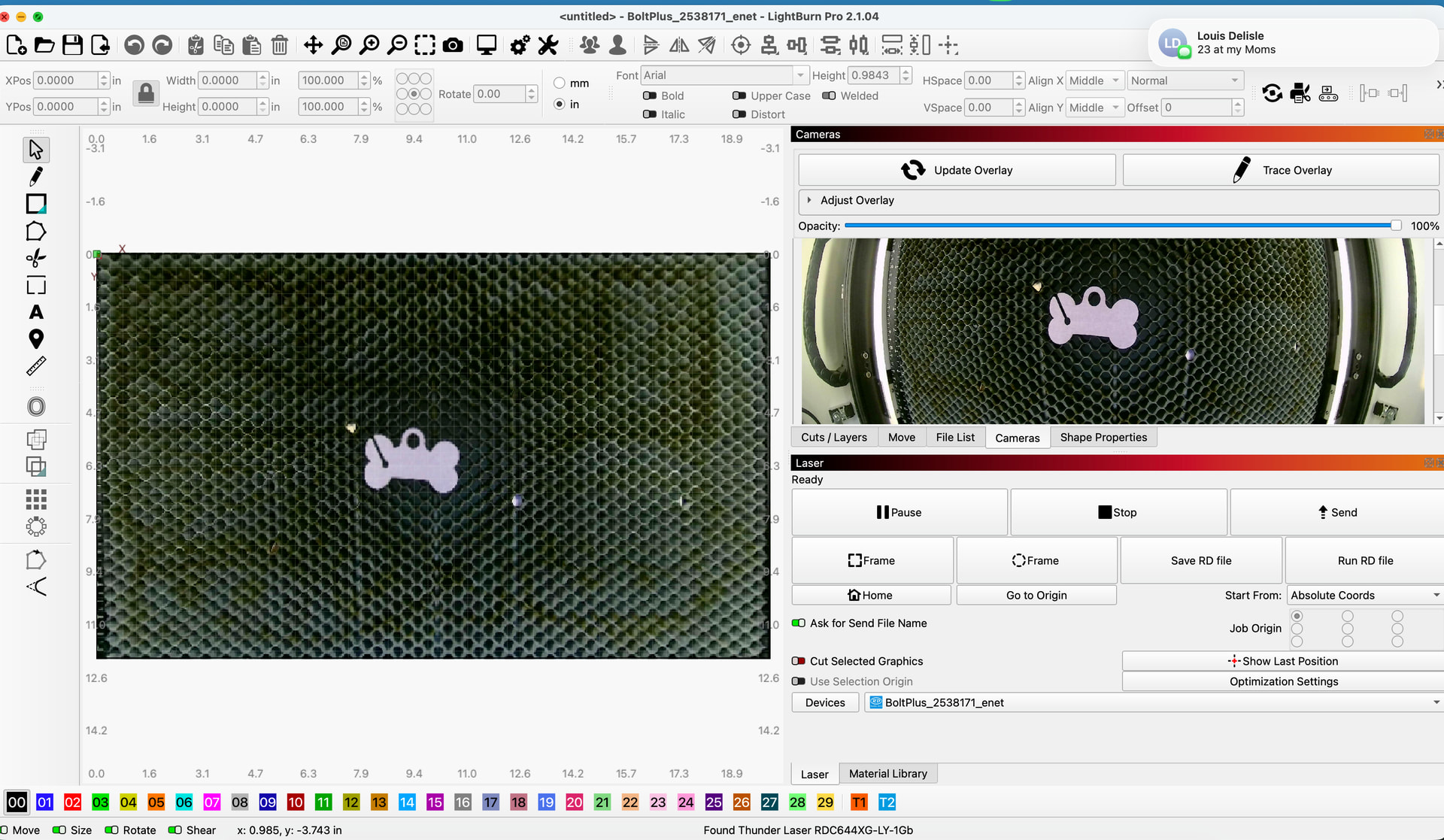
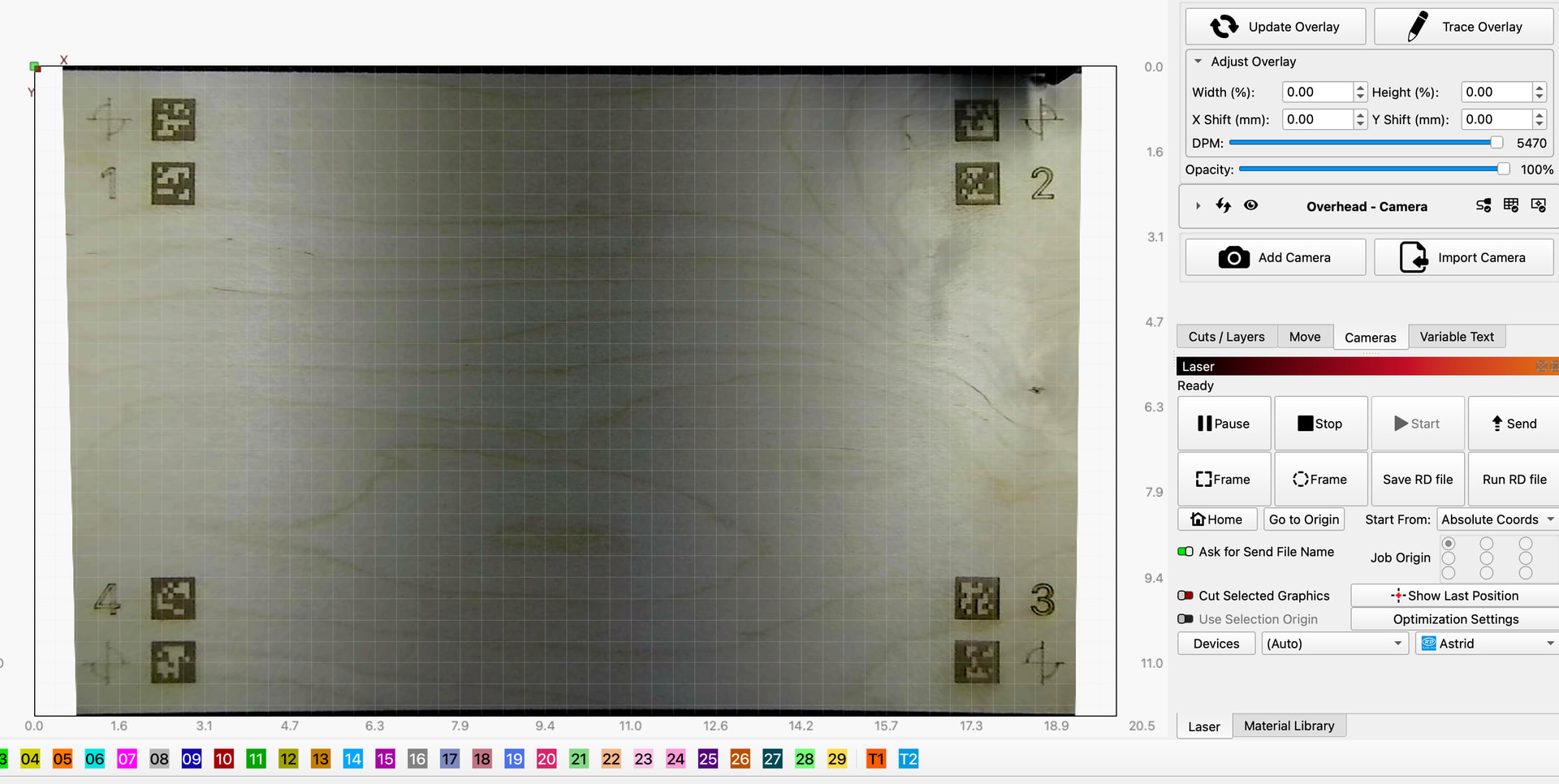
I seem to be having issues with Lightburn and my laser camera. The preview is tack sharp but the overlay is pixelated, and I can’t seem to be able to properly calibrate the lens. I’m getting a slight fisheye view, enough to skew projects. After testing an engrave yesterday, the machine engraved a good 1.5 inches above where I had placed the image.
I upgraded to 2.1.04, then was told I should downgrade to see if that helps. It doesn’t. Any thoughts as to fixes?
Thunder Laser Bolt Plus, currently back on Lightburn 2.1.04, Mac OS Tahoe 26.5.2
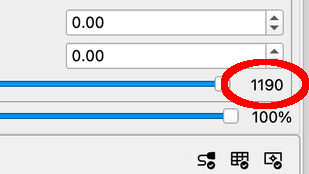
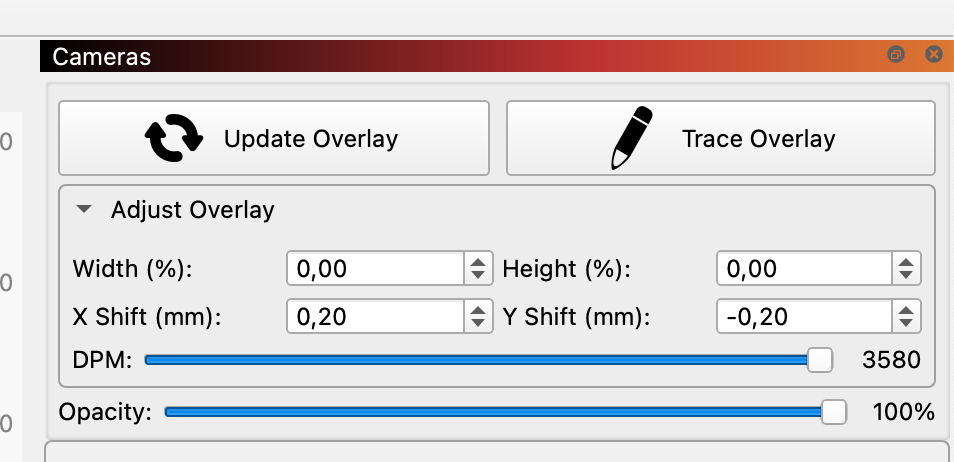
I have been in a similar situation and it turned out that I have dragged the “Overlay DPM” slider to increase or decrease the resolution from maximum to a too low value, without me realizing it.
If you look it up in the LB documentation here at the top of the page, you will find it.
Nb. as you yourself have mentioned, your lens calibration / worbench alignment should be done better.
The pixelated picture is a result of the alignment calculation, usually. This is absolutely no issue, since the quality is more than good enough for positioning. You can do lens calibration and alignment again, sometimes you need a few tries until you get it right. But anyhow, it looks totally ok.
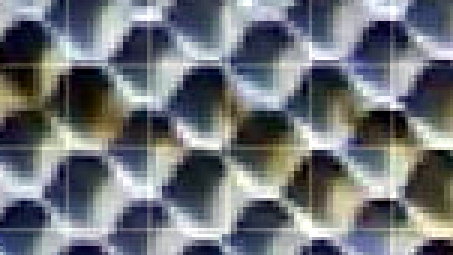
If you zoom in you can see that it is not good enough for fine positioning, I would not settle for this quality either. But that is just my personal opinion.
Dividing 508 mm by 1190 pixels suggests each pixel will be a little under half a millimeter wide. Stir in the effects of lens calibration + alignment and it looks like there’s maybe a dozen pixels across the 10 mm width of a honeycomb cell:
You have captured again what the rest of us could not see.
Although I can not follow your calculation on the distribution of pixels
the resolution is what makes the big difference.
Here is what mine says on a 600x400 machine bed. (In the camera information it says 3840x2160)
Hi Josée, could you please share the resultion of your camera? This should be visible on the edit camera page. It may be you need a camera with a larger resolution to improve the max DPM.
In what sense is this not good enough for fine positioning? You see everything you need.
You could even place text around the hole, if you would like. Though I doubt that more than 0.1% off all users is able to create a camera calibration that has sub-mm accuracy, so nobody would really make it
Engrave a target and try to hit it perfectly in the second pass freehand, and you will see that it is not optimal. It is fine if you can live with the objects only fitting within plus or minus 1mm, but that is not good enough for me.
That is the rough pixelated image from the original post I am referring to.
It is definitely a very subjective statement. The precision of a camera in a laser system must be sub mm range, otherwise it is not usable for serious positioning.
You can search some of my old posts regarding camera use in LB, which are full of documentation on how accurately it should and can be done.
I did a fresh calibration on the lens (ie not the file provided on the USB when I purchased it), and the DPM shot way up. Now, however, no matter what I try the overlay looks slightly fisheyed and doesn’t cover the entire bed
This looks like your camera lens calibration is slightly off. If you could try repeating that procedure, you should get better results.
To get a good calibration hold the target close up to the lens and capture as many samples over the entire camera field of view as possible. Then ensure you have no distorition in an any part of the image in the final verification step. Hope this helps.
If you recalibrated the lens, you need to do the alignment again as well. Because it’s linked to each other.
That’s what I wanted to say. The camera system is NOT usable for serious positioning It’s a nice feature, but there is nearly no situation I could think of, where the accuracy would be sub-mm. If cameras are mounted in the lid, there is always some play in the mechanics.
That’s not a use case I would use a camera for. Hit an engraving a second time exactly using the camera only is impossible, I’d say. Of course, this depends on the engraving size etc., but I was considering graphics or text on the size of his pendant, so let’s say the letters have about 0.2mm in thickness. No way you will ever hit this again using a camera.
As you said, you can achieve this, but not with a standard setup and standard hardware that 99.9% of the users use
Im sorry this procedure is proving difficult. Extreme fish eye cameras can be quite tricky to calibrate. Only other suggestion I have is holding the target at angle, close to the lens, while capturing images around the edges. So the target looks flat in the camera stream. The extended calibration often yields better results than the fish eye calibration. I would always try both and see which looks best.
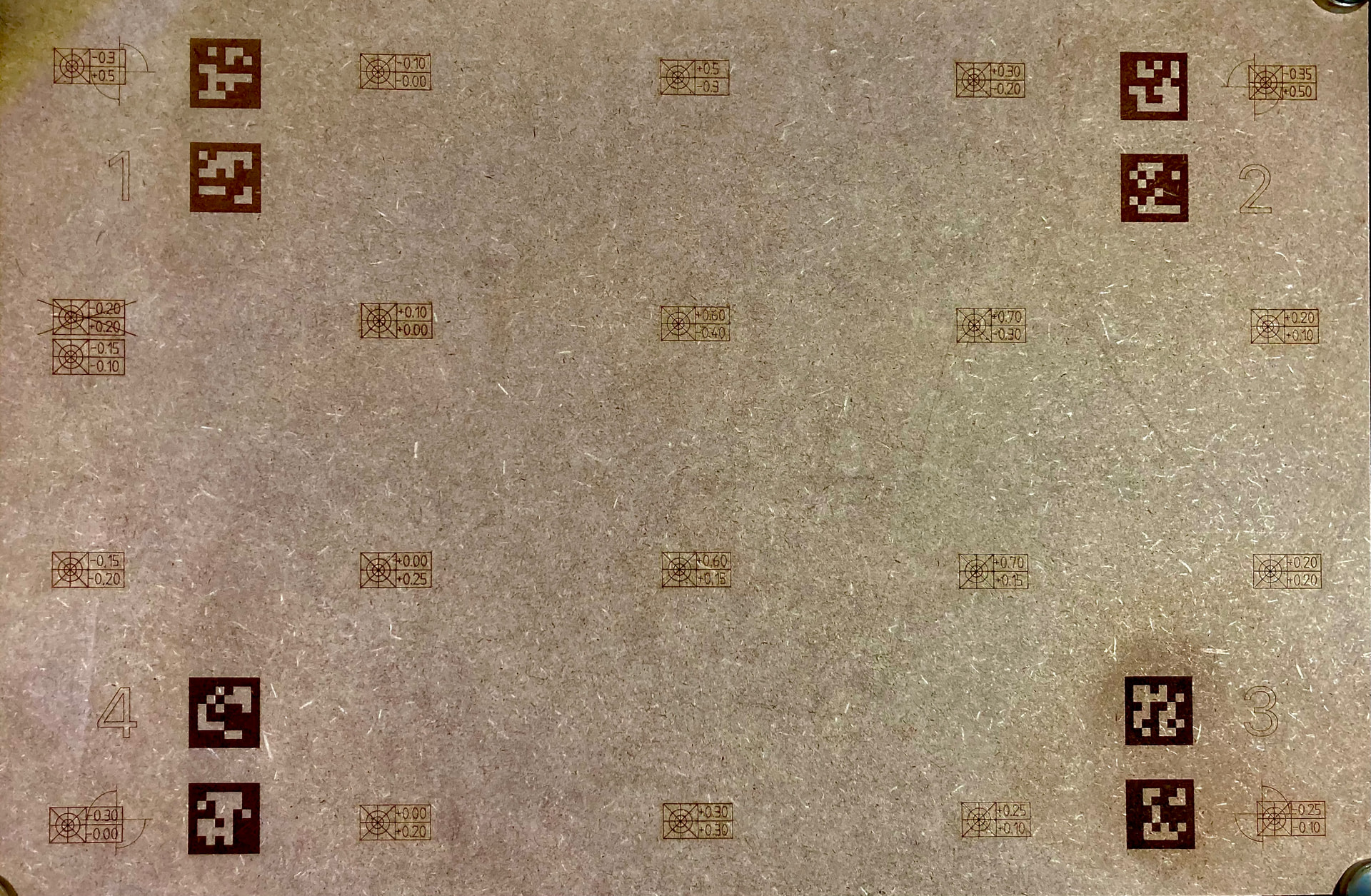
This is a random test that I use after calibration to determine the deviation between laser and camera. I use the result from there for fine adjustment.
I work with a standard LightBurn camera, standard mounting set and placement in the middle of my OMT laser lid.
I admit, there are a few “bad” deviations in between in this test, but all values are still sub mm.
In my current camera setup I have a fine adjustment of +/- 0.2mm to compensate for the deviation, this is the average value that fits best for my entire 600x400mm. For extra fine tolerances/precision I can individually correct 5 zones that I have divided the work area into. (This is rarely necessary, however)
This precision of my camera system in LB has replaced a number of jigs that I used before, especially for post-processing customer items. The time savings are enormous in some more curved items where no drawings/files exist.
Yeah, that’s impressive how accurately you could calibrate it. But I know that you are an expert
I didn’t want to sound too harsh; what I meant was that 99.9% of all users will never reach your accuracy, because either they don’t know how or they don’t take the time for it. And - that’s the main reason, I think - in 99% of all use cases, precision in the 1-mm-range is sufficient. And since you would need to do the calibration again for each height (unless you have an adjustable bed, which again maybe less than 1% of the users have), it’s very fiddly and therefore a long and complicated workflow. Most people even don’t understand why you have to recalibrate for a different height.
That’s basically why I always call the feature a gimmick. Technically, it’s a complex algorithm with a lot of effort that has been put in, but still, from the user experience perspective, it’s nice for quick alignment, but not a precision tool.